
Being a content creator in 2026 means wearing a dozen hats in a single afternoon. You are the writer, recorder, editor, designer, scheduler, analyst, and customer support, often before lunch. Every job has its own set of tools, and most of them barely talk to each other.
There is no single “creator platform” that does the whole stack well. The creators who ship consistently build a tight set of focused tools that cover the core workflows: recording, editing, design, writing, audio, scheduling, audience, and growth.
This guide breaks down the best tools for content creators by what they actually help you do, with honest tradeoffs for each category.
How to think about a content creator tool stack
Before picking tools, it helps to map them to the work. Most creator workflows fall into seven buckets:
- Video recording and editing - the core deliverable for most modern creators
- Thumbnails and visual design - covers, channel art, social graphics
- Writing and scripting - newsletters, video scripts, captions
- Audio recording and podcast editing - interviews, podcasts, voiceover cleanup
- Social media scheduling and publishing - cross-posting, queues, repurposing
- Newsletter and monetization - email lists, memberships, paid communities
- Analytics and growth - YouTube growth research, keyword tools, channel insights
You probably don’t need a tool in every category on day one. Start with the one that’s costing you the most time, then layer on the rest as your output grows.
Best tools for content creators compared
| Category | Tool | Best for | Free tier | Starting price |
|---|---|---|---|---|
| Video editing | Tight Studio | All-in-one screen recorder for tutorials, demos, and social cuts | Yes | $9/mo |
| Video editing | Descript | Transcript-based AI video and podcast editing | Yes | $19/mo |
| Video editing | CapCut | Fast social-first editing for TikTok, Reels, Shorts | Yes | Free |
| Design | Canva | Thumbnails, social graphics, lightweight design | Yes | $15/mo |
| Design | Photoshop | High-end thumbnails and detailed photo work | Trial | $35/mo |
| Writing | ChatGPT / Claude | Drafting scripts, hooks, newsletter outlines | Yes | $20/mo |
| Writing | Grammarly | Polishing copy across drafts | Yes | $12/mo |
| Audio | Riverside | Multi-track remote interview recording | Yes | $19/mo |
| Audio | Auphonic | Audio levelling and cleanup automation | Yes | $13/mo |
| Scheduling | Buffer | Simple multi-platform queue | Yes | $5/channel/mo |
| Scheduling | Hypefury | Twitter/X and LinkedIn growth automation | Trial | $19/mo |
| Scheduling | Metricool | Scheduling plus analytics in one dashboard | Yes | $22/mo |
| Newsletter | Beehiiv | Newsletter growth, monetization, recommendations | Yes | $39/mo |
| Newsletter | Kit | Email automation for established creators | Yes | $25/mo |
| Membership | Patreon | Recurring memberships and paid communities | Yes | 8% of revenue |
| YouTube growth | TubeBuddy | YouTube SEO, A/B testing, browser extension | Yes | $4.50/mo |
| YouTube growth | vidIQ | AI-driven YouTube ideation and channel coaching | Yes | $7.50/mo |
Video recording and editing tools
For most creators, the video editor is the single most-used app of the week. The right one depends on the kind of content you make: tutorials and walkthroughs need different features than viral short-form. If you’re already deciding between Tight Studio and one of the alternatives below, see the full Tight Studio vs Descript comparison or Tight Studio vs CapCut comparison.
Tight Studio - the all-in-one screen recorder for tutorials, demos, course videos, and social cuts
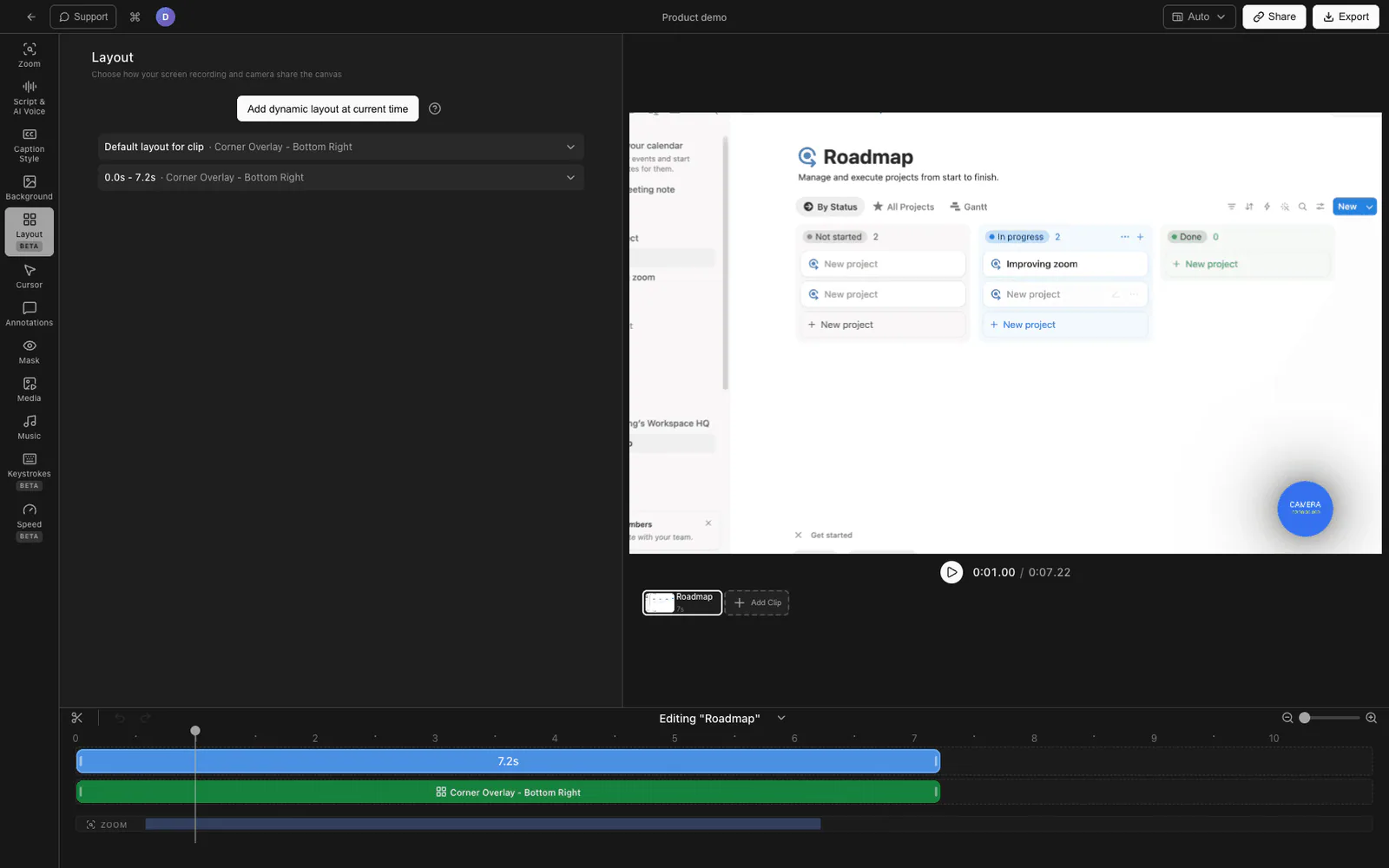
Tight Studio is a Mac screen recorder and editor purpose-built for the videos creators actually ship: desktop screen recordings, software tutorials, product walkthroughs, course lessons, app reviews, and developer demos. For screen-recording-first creators, it is significantly more powerful than general-purpose editors like Descript - because the polish features are automatic, not something you build manually on a timeline.
The features that matter most for creators recording on-screen content:
- Smart auto-zoom - automatically detects your clicks and keystrokes and zooms in to highlight them, with motion blur. The difference between “viewers can see something happening” and “viewers can clearly see what you clicked.” Descript and most general-purpose editors have no auto-zoom for screen recordings.
- Cursor animation and click highlighting - cursor paths get smoothed into professional-looking motion, with click highlights and sound effects baked in. No competitor in this list does this automatically.
- Multi-clip recording - record in small parts and combine them into one polished video without leaving the recorder. If you flub the third step in a five-step demo, just re-record that segment. This is a first-class workflow, not a manual stitch on a timeline.
- AI narration - generate a clean, on-brand voiceover from a script, or replace your recorded voice. Useful when you don’t have a quiet recording environment or want to fix a section without re-recording.
- AI-powered captions, text annotations, and intro/outro slides - styled captions, callouts, and branded openers without bouncing to a separate editor.
- Horizontal and vertical formats - edit and export both 16:9 YouTube videos and 9:16 social cuts (TikTok, Reels, Shorts) from the same project. You can repurpose a horizontal demo into vertical clips without leaving the app.
Tight Studio is best when your videos are screen-driven and you want a polished, finished file you can drop into YouTube, a course platform, a landing page, or a social feed. It is currently Mac-only (Apple Silicon). If you primarily record talking-head video without much screen content, a transcript-based editor like Descript may fit better - but for everything from tutorial creators to course makers to short-form repurposers, Tight Studio’s automation usually beats editing a timeline manually.
Descript - best for transcript-based editing of talking-head and podcast video
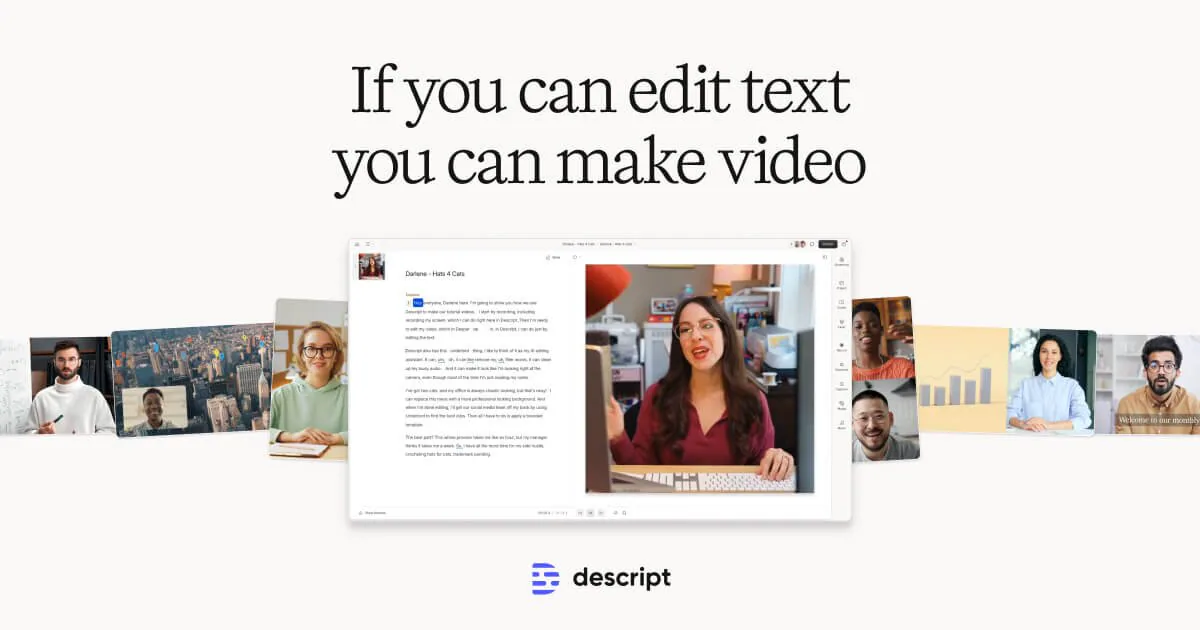
Descript turns video and audio into editable text. You delete a sentence in the transcript, and the underlying clip cuts. For talking-head creators, podcasters, and interview-heavy formats, this collapses hours of timeline scrubbing into a few minutes of reading.
The standout features are filler-word removal, AI voice cloning to fix flubs, and “Studio Sound” for cleaning up rough audio. Descript is general-purpose, so it does not have features built specifically for screen recordings - no auto-zoom, no automatic cursor animation, no first-class multi-clip recording. For tutorial and product-demo creators, Tight Studio is the more powerful choice. For podcast hosts and creators who edit by transcript, Descript is hard to beat.
CapCut - best for template-driven social-first editing
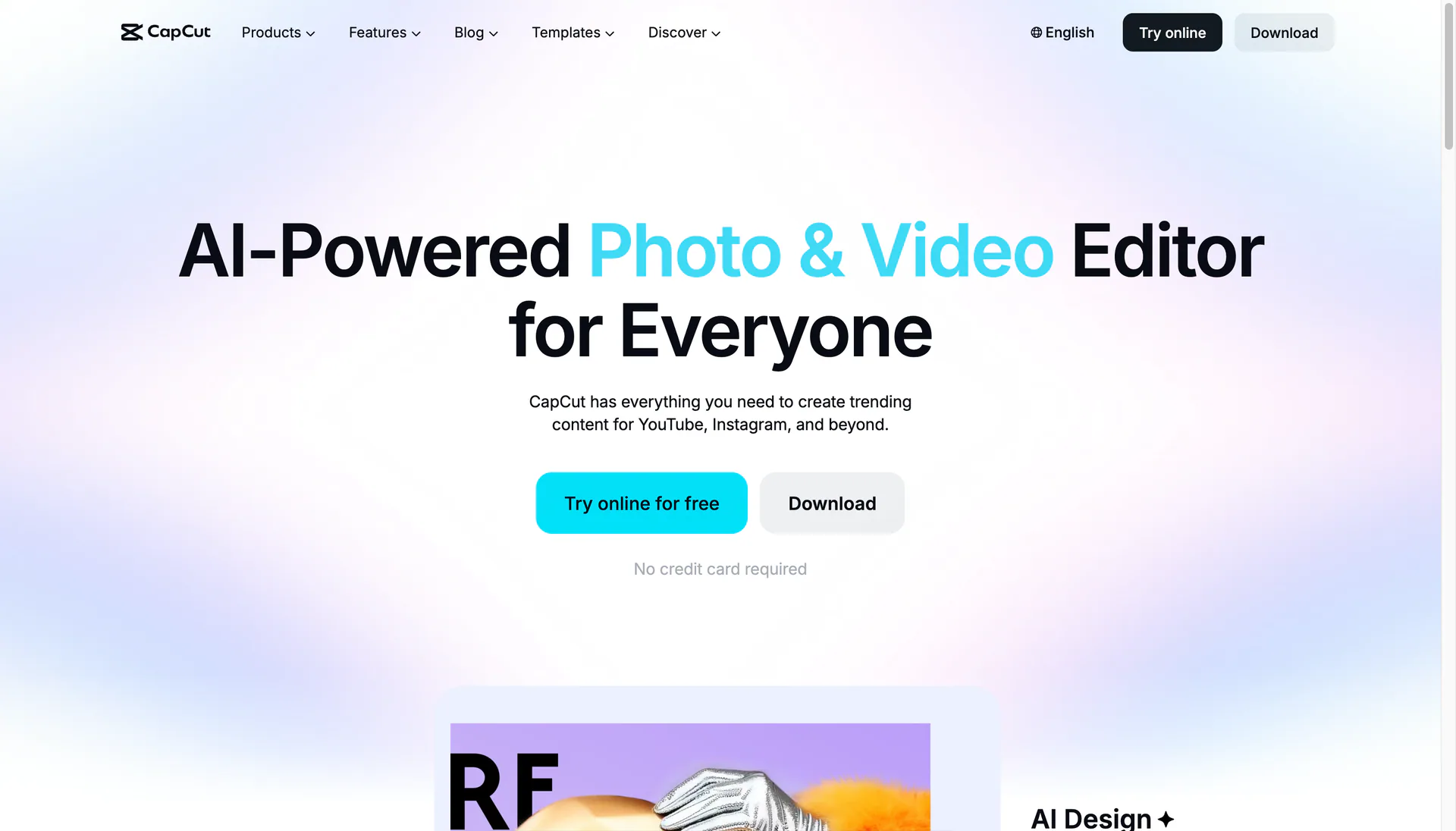
CapCut is the default editor for creators who live inside TikTok and Reels templates. It runs free on desktop, web, and mobile, and ships with the trending transitions, sound packs, and ByteDance template library that short-form creators rip through every week.
CapCut’s AI tools - auto-captions, beat-synced cuts, background removal - cover most of what a template-driven social creator needs without a plugin. The tradeoffs are a lower polish ceiling than Premiere, and an asset library owned by ByteDance that some creators avoid for licensing reasons. If your short-form content is screen-driven (app demos, software walkthroughs, dev tutorials reformatted for vertical), Tight Studio handles vertical export and ships with the screen-recording polish CapCut leaves to manual keyframing.
Thumbnails and visual design tools
Thumbnails do more for YouTube CTR than almost anything else you can change. Spending real time on design tools is worth it.
Canva - best for fast thumbnails, social posts, and channel art
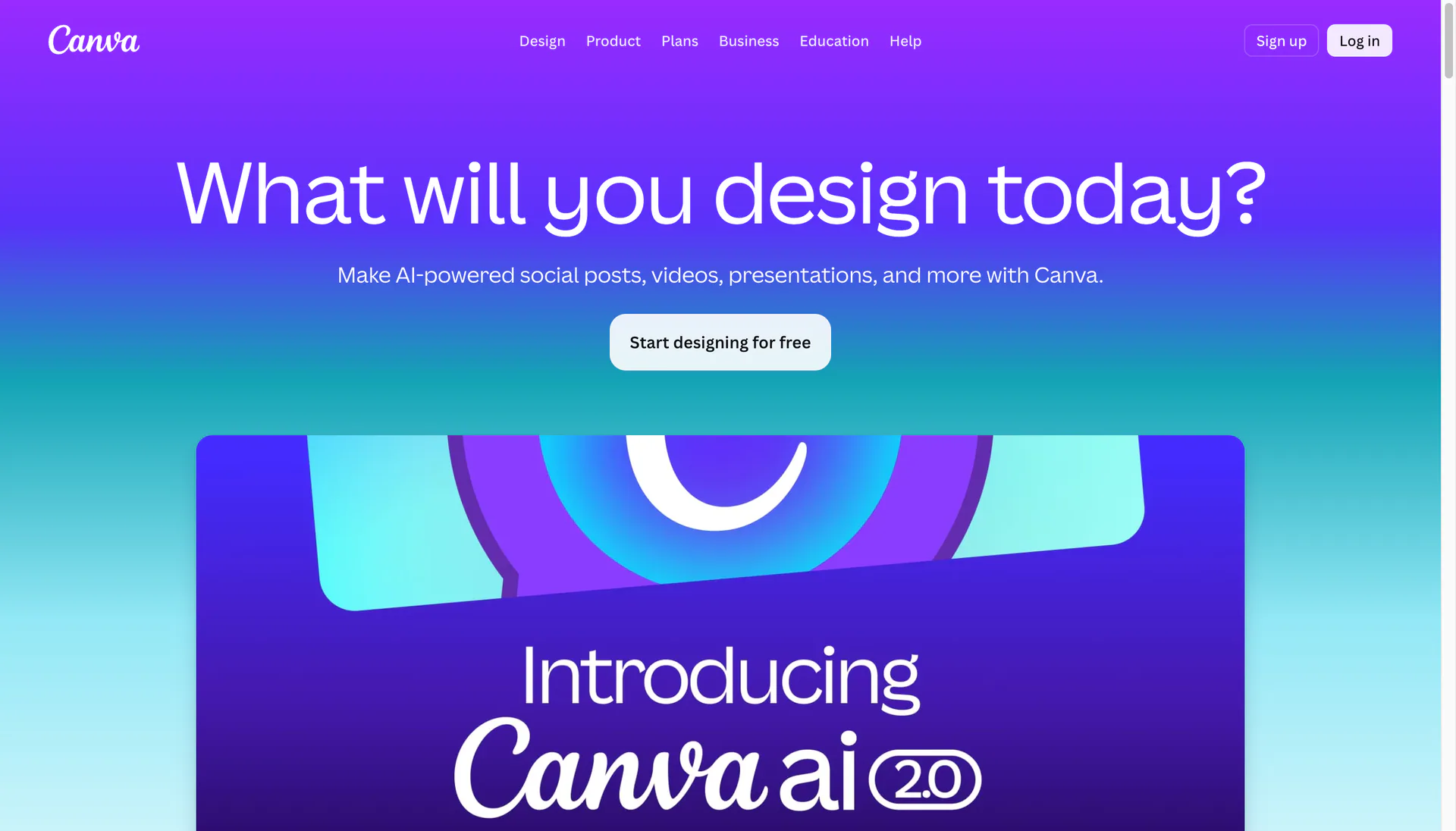
Canva is the default for creators who do not come from a design background. The thumbnail templates, brand kits, background removal, and Magic Studio AI features cover most one-creator workflows. The shared workspace also makes it easy to hand designs off to a virtual assistant or editor.
Canva’s ceiling is lower than Photoshop for detailed compositing or photo retouching, but for the volume of small assets a creator ships in a week, it’s hard to beat for speed.
Photoshop - best for high-end thumbnails and photo work
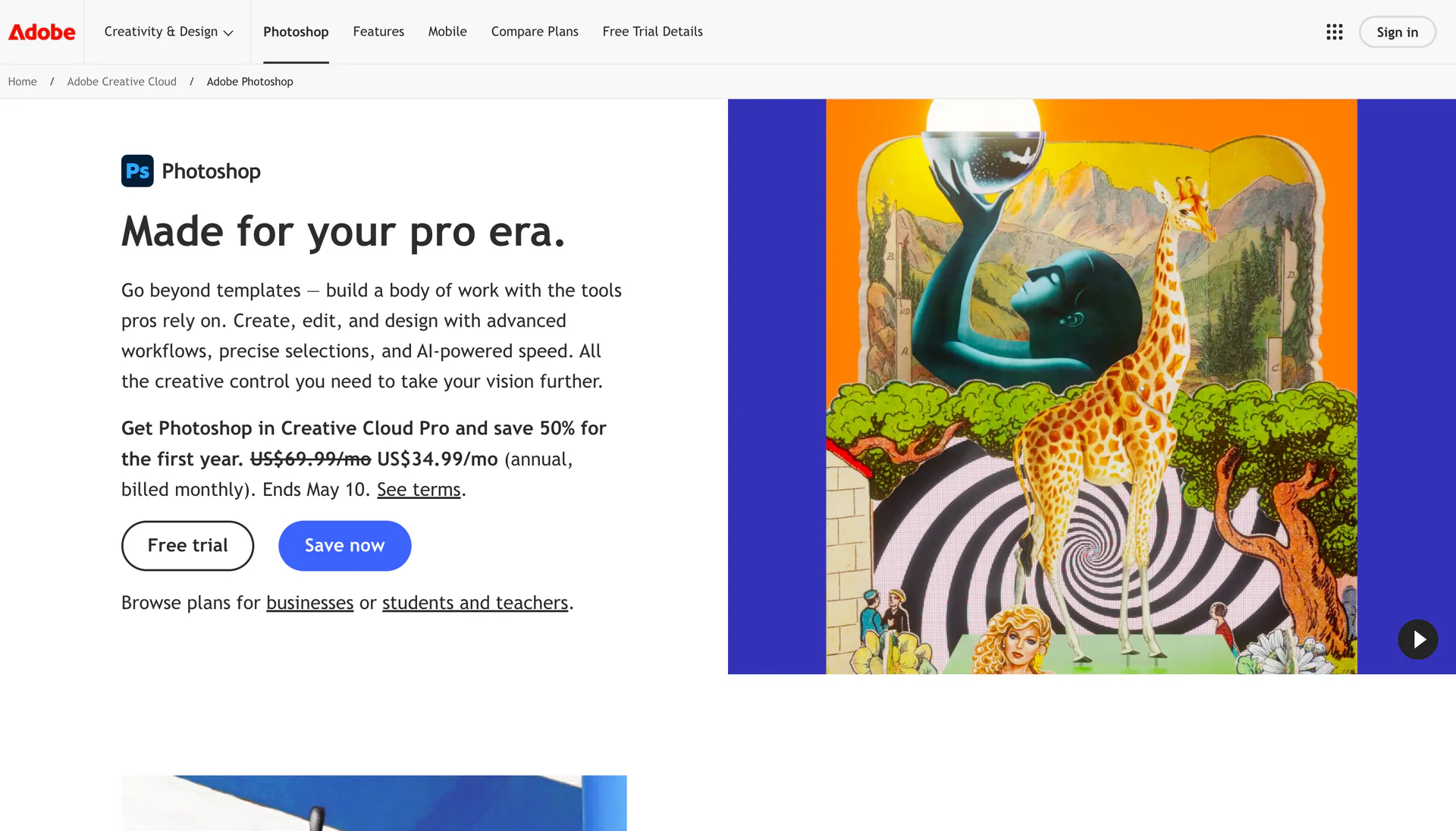
Photoshop is still the gold standard for serious thumbnail design. If you watch how the top YouTube creators in a niche assemble their thumbnails - layered subjects, sharp masks, custom typography, real color grading - they’re almost always in Photoshop or a Photoshop-class editor.
The downside is the learning curve and the Creative Cloud subscription. If you already pay for it for photo or video work, the marginal cost is zero. If not, Canva’s thumbnail templates will get you 80% of the way there.
Writing and scripting tools
This category has been reshaped by AI in the last two years. Most creators now combine an AI assistant with a writing polish tool.
ChatGPT and Claude - best for drafting scripts, hooks, and outlines
AI assistants are excellent for the first draft of scripts, video hooks, newsletter outlines, and title brainstorming. The trick is using them as a thinking partner, not an author. Feed in your real audience questions, your own past scripts, and a clear brief, then iterate. Generic prompts produce generic content - voice and specificity still come from you.
Grammarly - best for polishing every draft

Grammarly catches typos, tone drift, and awkward phrasing across every drafting surface you use - email, scripts, YouTube descriptions, newsletter editors. For high-volume creators, the time saved on proofreading adds up fast.
Audio recording and podcast tools
Audio quality is the easiest “level up” most creators never invest in. Even non-podcast creators benefit from a couple of dedicated tools.
Riverside - best for remote interviews and podcast recording
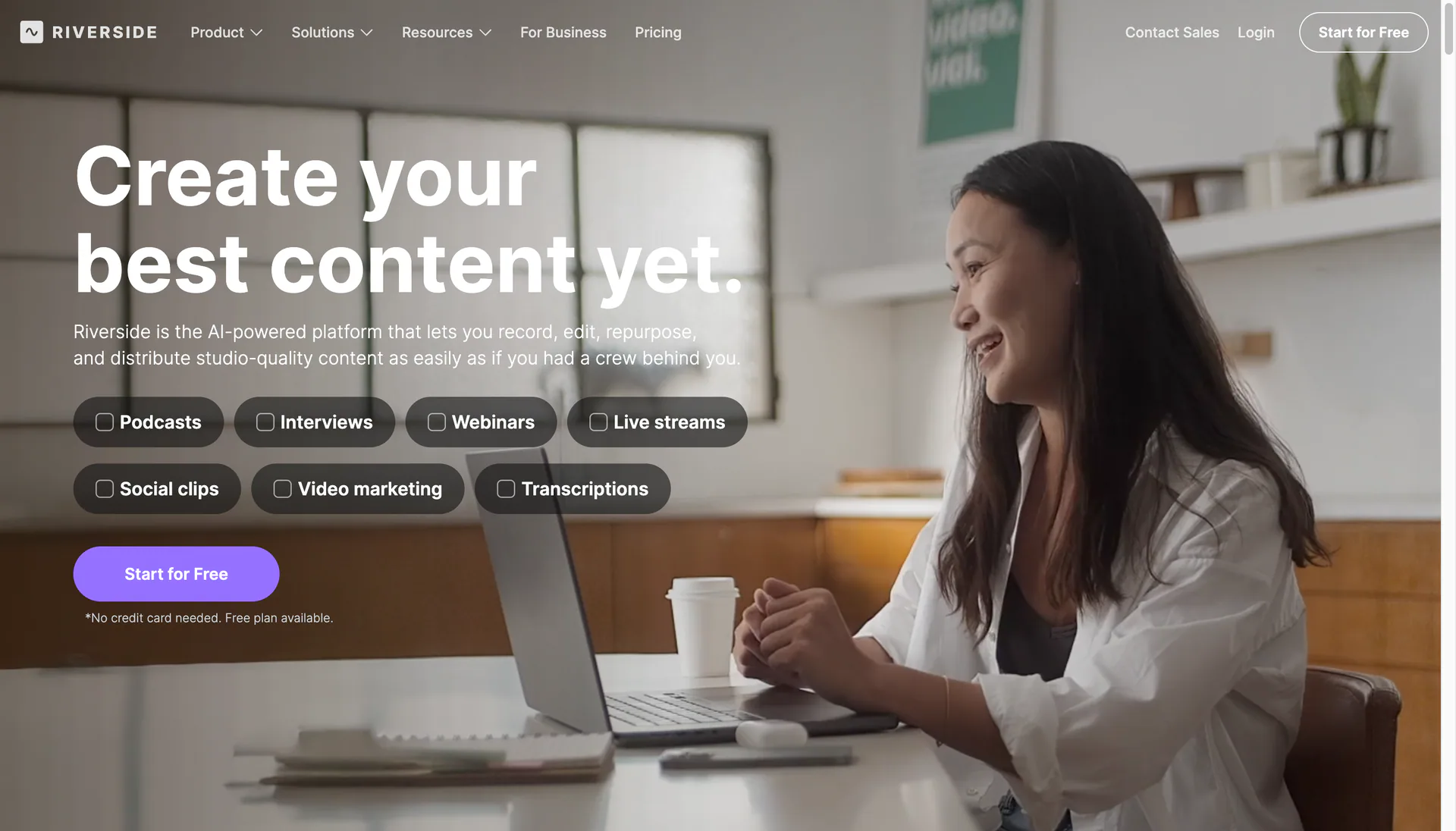
Riverside records each guest’s audio and video locally, then uploads in the background. The result is broadcast-quality interview audio without the dropouts you get from recording over Zoom. Built-in transcription, AI clip generation, and live streaming round it out.
If you do interviews of any kind - guest podcasts, expert calls, recorded customer conversations - Riverside is worth the upgrade from Zoom-and-pray.
Auphonic - best for hands-off audio cleanup
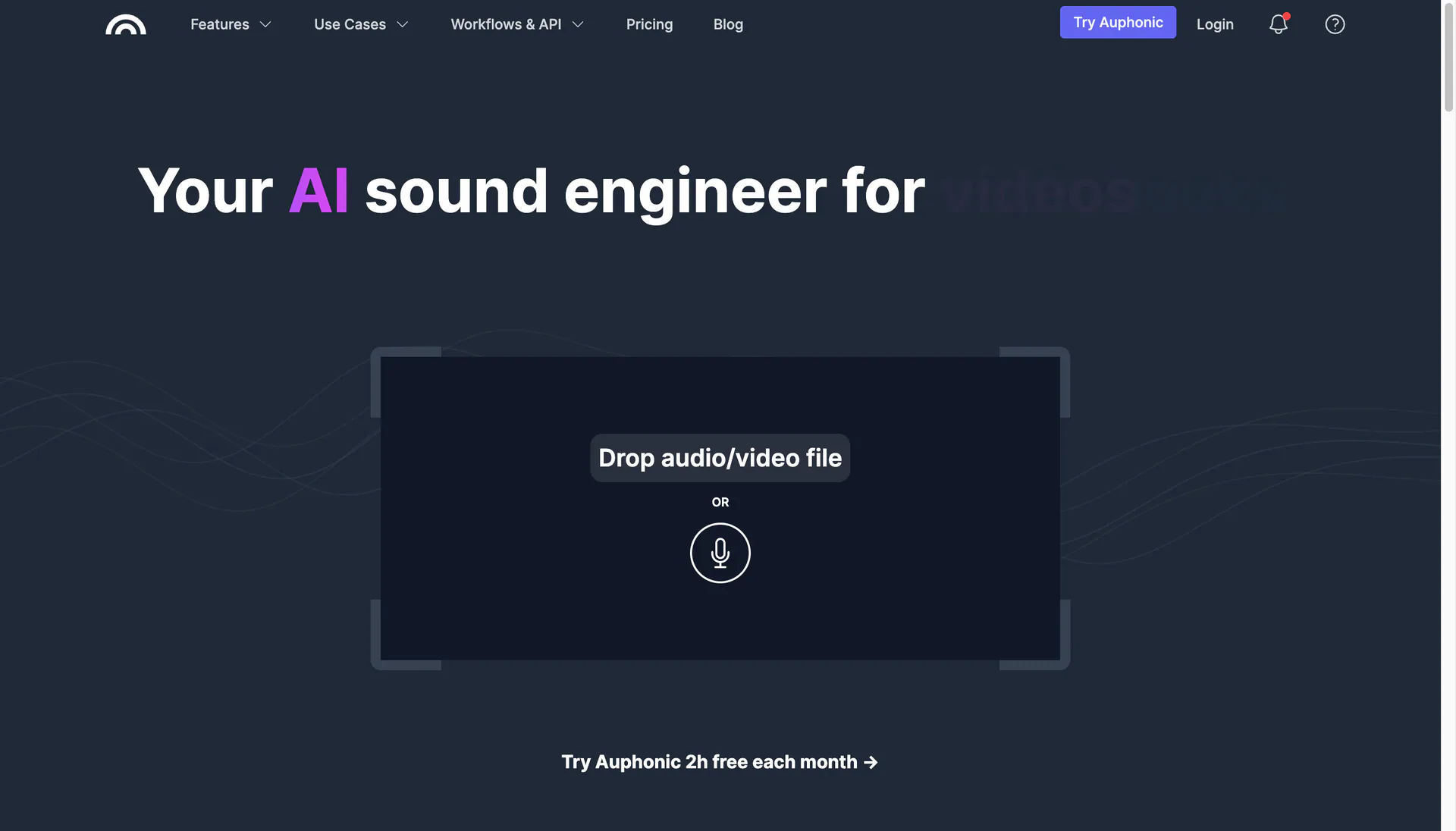
Auphonic levels volume, removes background noise, and produces a publishable audio file from raw recordings. You drop in a file, it spits out a polished one. For podcasters and creators who don’t want to touch a DAW, it’s the fastest path to professional-sounding audio.
The free tier covers 2 hours per month, which is enough for many solo podcasters. Heavier creators move to a paid plan or batch-process before publishing.
Social media scheduling tools
Scheduling tools save creators from being chained to the timeline. The right one depends on which platforms are central to your strategy.
Buffer - best for a simple multi-platform queue
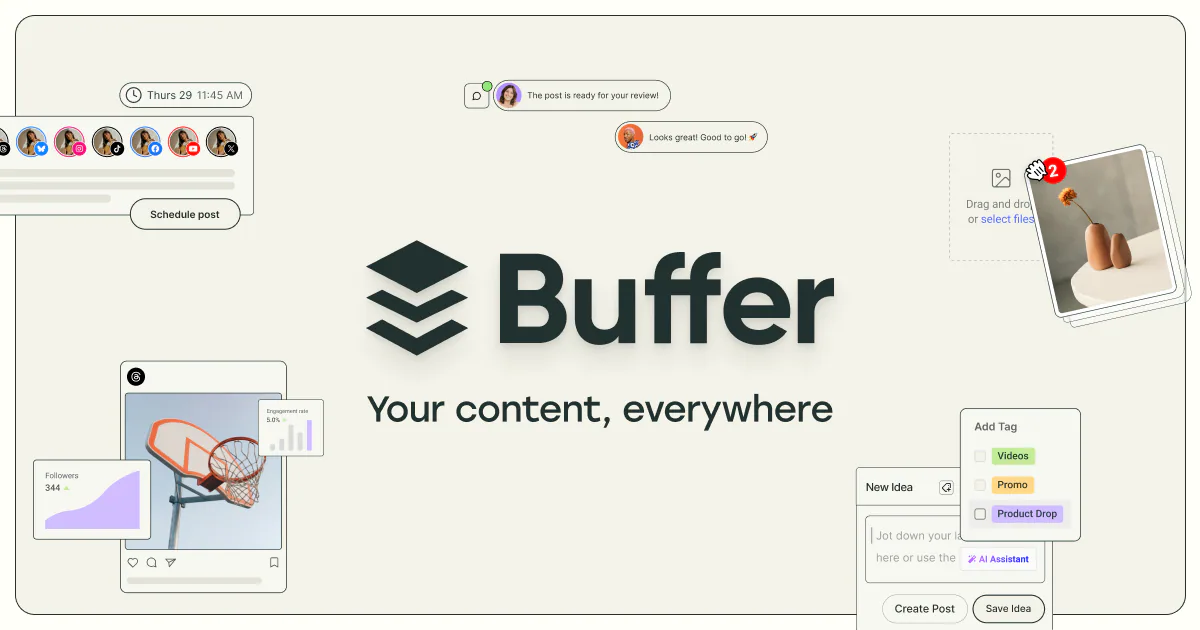
Buffer is the longstanding default for creators who want a clean queue across LinkedIn, Instagram, X, Threads, and TikTok. The interface is fast, the analytics are readable, and the per-channel pricing scales sanely with your platform mix.
Buffer is best when you want a tool to get out of your way. If you need deep platform-native features (Instagram first comments, advanced TikTok scheduling), heavier tools fit better.
Hypefury - best for X and LinkedIn growth automation
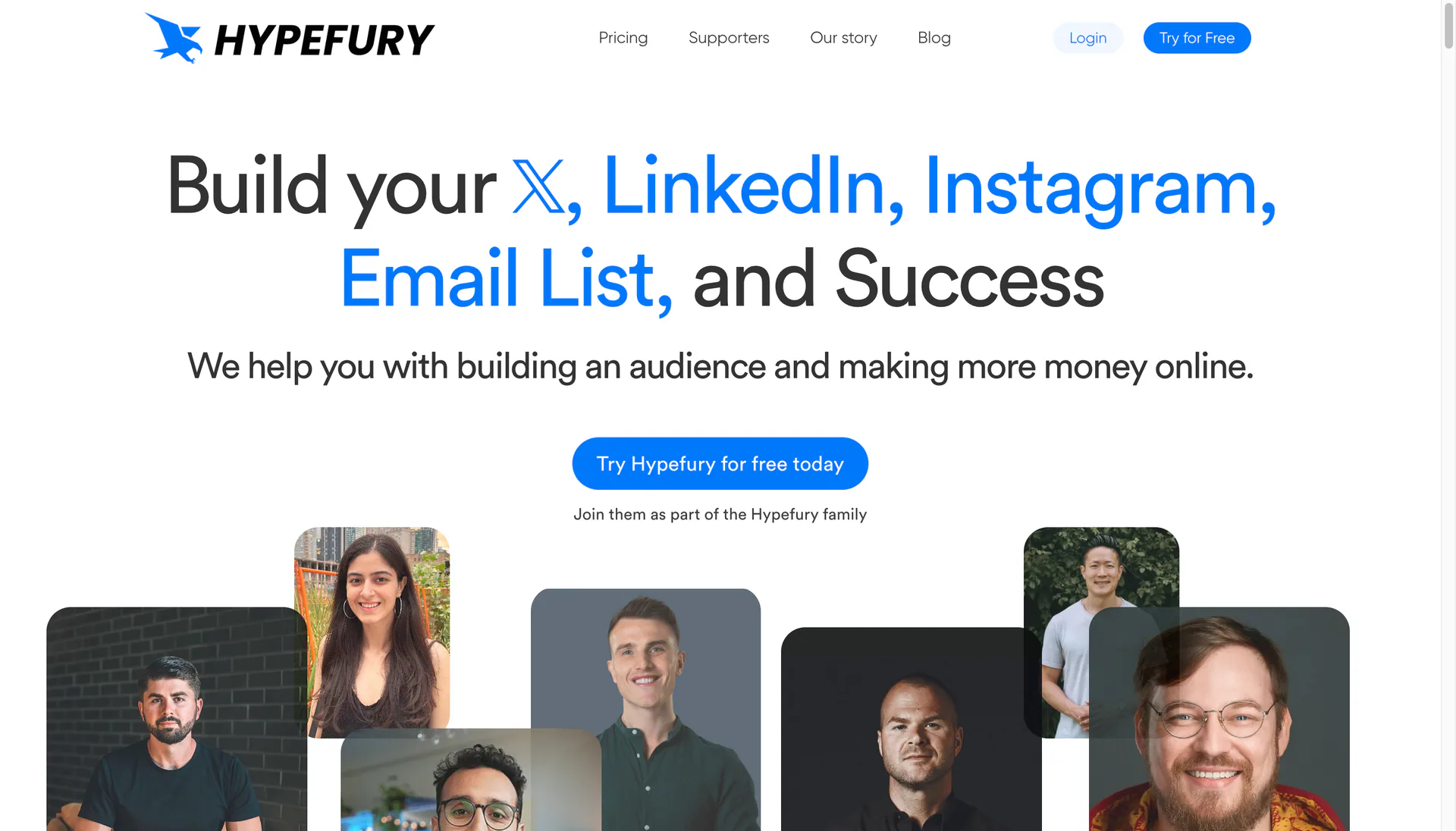
Hypefury is the tool of choice for creators who treat X as the top of their funnel. It automates evergreen reposting, threads, retweet boosting, and converts top-performing tweets into LinkedIn posts and newsletters. The growth-focused features are heavier than Buffer’s.
The tradeoff is that Hypefury has a strong opinion about X-first growth. If you’re TikTok or Instagram-first, Buffer or Metricool will be a better fit.
Metricool - best for scheduling plus analytics in one place
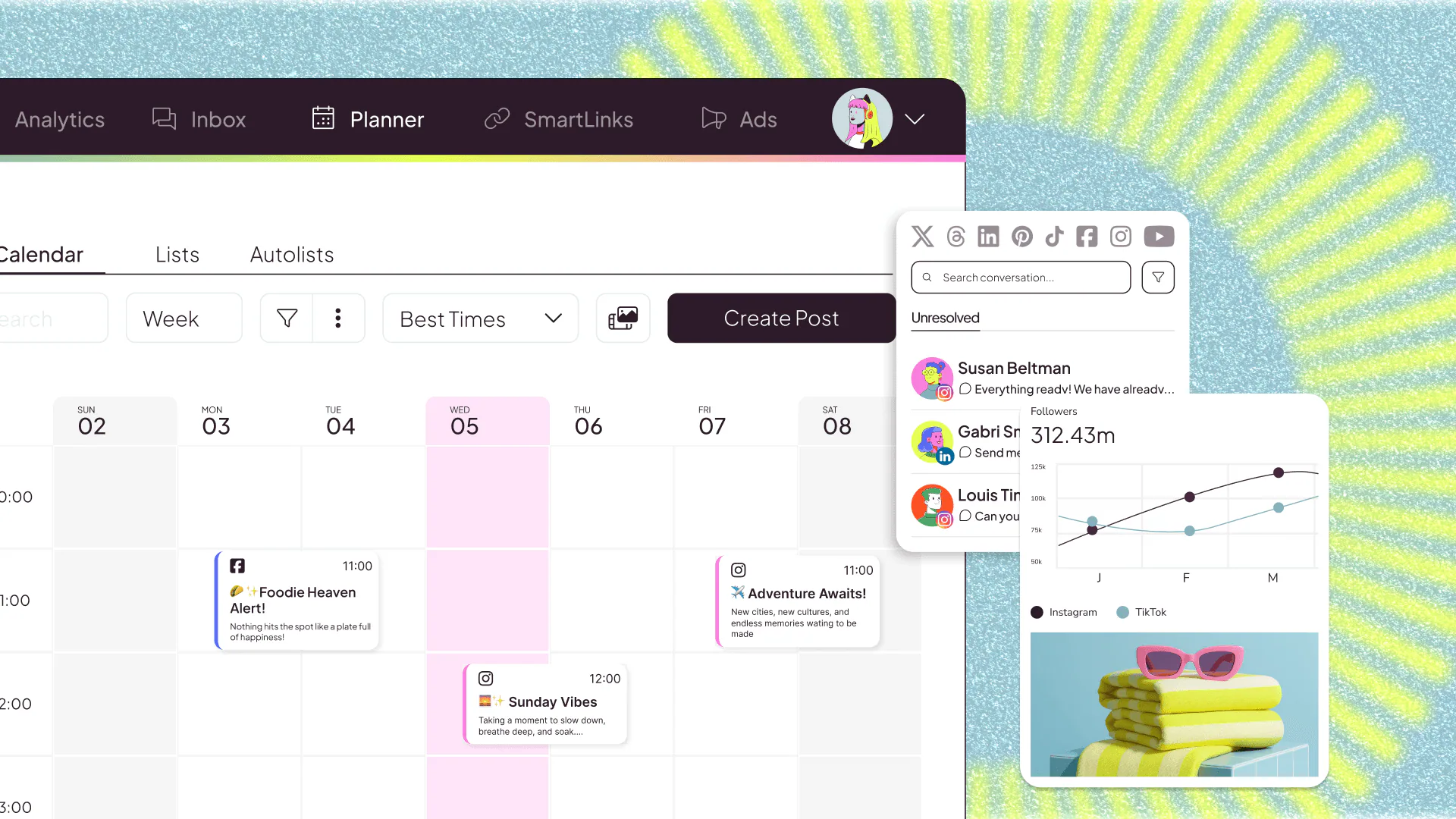
Metricool combines scheduling with cross-platform analytics, competitor tracking, and ad reporting in one dashboard. For creators who used to bounce between Buffer, native analytics, and a spreadsheet, it’s a meaningful consolidation.
The interface is denser than Buffer, but the depth pays off as your channel mix grows.
Newsletter and monetization tools
Most creators eventually want a direct line to their audience that does not depend on an algorithm. Email and memberships are how that gets built.
Beehiiv - best for newsletter growth and monetization
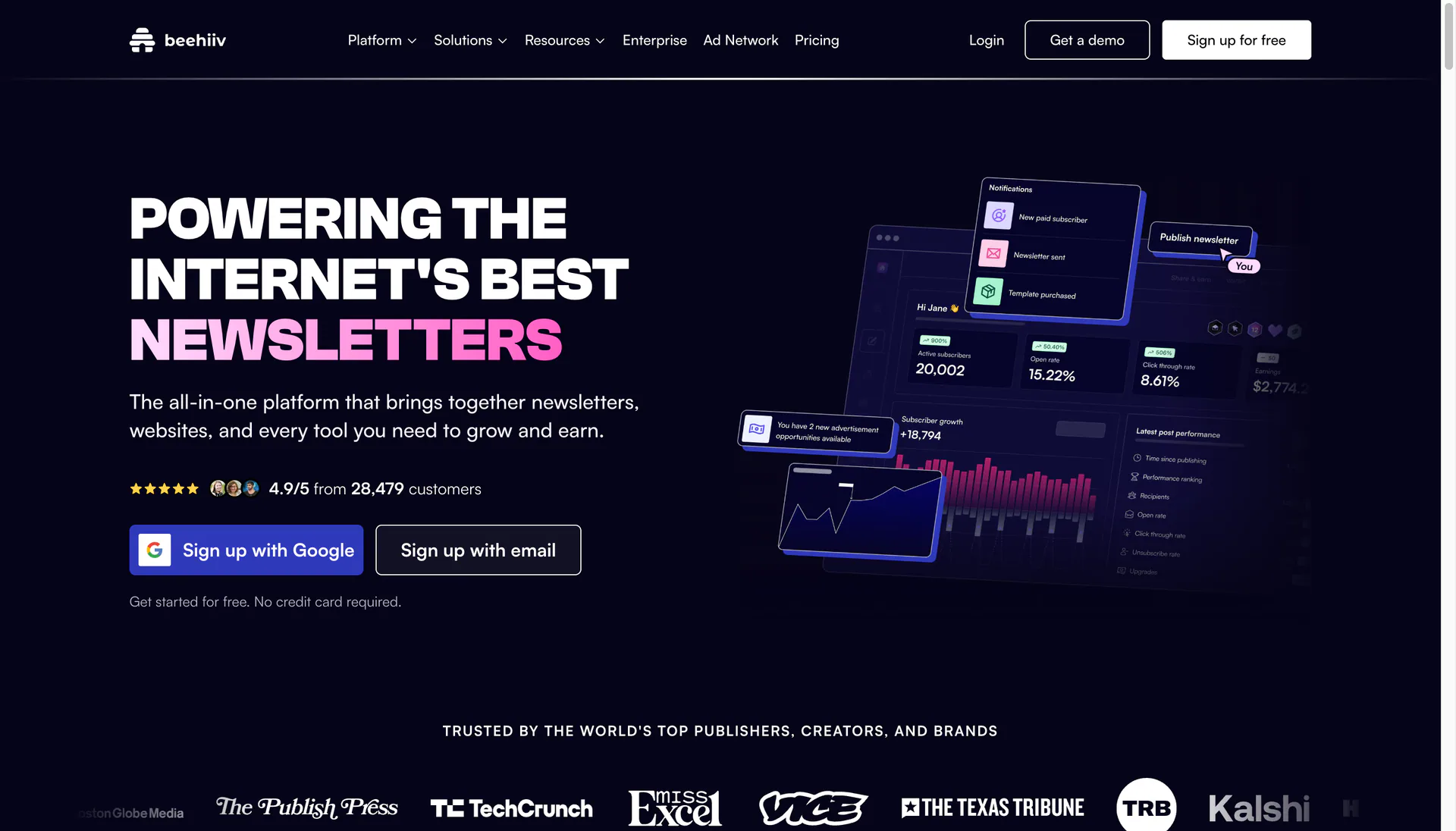
Beehiiv is the modern default for creators starting a newsletter. The growth tools (boosts, recommendations, referral programs), the built-in ad network, and the website-builder integration mean a creator can launch and monetize a newsletter without stitching three platforms together.
Beehiiv has caught up to Substack on writing experience and well surpassed it on growth tools, which is why most newsletter-first creators in 2026 are picking Beehiiv for new launches.
Kit - best for established creators with email automation
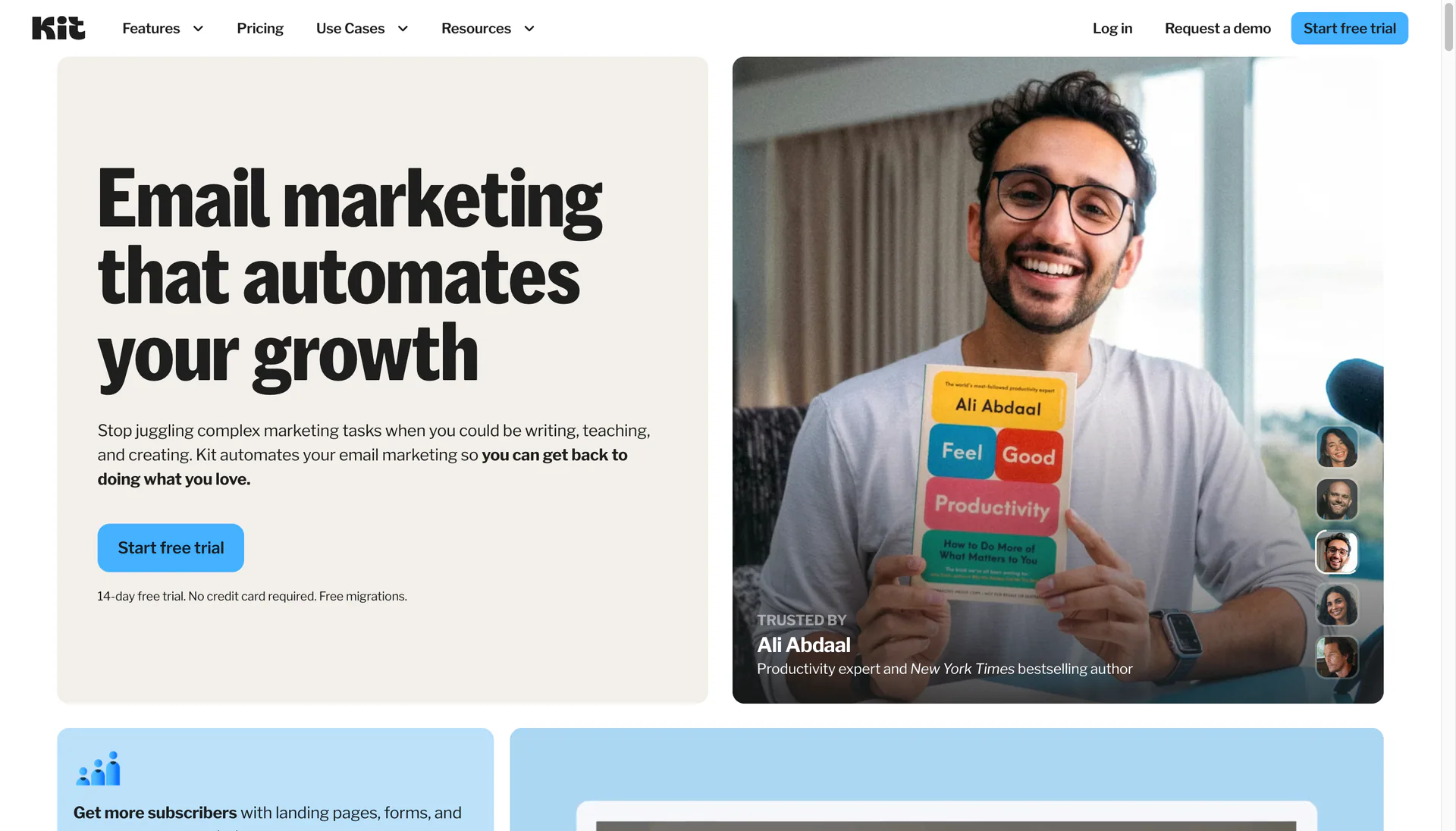
Kit (formerly ConvertKit) is the platform for creators who have grown past newsletter-only and now sell courses, memberships, or digital products. The visual automation builder, tagging system, and commerce features are deeper than Beehiiv’s, and the deliverability has been battle-tested for years.
Newer creators sometimes find Kit overkill on day one. Once you have multiple lead magnets, sequences, and product launches in flight, the depth pays off.
Patreon - best for recurring memberships and paid communities
Patreon is still the most popular home for creator memberships, especially for podcasters, artists, video creators, and writers selling tiered access. The discovery, the community features, and the brand recognition with audiences are all hard to replicate on a self-hosted setup.
The fee structure is meaningful (8% on the standard plan plus payment processing), so creators with $5K+ monthly revenue often look at alternatives like Memberful or Substack subscriptions. For getting started, Patreon’s friction-to-launch is hard to beat.
YouTube growth and analytics tools
These tools are specifically about doing better on YouTube. Other platforms have native analytics that mostly suffice.
TubeBuddy - best for YouTube SEO and A/B testing
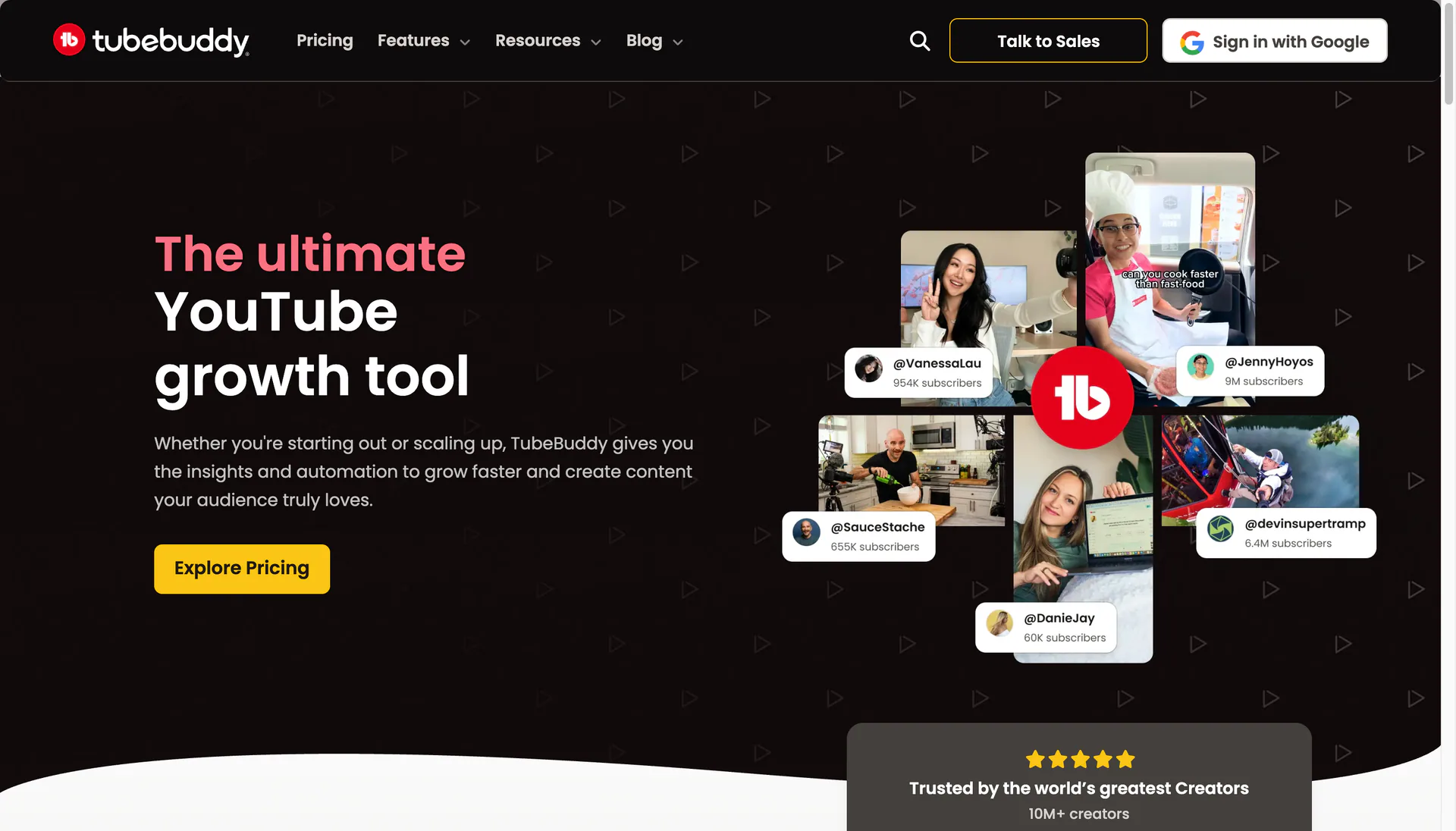
TubeBuddy is a browser extension and dashboard that surfaces keyword opportunities, competitor benchmarks, and an A/B testing system for thumbnails and titles. The thumbnail testing in particular has paid for the subscription many times over for creators serious about CTR.
It’s a workhorse rather than a hype tool. If you publish weekly on YouTube and care about the metrics, it earns its place.
vidIQ - best for AI-driven YouTube ideation
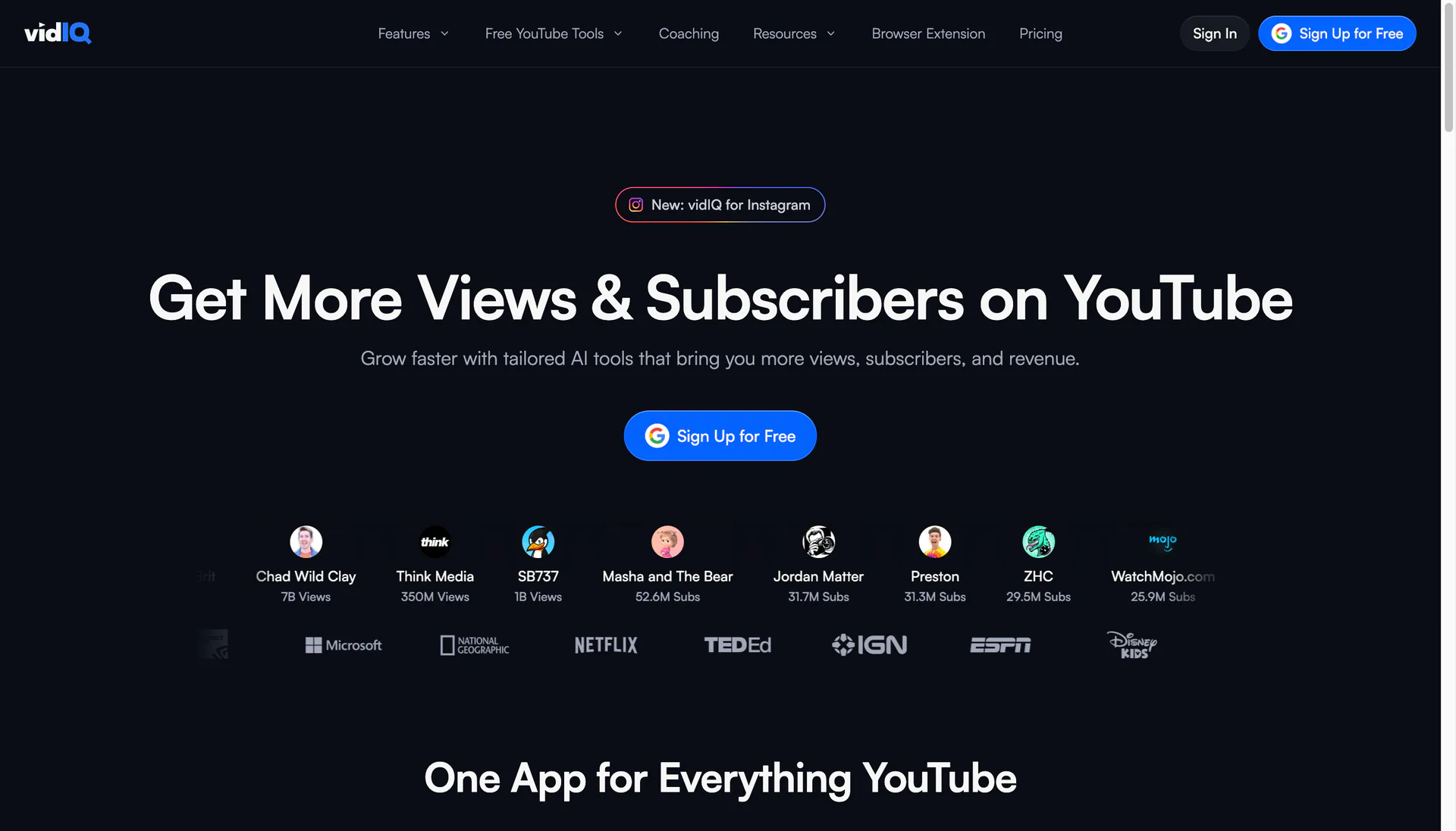
vidIQ has leaned harder into AI coaching, daily ideas, and trend spotting. For creators stuck on what to make next, the daily idea feed and AI title scoring tools surface concepts that would take hours of manual research.
Most YouTube-focused creators end up using either TubeBuddy or vidIQ, not both. TubeBuddy leans more toward optimization (SEO, A/B testing); vidIQ leans more toward ideation and coaching.
Tools to skip (or delay)
A few categories that creators feel pressure to invest in but often don’t need early:
- AI avatar video tools - the uncanny effect undermines authenticity for most creator content. A clean screen recording with AI voiceover lands better than a synthetic talking head.
- Heavy CRM and email-marketing platforms (HubSpot, ActiveCampaign) - if you have under 10K subscribers, Beehiiv or Kit will do the job.
- Dedicated content-calendar SaaS - a Notion database covers what most creators need. Buy a real calendar tool when you have multiple channels and a virtual assistant managing them.
- All-in-one creator platforms - the category keeps promising one tool to rule them all. Pointed best-in-class tools still win for serious output.
- Stock footage subscriptions (early on) - YouTube and Pexels free libraries cover most B-roll needs until you’re at significant scale.
How to build your content creator stack
A reasonable starter stack for a solo creator publishing weekly on one or two platforms:
- Video editing: Tight Studio (Mac, screen content) or CapCut (social-first short-form), plus Descript when transcript editing matters
- Thumbnails: Canva to start, Photoshop once thumbnails are your CTR moat
- Writing: ChatGPT or Claude for drafting, Grammarly for polish
- Audio: Riverside if you do interviews, Auphonic to clean every podcast file
- Scheduling: Buffer for simple cross-posting, Hypefury if X is your main channel, Metricool once you want analytics in the same dashboard
- Newsletter: Beehiiv for new newsletters, Kit if you sell digital products
- Memberships: Patreon when paid community becomes part of your model
- YouTube growth: TubeBuddy or vidIQ (pick one based on whether SEO/testing or ideation is your weaker spot)
You can always layer on more once you’ve validated which workflows are actually breaking under volume.
Frequently asked questions
What tools do content creators use?
Most full-time content creators use 8 to 15 tools across seven categories: video editing (Tight Studio, Descript, CapCut), design (Canva, Photoshop), writing (ChatGPT, Grammarly), audio (Riverside, Auphonic), scheduling (Buffer, Hypefury, Metricool), newsletter and monetization (Beehiiv, Kit, Patreon), and YouTube growth (TubeBuddy, vidIQ). The exact mix depends on the platforms you publish to and the formats you ship most.
What is the best video editor for content creators?
It depends on the format. For desktop screen recordings, software tutorials, product walkthroughs, and course lessons on Mac, Tight Studio is purpose-built for the job, with smart auto-zoom, AI narration, cursor animation, and multi-clip recording in both horizontal and vertical formats. Tutorial creators usually find it more powerful than general-purpose editors like Descript because the polish features are automatic - see the full Tight Studio vs Descript comparison and Tight Studio vs CapCut comparison for feature-by-feature breakdowns. For talking-head and podcast video, Descript’s transcript-based editing is the fastest workflow. For template-driven TikTok, Reels, and Shorts content, CapCut’s library is hard to beat. Many creators use two of these depending on the project.
What is the best free tool for content creators?
The most useful free tools are CapCut (full social-first video editor), Canva (design and thumbnails on a free plan), ChatGPT (drafting on the free tier), Buffer (free queue for up to three channels), and Beehiiv (newsletter platform free for the first 2,500 subscribers). Tight Studio also offers a free tier for basic screen recordings on Mac.
How many tools does a content creator need?
Most working creators use somewhere between 8 and 15 tools regularly. Fewer than that and you’re probably doing things manually that should be automated. Many more and you’re spending your time switching apps instead of making content. The right number depends on output volume, the number of platforms you publish to, and whether you have any help on the team.
Do content creators need a CRM?
Not until you have a real reason. For most creators, a newsletter platform like Beehiiv or Kit handles the audience side, and a Notion or Airtable database handles brand-deal pipelines. Dedicated CRMs (HubSpot, Pipedrive) start to earn their place when you have repeating sponsorship inventory and need to manage advertiser relationships across multiple deals.
What is the difference between content creator tools and video editing tools?
Video editing tools are one category inside the broader content creator stack. Creator tools also cover writing, design, audio, scheduling, newsletters, monetization, and analytics. A creator who only treats this as “what video editor should I buy” usually ends up bottlenecked by everything else - the thumbnail, the title, the description, the post schedule, and the audience funnel that turns views into a business.
Are AI tools replacing creator tools?
AI is absorbing parts of the workflow, not replacing the categories. ChatGPT and Claude have become near-mandatory for drafting, but they don’t replace a video editor or a newsletter platform. Within most tool categories, the leading tools have added their own AI features (Tight Studio’s AI voiceover, Descript’s voice cloning, vidIQ’s AI ideation, Canva’s Magic Studio). The shape of the stack has not changed; the work inside each tool has just gotten faster.