
Best tools for product marketing managers in 2026

Product marketing sits at the intersection of product, sales, and customer research. That breadth is the job’s biggest challenge - and it’s why the average PMM ends up touching 15+ tools in a normal week.
There is no single “product marketing platform” that does everything well. The best product marketing managers build a stack of focused tools that cover the core PMM workflows: research, positioning, launches, demos, enablement, and measurement.
This guide breaks down the best tools for product marketing managers by what they actually help you do, with honest tradeoffs for each category.
How to think about a product marketing tool stack
Before picking tools, it helps to map them to the work. Most PMM workflows fall into seven buckets:
- Customer and market research - interviews, surveys, win/loss analysis
- Competitive intelligence - tracking competitors, battlecards
- Positioning and messaging - drafting, testing, refining narratives
- Product launches - planning, coordination, GTM execution
- Demo and product video - walkthroughs, explainer videos, product tours
- Sales enablement - decks, one-pagers, battlecards, training
- Influencer and creator marketing - finding creators, outreach, rate negotiation
- Analytics and measurement - feature adoption, campaign performance
You probably don’t need a tool in every category on day one. Start with the bucket where you are losing the most time, then expand.
Best tools for product marketing managers compared
| Category | Tool | Best for | Free tier | Starting price |
|---|---|---|---|---|
| Demo videos | Tight Studio | Polished product walkthroughs and tutorials | Yes | $6/mo |
| Demo videos | Loom | Async video messages, internal demos | 25 videos | $20/mo |
| Interactive demos | Arcade | Interactive product tours for landing pages | Yes | $32/mo |
| Interactive demos | Storylane | Sales-led interactive demos | Trial | $40/mo |
| Competitive intel | Klue | Battlecards and win/loss tracking | No | Custom |
| Competitive intel | Crayon | Competitor monitoring at scale | No | Custom |
| Customer research | Sprig | In-product surveys, AI analysis | Yes | $175/mo |
| Customer research | Gong | Sales call recording and insights | No | Custom |
| Customer research | Makeform | AI-generated surveys and forms | Yes | Free |
| Launch planning | Productboard | Roadmap, launch coordination | Trial | $19/user/mo |
| Launch planning | Notion | Lightweight launch docs | Yes | $10/user/mo |
| Sales enablement | Highspot | Content management, training | No | Custom |
| Influencer marketing | Janney AI | AI creator discovery, outreach, negotiation | Yes | Custom |
| Influencer marketing | Bizkol | Agency-led global launches with multi-platform creator network | No | $249/mo |
| Positioning | ChatGPT / Claude | Drafting and refining messaging | Yes | $20/mo |
| Analytics | Amplitude | Feature adoption, funnel analysis | Yes | Custom |
| Marketing analytics | Maxma | Paid-channel attribution and incrementality testing | No | Custom |
| Reviews | G2 | Buyer intent, peer reviews | Yes | Custom |
Demo and product video tools
Demo videos are one of the highest-leverage assets a PMM owns. They show up on landing pages, in sales decks, in launch posts, and in trial onboarding. A good demo video can outperform written copy by a wide margin.
Tight Studio - best for polished product walkthroughs
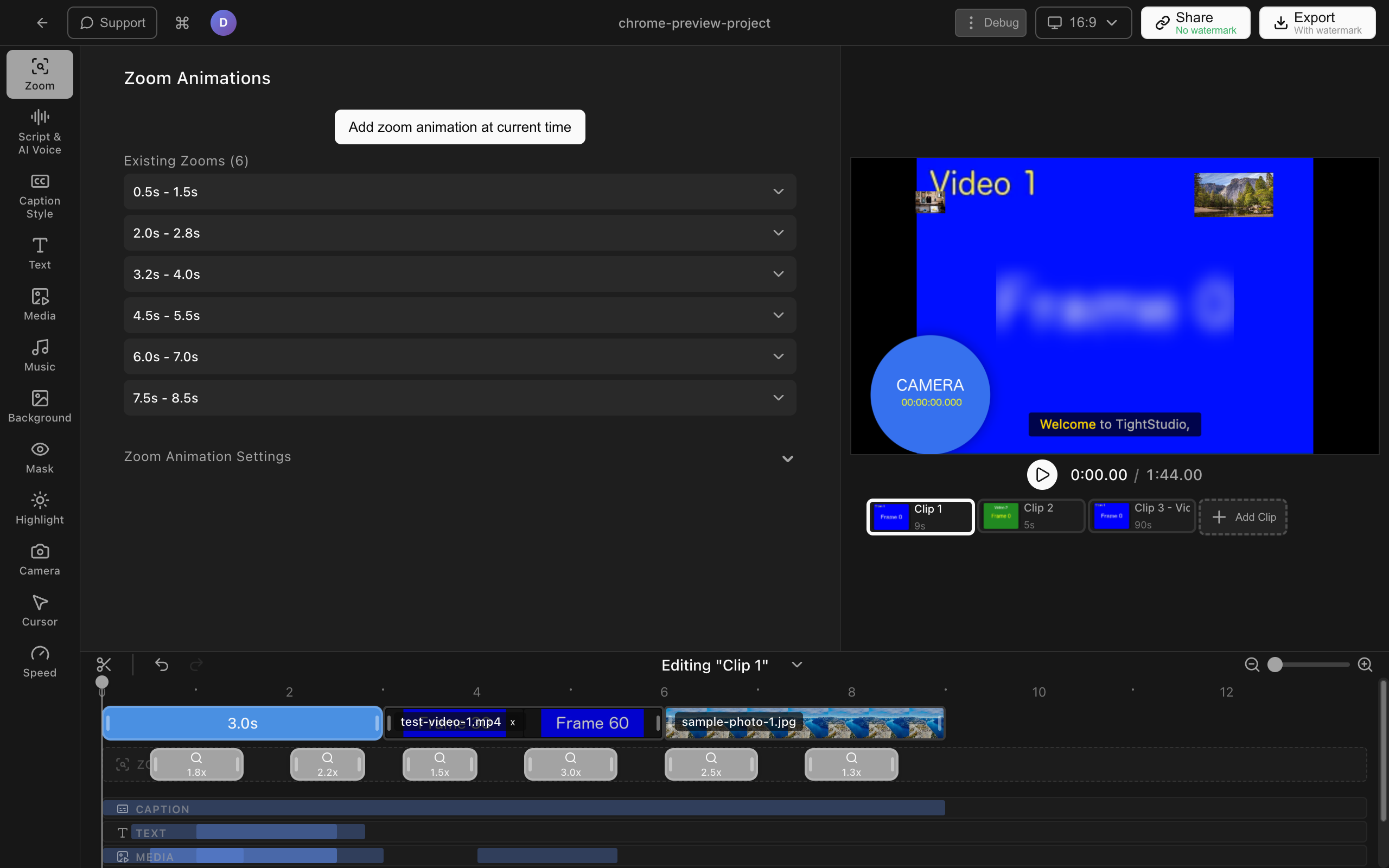
Tight Studio is a Mac screen recorder and editor built for the kind of product videos PMMs actually ship: feature walkthroughs, launch demos, tutorials, customer training.
The features that matter for product marketing work:
- Smart zoom animation - automatically follows your clicks with smooth zoom-in animations and motion blur. This is the difference between “I can see something happening on screen” and “I can clearly see exactly what’s being clicked.” For PMMs recording dense product UIs, this is the single biggest quality-of-life feature.
- AI voiceover - generate professional narration from a script. Useful when you need a clean, on-brand voice for a launch video and don’t want to schedule a recording session.
- Cursor animation and click highlighting - makes interactions obvious without manual annotations.
- Multi-take recording - record sections separately and combine them. If you flub the third feature in a five-feature demo, just re-record that segment.
- Text annotations and intro/outro slides - add branded openers, callouts, and captions without leaving the editor.
Tight Studio is best when you need a polished, finished video file you can drop into a landing page, email, or sales deck. It’s Mac-only and focused on screen-recorded video rather than interactive product tours.
Loom - best for async internal demos
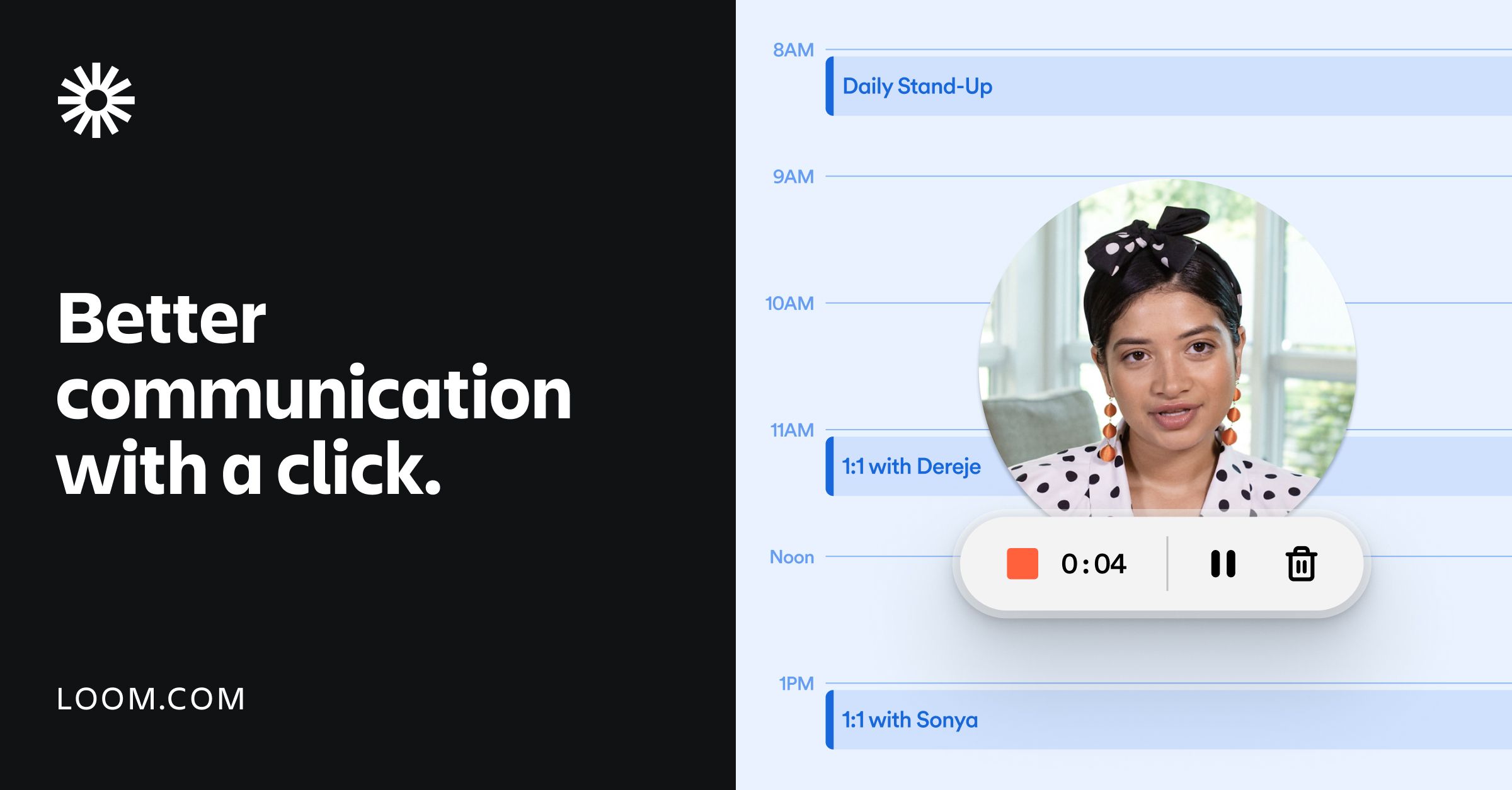
Loom is the standard for async video messages. It’s not built specifically for marketing-quality demos, but it’s hard to beat for “record a quick walkthrough and send a link.” PMMs use it heavily for internal launch updates, sales coaching, and quick competitive teardowns.
Loom AI summarizes recordings, removes filler words, and generates chapters. The polish is lower than a dedicated tool, but the speed-to-shareable-link is unmatched.
Arcade and Storylane - best for interactive demos
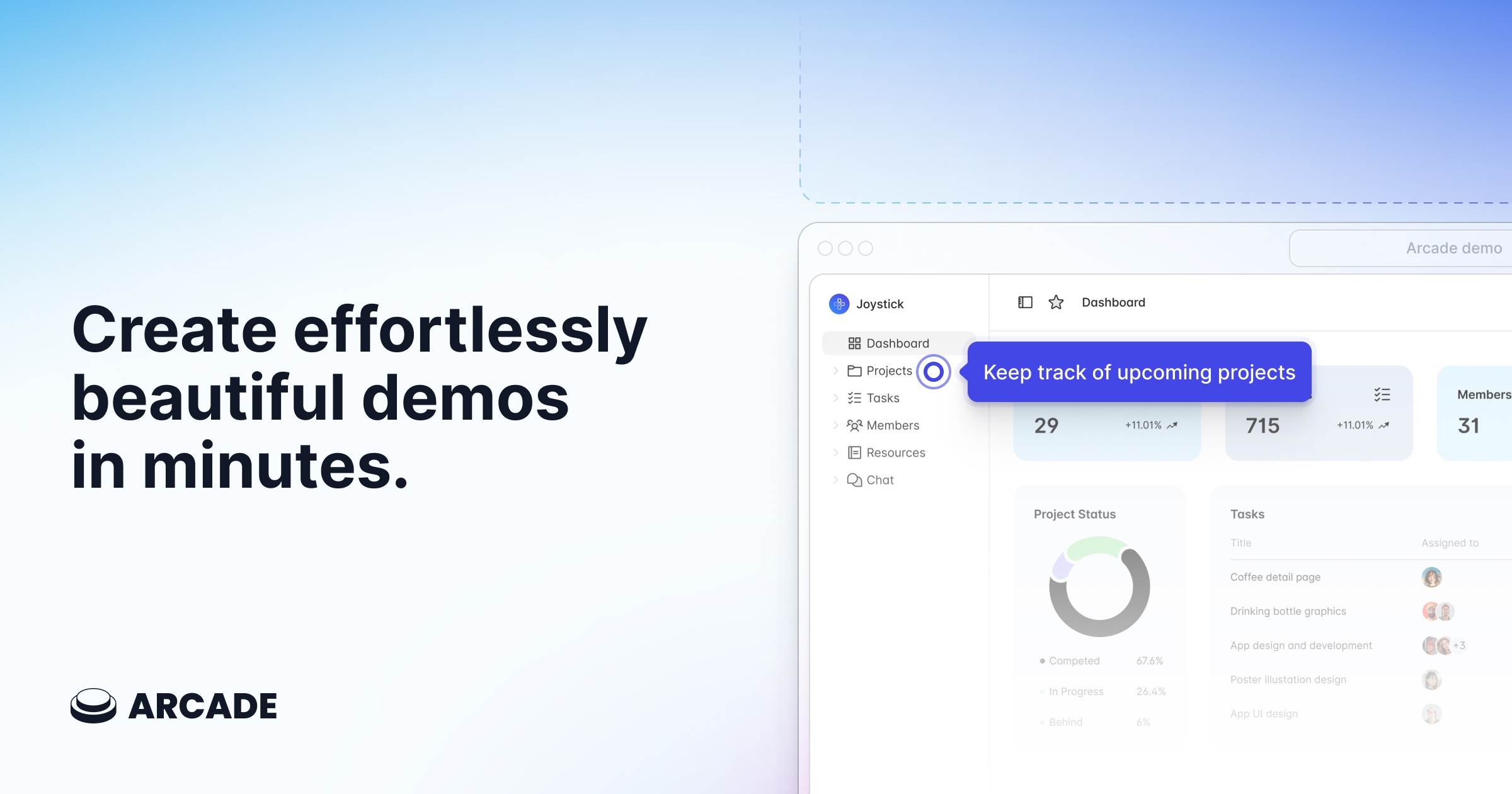
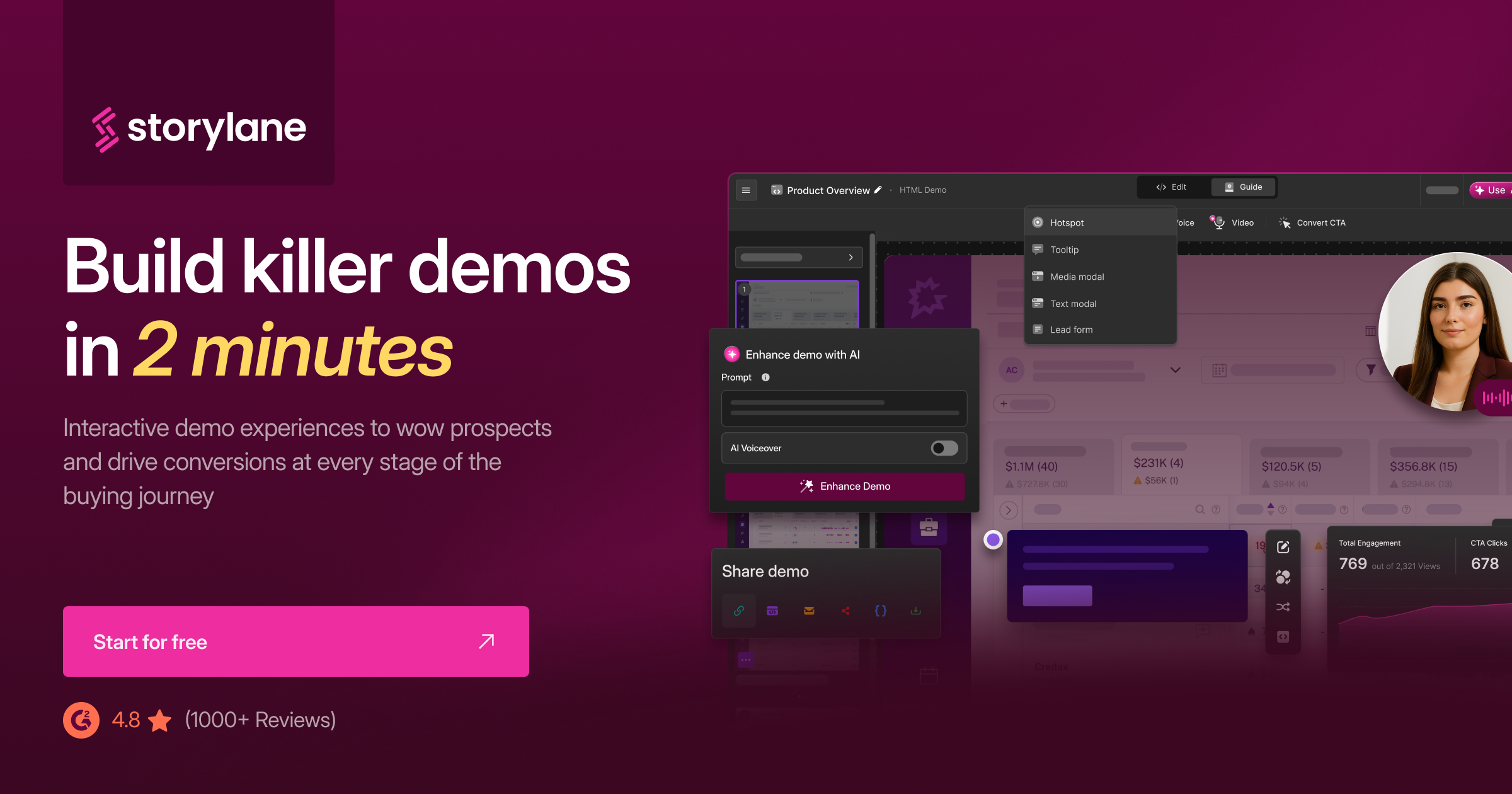
Arcade and Storylane are interactive demo tools, not video tools. They capture your product UI as a series of clickable steps that visitors can walk through themselves on a landing page or in a sales email.
The advantage over video: visitors control the pace and feel like they’re using the product. The tradeoff: setup is more involved than recording a video, and you give up narration and motion.
Most PMMs end up using both - a polished video for hero spots and email, plus an interactive demo for “try it yourself” moments deeper in the funnel.
Competitive intelligence tools
Competitive intel is one of the categories where dedicated tools clearly beat spreadsheets.
Klue - best for battlecards and win/loss
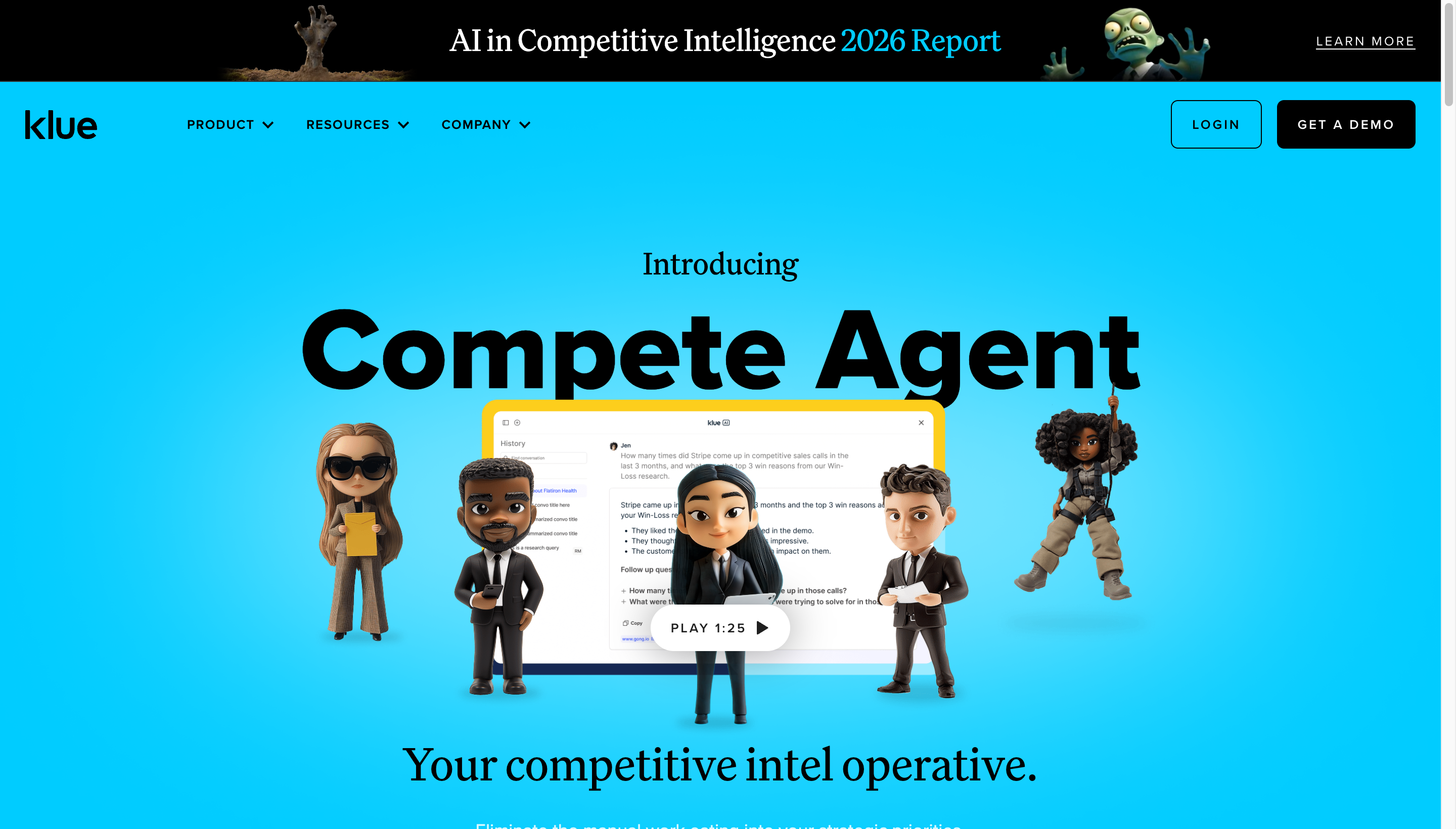
Klue centralizes competitor research, builds battlecards your sales team will actually open, and tracks win/loss reasons over time. Strong fit for PMMs at companies with a defined competitive set.
Crayon - best for monitoring competitor activity at scale
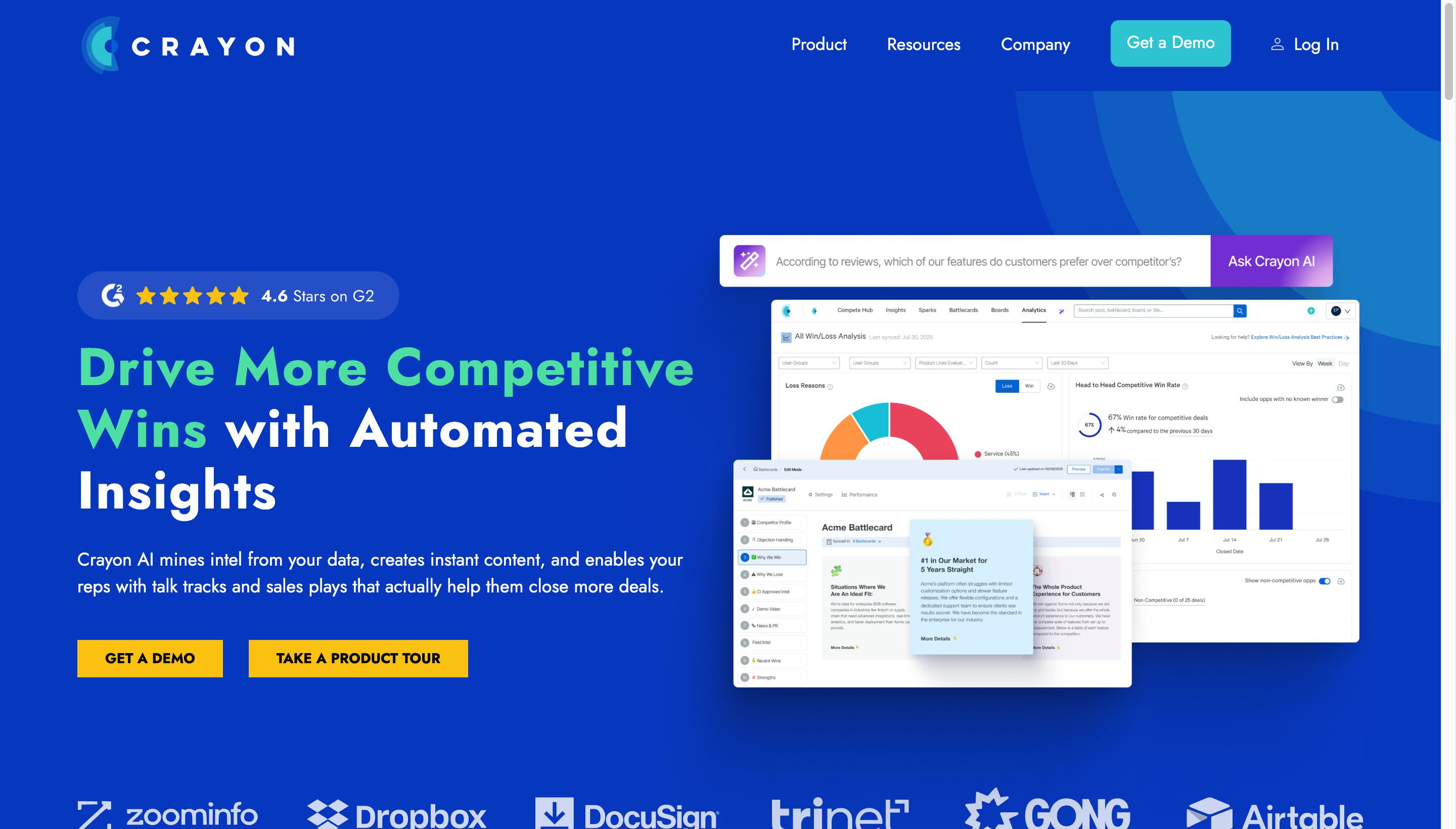
Crayon scrapes competitor websites, pricing pages, job posts, and reviews to surface changes automatically. If you spend hours each week manually checking competitor sites, Crayon collapses that into a daily digest.
For early-stage teams, manual tracking in Notion is often enough. The dedicated tools earn their cost when you have 5+ active competitors and a sales team asking for updated battlecards.
Customer and market research tools
Sprig - best for in-product surveys
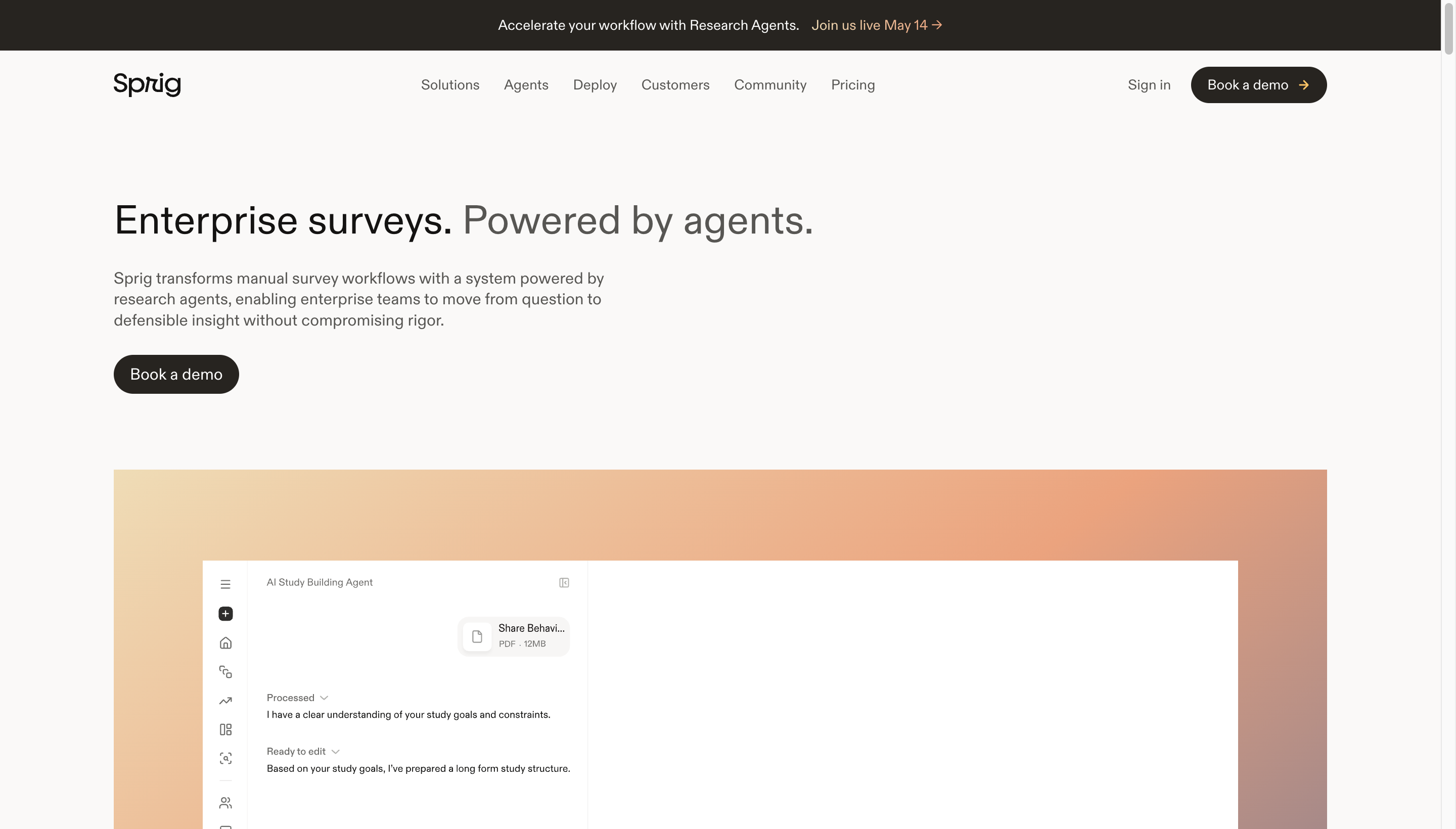
Sprig runs targeted surveys inside your product, then uses AI to cluster and summarize responses. Useful for testing positioning hypotheses or validating launch messaging before it ships externally.
Gong and Chorus - best for sales call insights
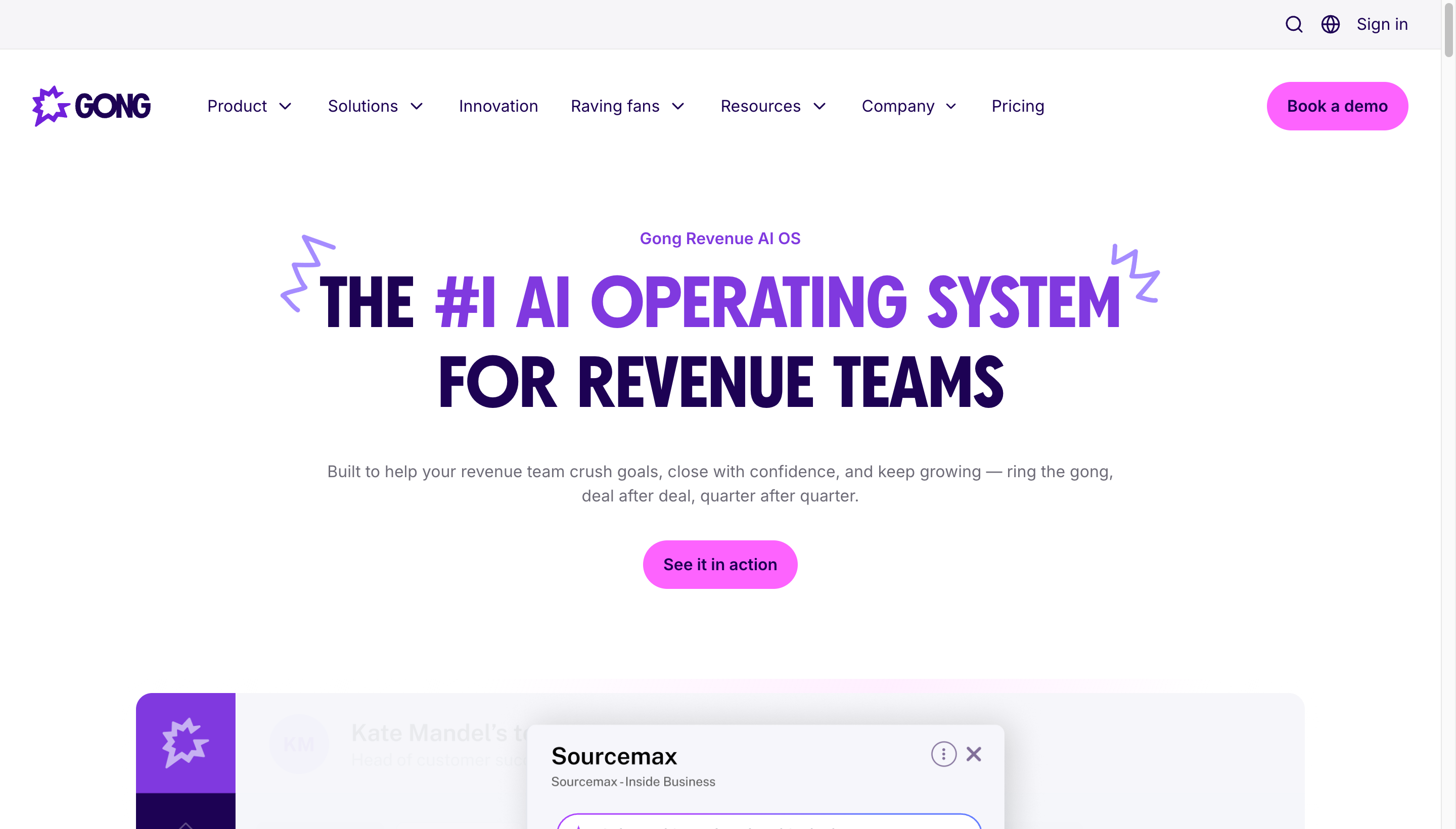
Gong and Chorus record and transcribe sales calls. PMMs use them to mine real customer language for messaging, spot objections, and validate ICP assumptions. Even sampling 10 calls from last quarter usually surfaces messaging gold.
Makeform - best for AI-generated surveys and forms
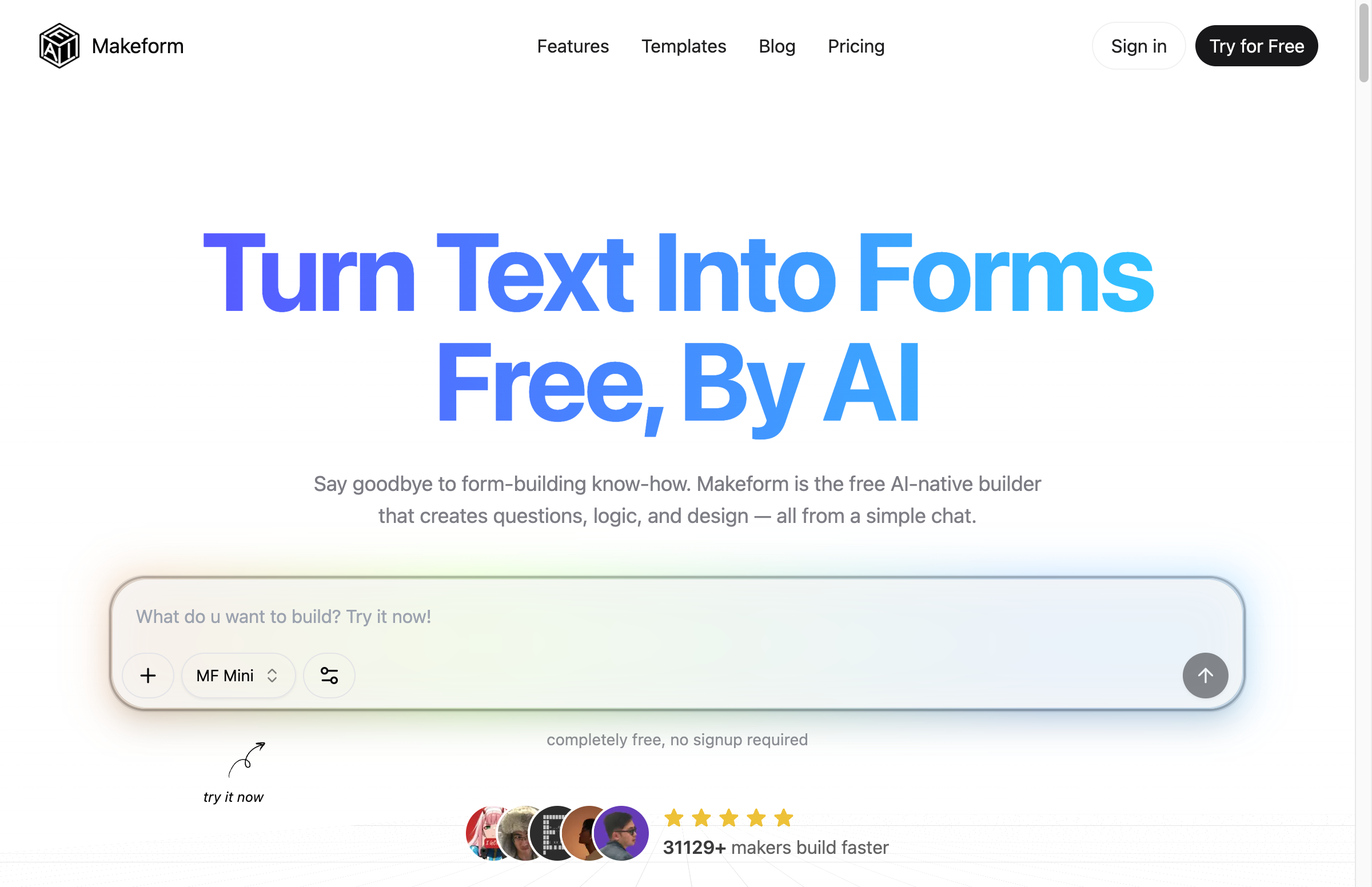
Makeform is a free, AI-native form builder. You describe what you want in a chat prompt - “customer satisfaction survey with NPS and three open-ended questions” - and it generates the questions, branching logic, and design in seconds. No template wrangling, no drag-and-drop tedium.
For PMMs, it’s the fastest way to spin up one-off surveys, NPS checks, customer interview signups, or post-launch feedback forms without committing to a heavy research platform. Generation is free with no signup required, which makes it useful even for quick internal polls.
Positioning and messaging tools
This category has been reshaped by AI. Most PMMs now use a general AI assistant alongside a writing tool.
ChatGPT and Claude - best for drafting and refining
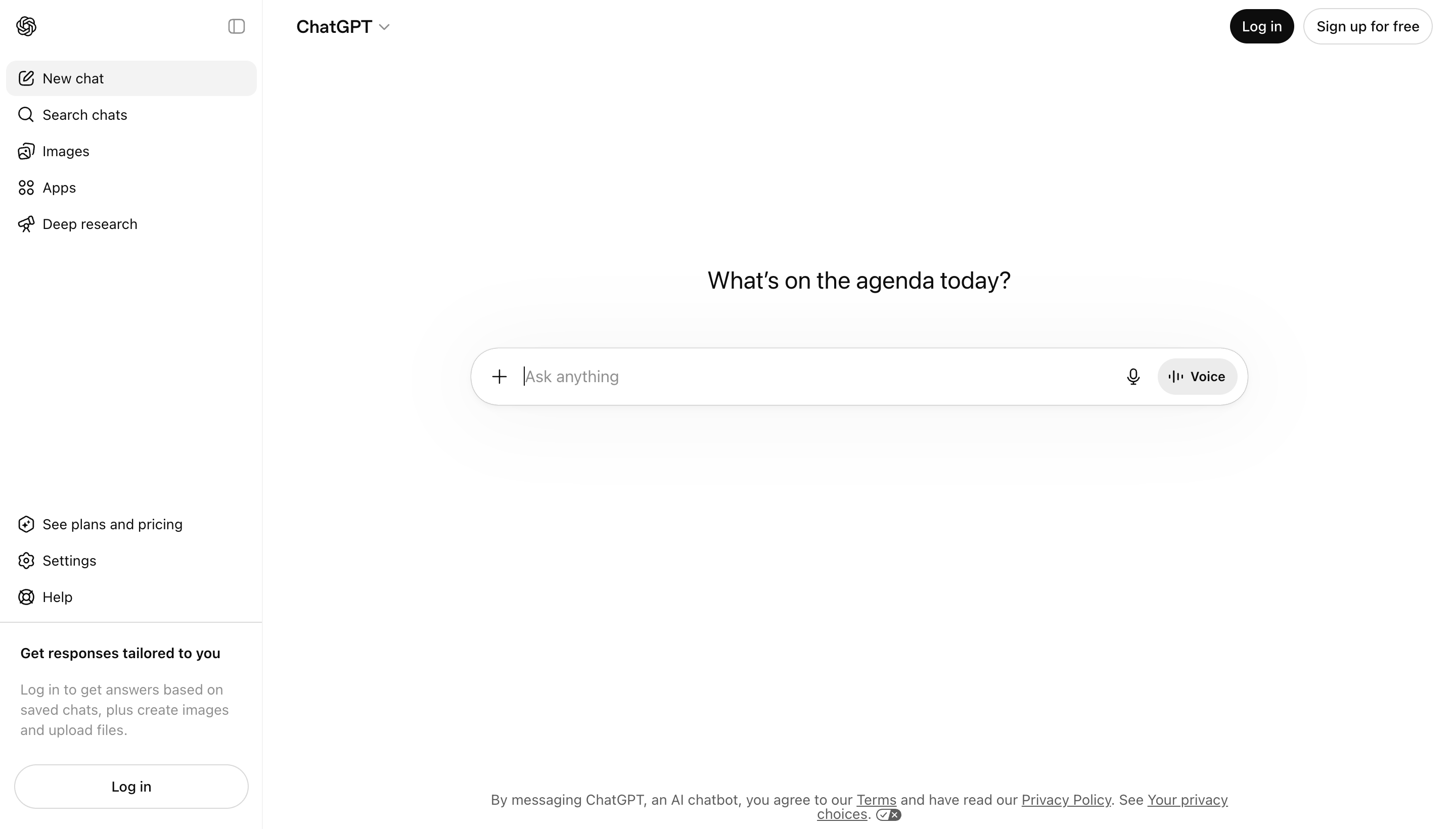
AI assistants are excellent for the first draft of positioning statements, value props, and messaging frameworks. The trick is using them as a thinking partner, not an author. Feed in customer interview quotes, competitor positioning, and your own constraints, then iterate.
Grammarly and Hemingway - best for tightening copy

Grammarly catches errors and tone drift across all your drafting surfaces. Hemingway helps you spot sentences that are too dense for landing-page copy.
Launch planning tools
Productboard - best for tying launches to roadmap
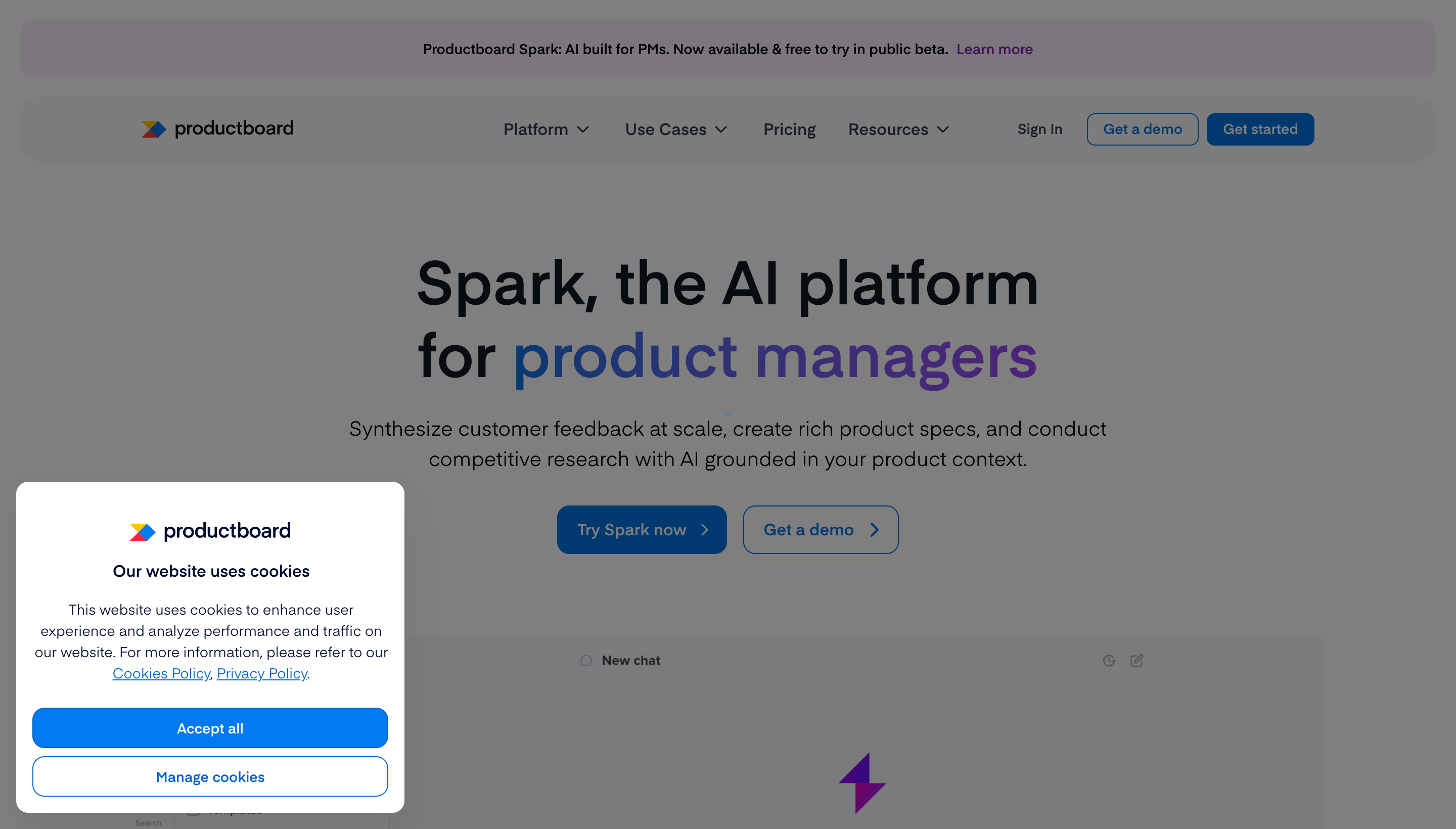
Productboard connects launch planning back to the roadmap and customer feedback that drove each feature. Useful when you’re shipping enough launches that they need a system, not just a doc.
Notion - best for lightweight launch docs
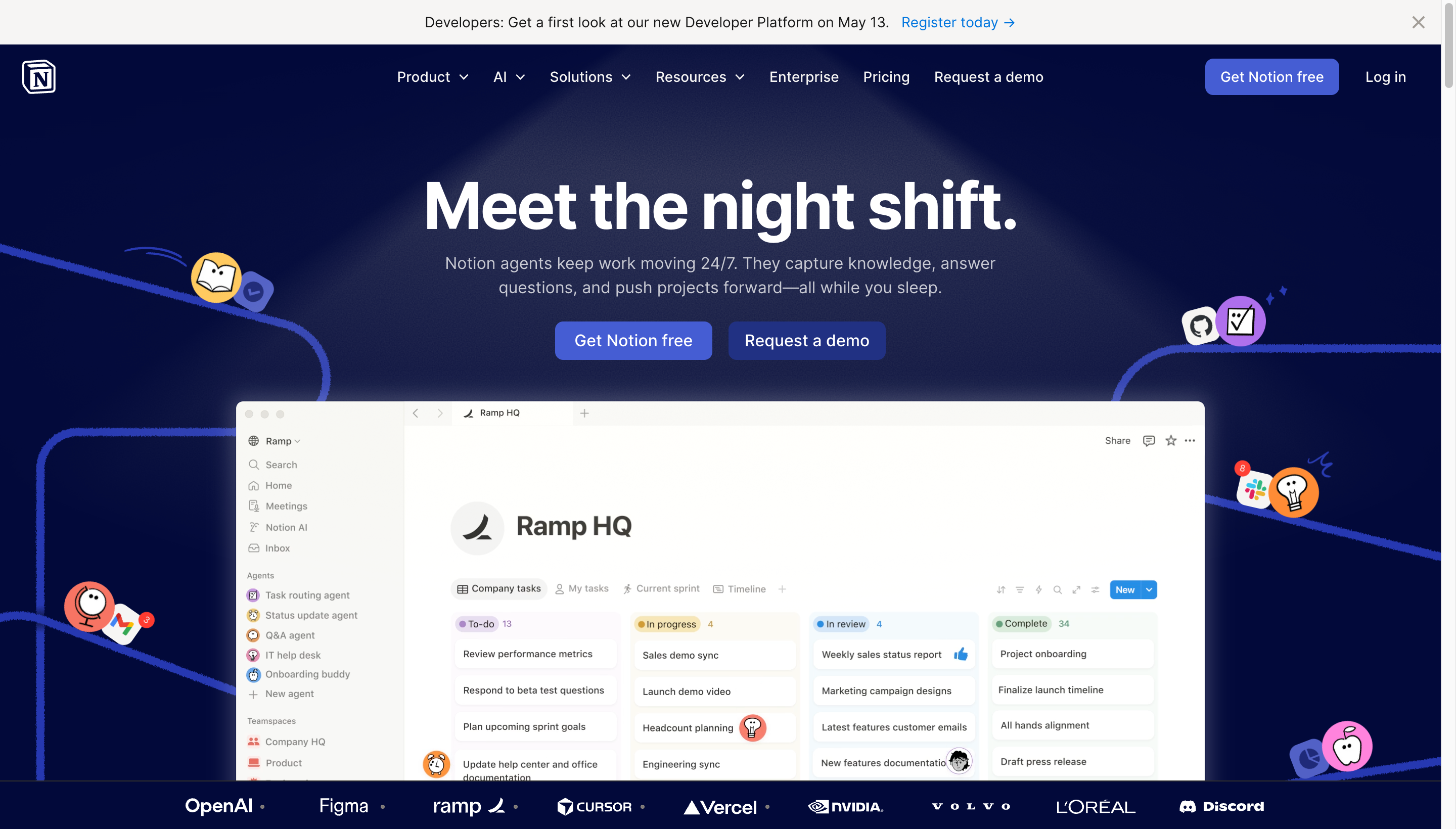
For small teams, a launch template in Notion is usually enough: launch tier, GTM owners, timeline, assets, channels, success metrics. Don’t buy a launch tool until you’ve outgrown a doc.
Asana and Airtable - best for cross-functional coordination
Most launches involve product, design, eng, sales, support, and marketing. Asana or Airtable give you a single view of who owns what across teams, which is harder to enforce in a doc.
Sales enablement tools
Highspot and Seismic - best for content management at scale
If your sales team has 50+ pieces of content (decks, one-pagers, case studies, battlecards), Highspot and Seismic make it findable and trackable. You’ll see which assets actually get used and which die in a folder.
Gamma and Pitch - best for modern sales decks
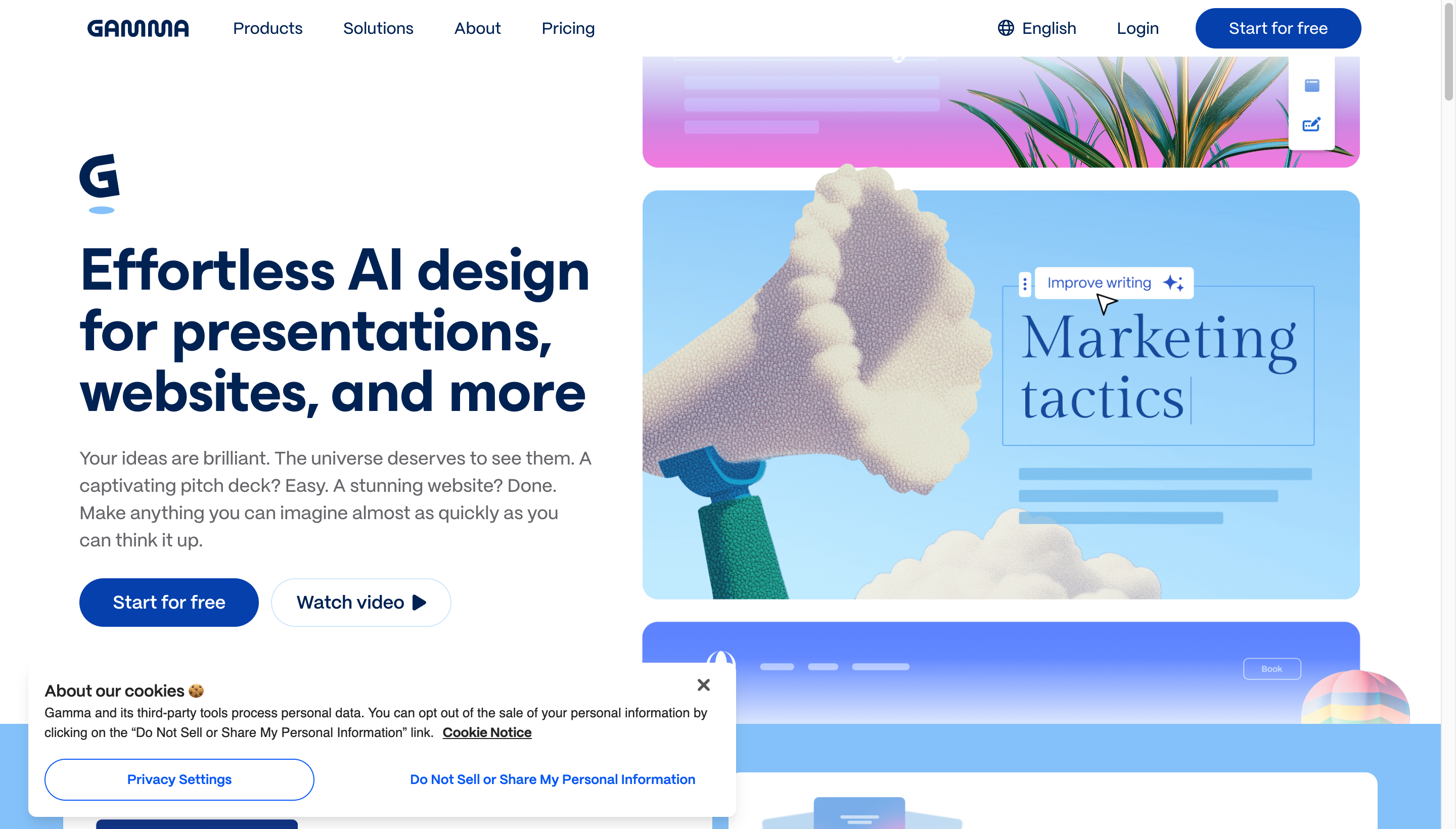
Gamma and Pitch are faster ways to build polished sales decks than wrestling with PowerPoint or Slides. Both have AI features for drafting structure from a prompt.
Influencer and creator marketing tools
Influencer and creator marketing is a real PMM workflow at consumer brands and PLG B2B companies where launches lean on creator amplification. The work itself - sourcing creators, vetting audience fit, sending personalized outreach, negotiating rates, tracking deliverables - is a slog when done by hand, which is exactly where dedicated tooling helps.
Janney AI - best for AI creator discovery and rate negotiation
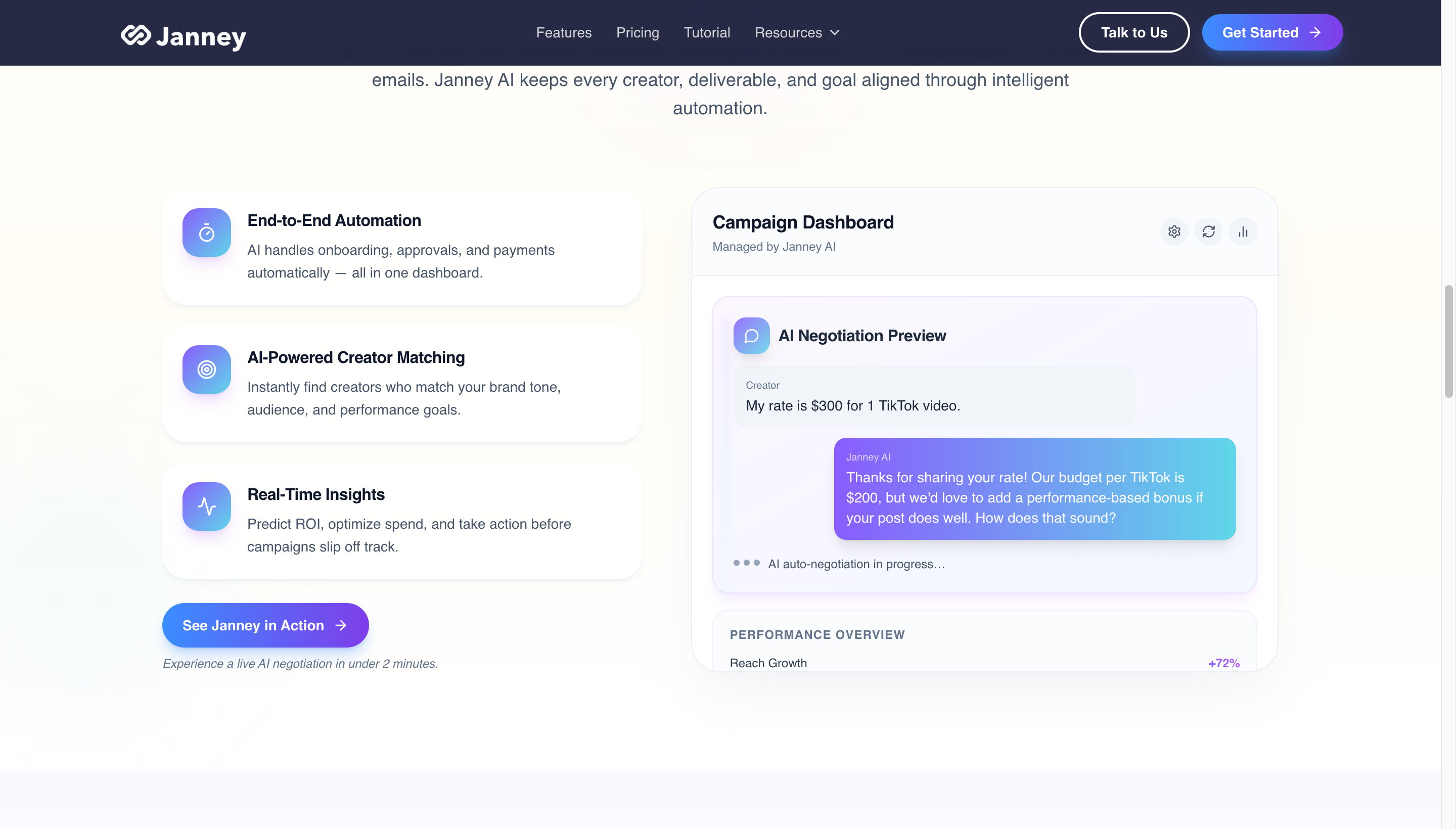
Janney AI is an AI influencer marketing platform that handles creator discovery, outreach, and rate negotiation across TikTok, Instagram, and YouTube. PMMs use it when a launch has a creator budget and the alternative is a marketer manually finding accounts and pitching them one at a time.
The core workflow:
- Creator discovery - search 180M+ creators on TikTok, Instagram, and YouTube, filtered by audience, niche, and performance signals.
- Automated outreach - personalized messages sent from your inbox so the reply chain stays where your team already works.
- AI rate negotiation - the agent counter-offers and structures performance-based bonuses, which Janney claims saves an average of 43% on creator rates.
- Campaign dashboard - onboarding, approvals, deliverables, and payments managed in one place instead of across five spreadsheets.
For PMMs at consumer or PLG B2B companies running creator-driven launches, Janney compresses work that used to require a dedicated influencer marketing hire. For pure B2B SaaS PMMs without creator budgets, it is not relevant - the tool’s value scales with how often you actually pay creators.
Bizkol - best for agency-led global creator launches
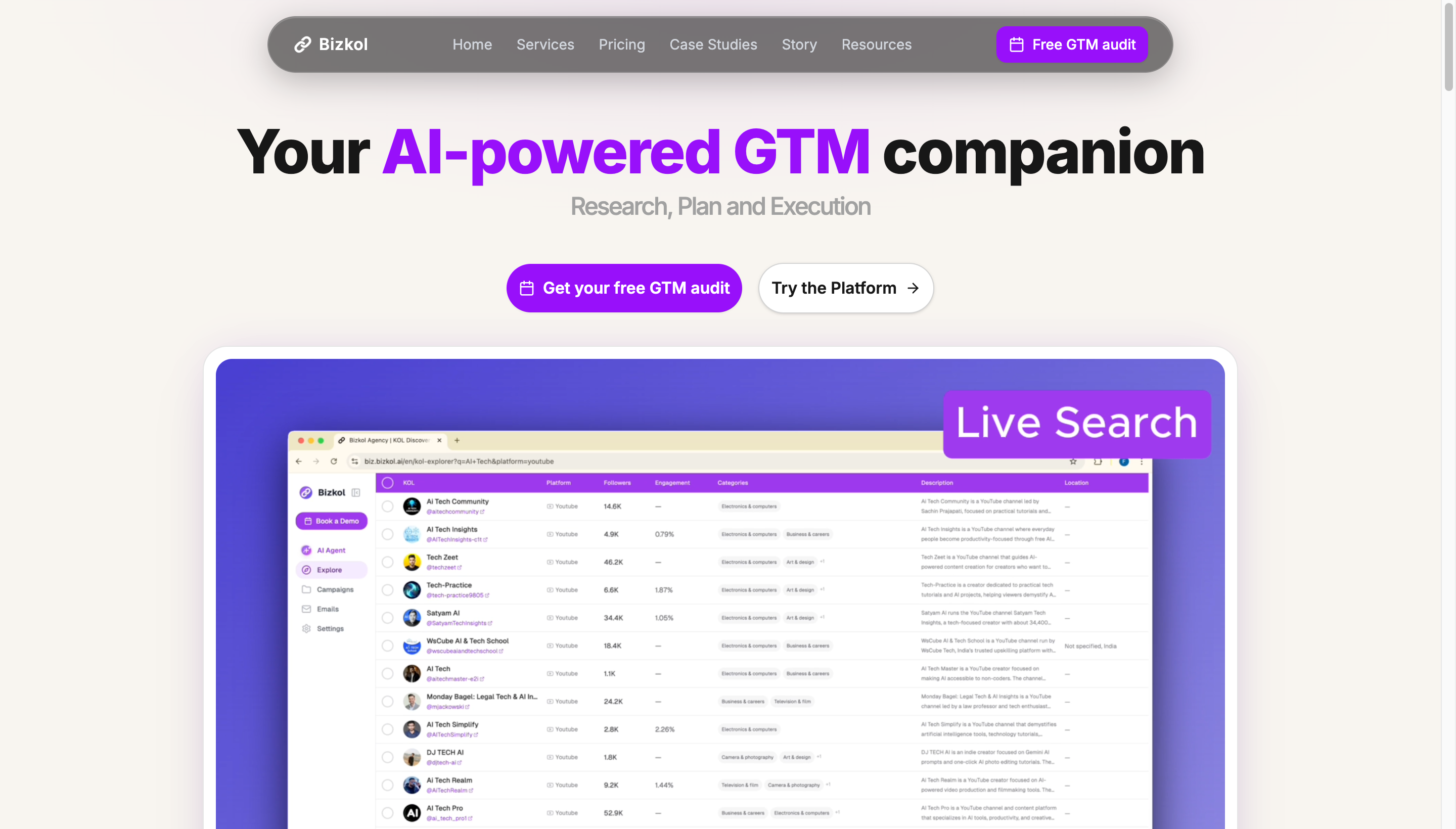
Bizkol is an AI-powered marketing agency and influencer platform aimed at brands launching into multiple countries at once. It overlaps with Janney on creator discovery and outreach, but the shape is different: Bizkol pairs self-serve software with a fully managed agency tier, and its KOL network spans five social platforms including Xiaohongshu (RED) - which matters if your launch needs to land in China and Southeast Asia, not just the US TikTok and Instagram audiences.
The pieces a PMM tends to use:
- Deep-research GTM strategy report - the agency engagement opens with a written strategy doc covering positioning, channel mix, competitor audit, voice-of-customer pulled from Instagram, TikTok, YouTube, Reddit, and Xiaohongshu, plus an AI citation audit across ChatGPT and Perplexity. PMMs hand the report to leadership; it doubles as a launch brief.
- KOL pipeline across 5 platforms - 1M+ creator network with AI matching, useful when your launch needs creators on TikTok, Instagram, YouTube, X, and Xiaohongshu in parallel rather than picking one platform.
- Self-serve platform or done-for-you - the Professional and Team tiers ($249-$459/mo) are software-only for teams running campaigns in-house; Growth and Enterprise GTM tiers layer a managed agency on top for content production, PPC, multi-language SEO, and PR.
- Multi-language launches - the Enterprise tier covers up to 9 language markets, including Asia-Pacific, which is hard to staff against in-house for most PMM teams.
Bizkol fits PMMs running global product launches, especially ones that need Asian-market creator coverage. For US-only B2B SaaS launches without a creator budget, a self-serve tool like Janney is usually a cleaner fit.
Analytics and measurement tools
Amplitude and Mixpanel - best for feature adoption
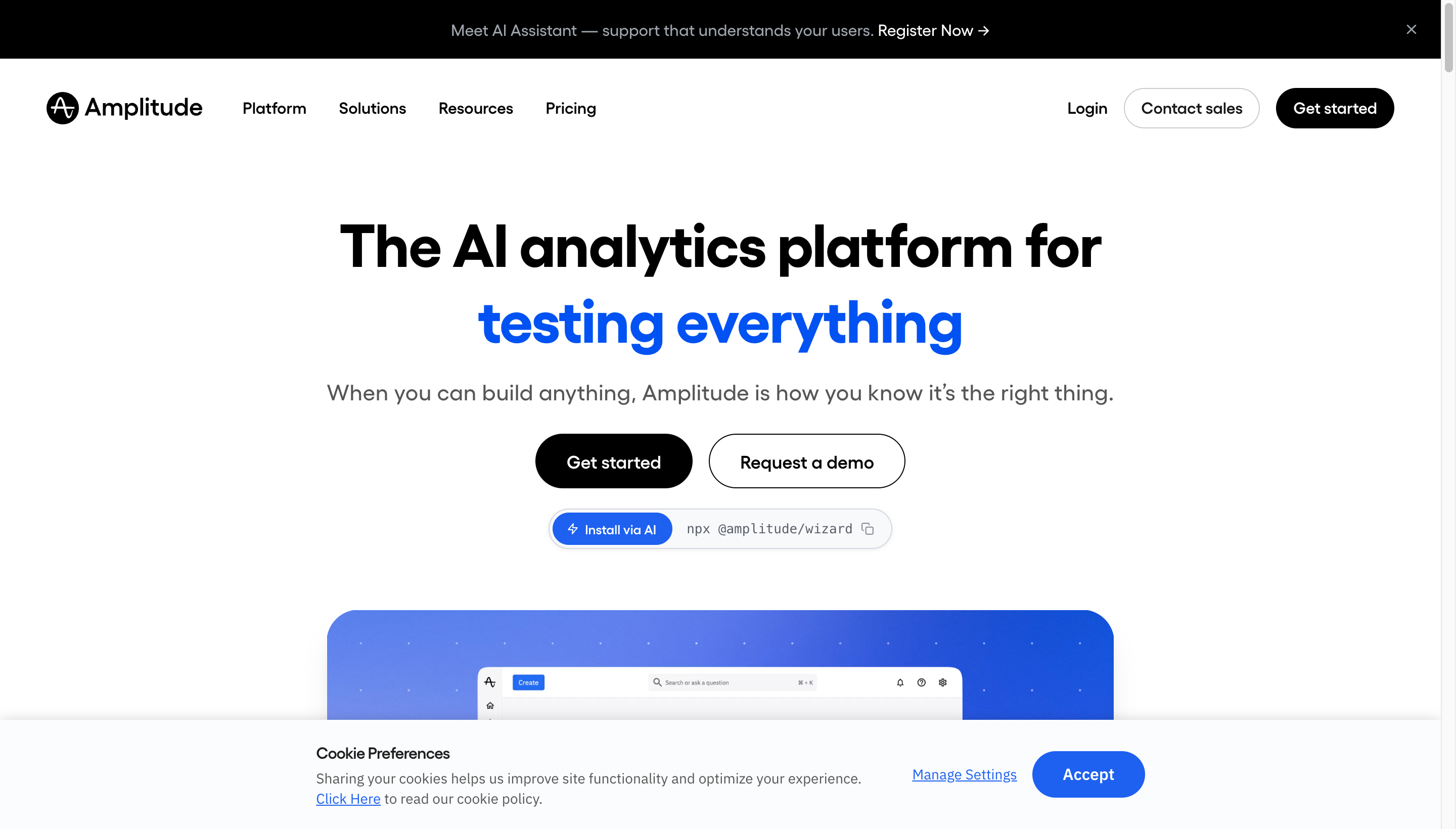
Most PMMs need to answer “did the launch work?” Amplitude and Mixpanel give you funnels, cohort analysis, and feature adoption metrics. Pick one based on which your data team already supports.
June - best for B2B SaaS account-level analytics
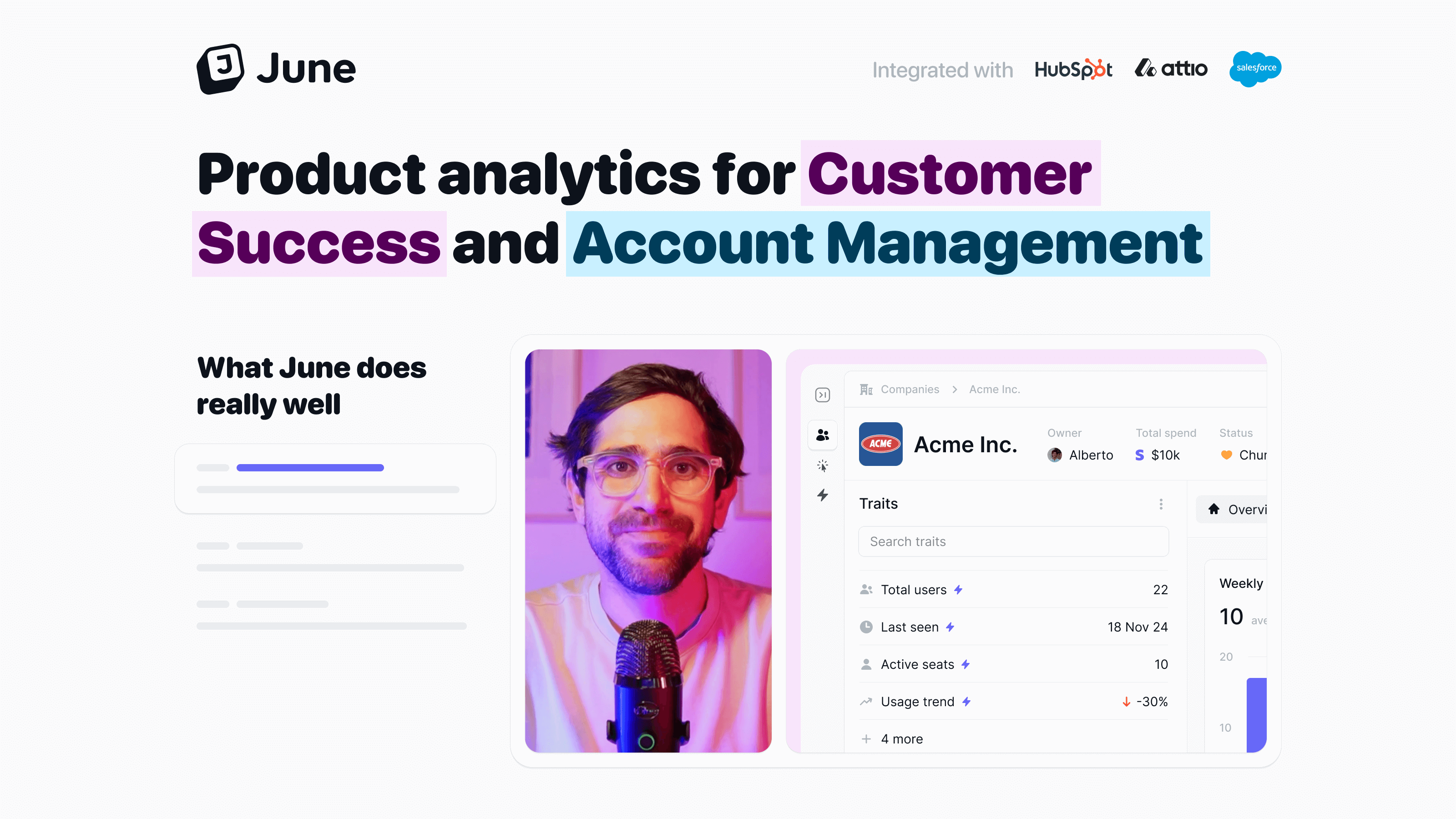
June rolls up product usage to the account level, which matches how B2B PMMs actually think about adoption. Good for launches where you care about which logos engaged.
Maxma - best for paid-channel measurement and incrementality testing
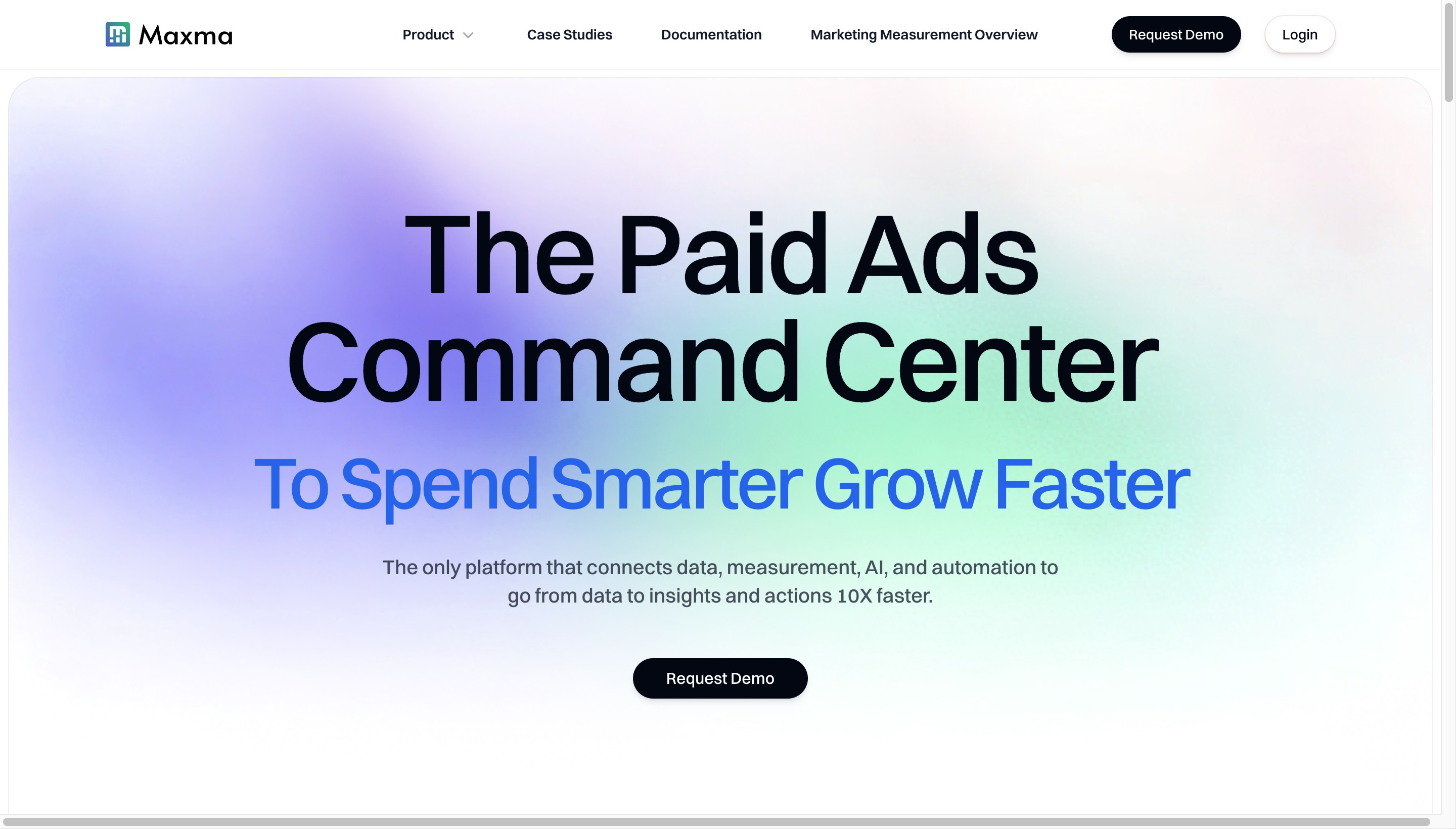
Maxma is a marketing measurement platform built for teams running real paid budgets across Meta, Google, TikTok, LinkedIn, and other channels. Product analytics tools like Amplitude and June answer “did people use the feature?” Maxma answers a different question PMMs often inherit from growth and finance: “did the campaign actually drive that lift, or would those conversions have happened anyway?”
The core workflows:
- Incrementality testing - always-on causal experiments that separate ads which drove new conversions from ads which took credit for organic ones. This is the gap that platform-reported ROAS and last-click attribution both hide.
- Marketing mix modeling - cross-channel performance measurement that triangulates platform data, GA4, and first-party business data into a single attribution view rather than trusting any one source.
- AI analytics agent - continuously sifts through campaign data and surfaces specific recommendations (creative fatigue alerts, channels showing higher-than-reported incrementality, budget reallocation suggestions) instead of waiting for a human to ask the right query.
- Budget automation - applies recommended spend shifts across channels with an approval step before execution.
Maxma fits PMMs at companies where paid acquisition is a material line item and the team is past the point where platform-reported ROAS is good enough. Customers like NinjaOne and Outschool use it to scale into multi-channel paid mixes without losing the read on which channels are actually adding incremental conversions. For pre-paid-ads or early-stage PMMs, the product analytics tools above cover the “did the launch work?” question well enough on their own.
Reviews and social proof
G2 and TrustRadius - best for buyer-intent signals
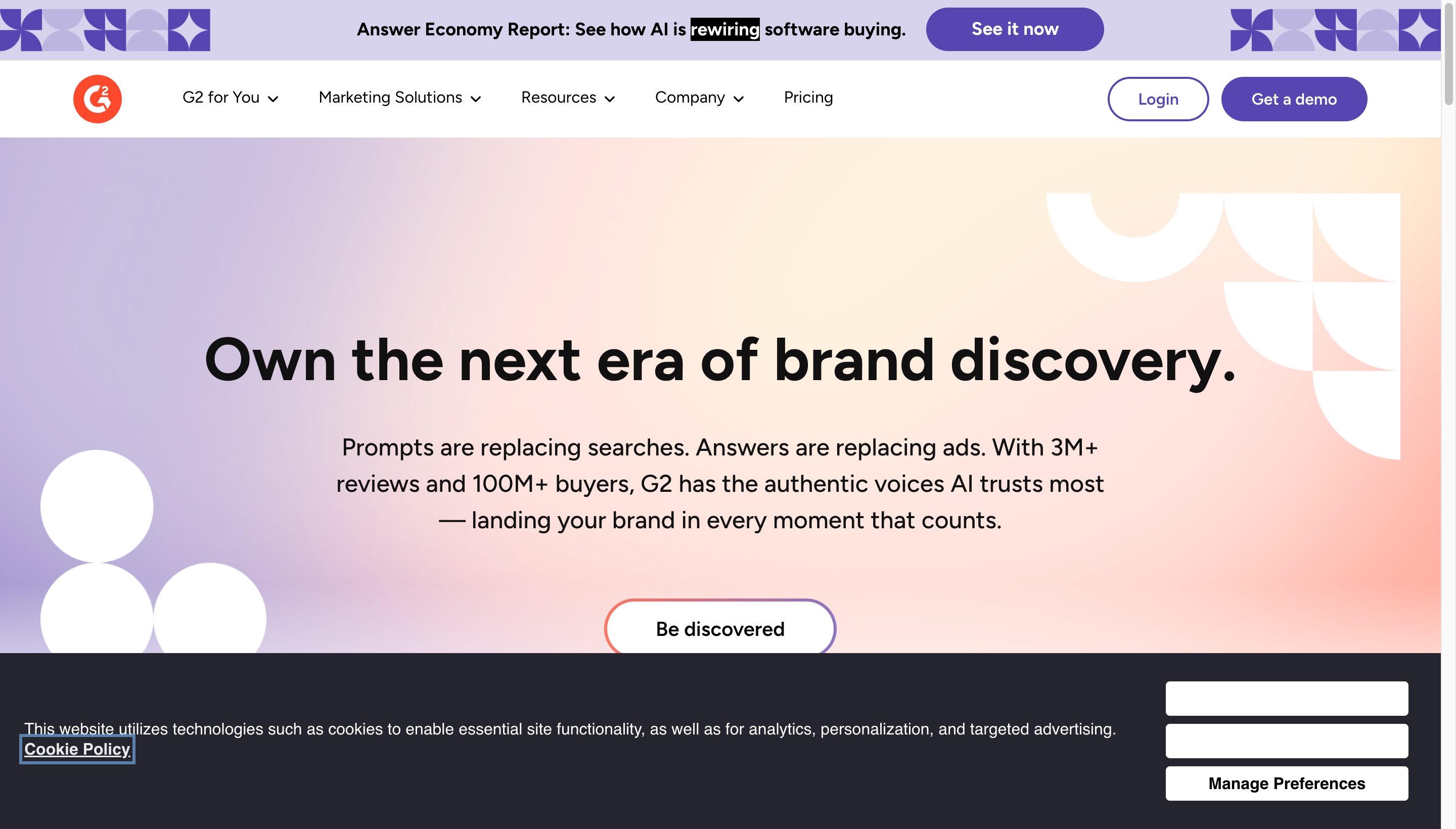
G2 isn’t just a review site - it’s a buyer-intent platform. PMMs use it to identify accounts comparing you to competitors and feed those signals to sales. The peer review content is also reusable in messaging and case studies.
Tools to skip (or delay)
A few categories that PMMs feel pressure to invest in but often don’t need early:
- Dedicated competitive intel platforms - if you have 1-2 competitors, a Notion page is enough.
- Heavy launch management tools - a Notion template covers most teams under 50 people.
- AI avatar video tools - the uncanny effect undermines polish for most product marketing use cases. A clean screen recording with AI voiceover lands better.
- All-in-one PMM platforms - the category is still immature. Pointed tools usually win.
How to build your product marketing stack
A reasonable starter stack for a solo PMM at a Series A-B SaaS company:
- Demo videos: Tight Studio (Mac) or Loom
- Interactive demos: Arcade
- Customer research: sample Gong calls weekly + occasional Makeform surveys
- Competitive intel: a Notion page, manually updated
- Launches: a Notion launch template
- Positioning: ChatGPT or Claude + Grammarly
- Analytics: whatever your data team uses (Amplitude, Mixpanel, or June)
- Reviews: G2 free profile
You can always layer on Klue, Highspot, or Productboard once you’ve validated which workflows are actually breaking under volume.
Frequently asked questions
What tools do product marketing managers use?
Product marketing managers typically use 10-20 tools across eight categories: customer research (Gong, Sprig, Makeform), competitive intelligence (Klue, Crayon), positioning (ChatGPT, Grammarly), demo videos (Tight Studio, Loom, Arcade), launch planning (Notion, Productboard), sales enablement (Highspot, Gamma), influencer and creator marketing (Janney AI, Bizkol) for consumer or PLG launches and global rollouts, and analytics (Amplitude, Mixpanel, Maxma for paid-channel measurement, G2 for buyer intent). Most PMMs build a focused stack rather than relying on a single platform.
What is the best tool for creating product demo videos?
For polished, narrated product walkthroughs - the kind that go on landing pages, sales decks, and launch posts - Tight Studio is built for the job, with smart zoom, AI voiceover, cursor effects, and multi-take recording. For quick async video messages, Loom is the standard. For interactive “try it yourself” demos, Arcade and Storylane are the leading options. Most PMMs use a combination depending on where the demo lands.
Do product marketing managers need a competitive intelligence tool?
Not always. If you have 1-2 active competitors, a manually updated Notion page works fine. Dedicated tools like Klue and Crayon become worth their cost when you have 5+ competitors, a sales team that consumes battlecards regularly, and enough win/loss volume to track patterns.
What is the best free tool for product marketing managers?
The most useful free tools are Notion (launch docs, competitive tracking), ChatGPT or Claude (drafting positioning and copy), Makeform (AI-generated surveys, no signup required), Loom (free tier for async videos), and a G2 free profile (review collection). Tight Studio also offers a free tier for basic screen recordings.
How many tools should a product marketing manager use?
Most effective PMMs use somewhere between 8 and 15 tools regularly. Fewer than that and you’re probably doing things in spreadsheets that should be automated. Many more than that and you’re spending your time switching apps instead of doing the work. The right number depends on company stage, team size, and how many concurrent launches you’re running.
What is the difference between product marketing tools and product management tools?
Product management tools (Productboard, Linear, Jira, Aha!) are built around the roadmap and feature delivery. Product marketing tools focus on how features get positioned, launched, and sold - covering messaging, demos, enablement, and measurement. There is overlap (Productboard is used by both), but PMM tools generally live closer to GTM execution than product planning.