
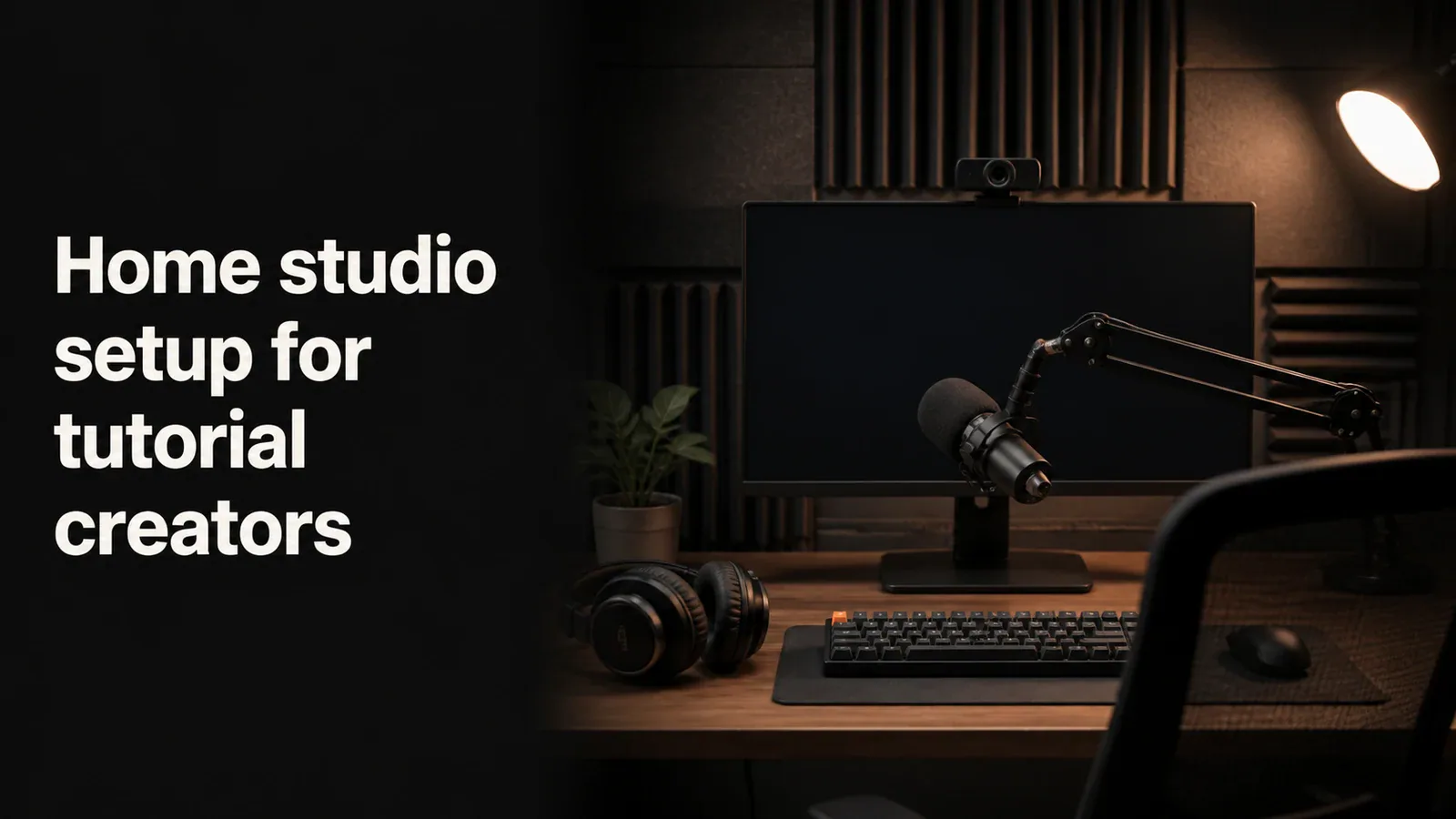
Home studio setup for tutorial creators
A practical home studio setup guide for tutorial creators - mic, webcam, lighting, screen recorder, and space tips across three budget tiers.
Blog category
Practical guidance for recording, editing, audio, captions, and creator setups.
5 articles
A practical home studio setup guide for tutorial creators - mic, webcam, lighting, screen recorder, and space tips across three budget tiers.
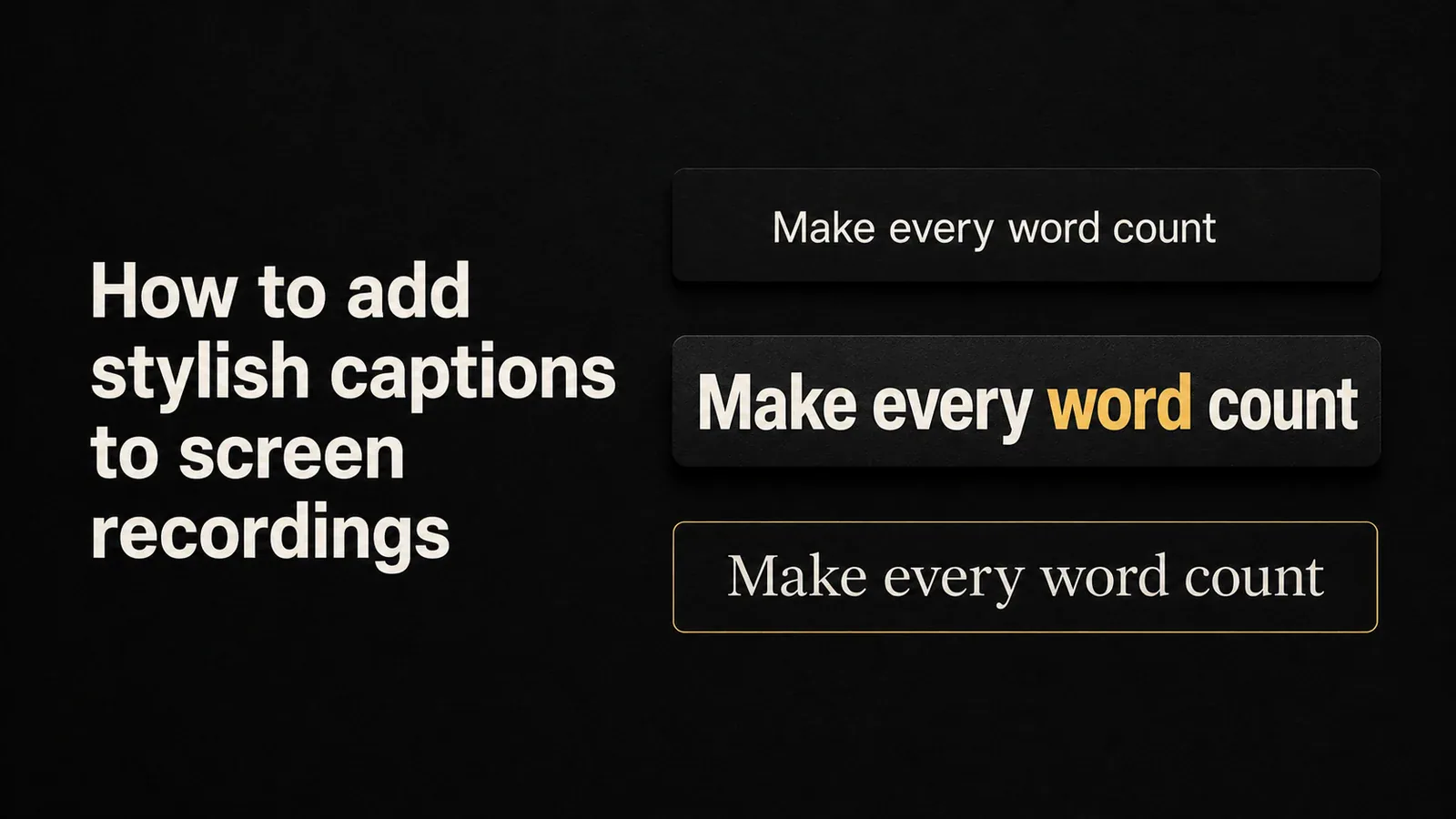
Add stylish, animated captions to screen recordings. Compare free SRT exports, generic video editors, and screen-recording tools with built-in caption presets.
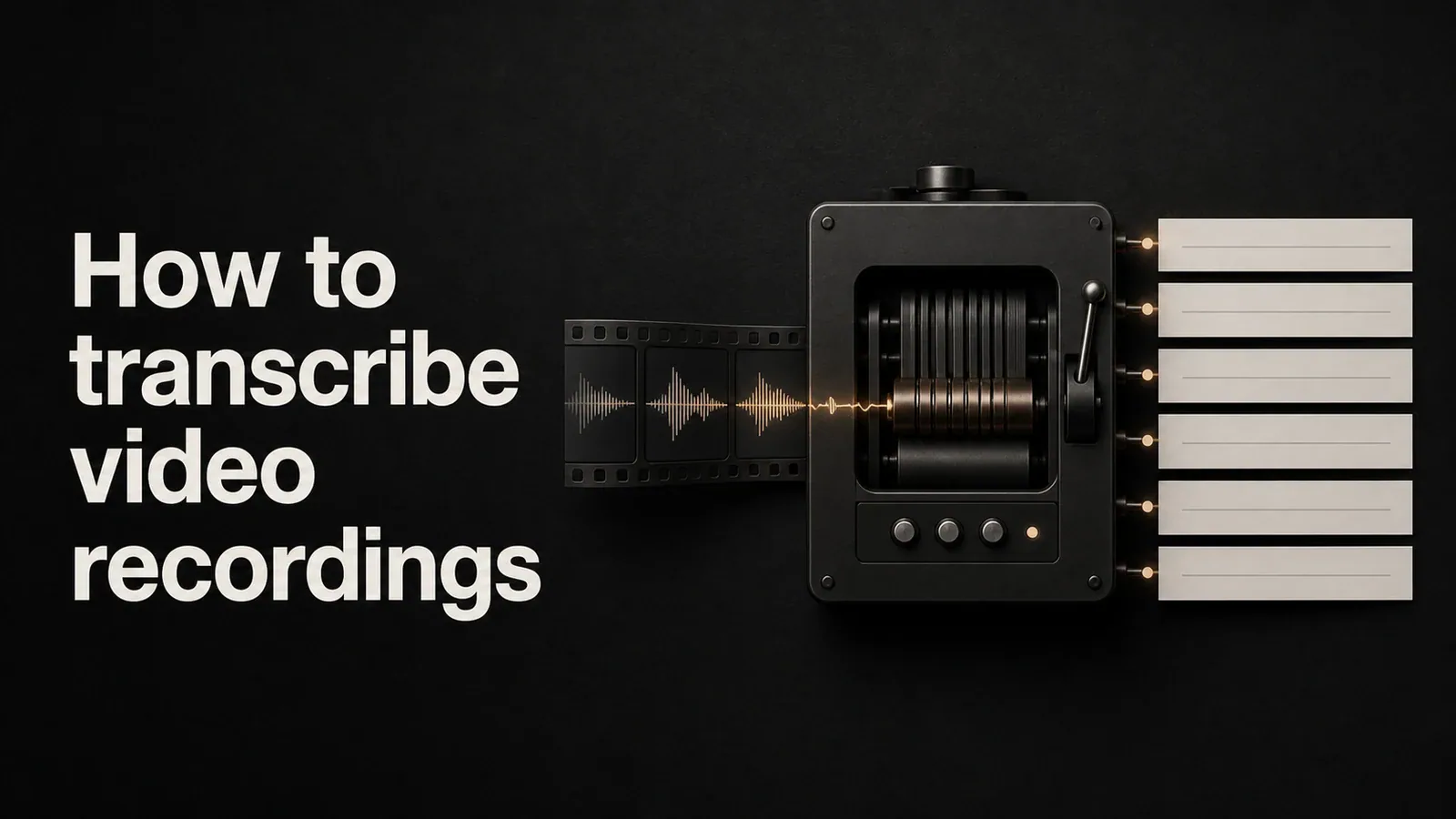
Learn how to transcribe screen recordings and video files into accurate text. Compare free methods, AI transcription tools, and built-in options for captions and searchable transcripts.
Learn how to change cursor size, color, and style on Mac using built-in macOS settings, plus how to add animated cursor effects to screen recordings.
Learn how to add AI voiceover to screen recordings using text-to-speech tools. Step-by-step methods for narrating tutorials, demos, and walkthroughs without recording your voice.