
Everything you need to turn a screen recording into a polished video
Tight Studio is a macOS app that records your screen and edits the result in one place - smart zooms, smooth cursors, AI narration, mobile capture, a teleprompter, secure sharing, and team projects. Pick a feature below to see how it works.
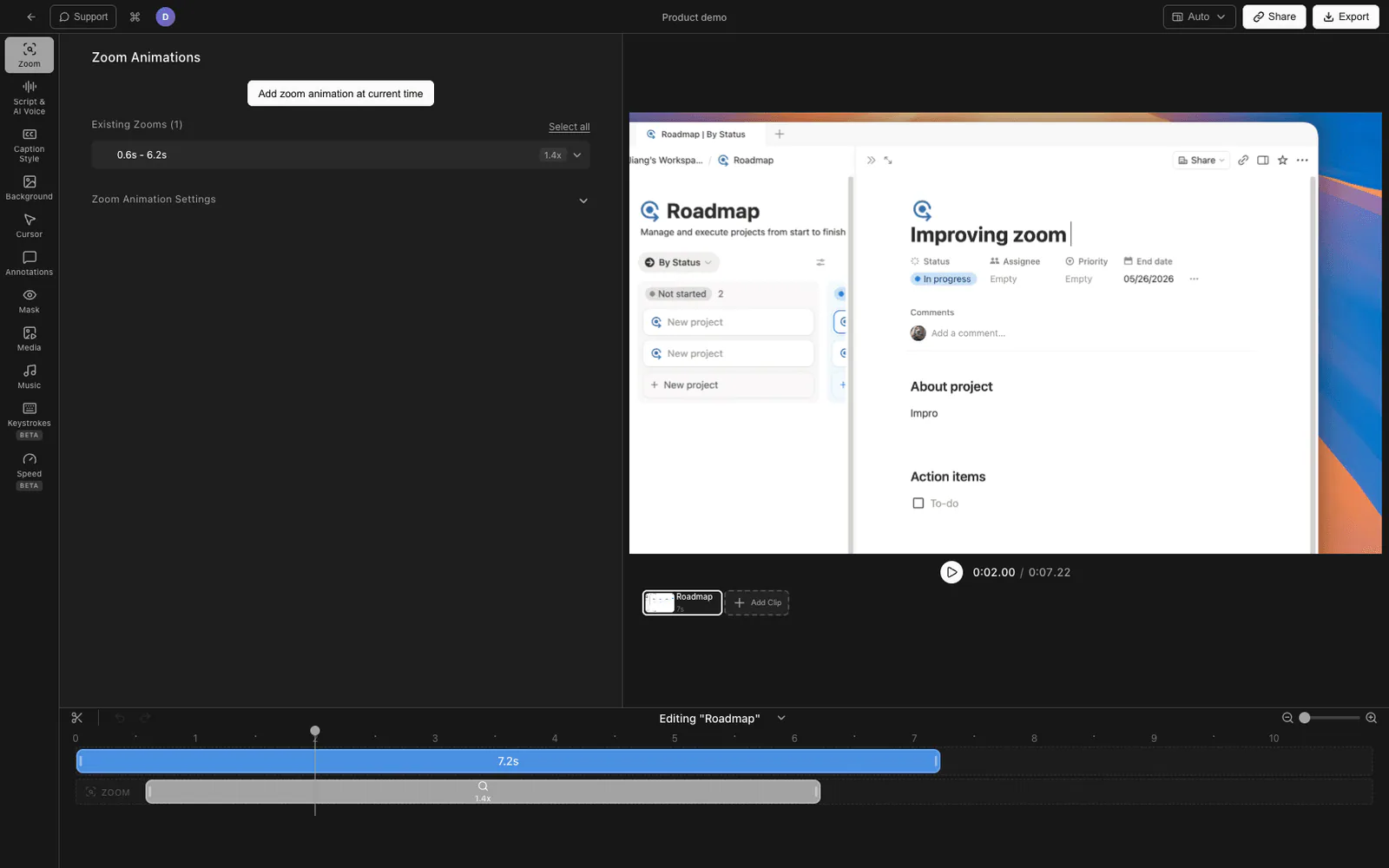
Smart Auto-Zoom Screen Recording
Tight Studio detects your clicks and keystrokes and zooms in automatically - smooth, professional zooms with zero keyframing.
Explore feature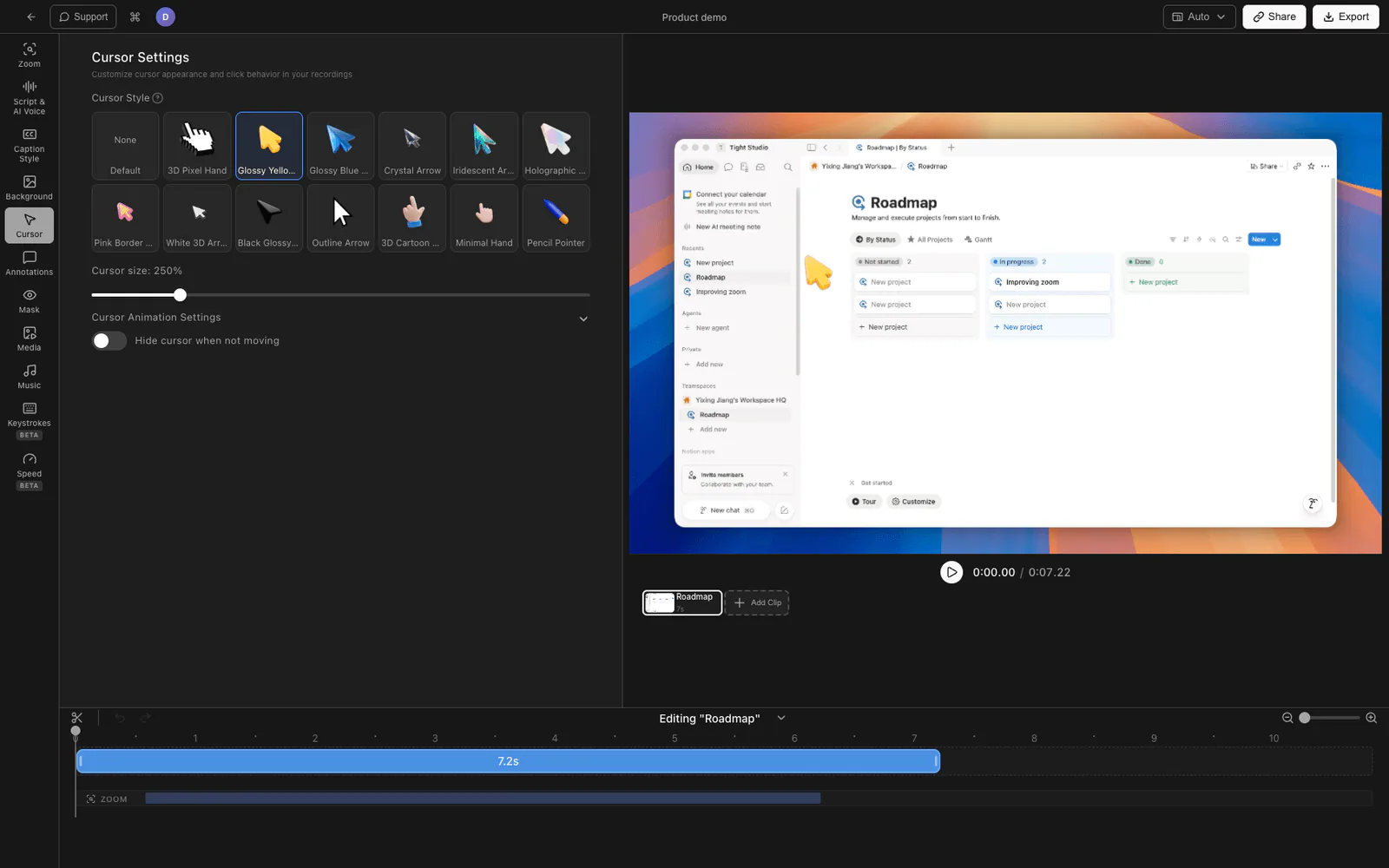
Smooth Cursor Animation
Easing and trail smoothing strip the jitter out of your cursor. Swap in a branded cursor icon or scale it up for 4K screens.
Explore feature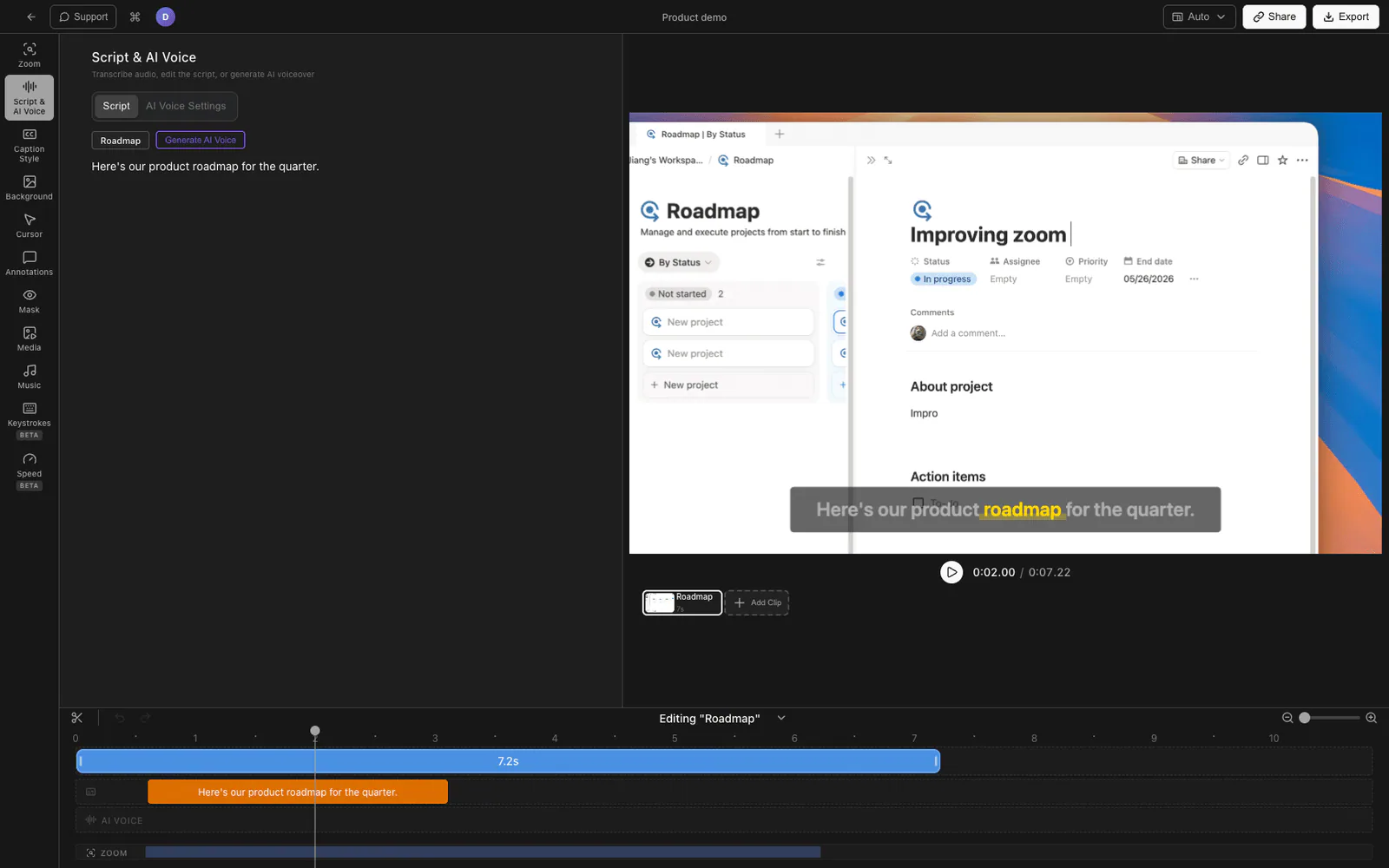
AI Voiceover
Narrate with natural AI voices, or clone your own voice from a 20-second sample - then re-record by editing the script.
Explore feature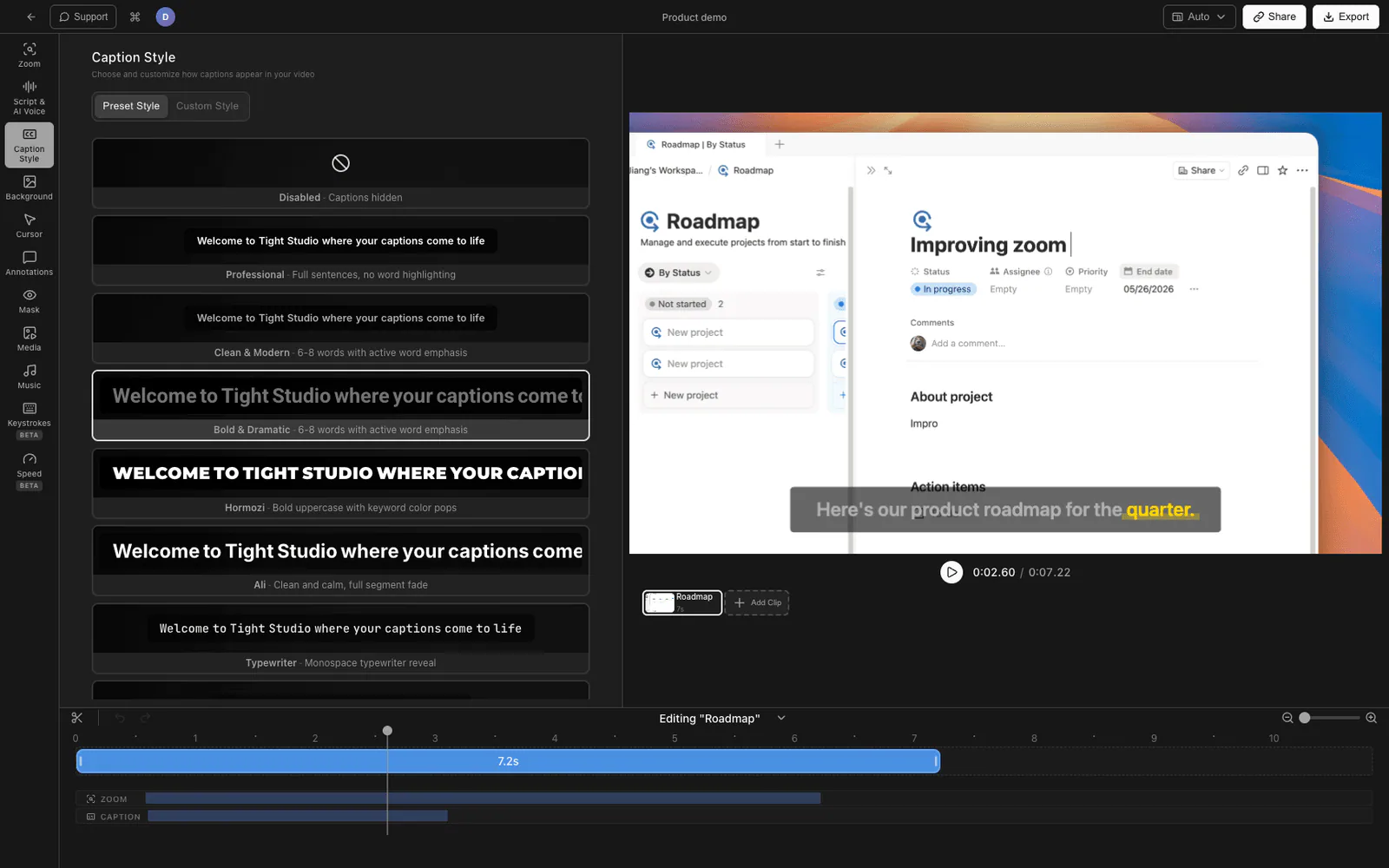
Styled Captions
Pre-designed caption styles you can drop in with one click, then customize fonts, colors, motion, and positioning.
Explore feature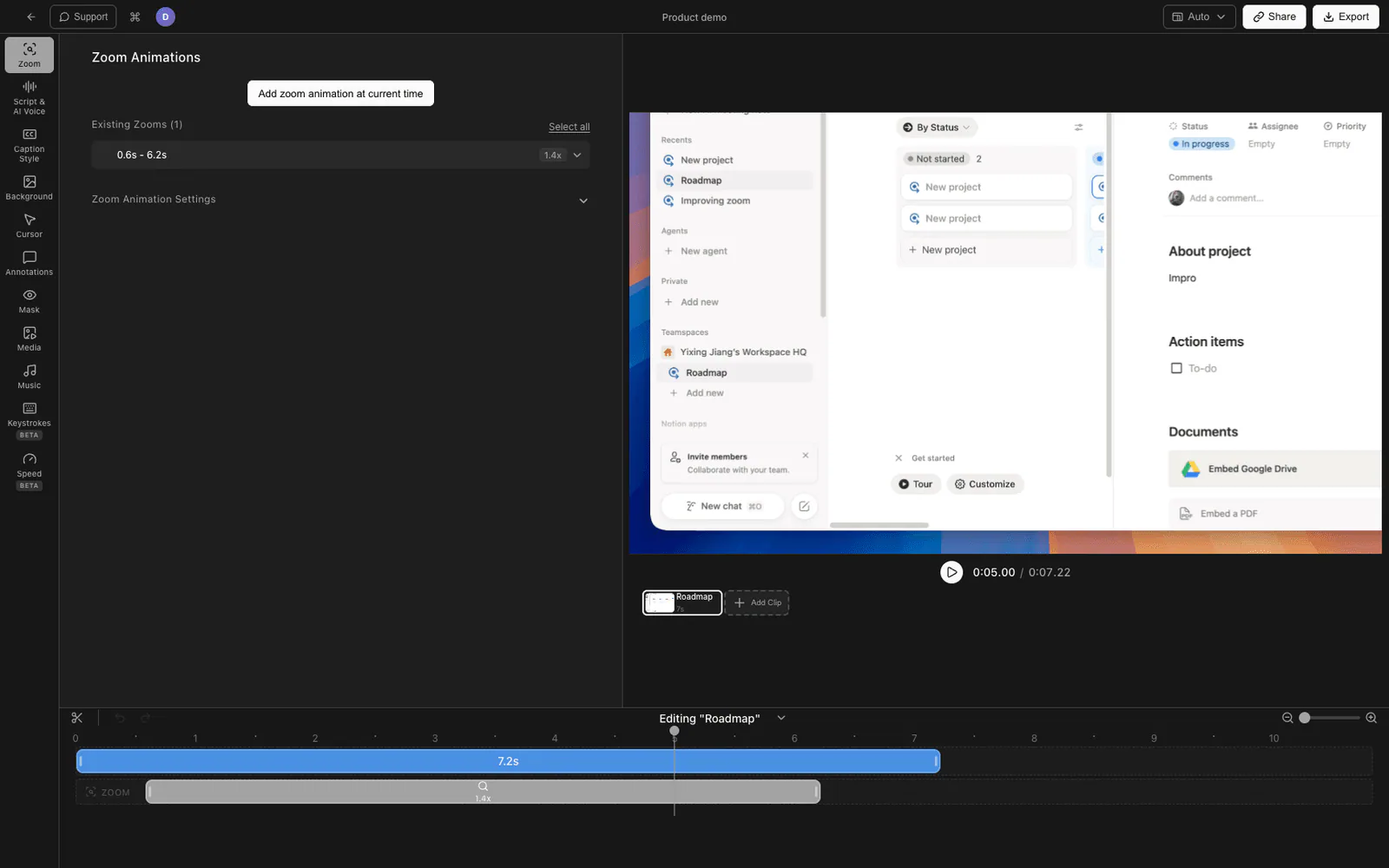
Multi-Clip Recording
Record several takes back-to-back, then trim and arrange them in a single project. Forget the perfect take.
Explore feature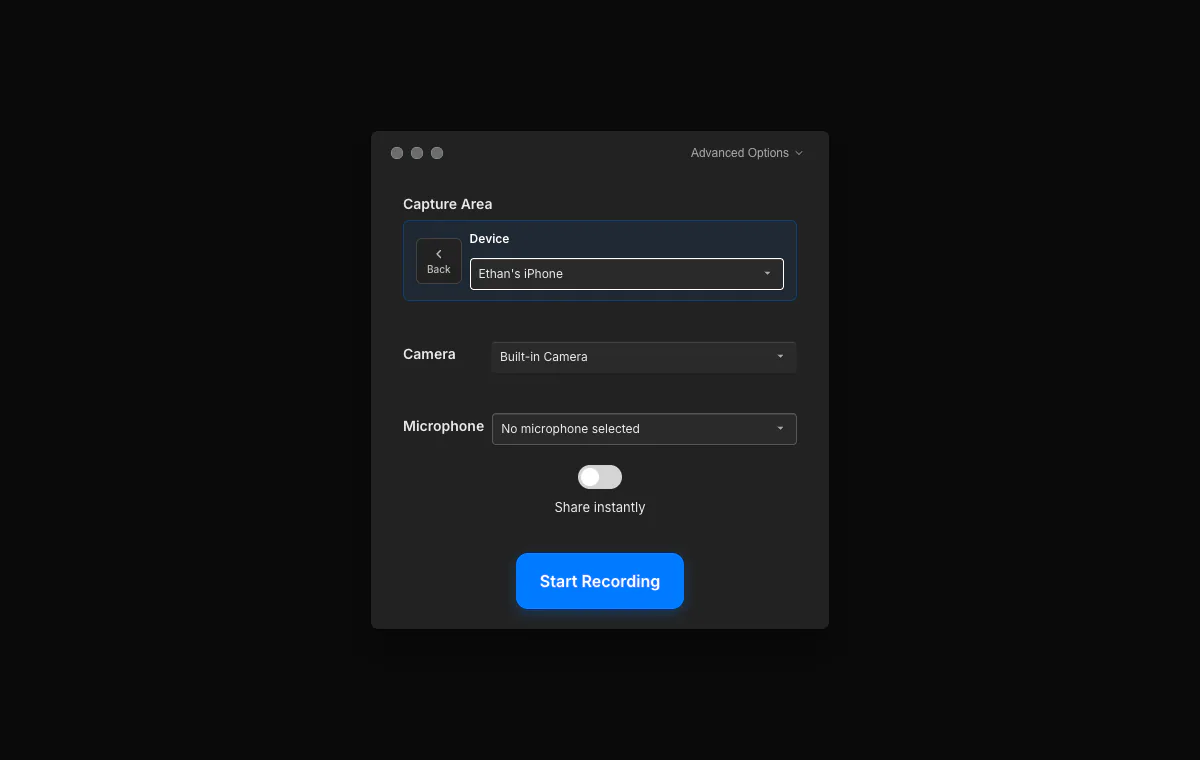
iPhone and iPad Recording
Connect an iPhone or iPad over USB, capture its screen, and combine mobile and Mac recordings in the same project.
Explore feature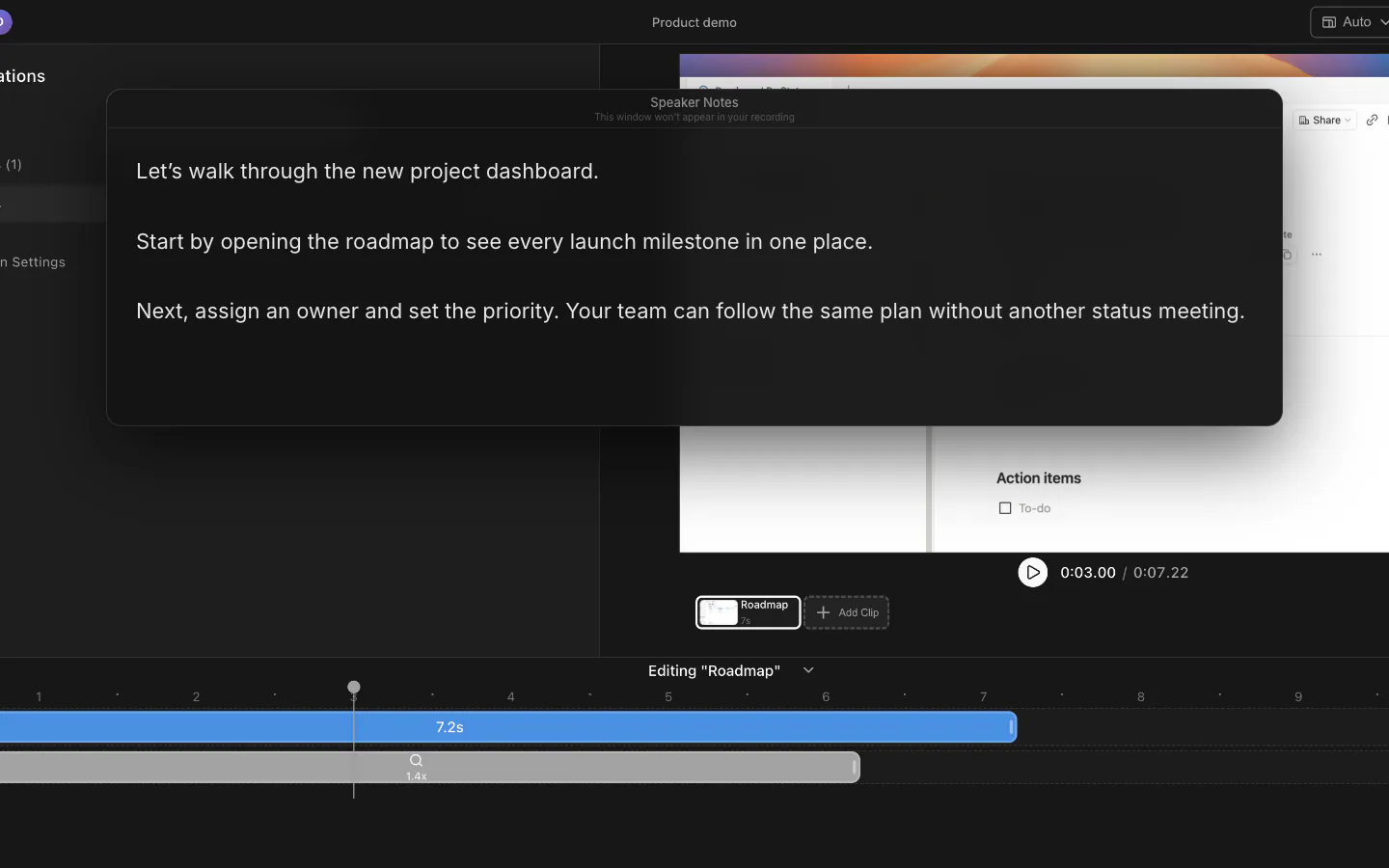
On-Screen Teleprompter
Keep a resizable script over your screen while you record. You see the notes; your viewers never do.
Explore feature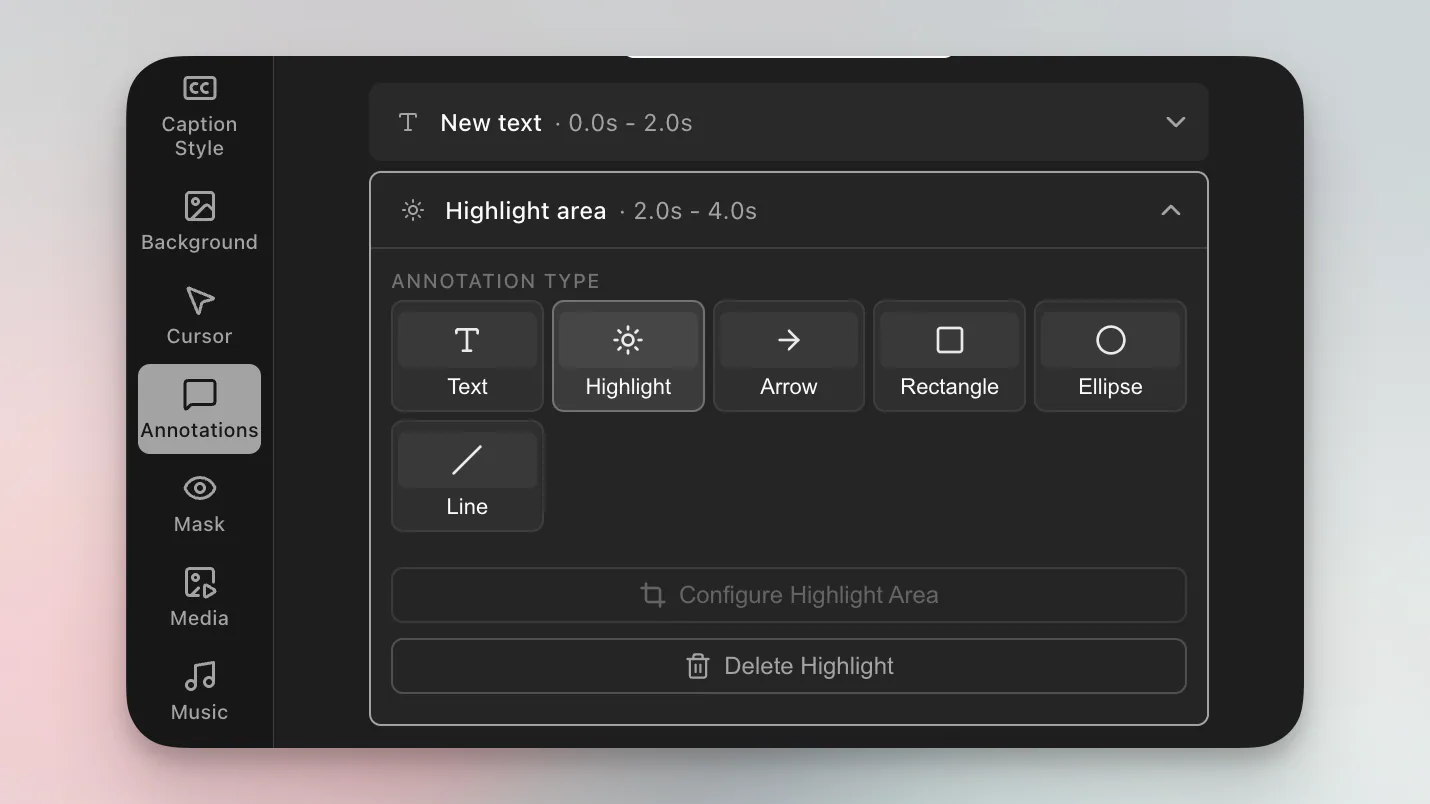
Text Overlays and Background Music
Animated text, annotations, and a curated music library - or drop in your own track to set the tone.
Explore feature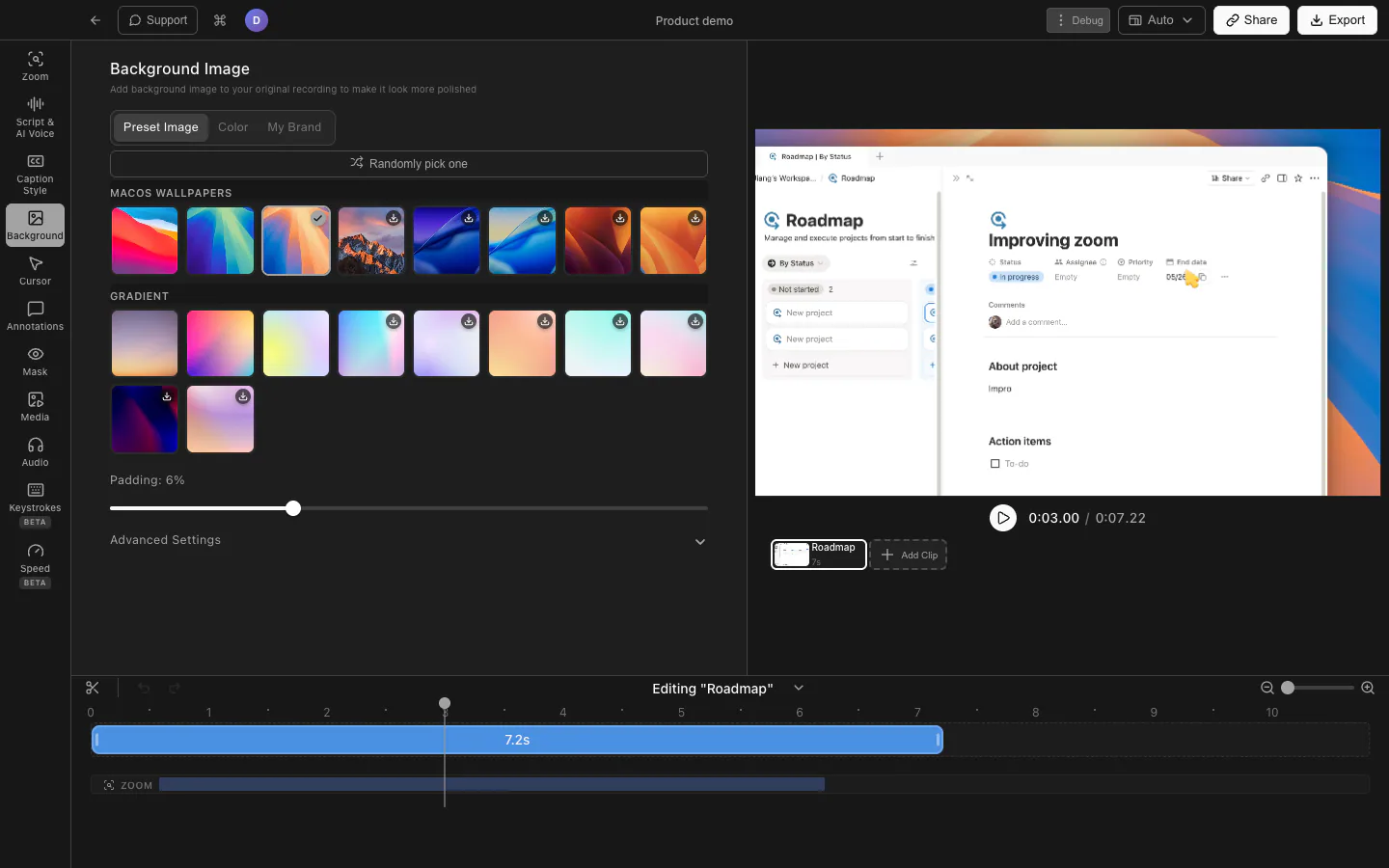
Custom Backgrounds
Frame your recording with macOS wallpapers, gradients, brand images, or an exact background color.
Explore feature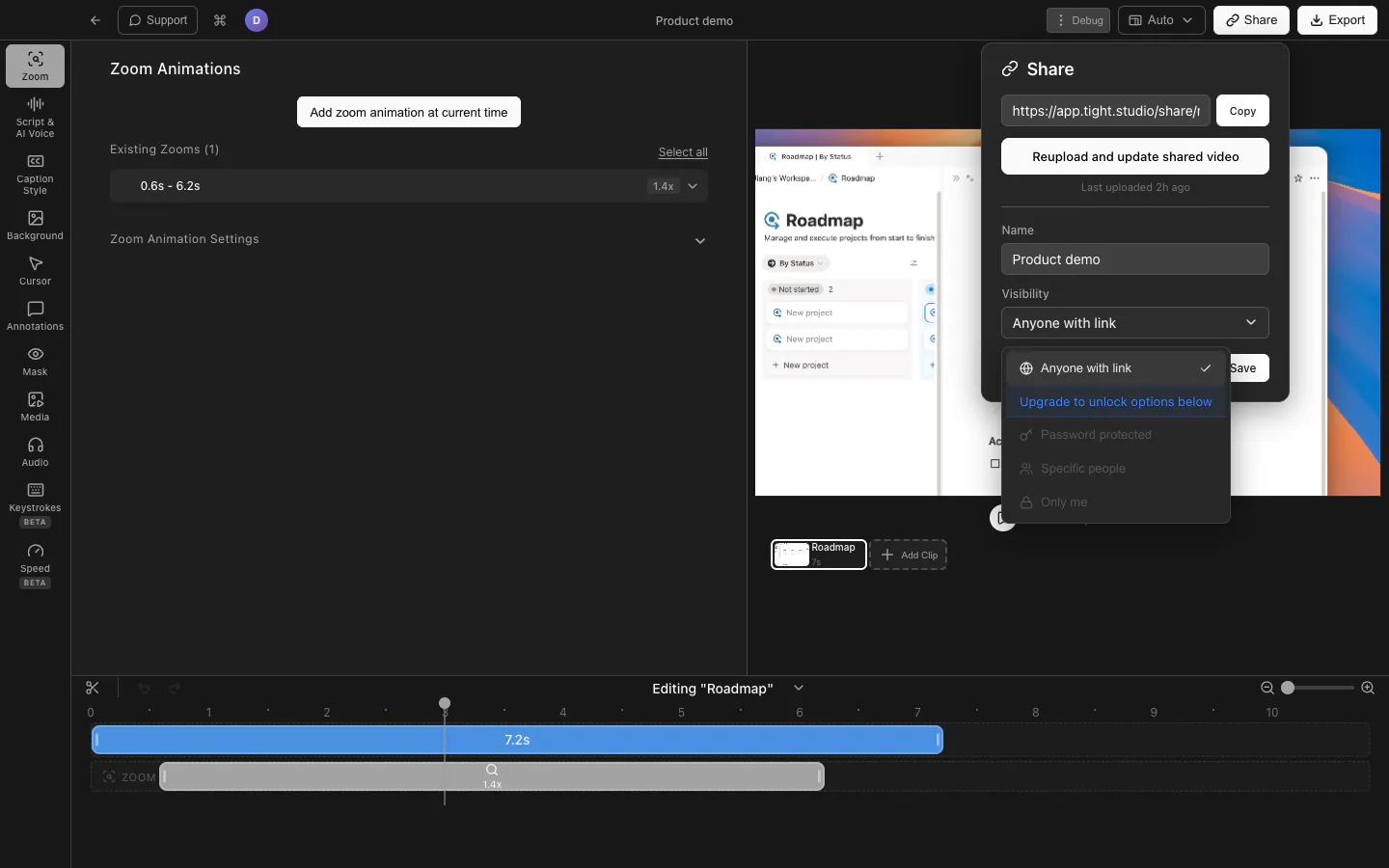
Secure Video Share Links
Send a browser-ready video and control access with a link, password, email restrictions, or private visibility.
Explore feature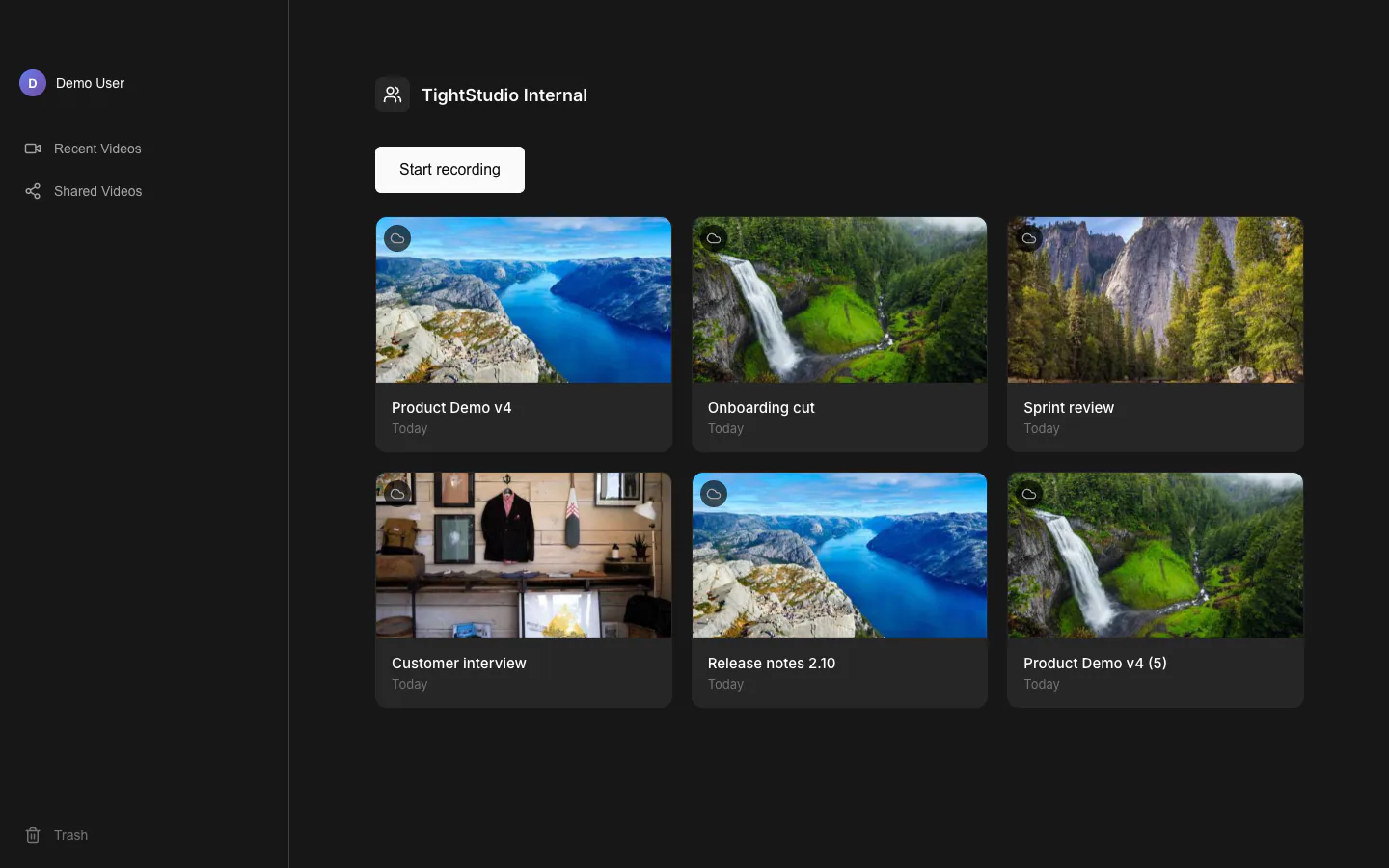
Team Workspace
Keep shared video projects in one workspace and hand edits between teammates without passing project files around.
Explore featureTry every feature free
Download Tight Studio and go from recording to polished video in minutes.
Download freemacOS Apple Silicon - Free to start, no credit card required