
Record in parts, not one perfect take
Tight Studio records several takes inside one Mac screen-recording project. Flubbed a sentence? Choose Add Clip, record the next section, and keep every take you already finished.
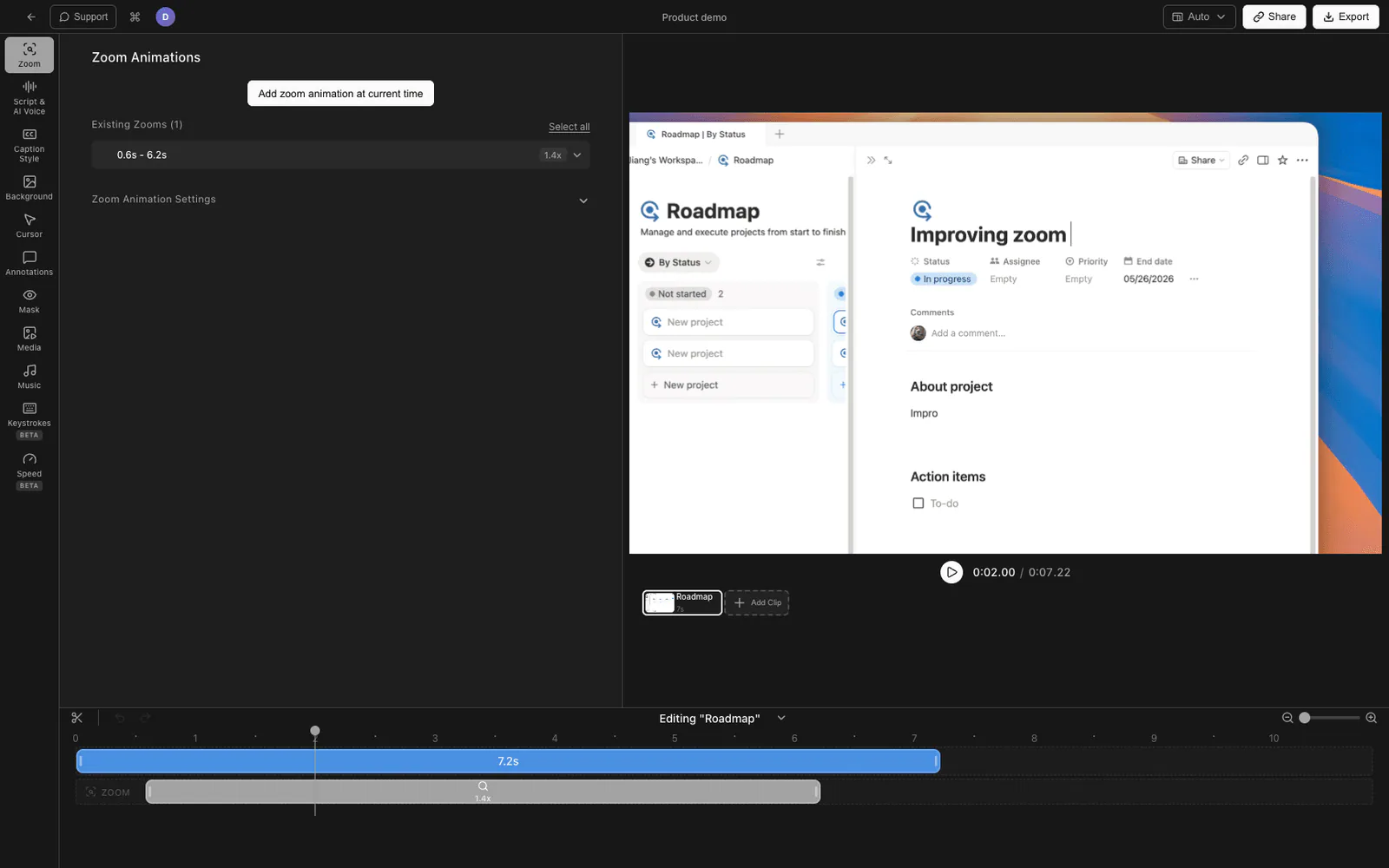
Tight Studio records separate takes inside one Mac project, keeps every clip editable, and exports the complete sequence as one video.
Tight Studio records several takes inside one Mac screen-recording project. Flubbed a sentence? Choose Add Clip, record the next section, and keep every take you already finished.
Every recording appears as a card in the clip carousel. Select a card to edit its take, drag the cards to change their order, then export the entire sequence as one polished video.
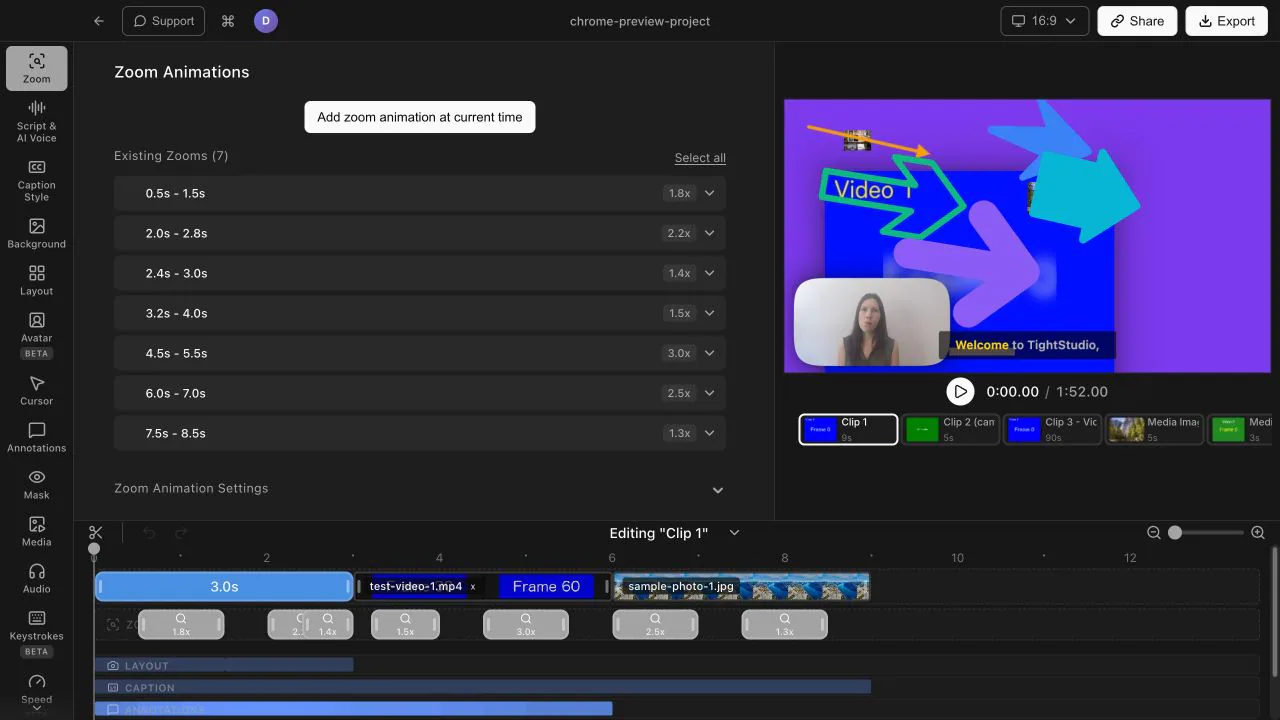
Choose Add Clip, then Import media as clip to add a photo or video as a branded intro, product shot, or end-screen CTA. The imported media becomes part of the same editable sequence.
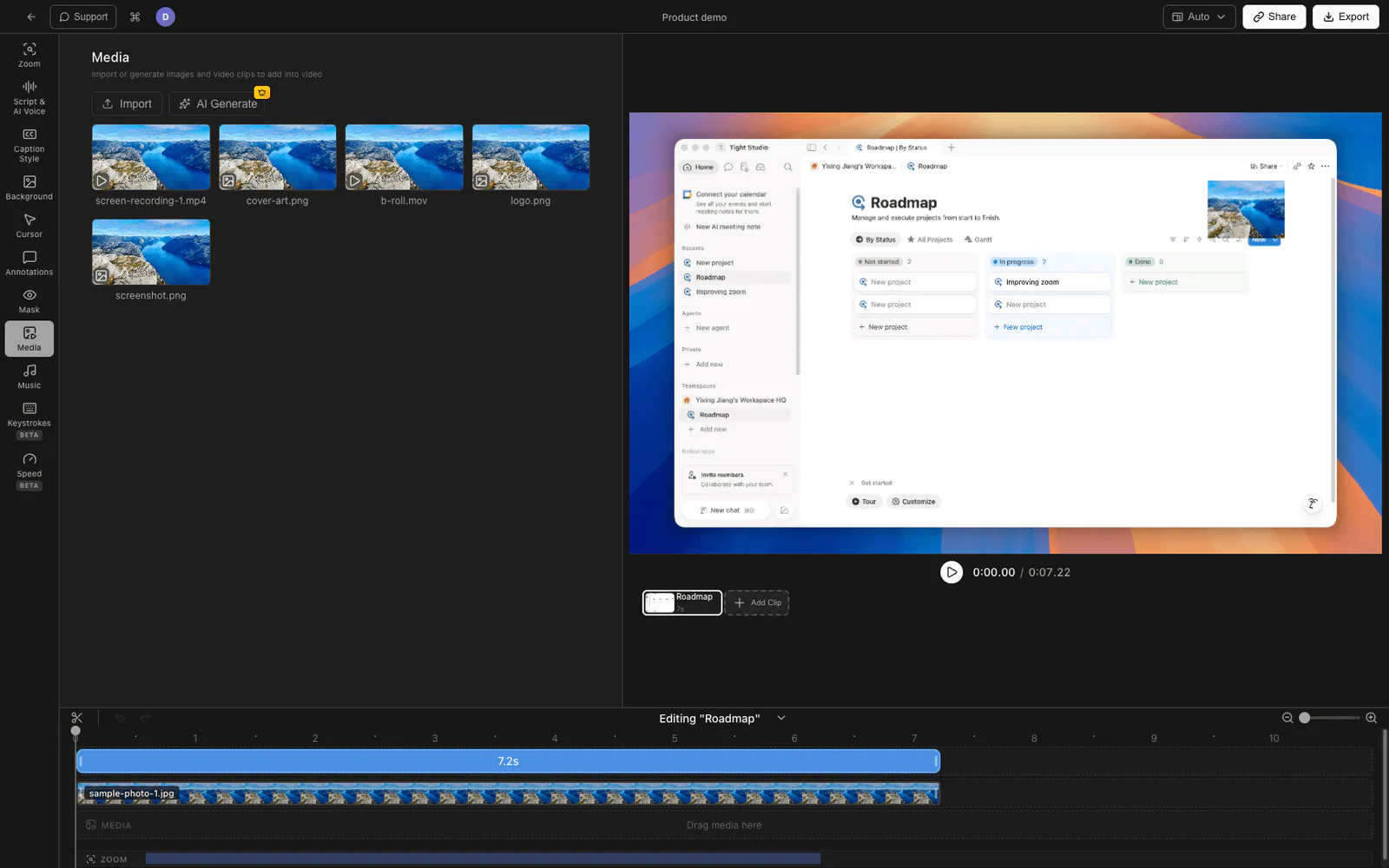
Knowing you can always fix a section by recording one more clip takes the pressure off. Recording feels routine instead of high-stakes, and the final cut comes together faster.
Tight Studio is a multi-clip screen recorder for Apple Silicon Macs. Choose Add Clip to record another take directly into the current project, reorder the clip cards, and export the sequence as one video.
Record the first take, choose Add Clip → Add recording clip for each additional section, then select, trim, and reorder the clips in one project. Tight Studio combines them in order during export.
Yes. Choose Add Clip → Import media as clip for an MP4, MOV, or image, or Import from another video to copy clips from an existing Tight Studio project.
Yes. Free accounts include five saved Add Clip additions across all projects, and standard exports have no watermark. Plus and Pro include unlimited multi-clip recording.
Download Tight Studio and record your next video in relaxed, fixable parts.
Download freemacOS Apple Silicon - Free to start, no credit card required