
A library of natural AI voices
Pick from a library of natural-sounding voices for when you don't want to - or can't - talk to a mic. Type your script and Tight Studio narrates it over your recording.
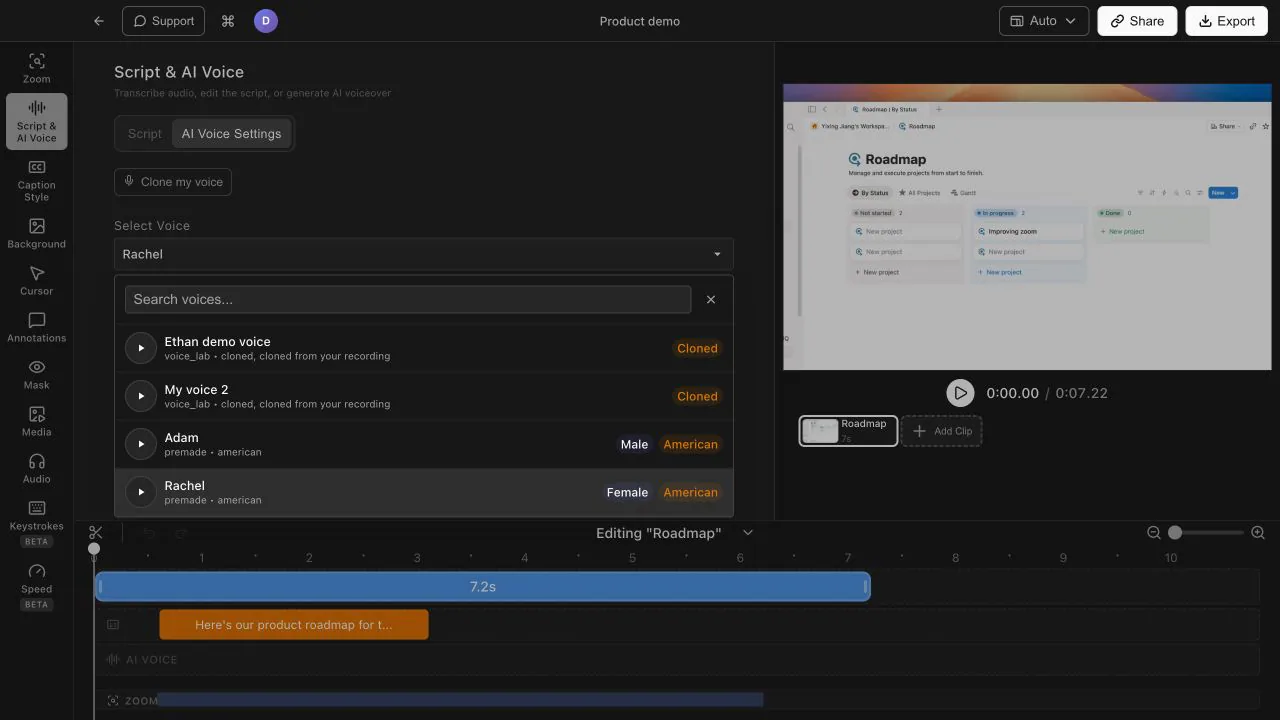
Narrate with a library of natural AI voices, or clone your own voice from a 20-second sample - then re-record by editing the script, not by talking again.
Pick from a library of natural-sounding voices for when you don't want to - or can't - talk to a mic. Type your script and Tight Studio narrates it over your recording.
Record a 20-second sample once, then narrate any script in your own voice. Typos, scope changes, last-minute rewrites - the narration keeps up without you re-recording a single word.
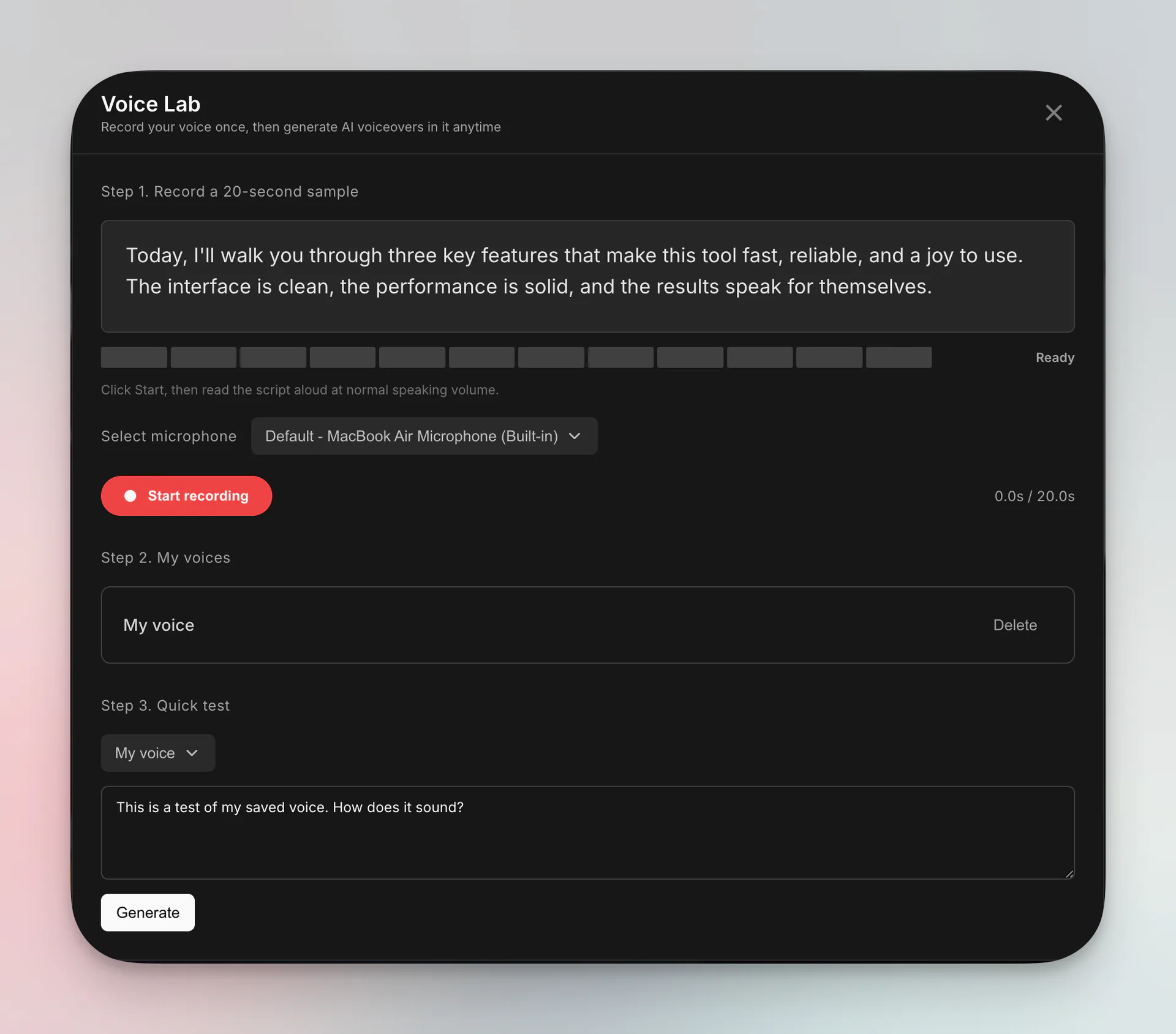
When something changes, you edit the text and regenerate the voiceover. No re-takes, no splicing new audio into old audio, no trying to match the energy of the original recording.
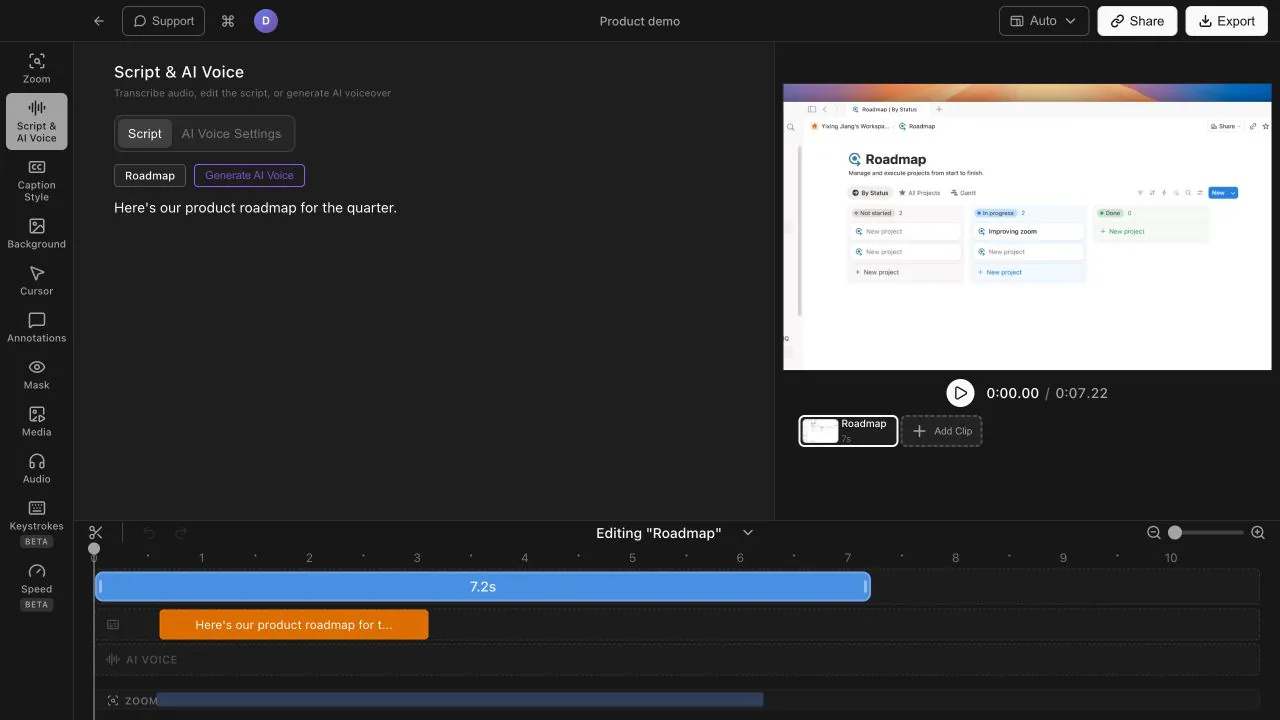
A noisy office, a bad mic, or a language you are less comfortable narrating in - none of it blocks you from shipping a professional-sounding video. The AI voice track is clean every time.
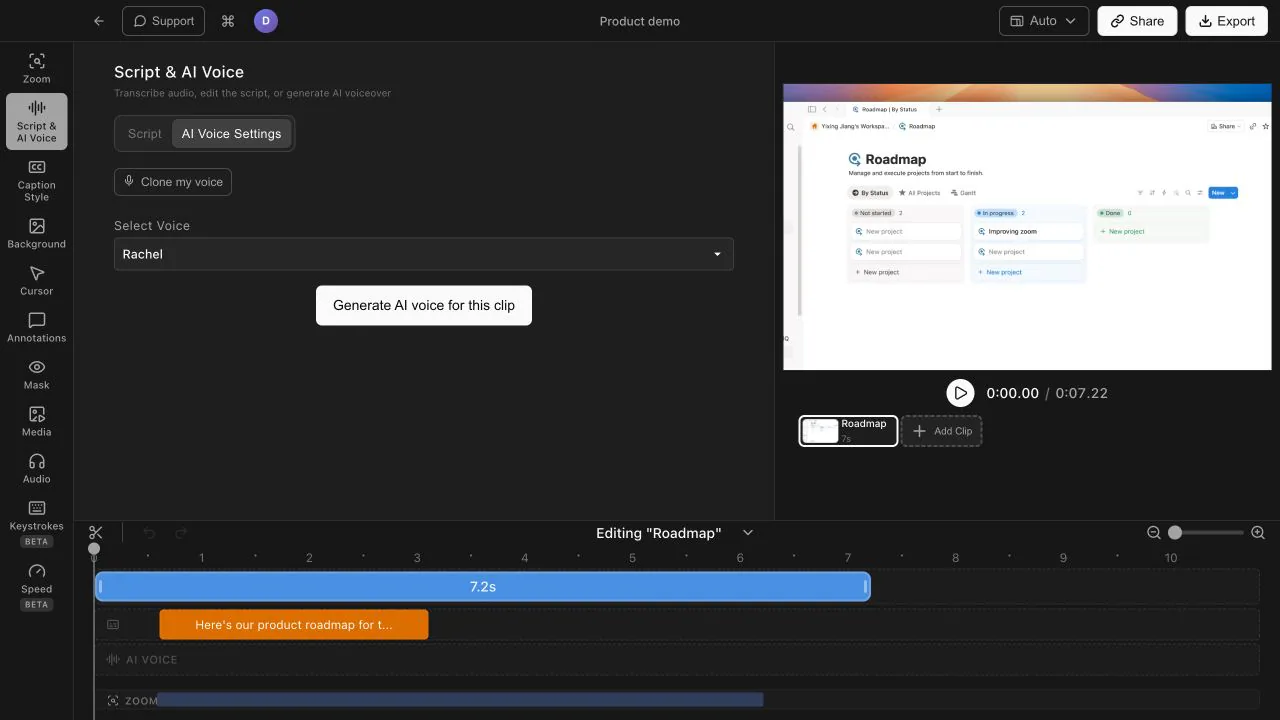
You record a 20-second sample of your voice once. After that, Tight Studio can narrate any script in your voice - so you can fix typos or rewrite sections and regenerate the narration without recording again.
No. Tight Studio includes a library of natural-sounding AI voices you can use instead. That is handy when you don't want to talk to a mic, or when your recording environment is too noisy.
You edit the script text and regenerate the voiceover. The narration is driven by the script, so updating a sentence does not mean re-recording the whole take.
Download Tight Studio and add natural AI narration to your next recording.
Download freemacOS Apple Silicon - Free to start, no credit card required