
One-click caption styles
Choose from pre-designed, engaging caption styles and drop one into your video with a single click. You get captions that look designed on purpose, not bolted on as an afterthought.
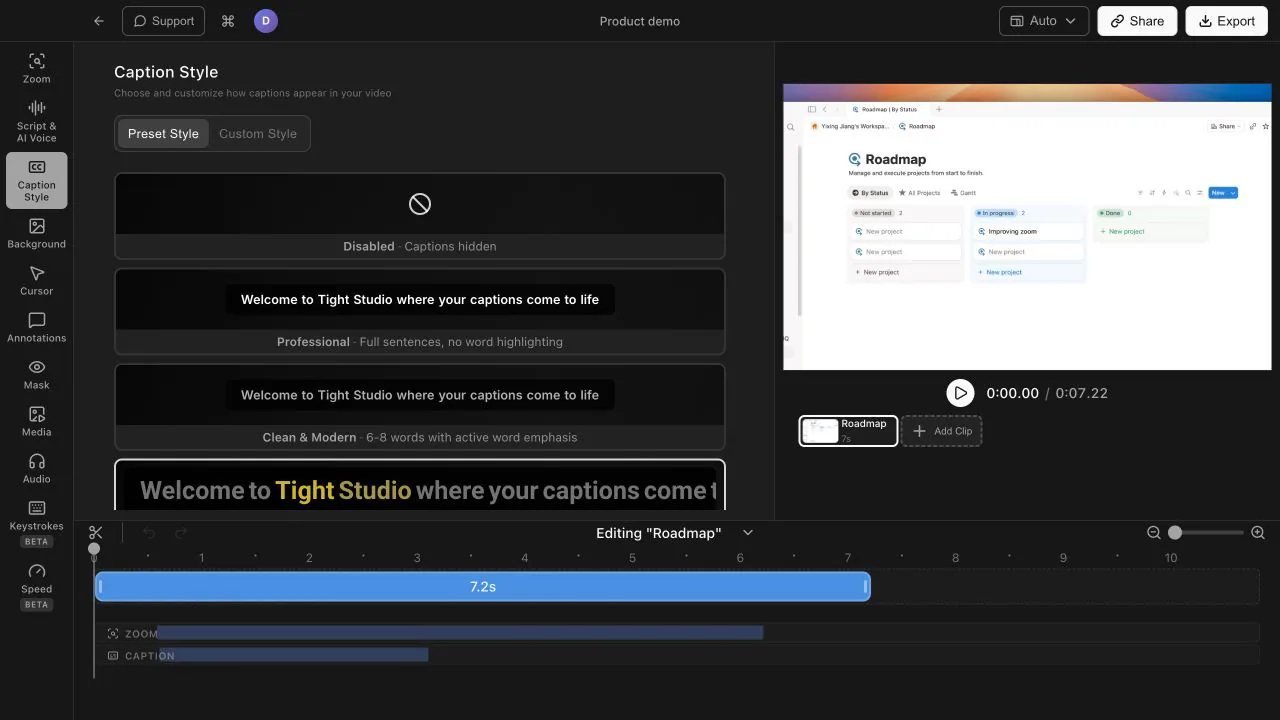
Pre-designed caption styles you can drop in with one click - then customize fonts, colors, motion, and positioning to match your brand.
Choose from pre-designed, engaging caption styles and drop one into your video with a single click. You get captions that look designed on purpose, not bolted on as an afterthought.
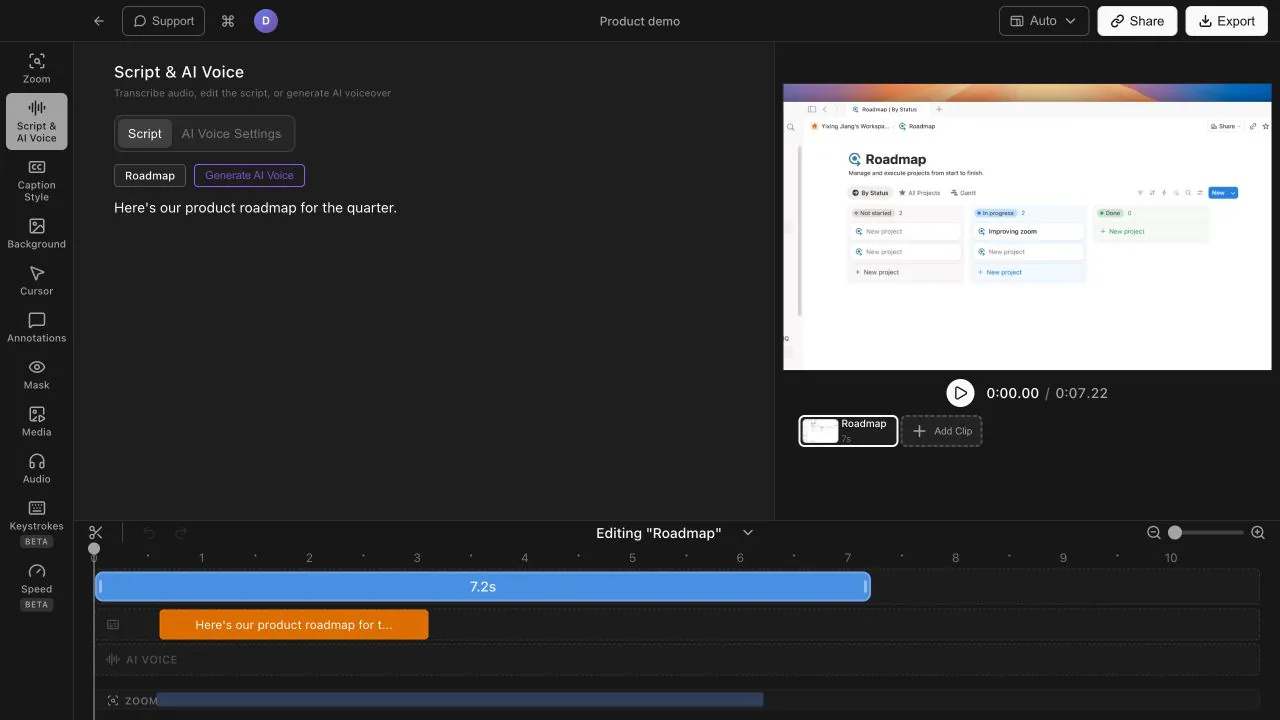
Tight Studio generates captions from your recording automatically, so you are styling text rather than transcribing it. That turns captioning from a chore into a finishing touch.
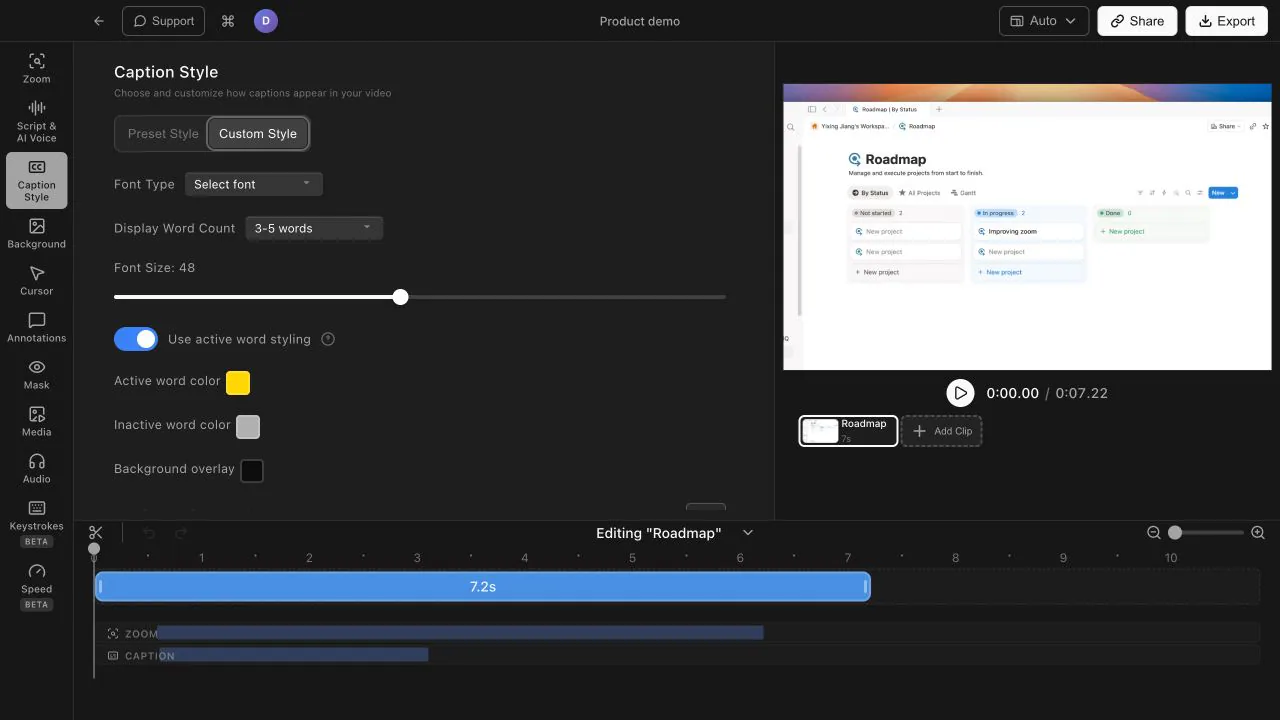
Every style is a starting point. Adjust the font, colors, motion, and positioning so the captions match your brand and sit exactly where you want them on screen.
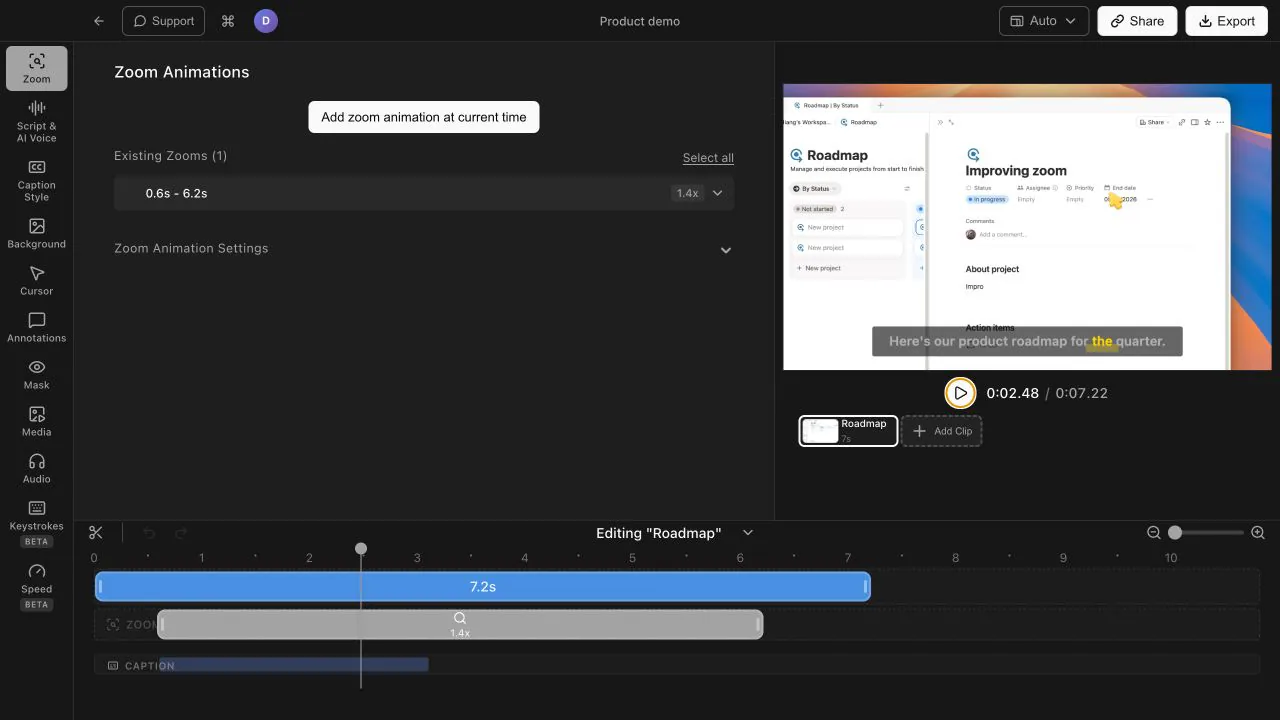
A large share of viewers watch with the sound off, especially in feeds and messaging apps. Styled captions keep your video understandable on mute and make it more accessible for everyone.
Yes. Captions are generated automatically from your recording, and you can then apply a pre-designed style with one click instead of formatting text by hand.
Yes. After picking a caption style you can customize fonts, colors, motion, and positioning so the captions fit your brand and your layout.
Many viewers watch with sound off, and captions keep the video understandable for them. Captions also make your content more accessible and help viewers follow along with dense technical narration.
Download Tight Studio and style your captions in one click.
Download freemacOS Apple Silicon - Free to start, no credit card required