
Animated title cards and dynamic text
Drop animated text over the moments that matter - section titles, key takeaways, feature names. The text styles are animated and designed, so a plain screen capture reads like an edited video.
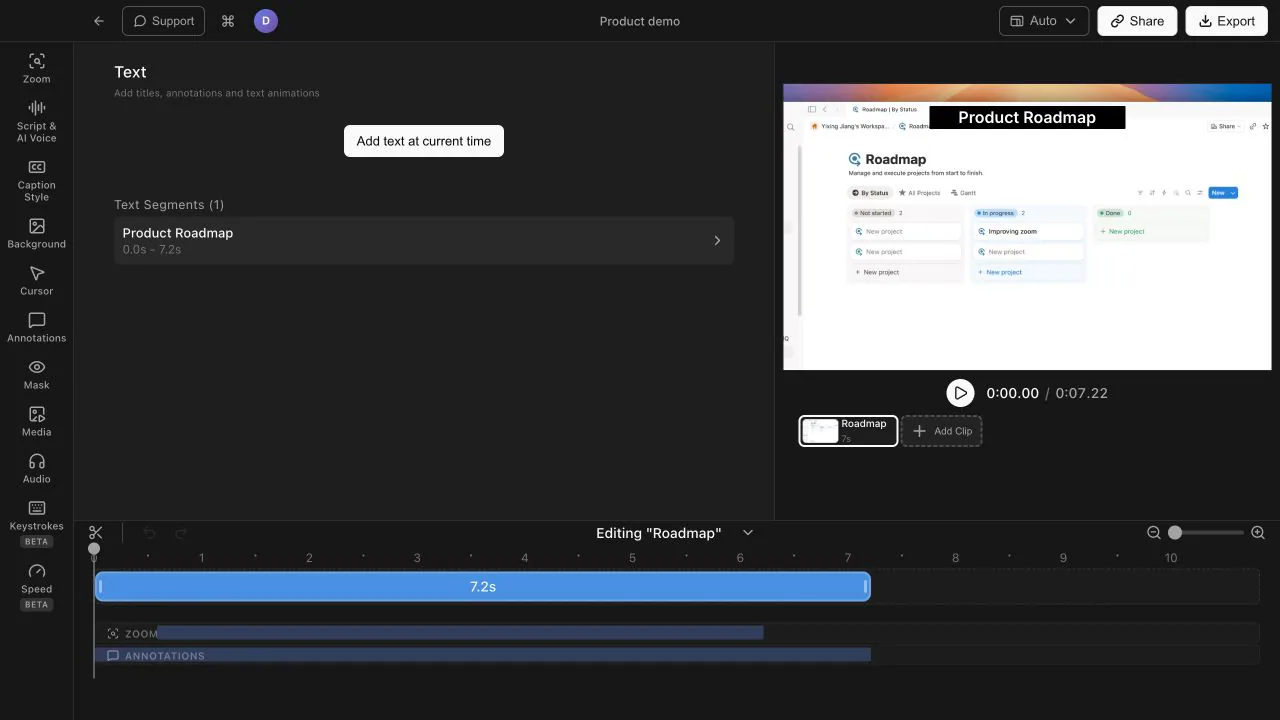
Animated text overlays that highlight key moments, plus a curated music library to set the tone - all inside the same editor as your recording.
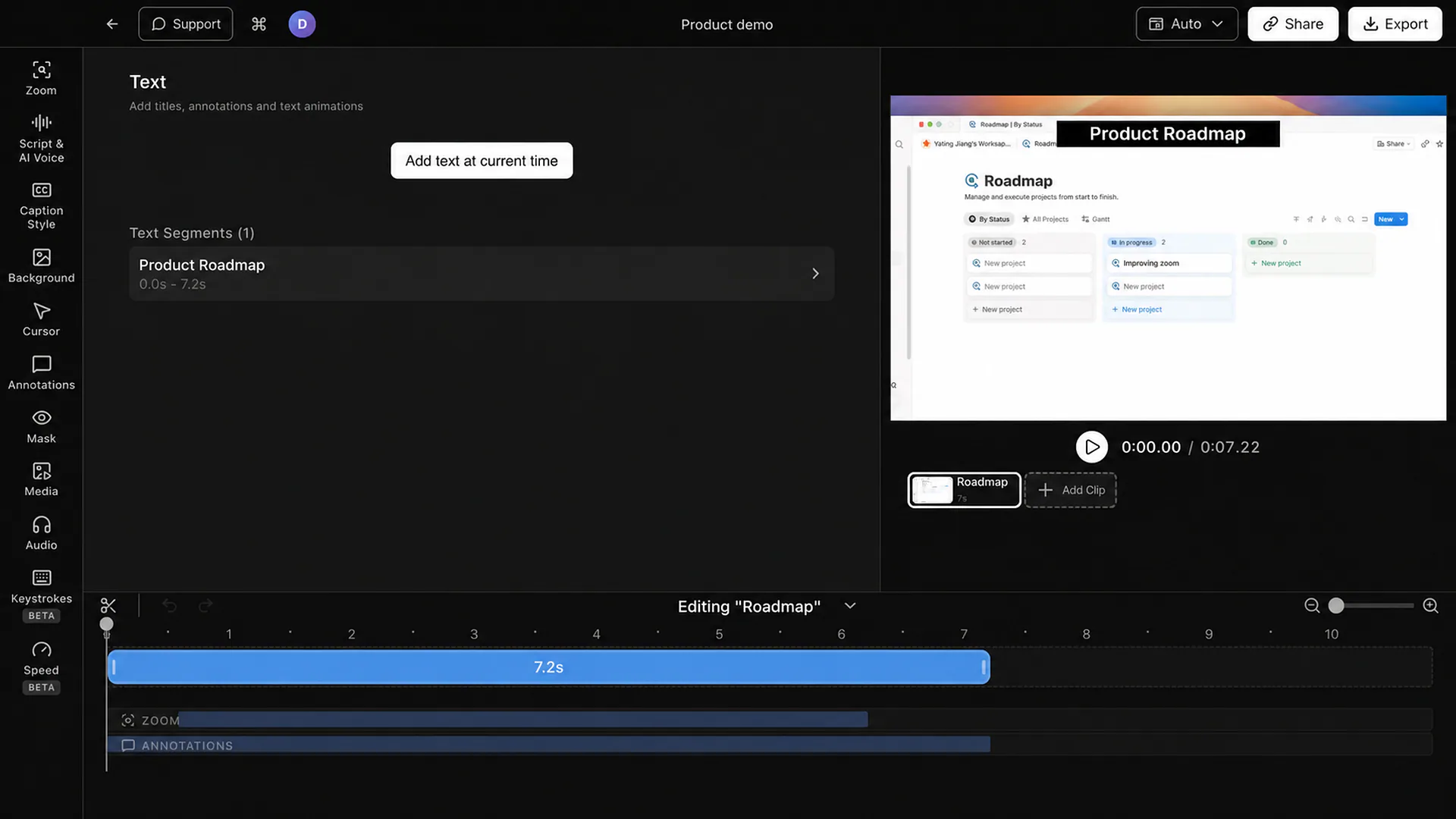
Drop animated text over the moments that matter - section titles, key takeaways, feature names. The text styles are animated and designed, so a plain screen capture reads like an edited video.
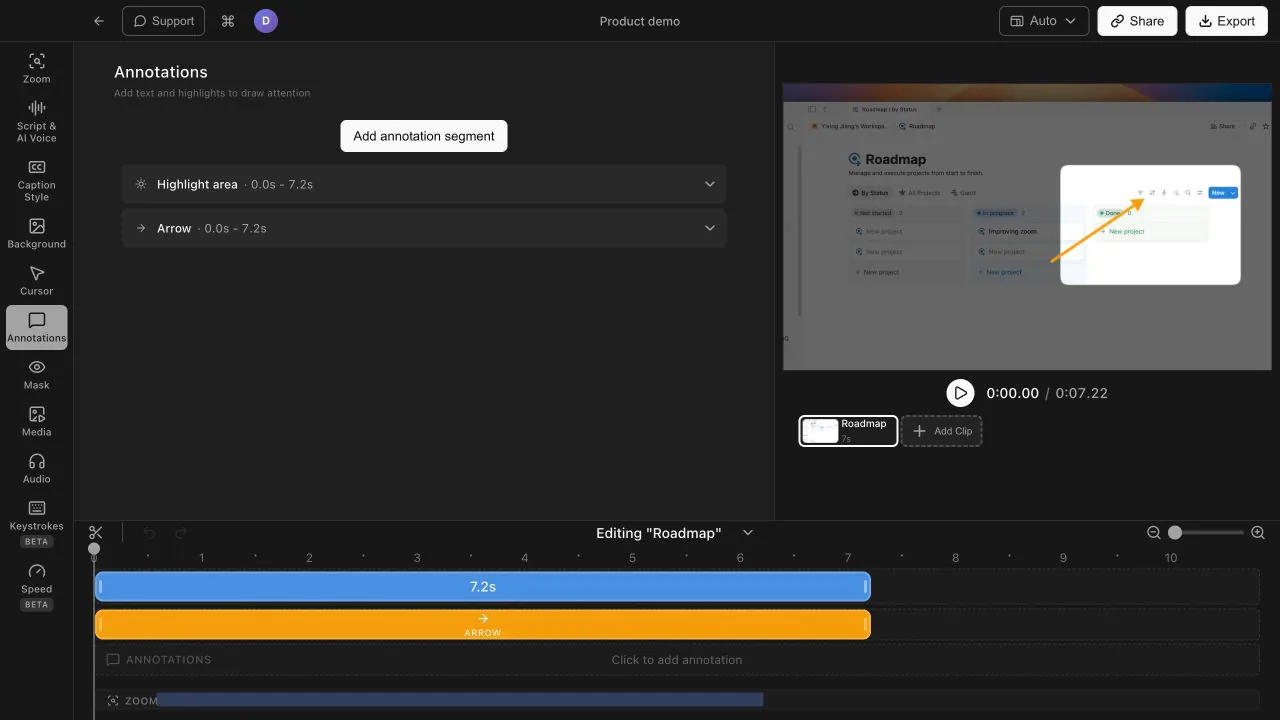
Arrows, highlights, and shape callouts sit right on top of your recording, pointing viewers at the exact element you are talking about. No cutting away to slides to make a point.
Set the tone with a curated library covering every mood - Warm, Neon, Breeze, Crisp, Pulse. Background music turns a silent capture into something people actually enjoy watching.
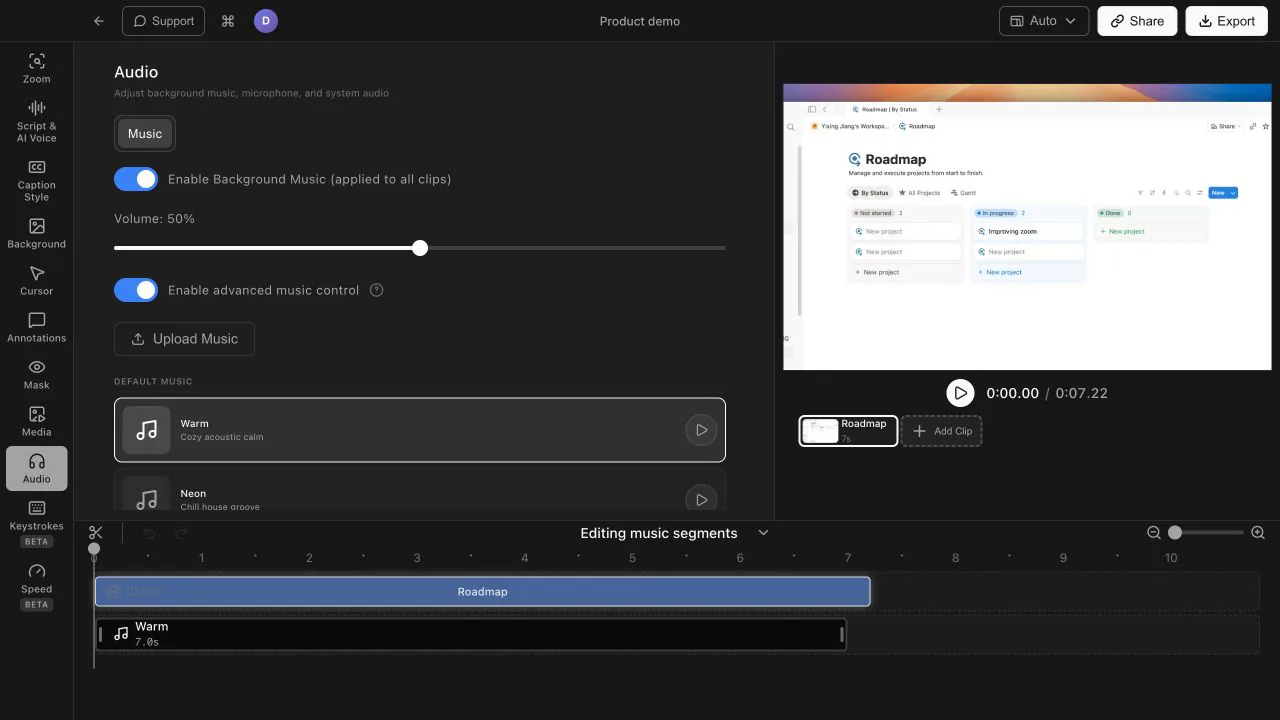
Already have brand music or a favorite track? Drop in your own audio file instead. Either way, the music lives in the same editor as your zooms, captions, and overlays.
Animated title cards and dynamic text styles that drop in over your recording, plus annotations like arrows, highlights, and shape callouts to point at specific parts of the screen.
A curated background music library organized by mood - Warm, Neon, Breeze, Crisp, and Pulse - so you can quickly find a track that fits the tone of your video.
Yes. You can drop in your own track instead of using the built-in library, which is handy for brand music or a specific song you have licensed.
Download Tight Studio and add text overlays and music in the same app you record with.
Download freemacOS Apple Silicon - Free to start, no credit card required