
Silky cursor paths, automatically
Easing and trail smoothing strip the jitter out of your cursor movement. Instead of shaky, real-time mouse motion, viewers see clean, intentional cursor paths - even rushed takes look deliberate.
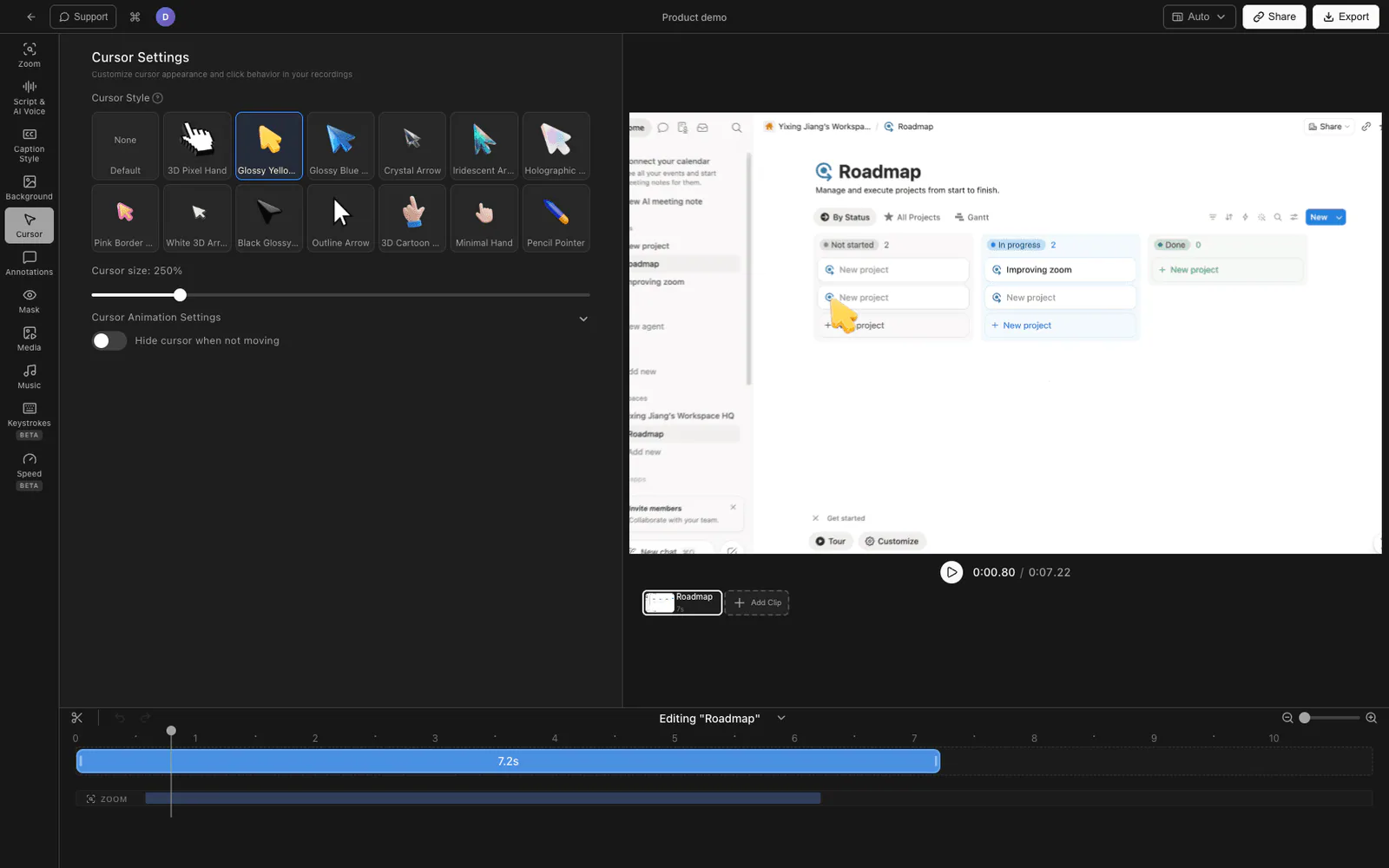
Easing and trail smoothing turn shaky mouse movement into clean, intentional cursor paths - and you can swap in a branded cursor or scale it up for 4K screens.
Easing and trail smoothing strip the jitter out of your cursor movement. Instead of shaky, real-time mouse motion, viewers see clean, intentional cursor paths - even rushed takes look deliberate.
Replace the default pointer with a branded cursor icon so your recordings match the rest of your visual identity. It is a small touch that makes a video feel produced rather than captured.
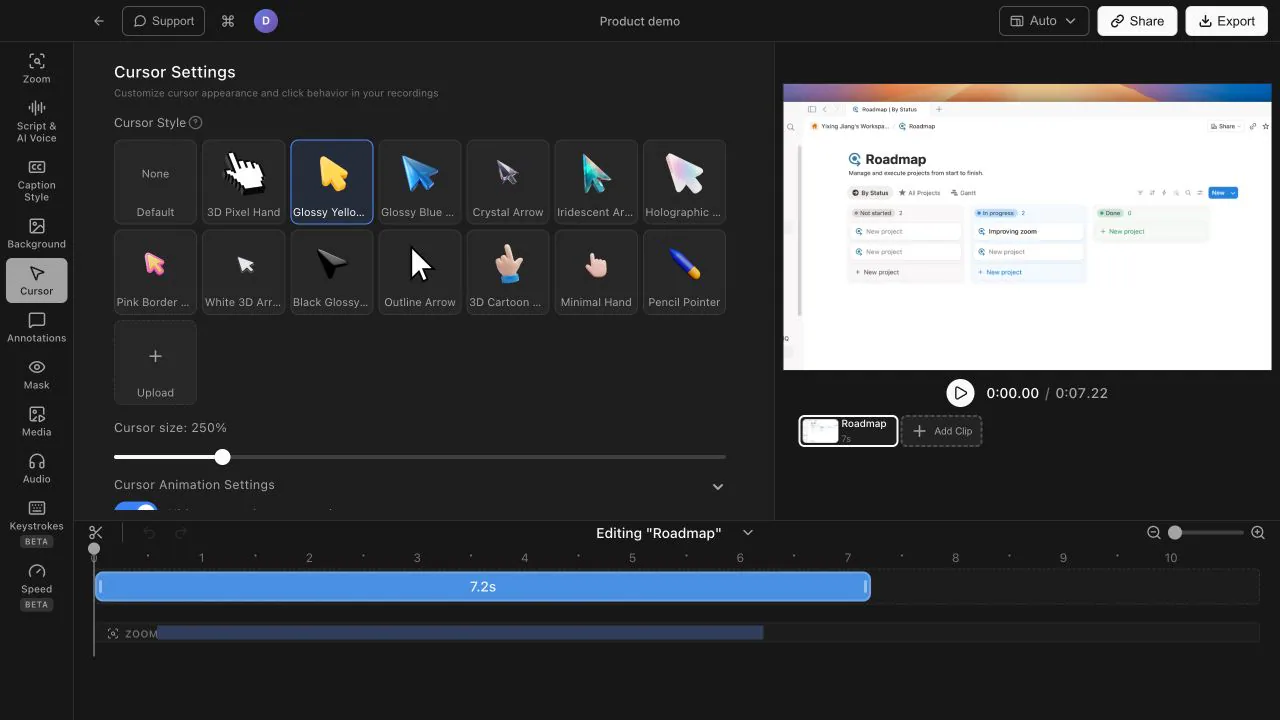
On a 4K screen the default cursor can be tiny. Tight Studio lets you scale the cursor up so viewers never lose track of where you are pointing, whether they watch full screen or in a small embed.
Cursor motion is one of the first things that separates an amateur screen recording from a professional one. Smooth paths are easier to follow and pair naturally with smart auto-zoom for demo-quality results.
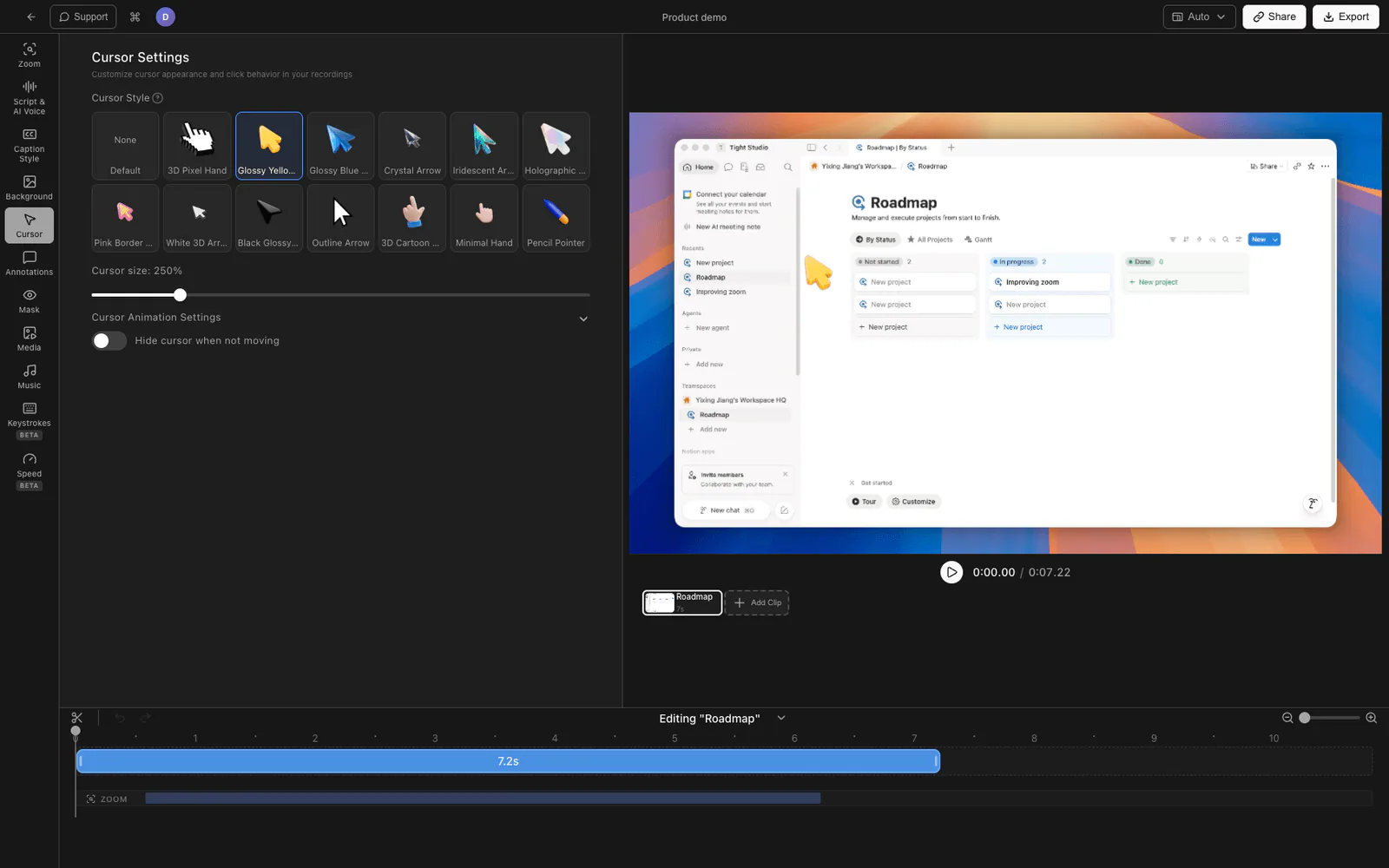
No. Record your screen normally and Tight Studio smooths the cursor motion for you with easing and trail smoothing. There is nothing to set up during the recording itself.
Yes. You can swap in a custom, branded cursor icon, and you can scale the cursor up so it stays easy to follow on high-resolution screens.
Raw mouse movement is jittery and distracting, which makes recordings feel rushed. Smooth, intentional cursor paths are easier for viewers to follow and make the whole video look more polished.
Download Tight Studio and let your recordings look intentional, not shaky.
Download freemacOS Apple Silicon - Free to start, no credit card required