
Capture iPhone and iPad directly from your Mac
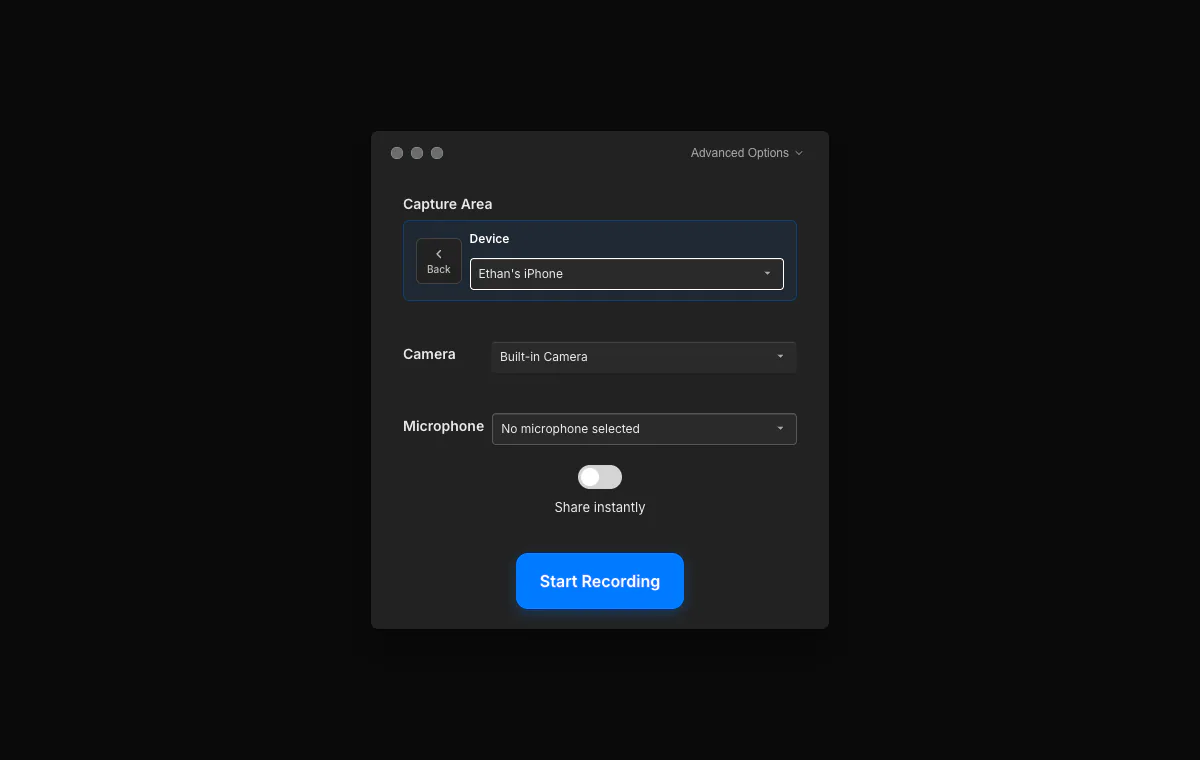
Connect your iPhone or iPad over USB, trust the Mac, and choose the device in Tight Studio. Record the iOS screen at its native resolution without sending a separate phone recording between apps.
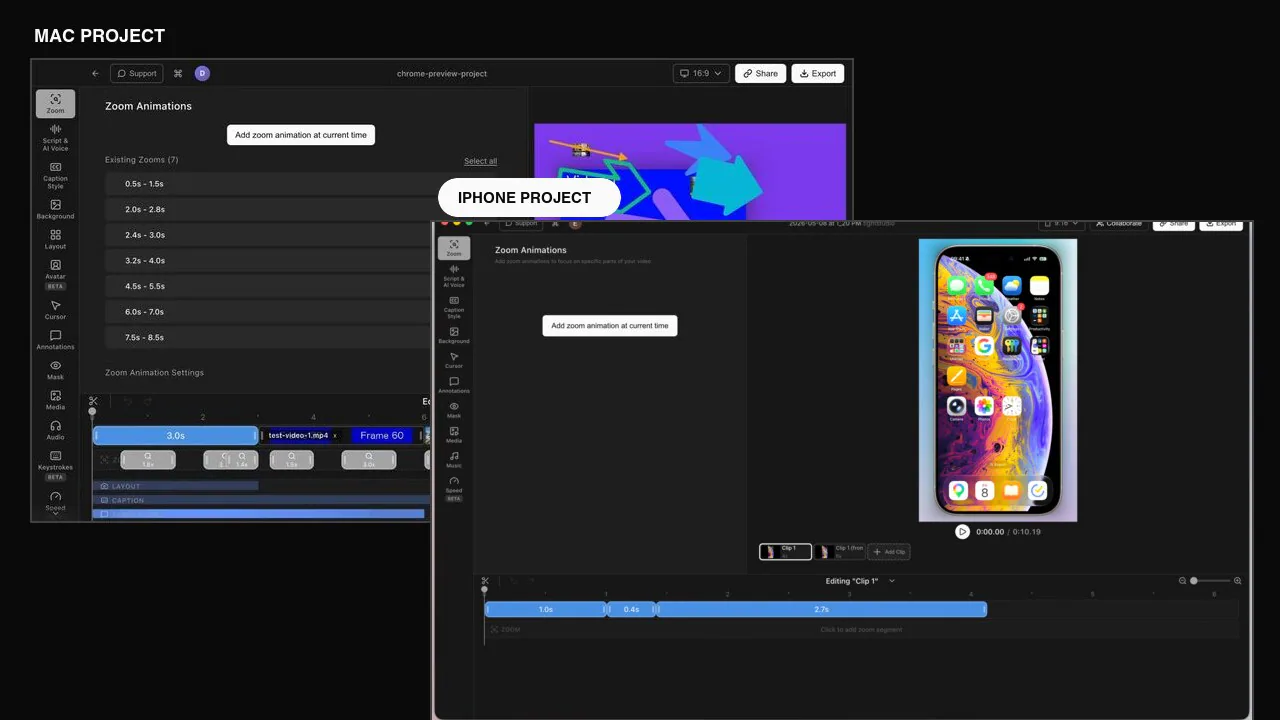
Capture a connected iPhone or iPad alongside your Mac screen, then trim, arrange, and polish both in one project - perfect for mobile app demos and cross-device walkthroughs.
Connect your iPhone or iPad over USB, trust the Mac, and choose the device in Tight Studio. Record the iOS screen at its native resolution without sending a separate phone recording between apps.
Record your Mac screen and iOS device as clips in the same project, then trim and arrange them into one clear walkthrough. It is ideal for onboarding, handoffs, and demos that move between a web app and its mobile companion.
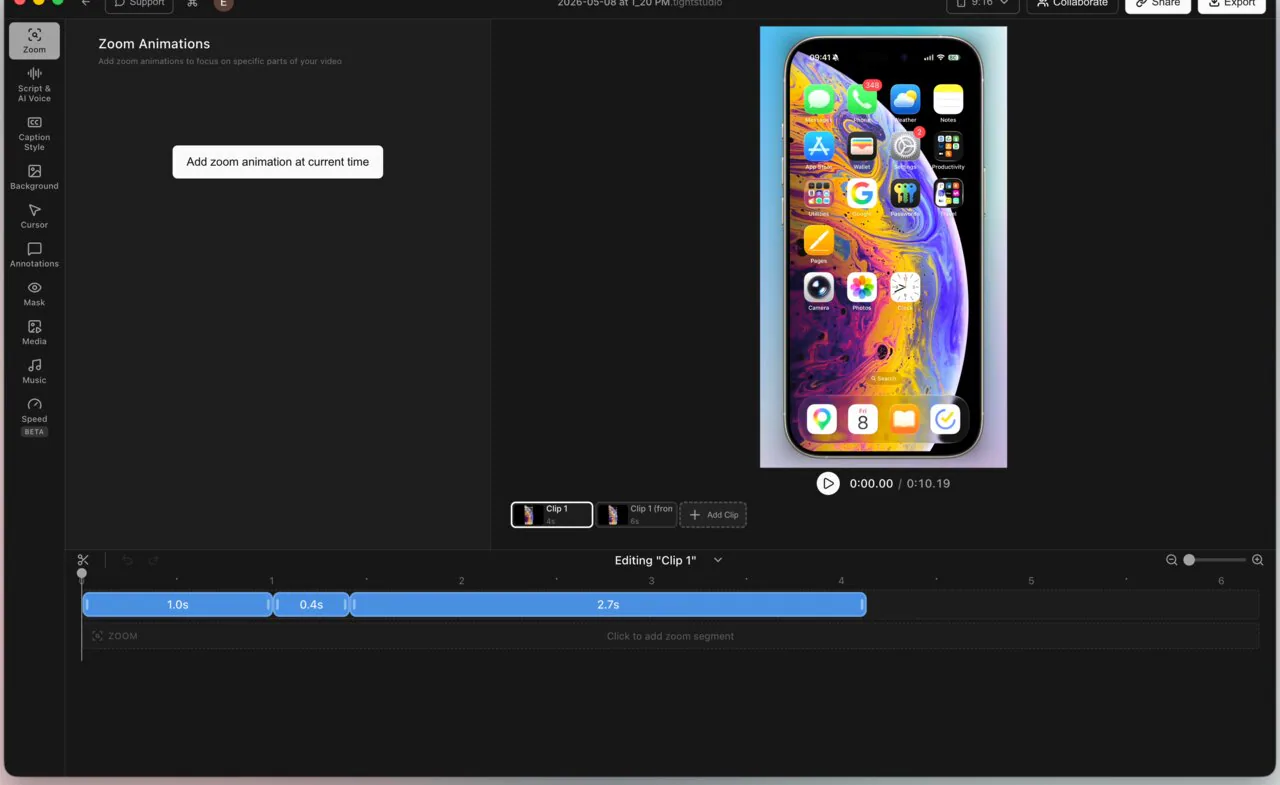
Your capture plays inside a realistic device frame that follows the screen aspect ratio and rounds the display corners. The frame is baked into export, so the finished video looks composed without a separate mockup step.
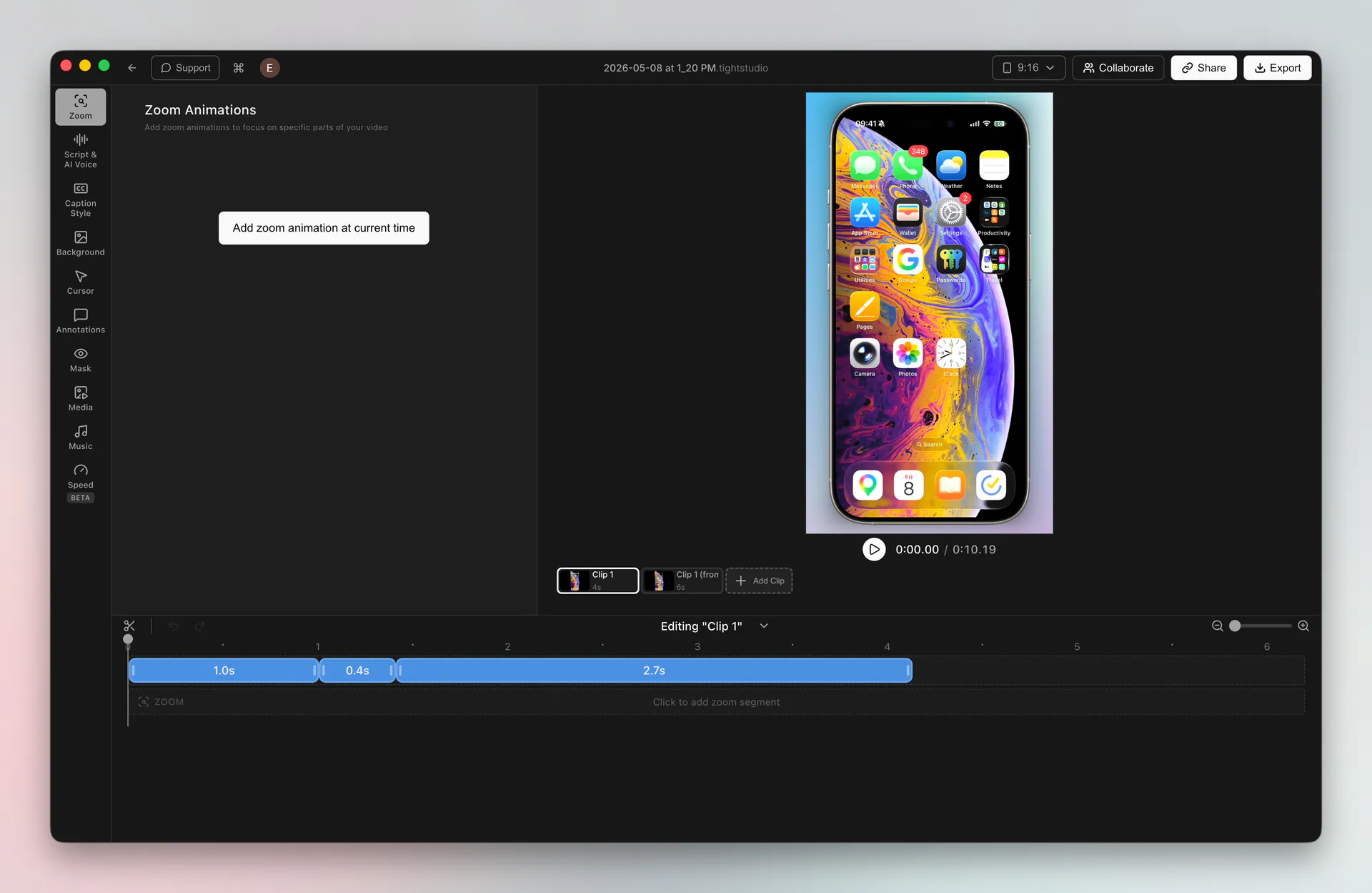
Trim the take, add zooms and pans, call out taps with text or annotations, and arrange the device clip alongside your Mac recording. Everything stays in the same Tight Studio editing workflow through export.
Connect the iPhone or iPad to your Mac with USB, unlock the device, and trust the Mac if prompted. In Tight Studio, choose device recording, select the connected device, and start recording.
Yes. Record the Mac screen and the connected iPhone or iPad as separate clips in the same project, then trim and arrange them into one continuous walkthrough with multi-clip recording.
Yes. Tight Studio places the iOS recording inside a realistic frame that matches the device aspect ratio and rounds the screen corners. The frame, along with your zooms and pans, is baked into the final export.
Download Tight Studio, connect your iPhone or iPad, and create one polished Mac-and-mobile walkthrough.
Download freemacOS Apple Silicon - Free to start, no credit card required