
On-Screen Teleprompter for Screen Recording

Keep your script visible while you record, position it near the camera, and deliver a confident take - your notes stay out of the finished video.

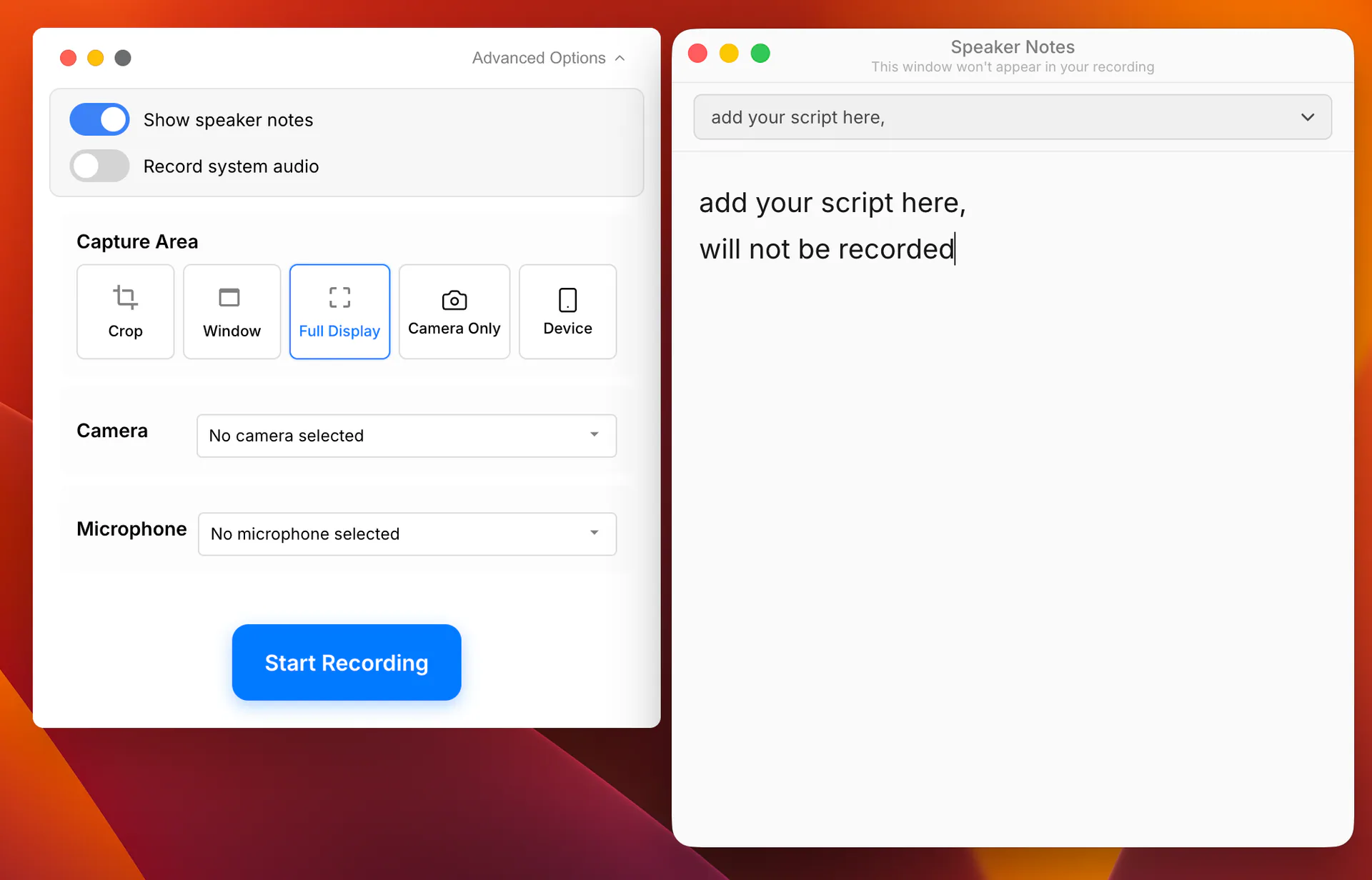
Tight Studio floating Speaker Notes teleprompter beside the screen recording controls

Keep your script on screen while you record

Open your speaker notes beside the content you are presenting and keep them visible throughout the take. Your talking points stay where you need them, so you can deliver a clear walkthrough without memorizing every line.
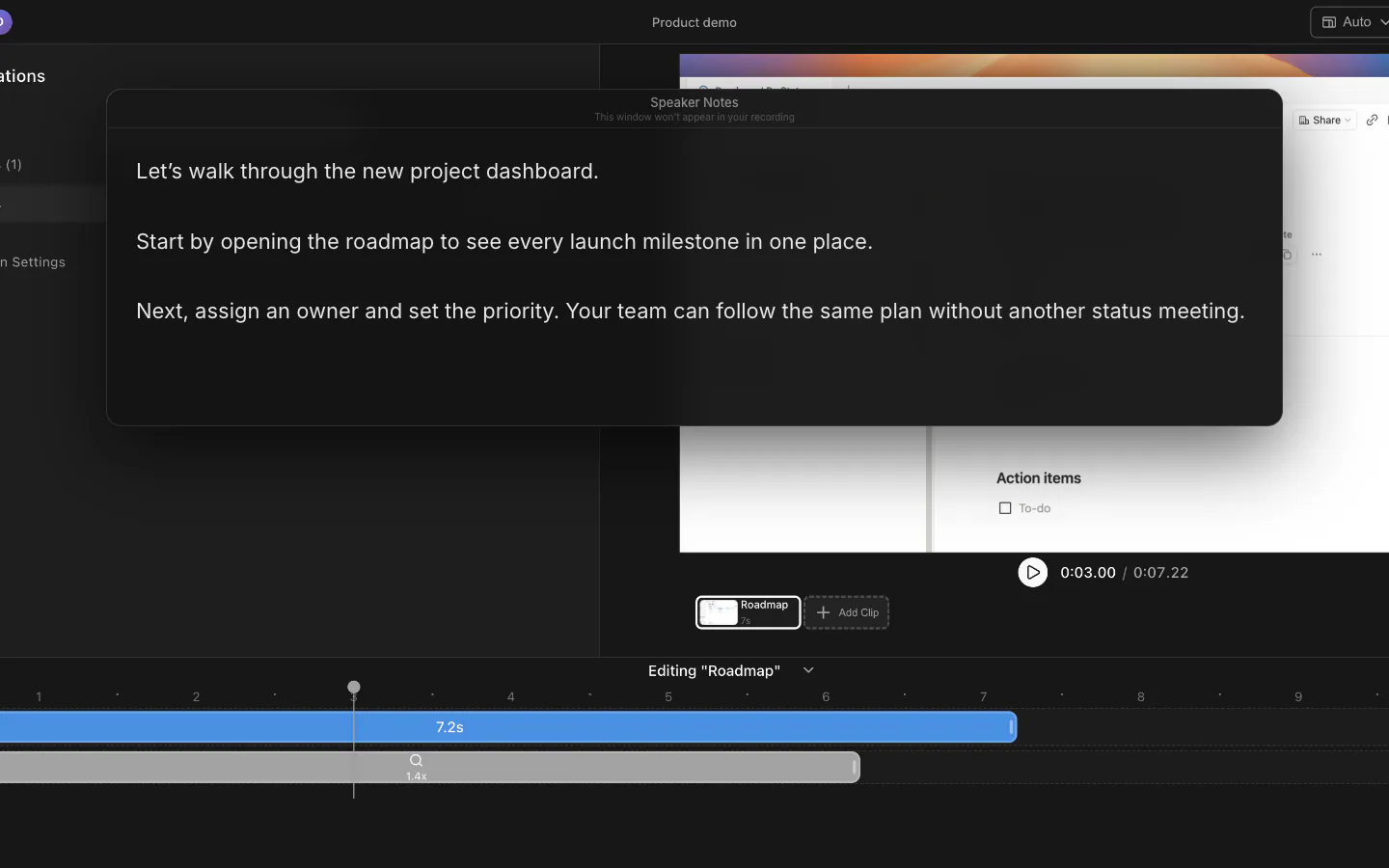
Floating Speaker Notes teleprompter displaying a product demo script over the Tight Studio editor

Stay focused on the camera

Move and resize the floating teleprompter near your webcam to keep your eyes close to the lens. You sound prepared while your delivery still feels natural and direct.

Floating Tight Studio Speaker Notes positioned beside the recording controls where it can sit near the camera

Your notes stay out of the final video

The teleprompter remains visible to you while Tight Studio leaves it out of the screen recording. Read from your script with confidence without exposing notes, reminders, or unfinished phrasing to viewers.

Speaker Notes floating over the Tight Studio editor while the project preview remains clean underneath

Save scripts for the next take

Write or paste your script directly into the teleprompter and Tight Studio saves it automatically. Keep multiple scripts ready, switch between them, and come back to a recording without rebuilding your notes.

Tight Studio Speaker Notes teleprompter with a script selector and editable script

Frequently asked questions

Will the teleprompter appear in my screen recording?

No. Tight Studio excludes the teleprompter window from the recording, so the script stays visible to you without appearing in the finished video.

Can I move and resize the teleprompter?

Yes. The teleprompter is a floating, always-on-top window that you can move and resize. Place it near your webcam to keep your eyeline natural, or beside the part of the screen you are demonstrating.

Does Tight Studio save my teleprompter scripts?

Yes. Your scripts are saved automatically, and you can keep multiple scripts in the teleprompter and switch between them when you record another take or return to a project later.

Ready to record without memorizing your script?

Download Tight Studio and keep your talking points on screen, not in your final video.

Download free

macOS Apple Silicon - Free to start, no credit card required