
Share a polished video, not a file transfer
Turn your finished recording into a link stakeholders can open in their browser. There are no large attachments to download and no separate upload to a file-sharing service before someone can watch.
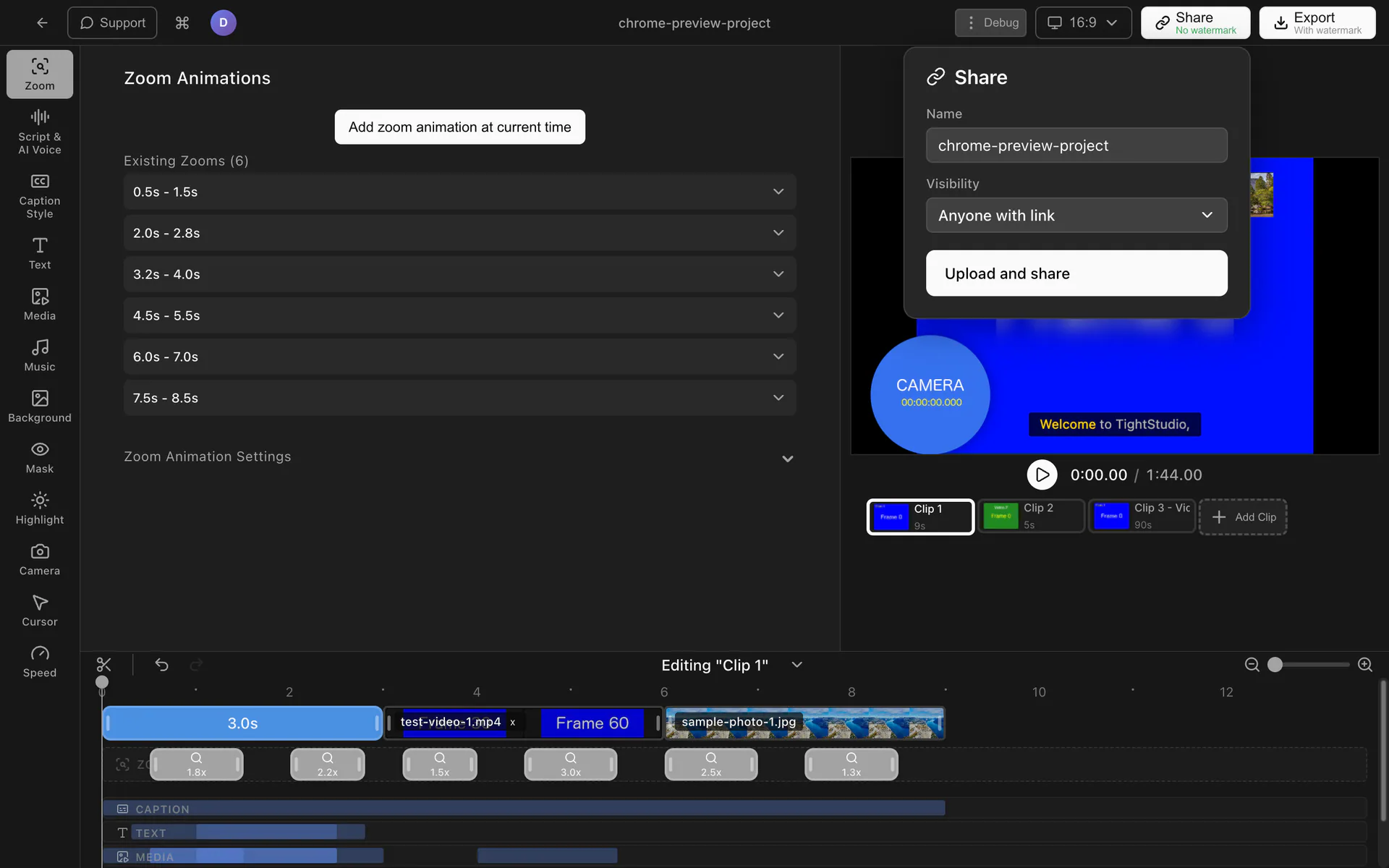
Send a polished video for review without exporting attachments or moving files between services. Choose who can open it, then update or remove access when plans change.
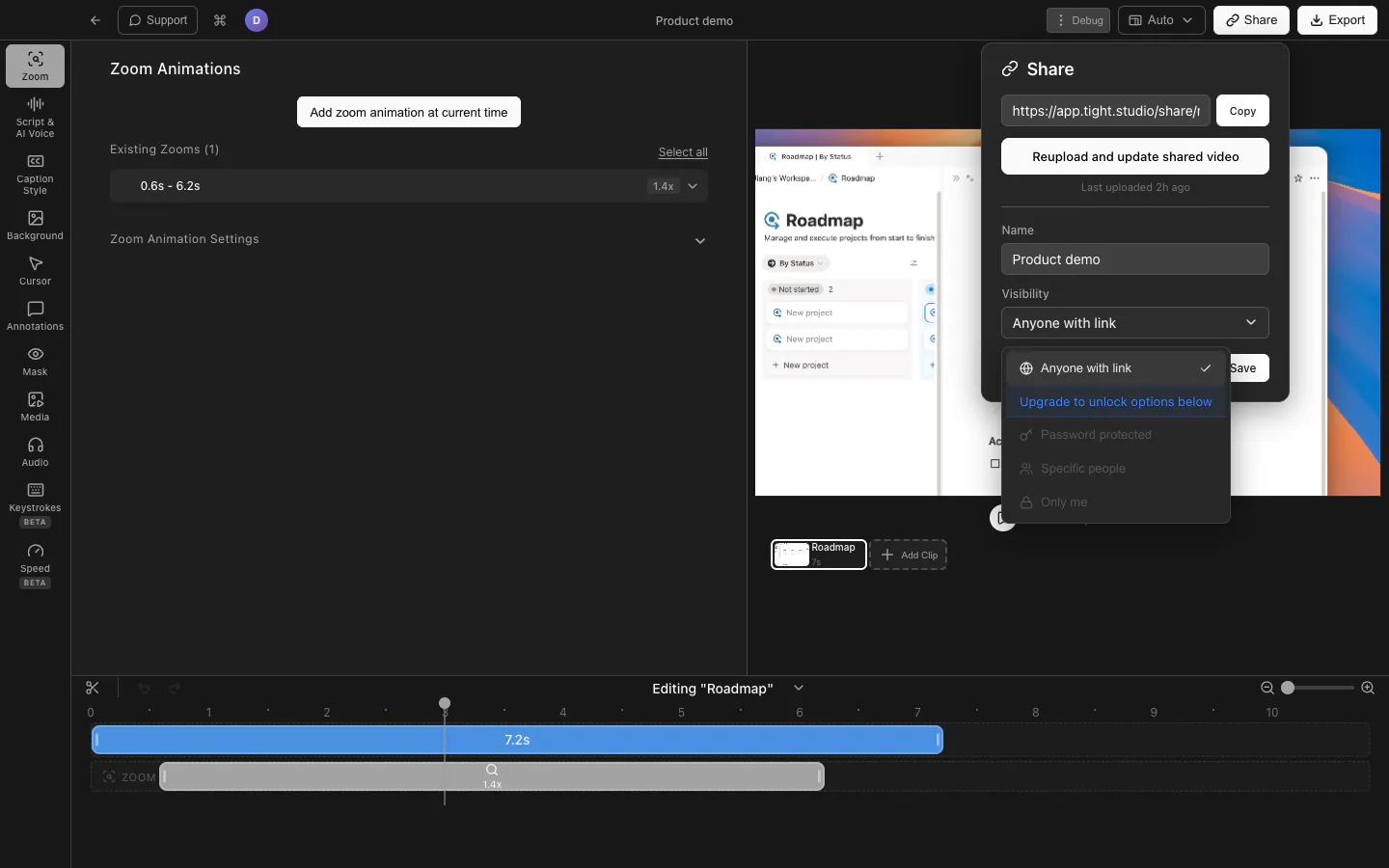
Turn your finished recording into a link stakeholders can open in their browser. There are no large attachments to download and no separate upload to a file-sharing service before someone can watch.
Make a video available to anyone with the link, require a password, limit access to specific email addresses, or keep it visible only to you. Pick the setting that fits the audience and the sensitivity of the recording.
Give clients, teammates, or decision-makers one direct path to the finished video. A focused share link keeps reviews centered on the presentation you prepared instead of an export-and-attachment workflow.
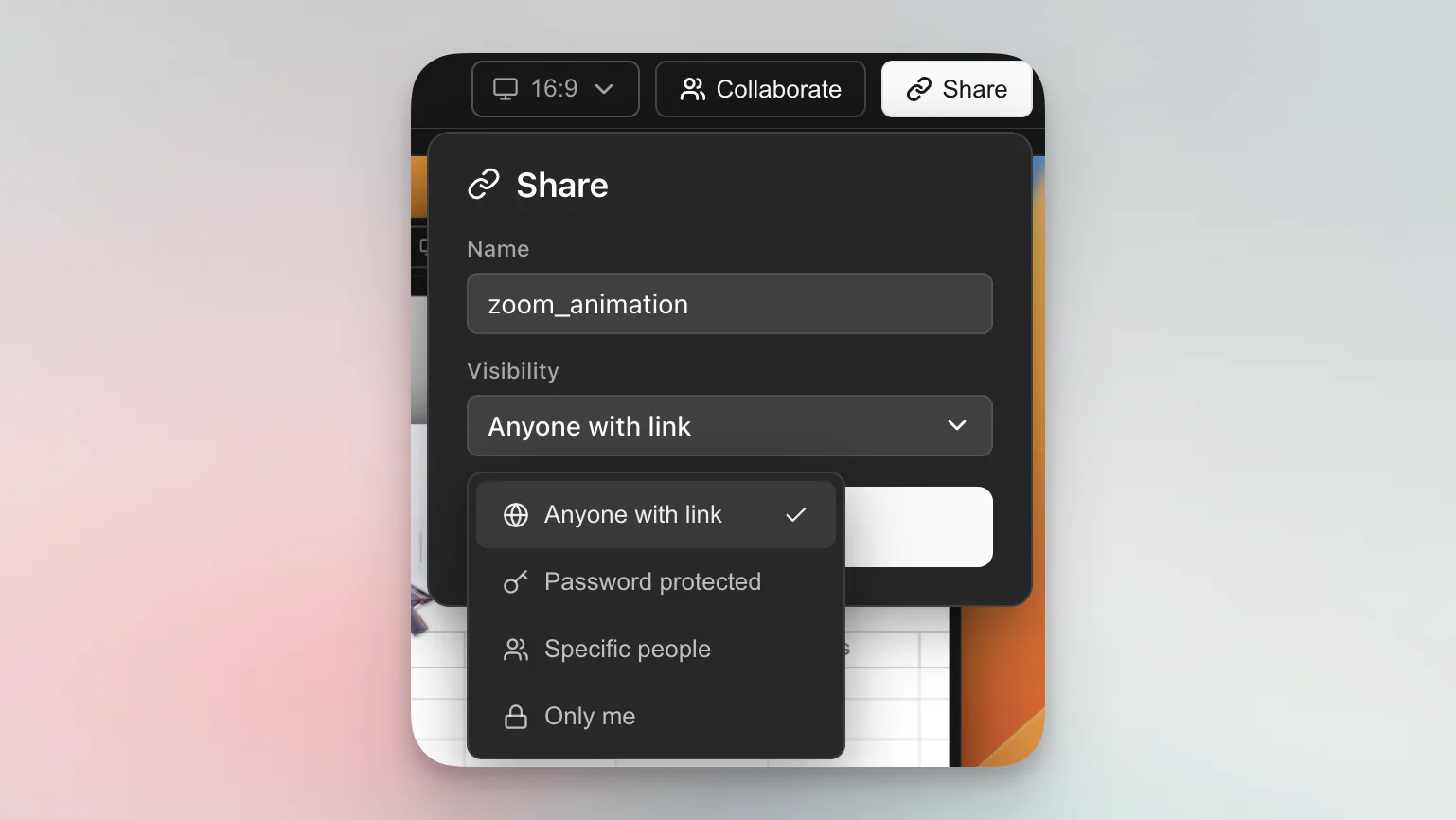
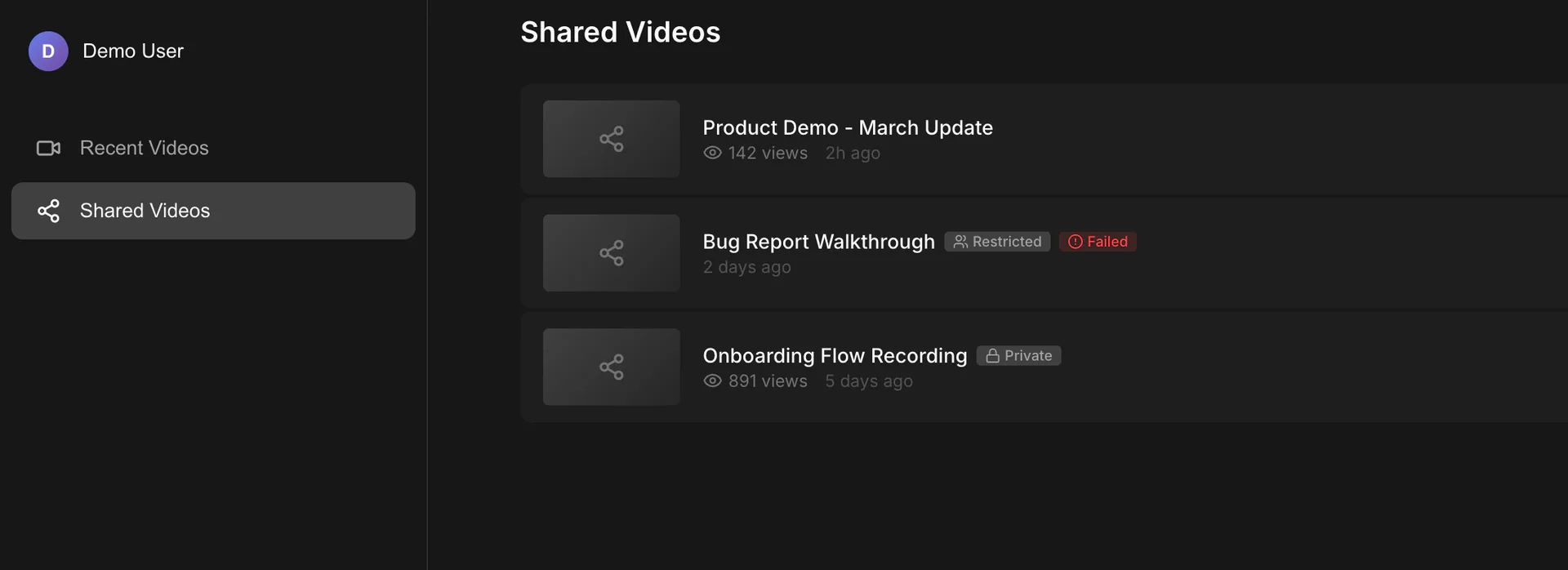
Update a shared video's title or access setting as the audience changes. When a link should no longer be available, delete it so the shared URL stops opening the video.
No. Viewers open the share link in a web browser, so they do not need to install Tight Studio or download the video file first.
You can choose Anyone with link, Password protected, Specific people, or Only me. Password-protected, email-restricted, and private sharing require a paid subscription.
Yes. You can change the shared video title or visibility setting later. You can also delete the share link, which prevents anyone from continuing to open that URL.
Download Tight Studio, create your video, and send stakeholders one controlled link to watch it.
Download freemacOS Apple Silicon - Free to start, no credit card required