

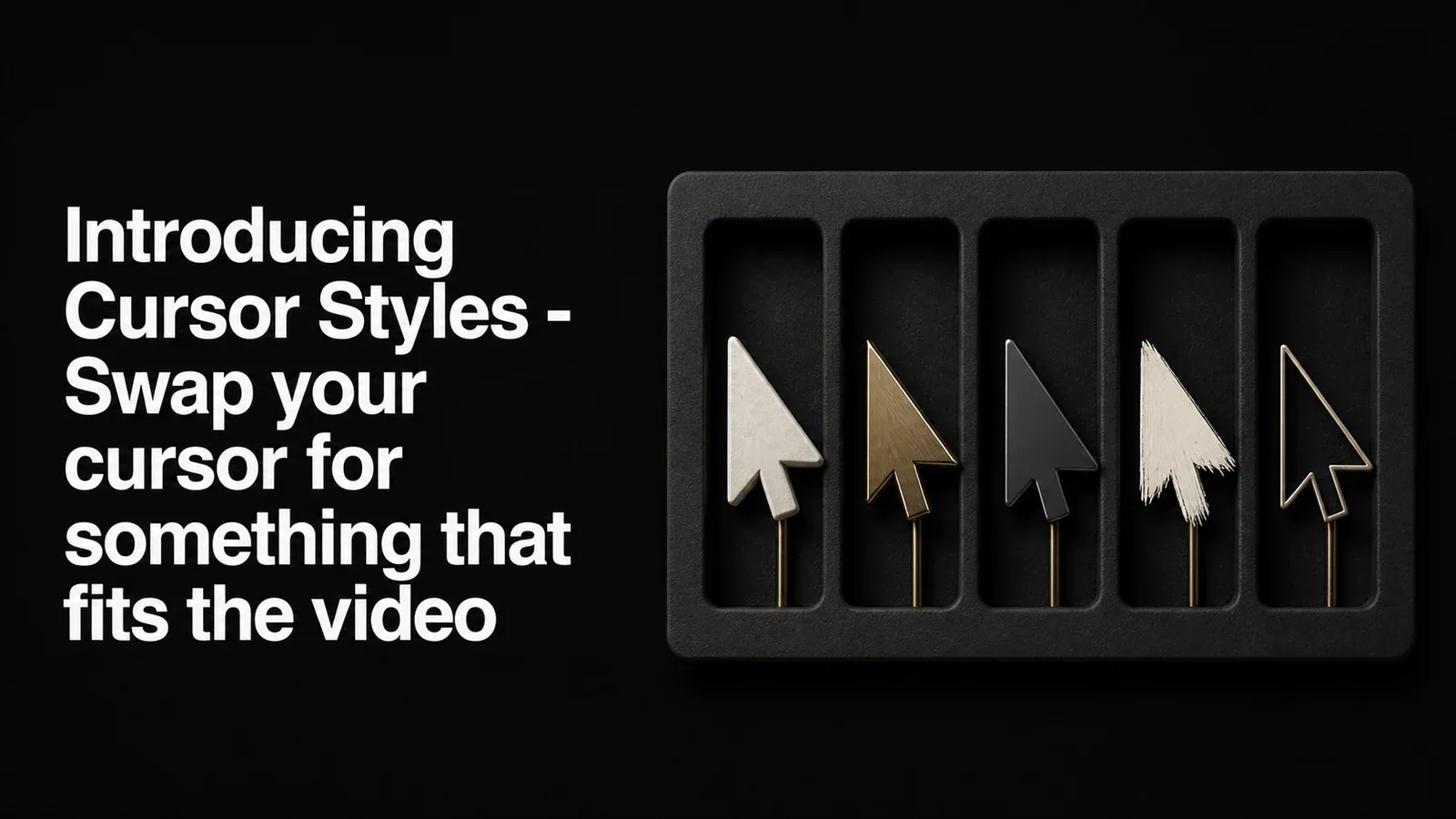
TL;DR - Tight Studio now has a Cursor Style picker. Pick from 13 alternate cursor styles - glossy arrows, hand pointers, even a 3D pixel hand - and the cursor in your recording is replaced everywhere it appears. No re-recording, applied at both playback and export.
The system cursor is fine. Sometimes you want better.
Most screen recordings ship with whatever cursor your operating system happens to draw. It’s serviceable. It’s also identical to every other screen recording on the internet.
If you’re putting your video on a marketing page, in a YouTube intro, or anywhere people are forming a first impression, the cursor is part of the brand. A glossy 3D arrow reads differently than a flat default. A friendly hand pointer reads differently than a thin outline.
We wanted the cursor to be something you could pick, not something you were stuck with.
13 styles, one click
Open the Cursor settings tab and you’ll see a new Cursor Style picker. Click a style and the cursor in your video swaps to it instantly - everywhere it appears, across the whole clip.
The styles cover a few different vibes:
- Glossy arrows - black, blue, yellow, and a white 3D arrow for a clean modern look
- Hand pointers - a minimal hand, a cartoon hand, and a 3D pixel hand for something playful
- Stylized arrows - holographic, iridescent, crystal, pink-border, and a thin outline arrow
- Pencil - a blue-orange pencil for sketch-y or tutorial recordings
The default is still the system cursor. The picker is opt-in, per recording.
Applied at playback and export
The cursor swap isn’t a post-effect bolted on at export time. It happens live in the editor preview and is baked into the final video the same way. What you see while editing is what the export will look like.
Tight Studio handles the alignment for you. Each cursor style has a hotspot - the precise pixel that represents where the cursor is actually pointing - so when you swap a tall hand pointer for a small arrow, the click point doesn’t shift. The cursor lands exactly where it landed in your recording.
Pairs well with cursor animation
Tight Studio already has cursor animation - smoothing, click highlights, and motion that makes the cursor feel deliberate instead of jittery. The cursor style sits on top of that. Animation handles how the cursor moves. Style handles how it looks.
You can run them together, neither, or just one. They’re independent.
Available to everyone
Cursor Styles are available on all plans, including Free. Download Tight Studio and try them on your next recording.