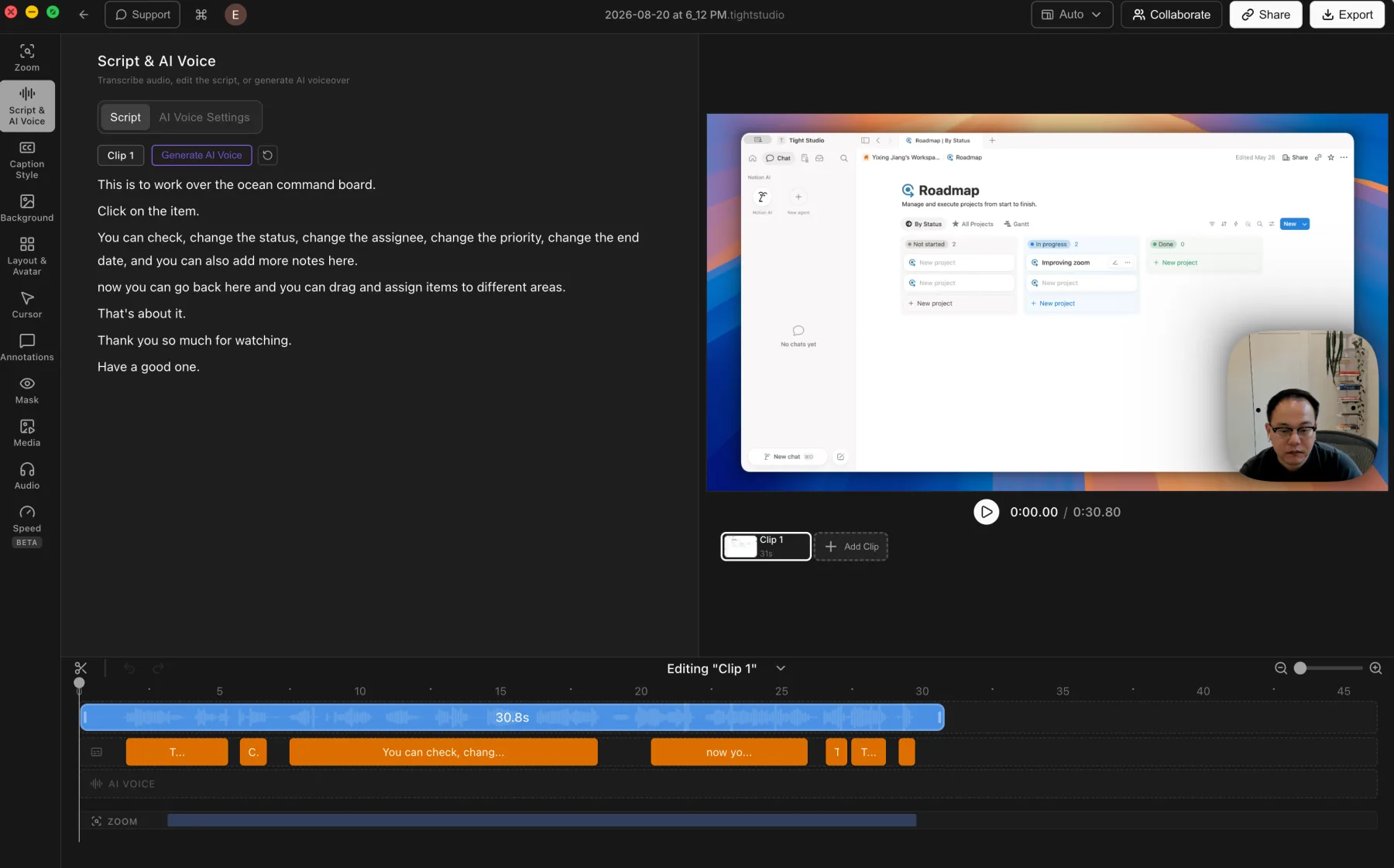
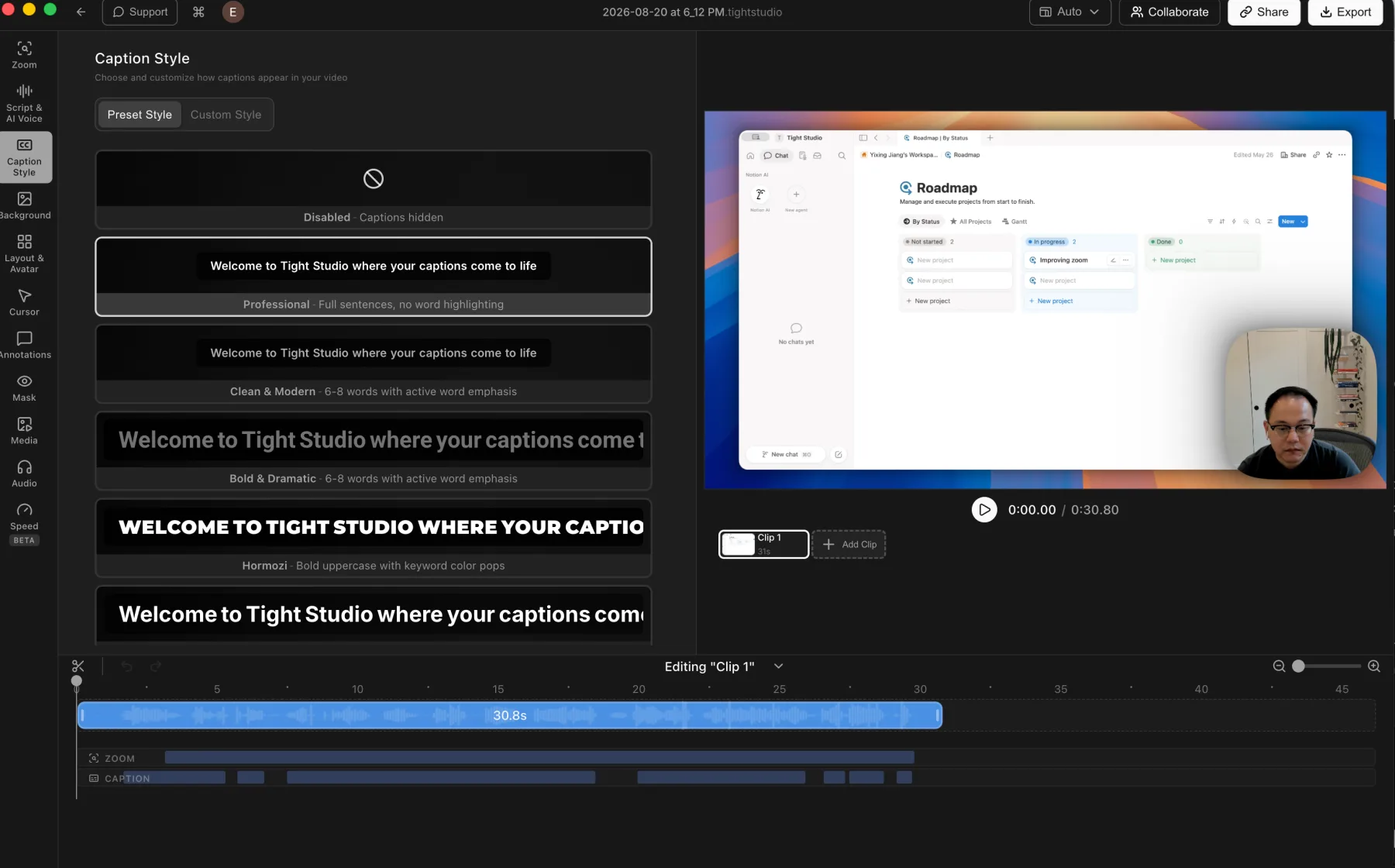
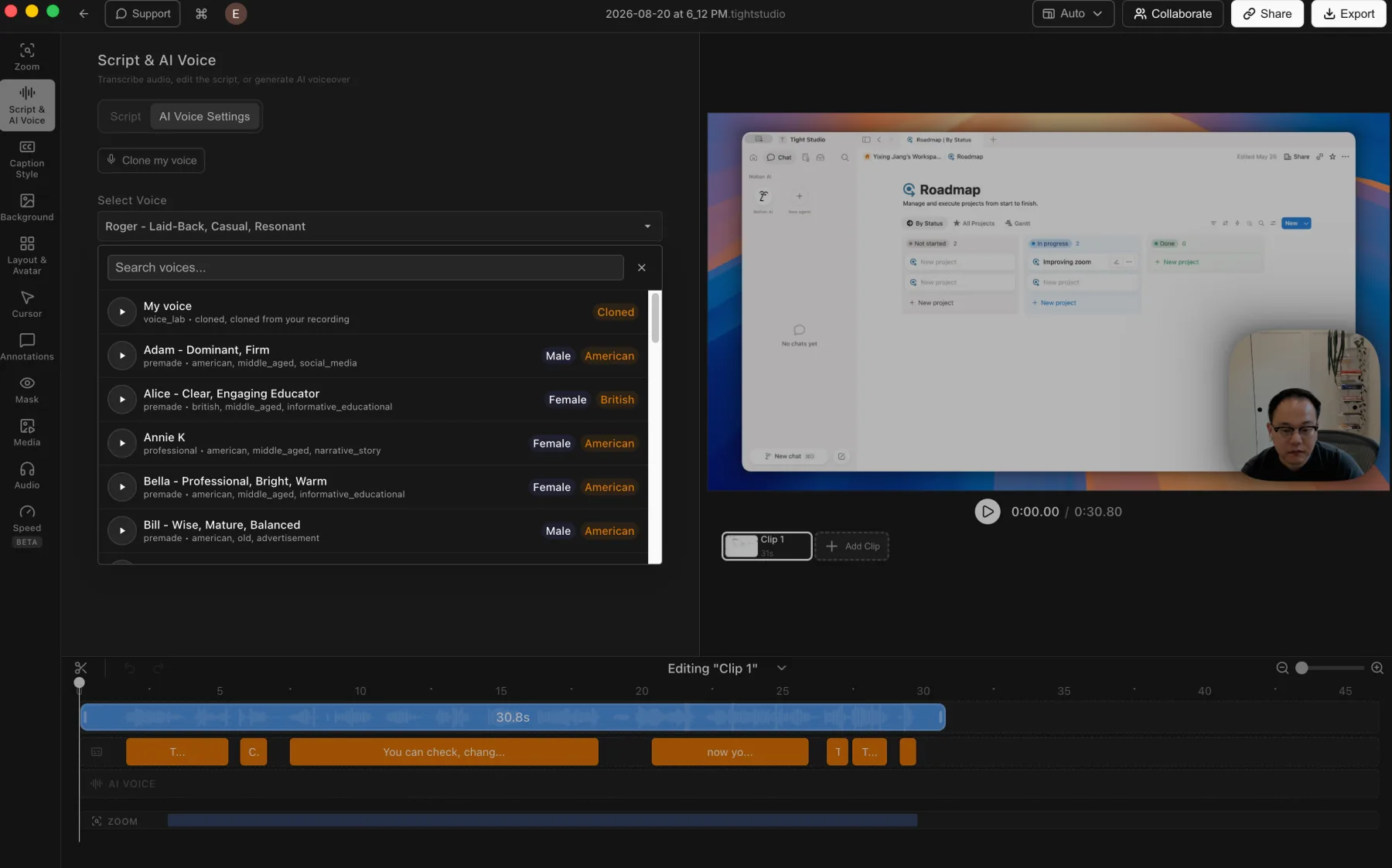
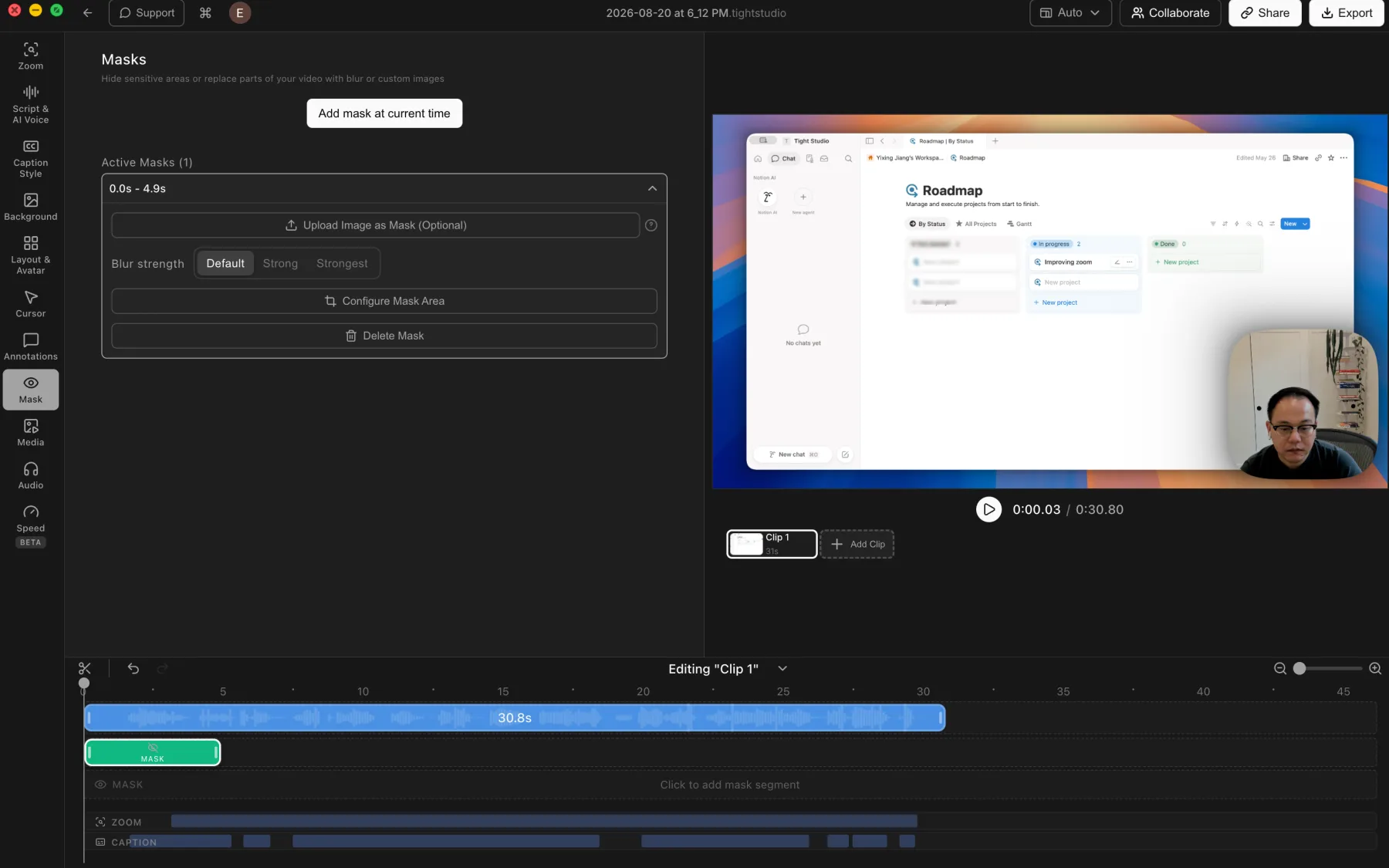
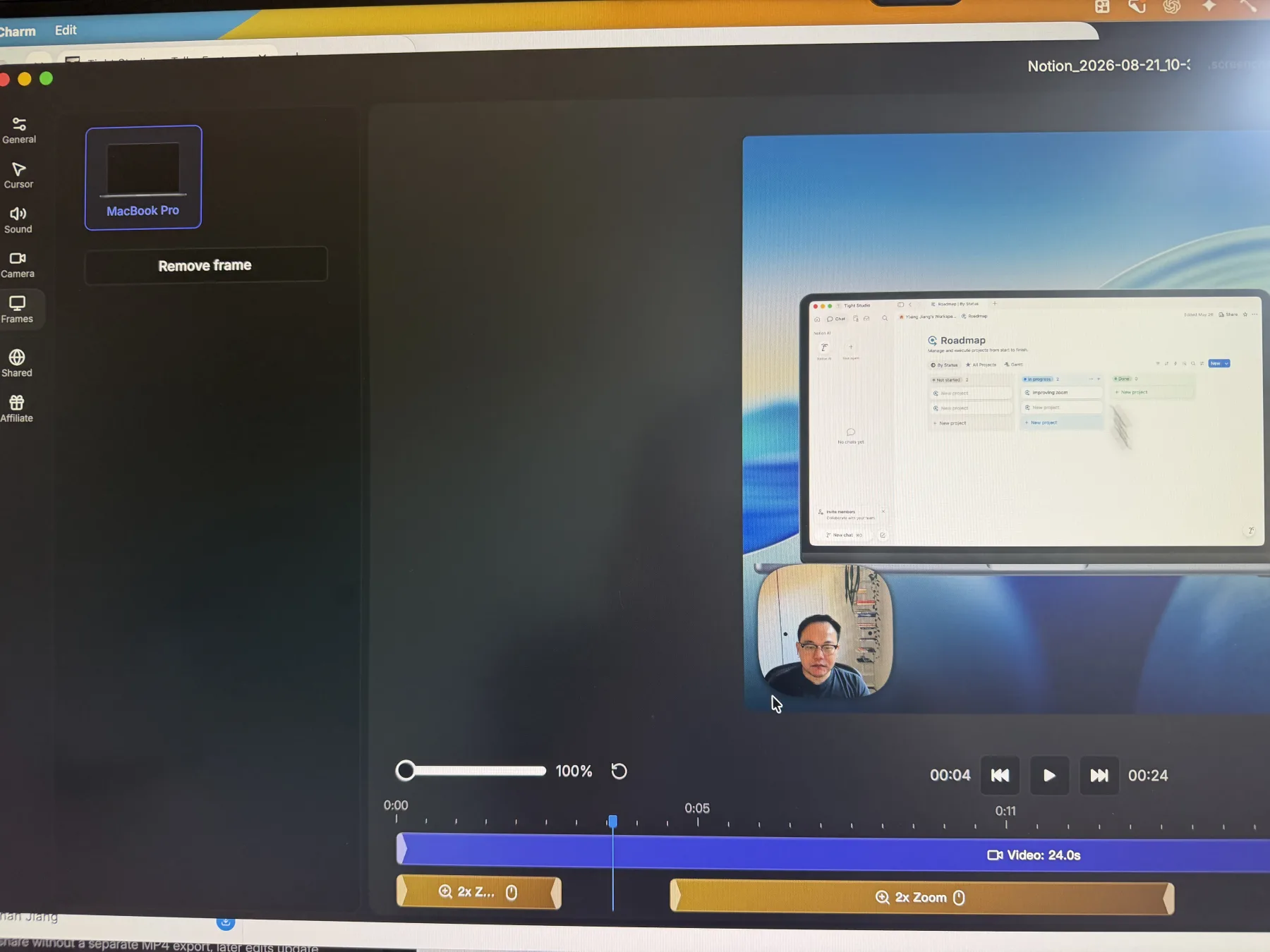
Screen Charm handles a small core feature set well, but stops there
When you need recording recovery, camera-only footage, multiple takes, imported media, captions, overlays, dynamic layouts, or AI voice inside one project.
When your recordings are clean single takes, you only need visual polish around that capture, you want a MacBook Pro frame, and captions, AI narration, overlays, and media imports are unnecessary.
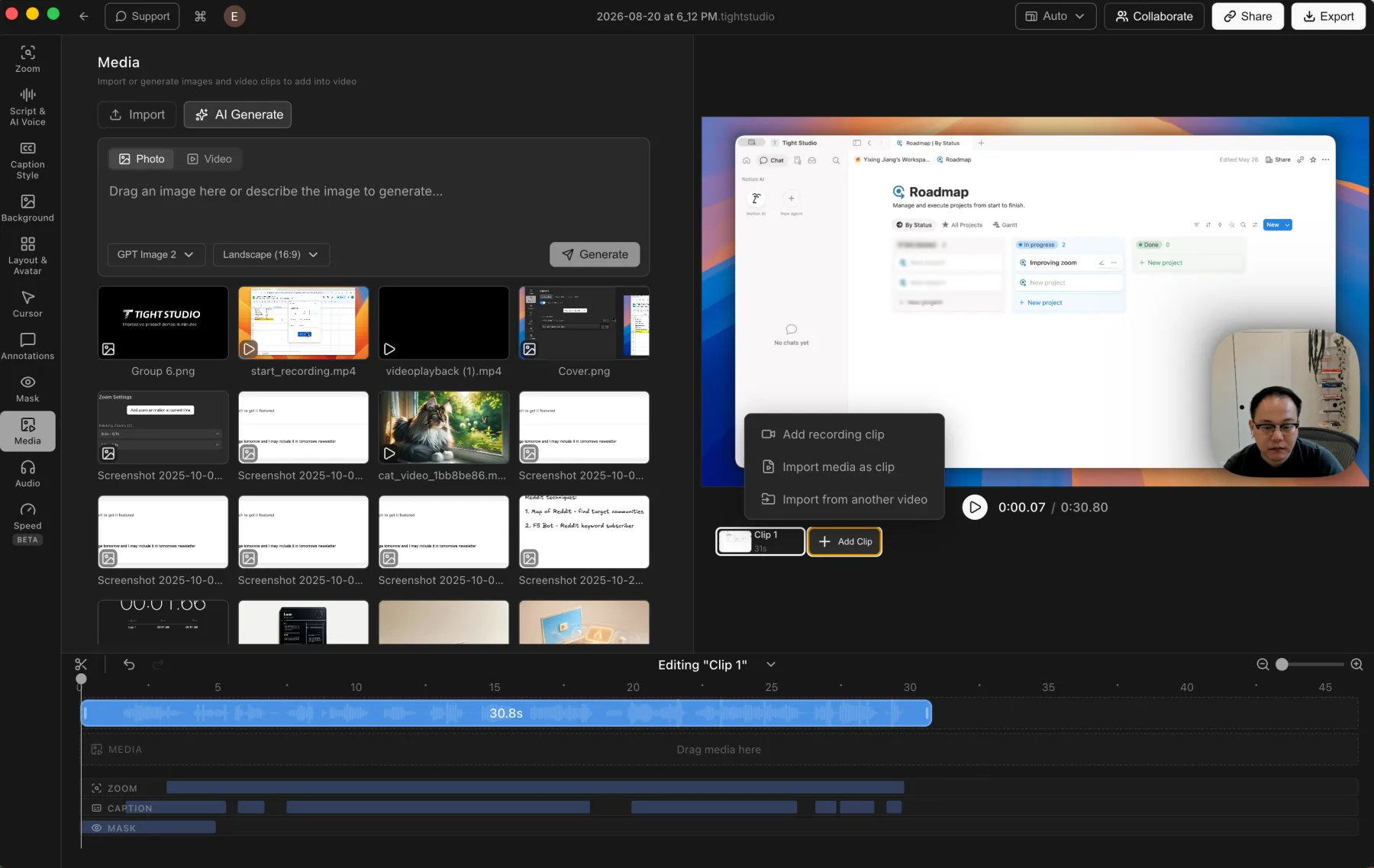
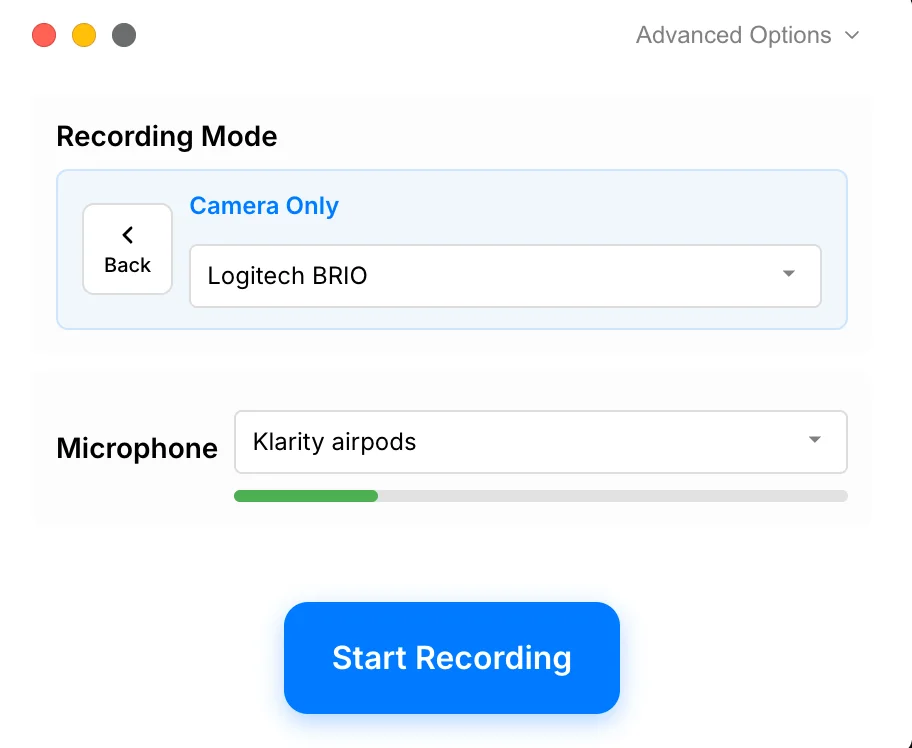
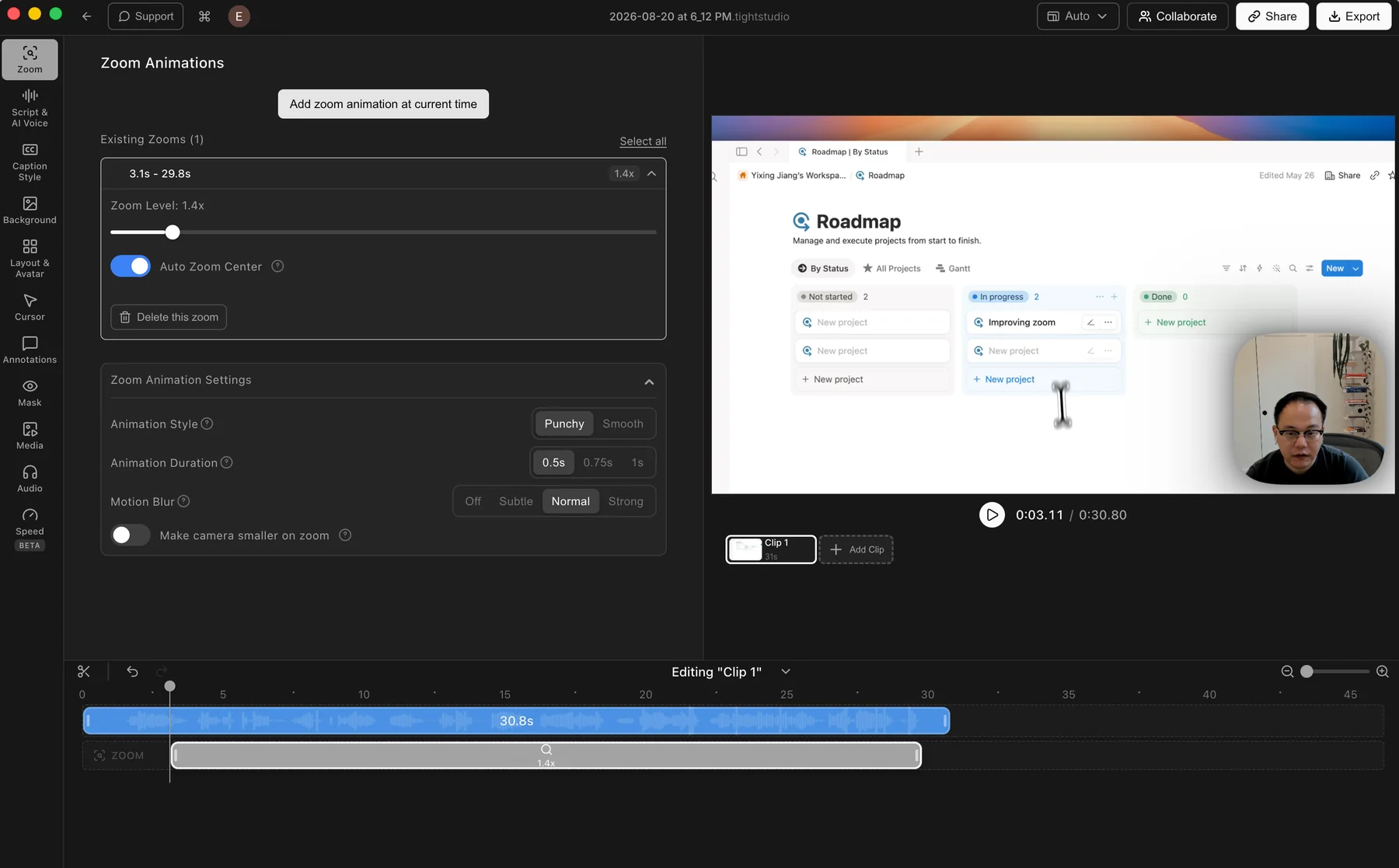
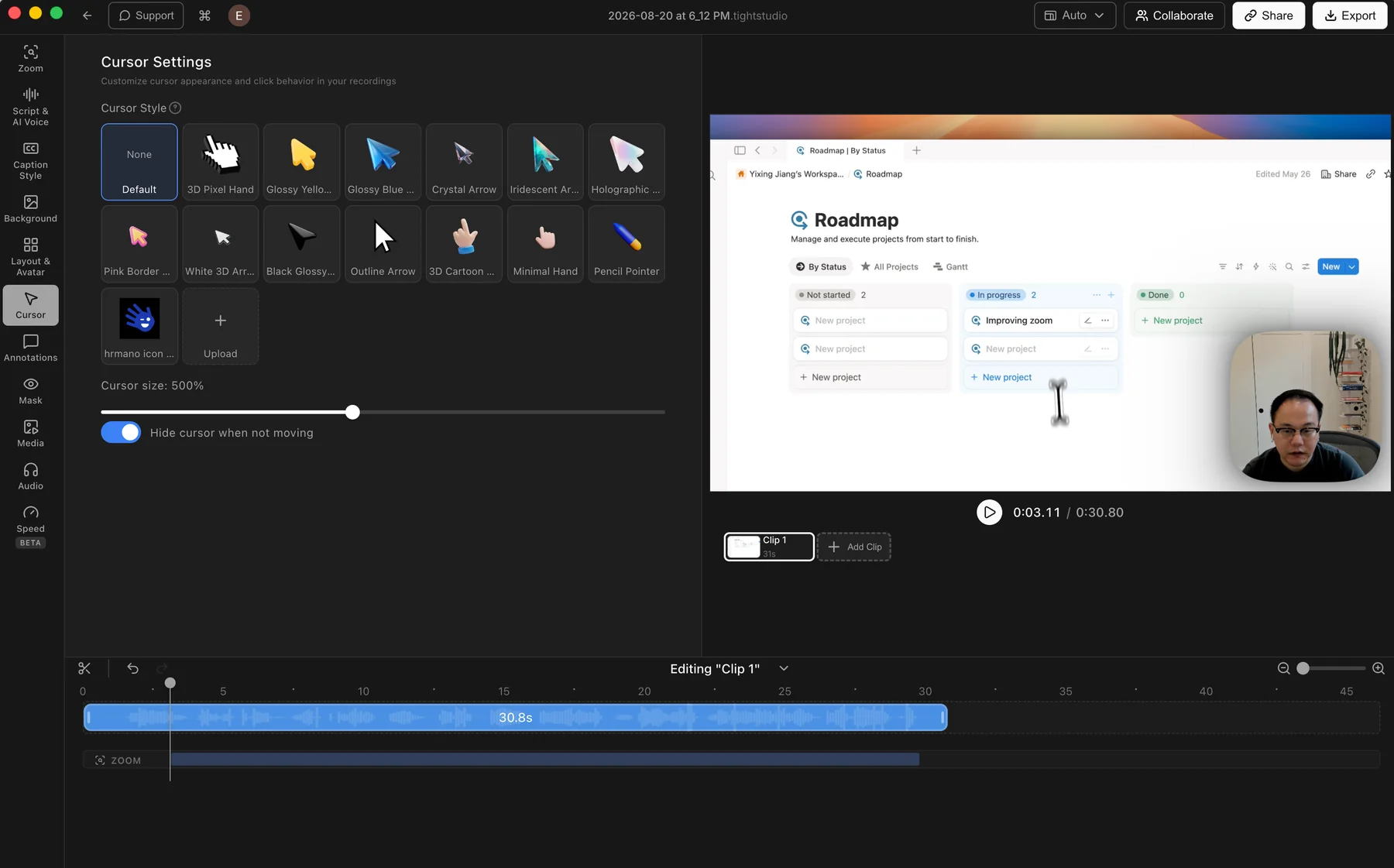
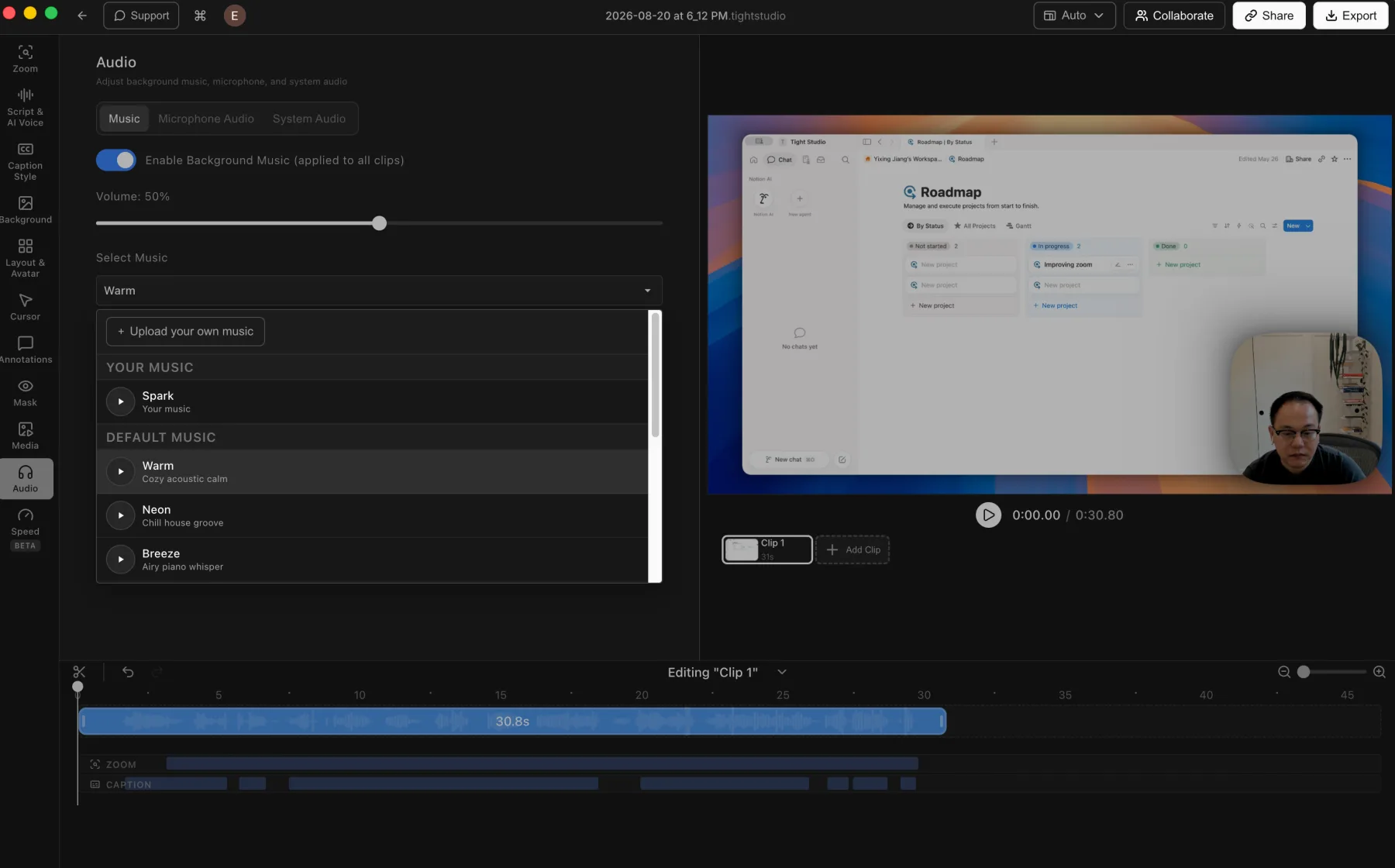
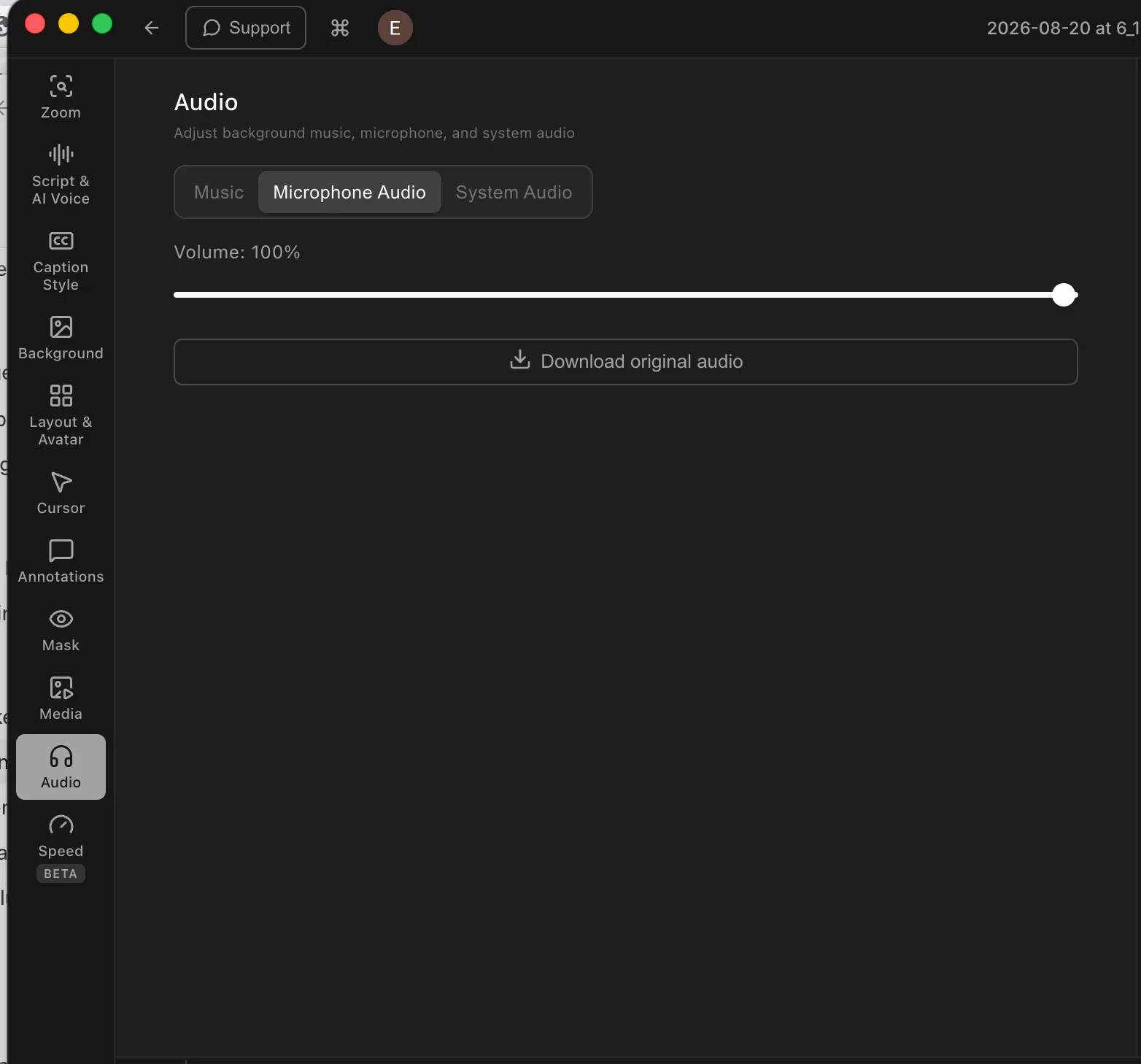
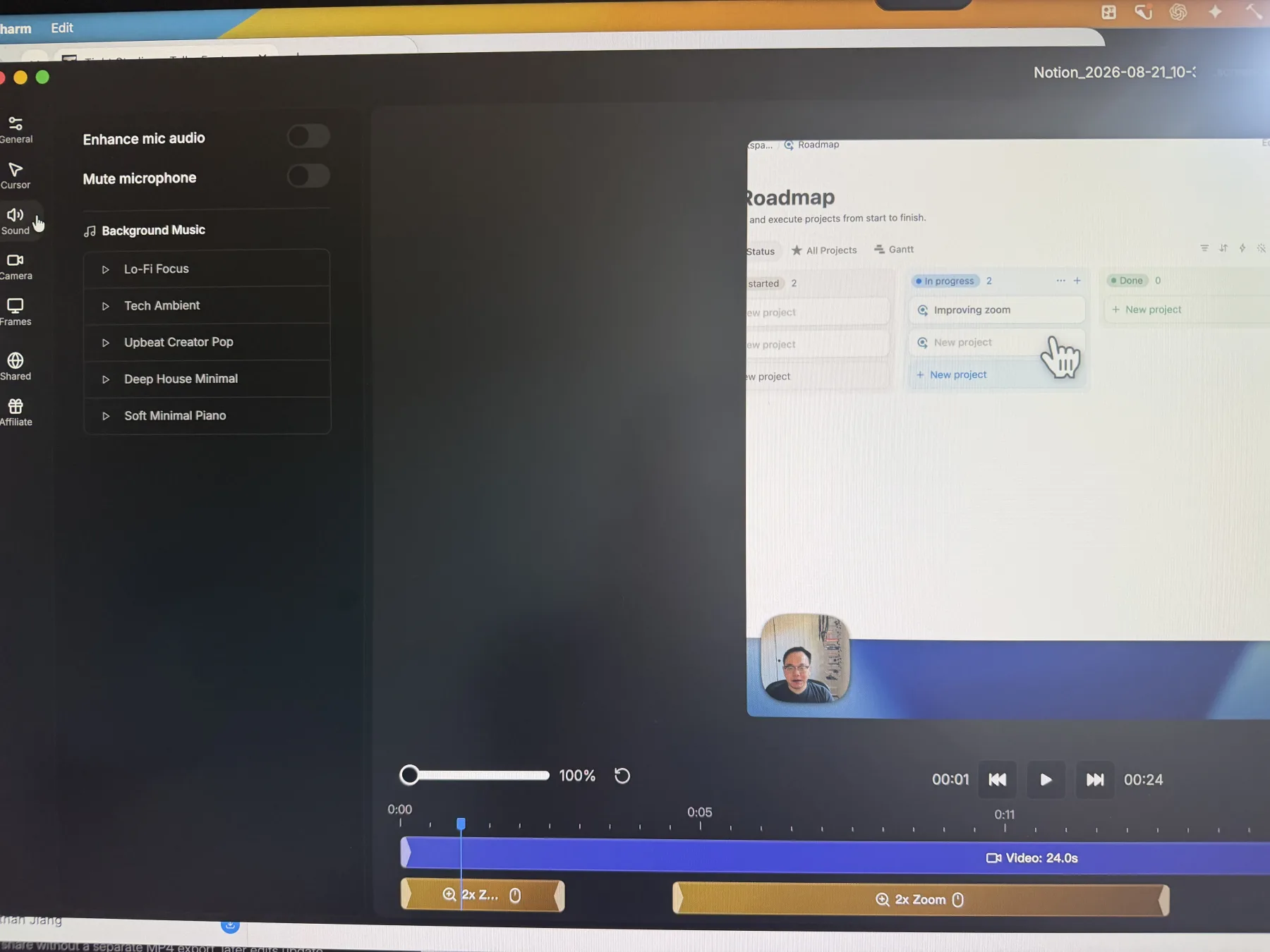
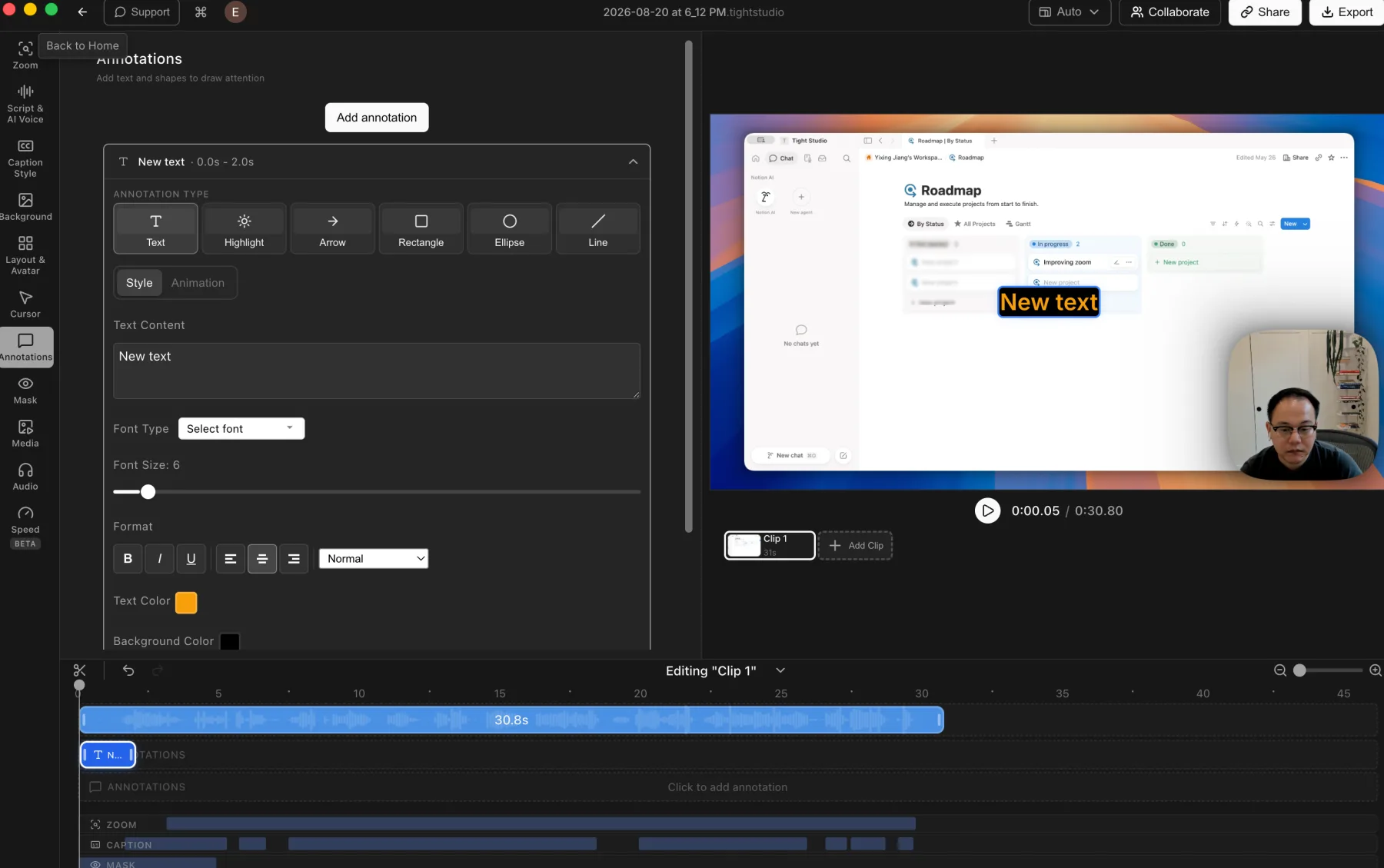
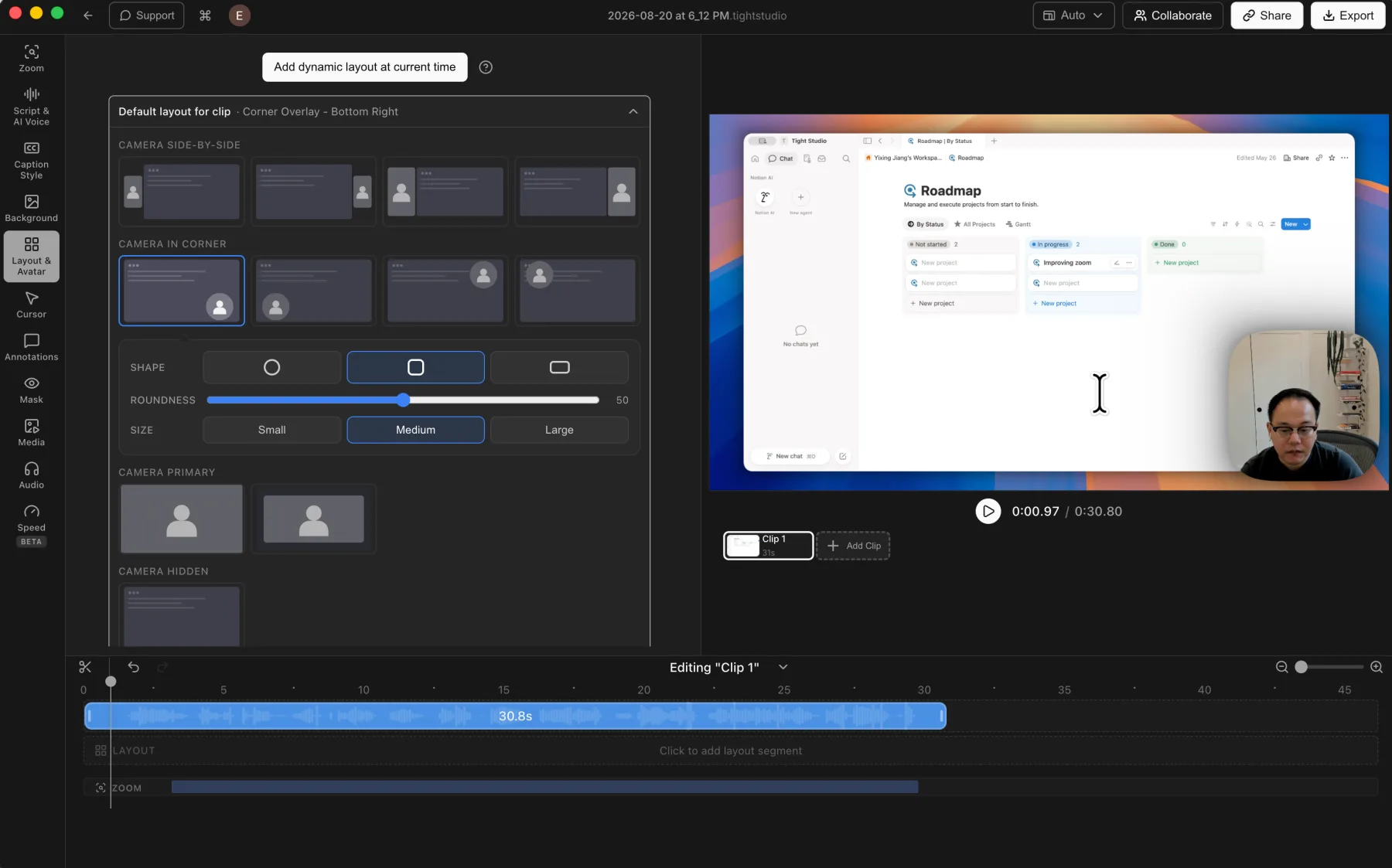
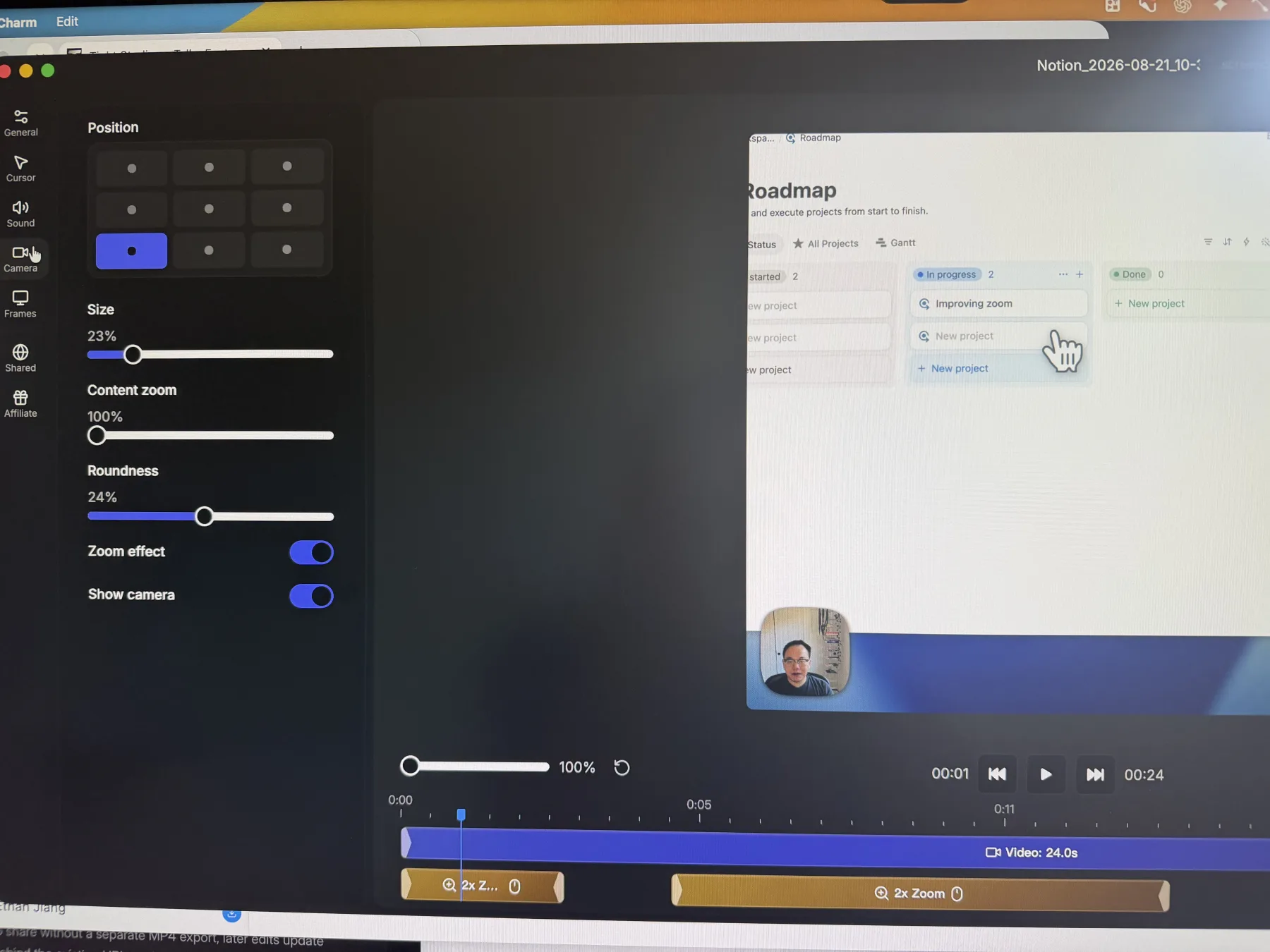
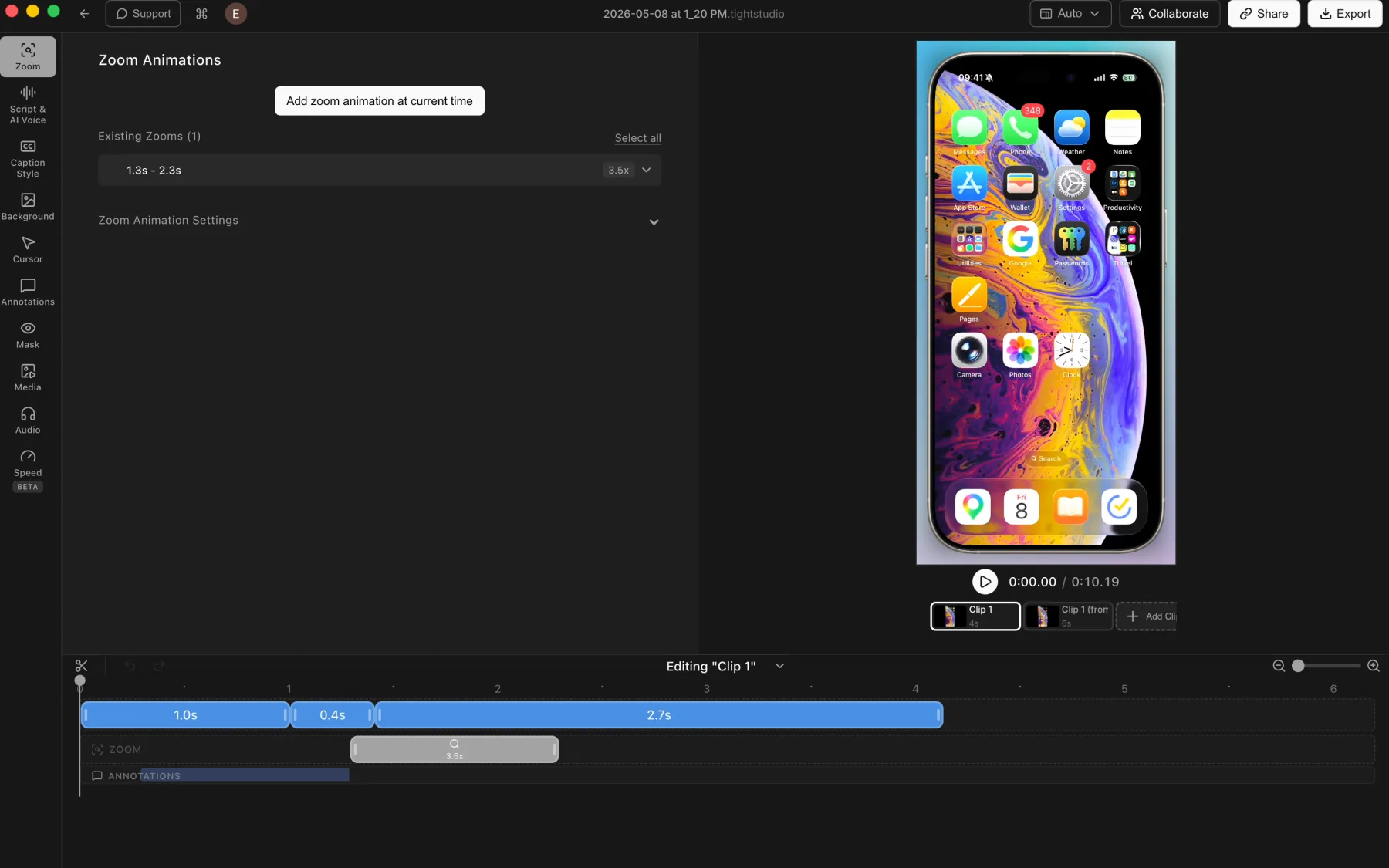
Our overall view: Screen Charm executes a limited subset of core Screen Studio-style features well. Its automatic zoom, cursor motion, MacBook frame, click effects, and microphone enhancement are good, but the product offers little beyond that focused workflow. Tight Studio has the broader creation toolset, including captions, AI narration, camera-only recording, overlays, imported media, additional clips, dynamic layouts, and a free finished export.
How we tested
Ethan Jiang, founder of Tight StudioThis is a first-party comparison. Ethan tested Tight Studio 3.1.5 and Screen Charm 1.9.5 on August 21, 2026, using an M1 MacBook Air with 16 GB of memory running macOS 26.3. Both apps recorded the same Notion walkthrough.
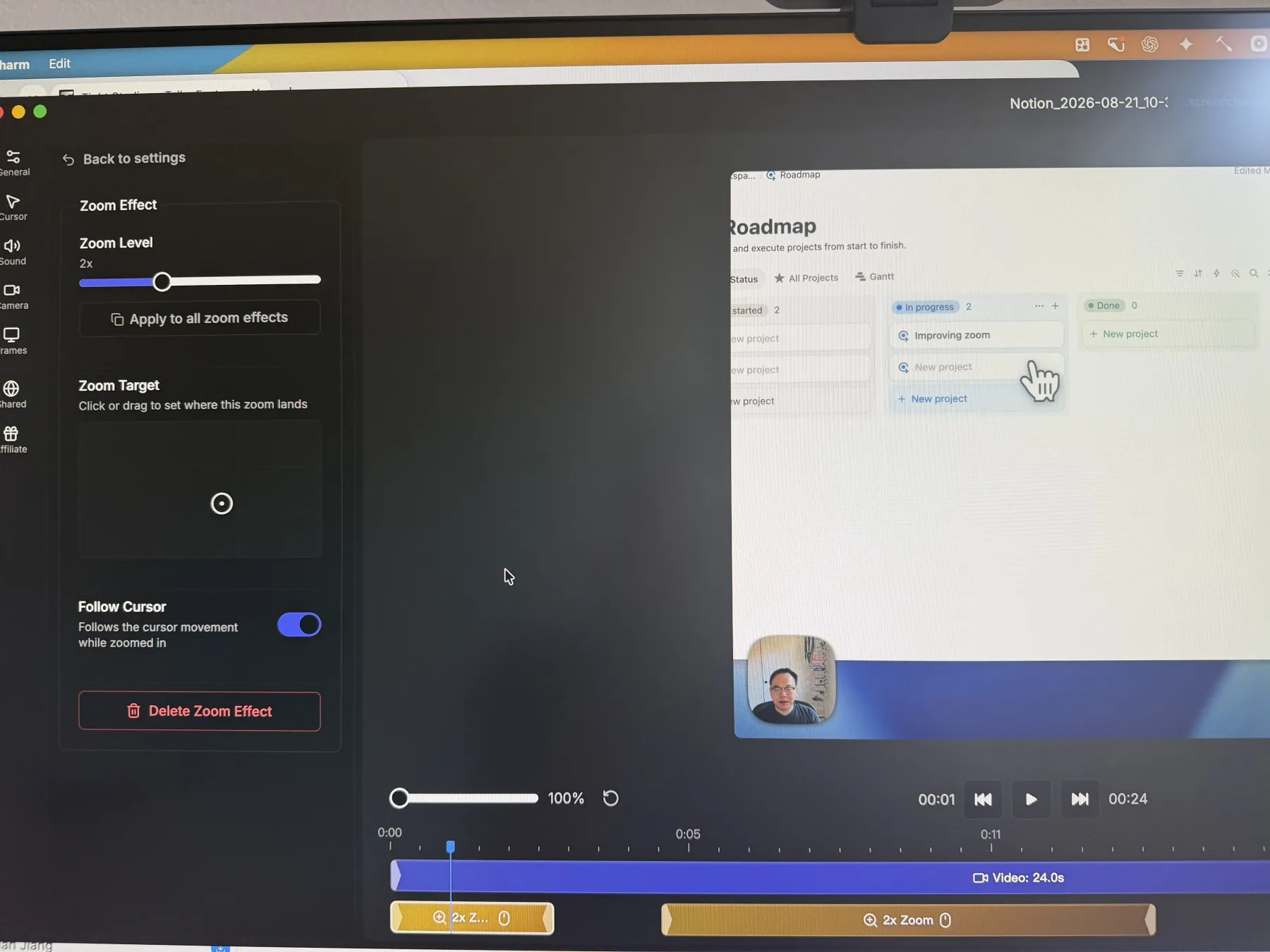
Screenshot note: Screen Charm blocks screenshots of its editor, so we photographed its interface with an iPhone. Differences in sharpness, color, or framing reflect the capture method, not product or export quality.