

Founders make product demos for different moments: the landing page, a launch post, a sales follow-up, an investor update, and customer onboarding. Reusing one recording everywhere is tempting, but each audience needs a different level of context and polish.
This guide compares tools for SaaS demo videos, fast async walkthroughs, and interactive product tours. It focuses on showing the product rather than the rest of the founder software stack.
Choose the SaaS demo before choosing a tool
Define where the demo will appear and what the viewer should do next.
| Founder demo | Useful format | Primary goal |
|---|---|---|
| Landing-page demo | Short polished video | Explain the product and create interest |
| Launch post | Polished video with captions | Make the workflow understandable without sound |
| Sales follow-up | Personal async recording | Connect the product to the prospect’s context |
| Investor update | Narrated product walkthrough | Show progress, usage, and what changed |
| Customer onboarding | Task-based training video | Help a customer complete one outcome |
| Self-guided website demo | Interactive product tour | Let a visitor explore before signing up |
A landing-page demo is not a complete training course. A sales follow-up should not feel like a generic launch trailer. Match the recording to the next decision.
Best SaaS demo video tools compared
| Tool | Output | Strongest part | Main limitation |
|---|---|---|---|
| Tight Studio | Polished screen-recorded video | Zoom, separate microphone and system-audio tracks, AI voiceover, annotations, and multi-take editing | Mac only |
| Loom | Fast shareable recording | Immediate link and viewer feedback | Less control over a polished final presentation |
| Screen Studio | Polished Mac screen recording | Automatic zoom, cursor treatment, system audio, and export presets | Mac only and focused on screen-based video |
| Tella | Clip-based recorded video | Browser, extension, and Mac capture with flexible layouts | Cloud-centered workflow may not suit every export process |
| Storylane | Interactive product demo | Self-guided screenshot or HTML-based product tours | Different category from a narrated demo video editor |
We compared these products by output format, editing control, update effort, distribution, and whether the viewer watches a fixed story or explores the product themselves. We intentionally do not target the broad phrase “product demo software,” which often refers specifically to interactive-demo platforms.
Polished product demo video tools
Polished recordings are useful when the video represents the company publicly or will be reused for months. Editing control matters because the founder may need to replace one step, adjust narration, add captions, or create several aspect ratios.
Tight Studio for polished founder-led demos
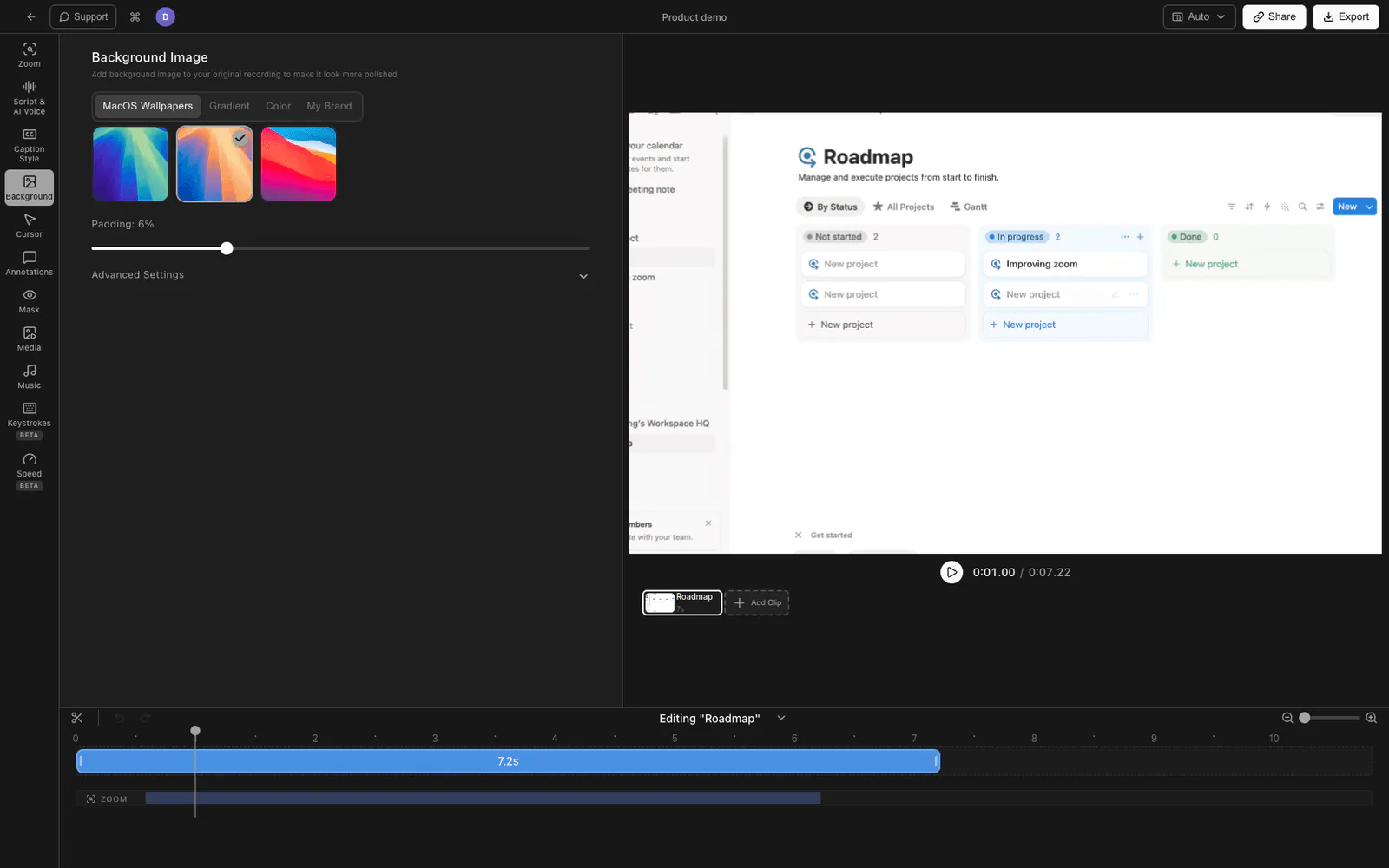
Tight Studio is a Mac screen recorder and editor we built for product demos, tutorials, launch videos, and walkthroughs.
The relevant features for founder demos are:
- Smart zoom animation follows clicks and keeps a dense interface readable.
- Cursor animation and click highlighting clarify the interaction without manual keyframing.
- AI voiceover turns a script into narration when re-recording a voice track would slow down the launch.
- Multi-take recording lets the introduction, workflow, result, and ending be recorded separately.
- System audio capture records computer audio separately from the microphone, with independent volume control.
- Text annotations add short labels, values, or calls to action.
- Intro and outro slides create a consistent opening and close.
- Captions and background music can be added inside the editor.
Tight Studio exports a finished video file for a site, launch post, deck, help center, or social channel. It is Mac-only. Microphone and system audio remain separate in the editor, so founders can balance product sound against narration or download either track independently.
For an end-to-end process, follow how to make a demo video and use the video script template before recording.
Screen Studio for automatic Mac screen-recording polish
Screen Studio is a Mac screen recorder with automatic and manual zoom, cursor smoothing, branding controls, system-audio capture, captions, and shareable exports. It produces screen-focused demo videos with a substantial amount of visual treatment applied automatically.
Its workflow is suitable when the product itself is the main subject and the founder wants a Mac-native editor. Compare the final output, editing model, and required features directly rather than choosing solely from a feature checklist.
Tella for clip-based product presentations
Tella records screen, camera, or both through its browser app, extension, and Mac app. Its clip-based workflow lets a founder record an introduction, screen demonstration, and closing separately, then adjust layouts and share or export the result.
This structure works when the presenter should appear throughout the video or when several short clips need to be combined without a traditional editing timeline.
Fast product demo sharing
Loom for sales follow-ups and investor updates
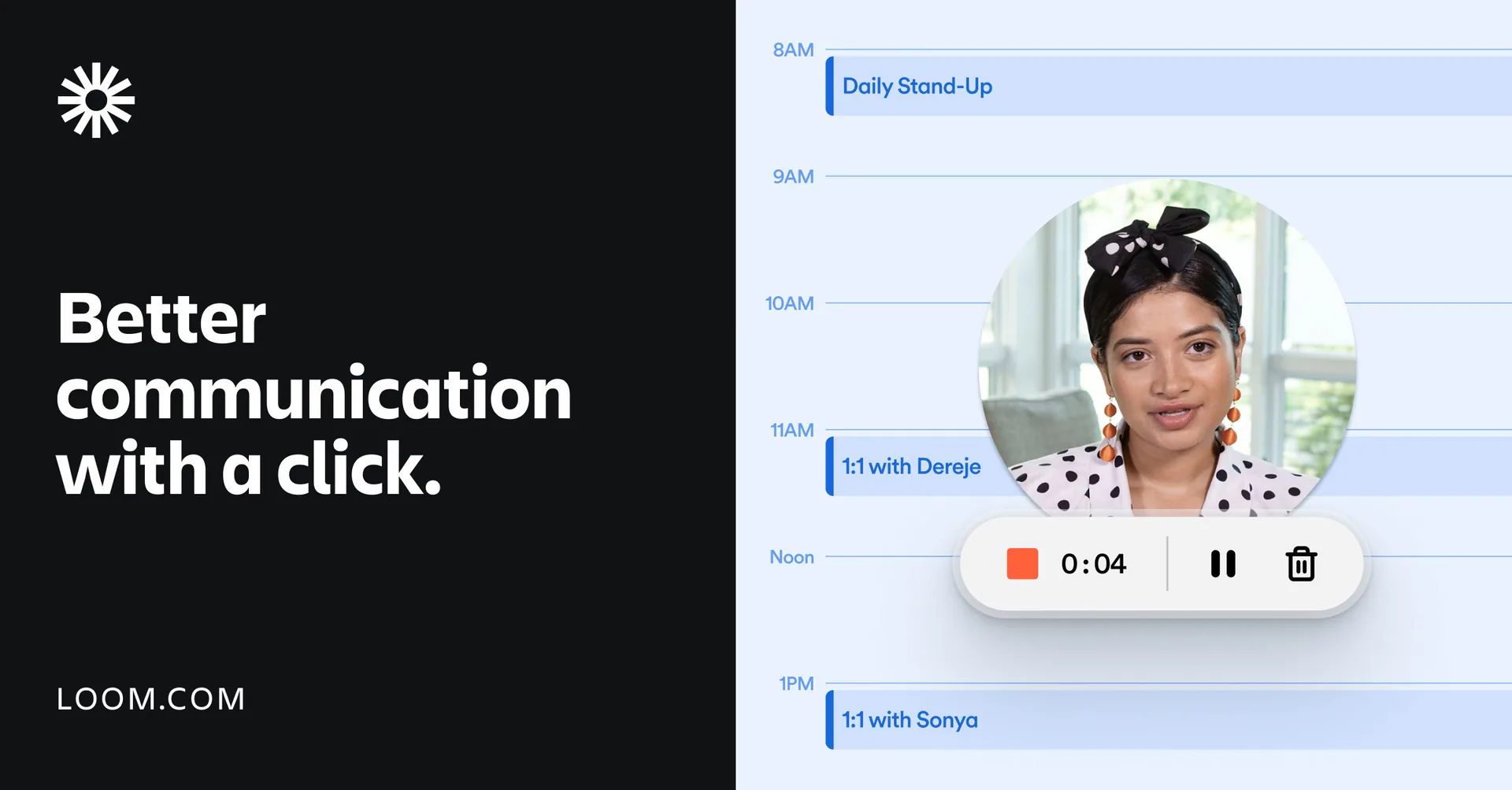
Loom creates a shareable link as soon as recording stops. It supports screen and camera recording, browser-based editing, captions, embeds, and viewer comments.
That speed matters when a demo is personal and short-lived: answering a prospect’s question, showing the week’s progress to investors, or explaining a specific customer workflow. For a public homepage or launch asset, scripting and visual consistency usually deserve more attention.
The Tight Studio vs Loom comparison covers the recording workflows in more detail. If the finished video needs to be sent without a large attachment, see how to send a shareable video link.
Interactive SaaS product demos
Storylane for self-guided product exploration
Storylane creates guided product demos from screenshot captures or captured HTML and CSS. Viewers advance through hotspots, tooltips, and simulated product states instead of watching a fixed timeline.
That makes Storylane a different category from Tight Studio, Loom, Screen Studio, or Tella. Use an interactive demo when a visitor should explore the product before signing up. Use video when narration, motion, timing, or a founder’s explanation is central to the story.
A company may use both: a short demo video to explain the value, followed by an interactive tour for deeper exploration.
A founder workflow for making a SaaS demo video
1. Pick one audience and one outcome
Write the audience, problem, and next action in a single sentence. For example: “Show operations leads how the product turns a customer call into assigned follow-up tasks, then invite them to start a trial.”
2. Prepare a believable demo account
Use realistic names, projects, and results. Remove private data, notifications, browser clutter, and unfinished navigation. Increase the application window size or zoom level enough for the interface to remain readable after export.
3. Write the click path before the narration
List the exact starting state, actions, and final result. Then write narration around that path. This prevents the script from promising steps that the recording does not clearly show.
4. Record in replaceable sections
Separate the hook, workflow, result, and call to action. When the interface changes, replacing one section is faster than reconstructing the entire demo.
5. Edit for comprehension
Remove setup time and failed clicks. Add zoom only where a control or result needs attention. Keep cursor movement deliberate. Add captions for viewers who encounter the demo without sound.
6. Publish for the destination
A landing page benefits from a compact export and a strong poster frame. Social posts need captions and a readable crop. Sales follow-ups benefit from a link and viewer feedback. Help centers need stable hosting and a text alternative.
A 90-second SaaS demo video outline
Use this structure for a landing page or launch post:
- 0-10 seconds: Problem. Name the frustrating task in the audience’s language.
- 10-20 seconds: Outcome. Show the finished state before explaining every step.
- 20-65 seconds: Workflow. Demonstrate one complete path with realistic data.
- 65-80 seconds: Result. Pause on what changed and why it matters.
- 80-90 seconds: Next step. Invite the viewer to try, book, or learn more.
If the product needs more explanation, make a separate deep-dive demo rather than stretching the homepage video into a full tutorial.
SaaS demo video mistakes to avoid
- Opening with the company history. Show the problem and outcome first.
- Touring every navigation item. A demo is a story about a result, not a map of the application.
- Using an empty account. Realistic data makes the value visible.
- Recording the whole video in one take. Short sections are easier to repair and update.
- Moving too quickly through a dense interface. Pause after important actions and results.
- Depending on audio alone. Add captions and visible context for silent viewing.
- Using one demo for every buyer. Change the opening, data, and outcome when the audience changes.
- Ending without a next action. The viewer should know what to do after the demo.
For narration without repeated voice recording, see how to add AI voiceover to a screen recording. For caption design, use the screen-recording captions guide.
Frequently asked questions
What is the best tool for making a SaaS demo video?
The best tool depends on the output. Tight Studio, Screen Studio, and Tella focus on polished recorded videos with different editing workflows. Loom prioritizes fast recording and sharing. Storylane creates interactive, self-guided demos rather than a traditional video.
How long should a SaaS product demo video be?
A landing-page or launch demo is often 60 to 120 seconds. A sales follow-up can be two to five minutes if it addresses the prospect’s specific workflow. Customer training should be split into task-based videos instead of one long tour.
Should a founder use video or an interactive product demo?
Use video when the sequence, narration, motion, or founder’s explanation matters. Use an interactive demo when visitors should explore a guided version of the interface at their own pace. The two formats can appear together in the same funnel.
Can I make a product demo video for free?
Yes. macOS includes basic screen recording, and several dedicated products offer free plans or trials. The tradeoff is usually editing control, branding, recording limits, hosting, or watermarks. Test the full export workflow before committing to a tool.
Do I need to show my face in a founder demo?
No. A face camera can add context for a personal sales or investor message, but a product-focused launch video can rely on screen recording and narration. Use the presenter only when it strengthens trust or explanation rather than covering the interface.
How often should a SaaS demo video be updated?
Update the demo when the recorded path, interface, positioning, or call to action changes enough to mislead a viewer. Recording in separate sections makes small product changes much easier to maintain.