

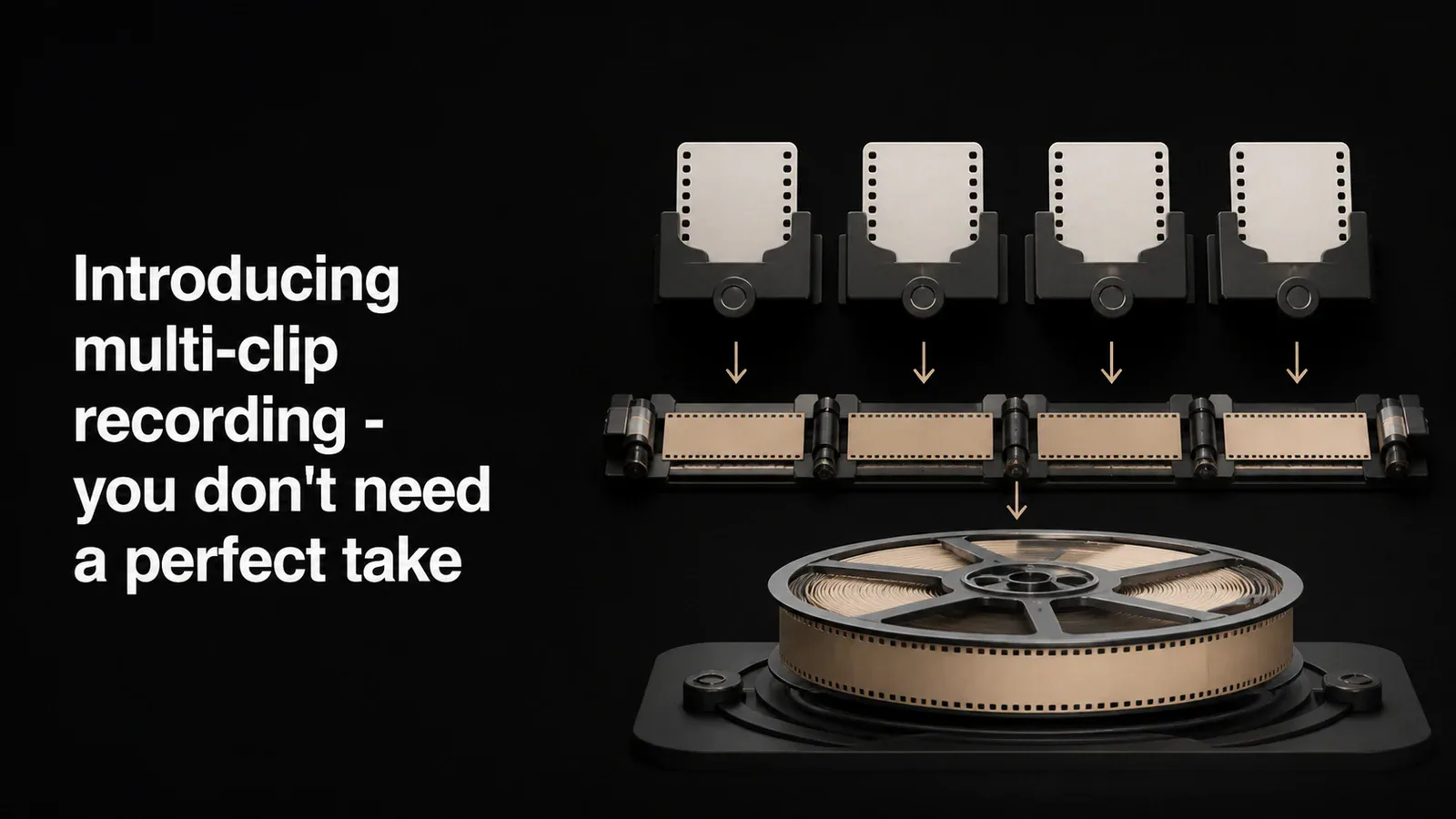
Direct answer: Tight Studio is a multi-clip screen recorder for Apple Silicon Macs. Record a take, choose Add Clip → Add recording clip for the next section, reorder the clip cards, and export the project once. Tight Studio combines the separate recordings into one continuous video while keeping each take editable.
The problem with screen recording
Every screen recording tool works the same way. Hit record, do your thing, hit stop. If you stumble halfway through a 5-minute demo, you have two choices: start over or live with the mistake.
Starting over means losing the good parts. And if you’re recording a tutorial or product walkthrough, you’ll burn more time re-recording than you spent on the original take.
We wanted to fix this.
How Tight Studio’s multi-clip workflow works
With multi-clip recording, you can break a recording into as many clips as you need. Each clip is a separate take that lives in the same project. When you export, everything gets combined into one continuous video.
Here’s what the workflow looks like:
- Record your first clip. Walk through the first part of your demo.
- Stop and review. Edit the clip - add zoom effects, captions, adjust timing.
- Add another clip. Hit the add button and record the next section.
- Repeat as needed. Build up your video piece by piece.
- Export once. Everything renders together as a single video.
Each clip gets its own timeline with its own edits. You can reorder clips by dragging them, rename them, or delete one without affecting the others.
Why this matters
The biggest shift is psychological. When you know you can record in parts, you stop worrying about being perfect. You focus on getting one section right at a time instead of trying to nail a continuous 5-minute take.
This changes how you approach recording:
- Tutorials - Record each step as its own clip. If you mess up step 3, you only redo step 3.
- Product demos - Record the setup once, then try different ways of showing the main feature without losing your intro.
- Bug reports - Capture the reproduction steps across multiple attempts and keep only the clips that show the issue clearly.
How editing works across clips
Each clip is independent. When you click a clip in the carousel, the editor loads that clip’s timeline, zoom effects, captions, and camera settings. Edits you make to one clip don’t affect the others.
When you’re ready to export, Tight Studio renders each clip separately, then combines them in order. If you’ve added background music, it gets applied across the entire final video.
One detail we paid attention to: export resolution is based on the largest clip in the project. If your second clip was recorded at a higher resolution than the first, the final video won’t be limited by the smallest source.
Available now
Multi-clip recording shipped in version 2.9. In the current Tight Studio editor, the clip carousel appears below the video preview. Choose Add Clip → Add recording clip to capture another take, Import media as clip to add an MP4, MOV, or image, or Import from another video to copy clips from an existing project.
Free accounts include five saved Add Clip additions across all projects. Plus and Pro include unlimited multi-clip recording. Starting a separate new recording remains free and does not consume the Add Clip allowance.
Frequently asked questions
What is a multi-clip screen recorder?
A multi-clip screen recorder keeps several recorded takes in one editable project and exports them as one video. Tight Studio uses a clip carousel for the sequence, with a separate editable timeline for each take.
Can Tight Studio combine multiple screen recordings?
Yes. Record additional takes with Add Clip, import an MP4 or MOV as a clip, or copy clips from another Tight Studio project. Reorder the clip cards and export once to combine them into one continuous video.
What is a good multi-clip workflow for tutorials and product demos?
Record one section per clip: introduction, setup, each major step, and conclusion. Review each take before adding the next one, redo only the section that needs work, arrange the clips, and export the complete sequence once.
Is Tight Studio’s multi-clip recording free?
Free accounts include five saved Add Clip additions across all projects. Plus and Pro remove the Add Clip limit. Standard exports do not add a watermark.