
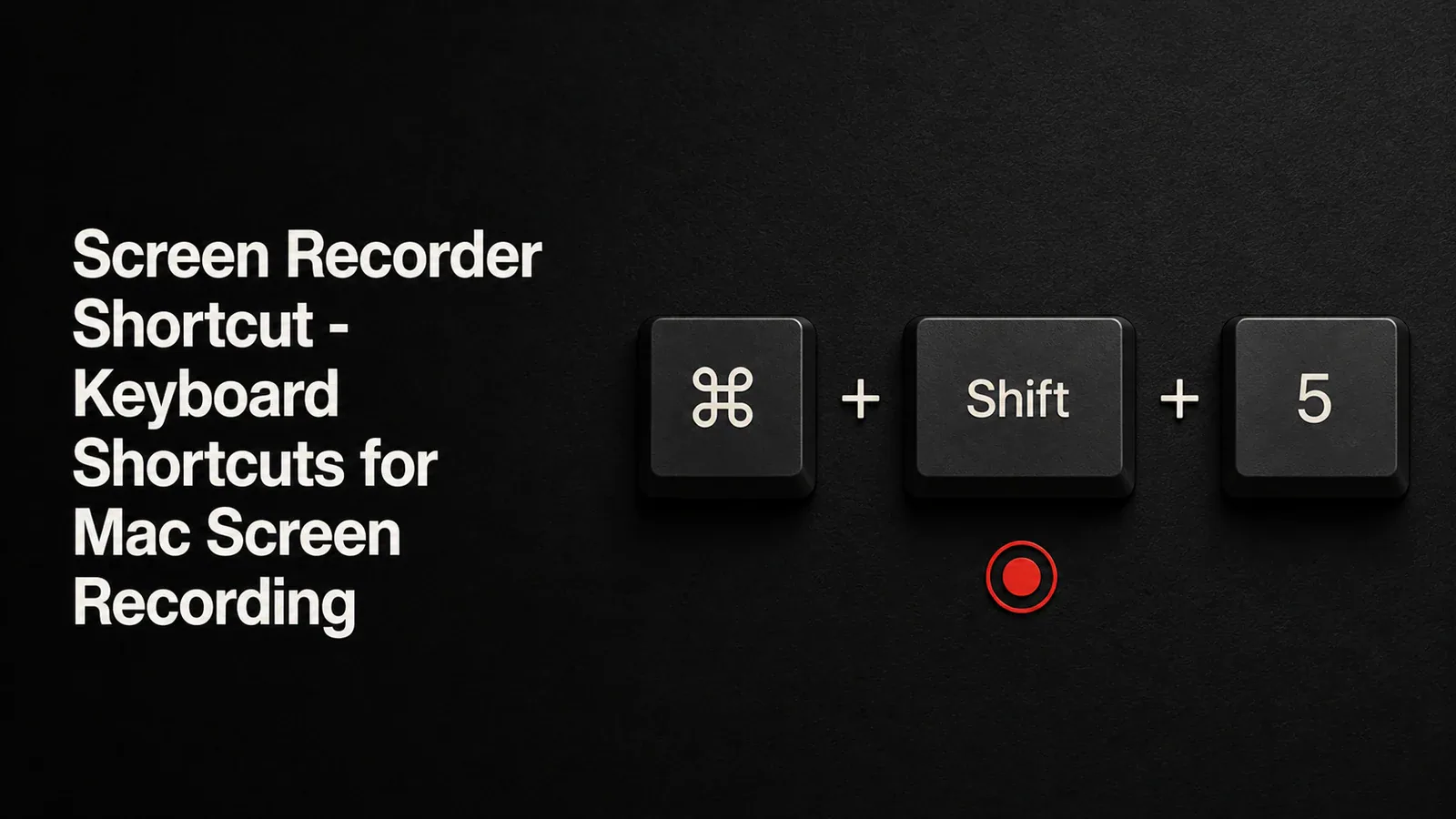
Screen Recorder Shortcuts for Mac
Complete reference of Mac screen recording keyboard shortcuts including Cmd+Shift+5 and QuickTime. Plus how to get professional results with zoom, cursor effects, and editing.

Archive
Complete reference of Mac screen recording keyboard shortcuts including Cmd+Shift+5 and QuickTime. Plus how to get professional results with zoom, cursor effects, and editing.
Tight Studio auto-saves your edits every 30 seconds so you never lose work. No more forgetting to hit save.

Real numbers from our analytics - export speed improved from ~2,000ms per second of video to ~300ms. A 60-second recording now exports in 20 seconds instead of 2 minutes.
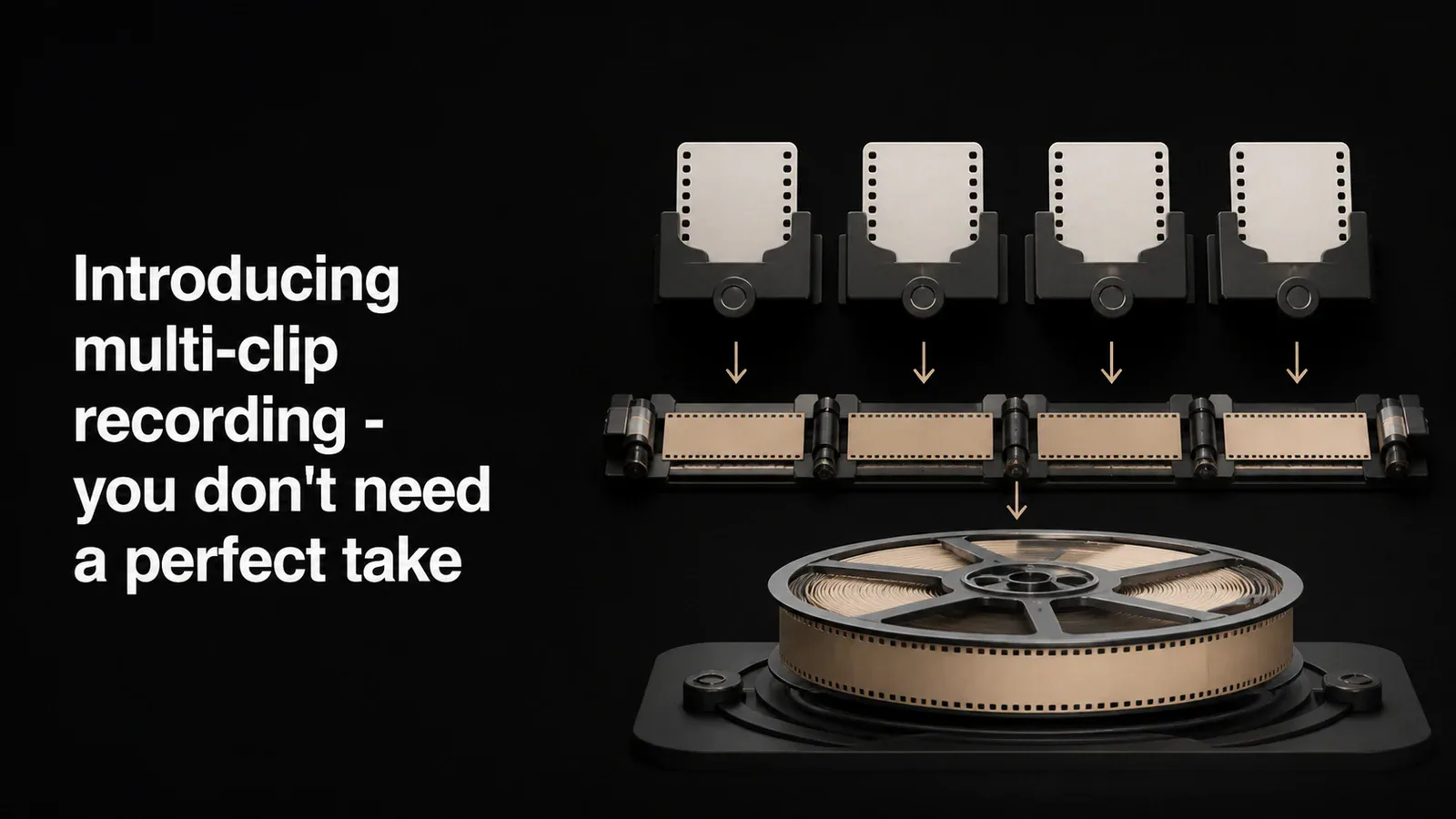
Tight Studio's multi-clip screen recorder lets Mac users record in parts, reorder the takes, and export them together as one finished video.
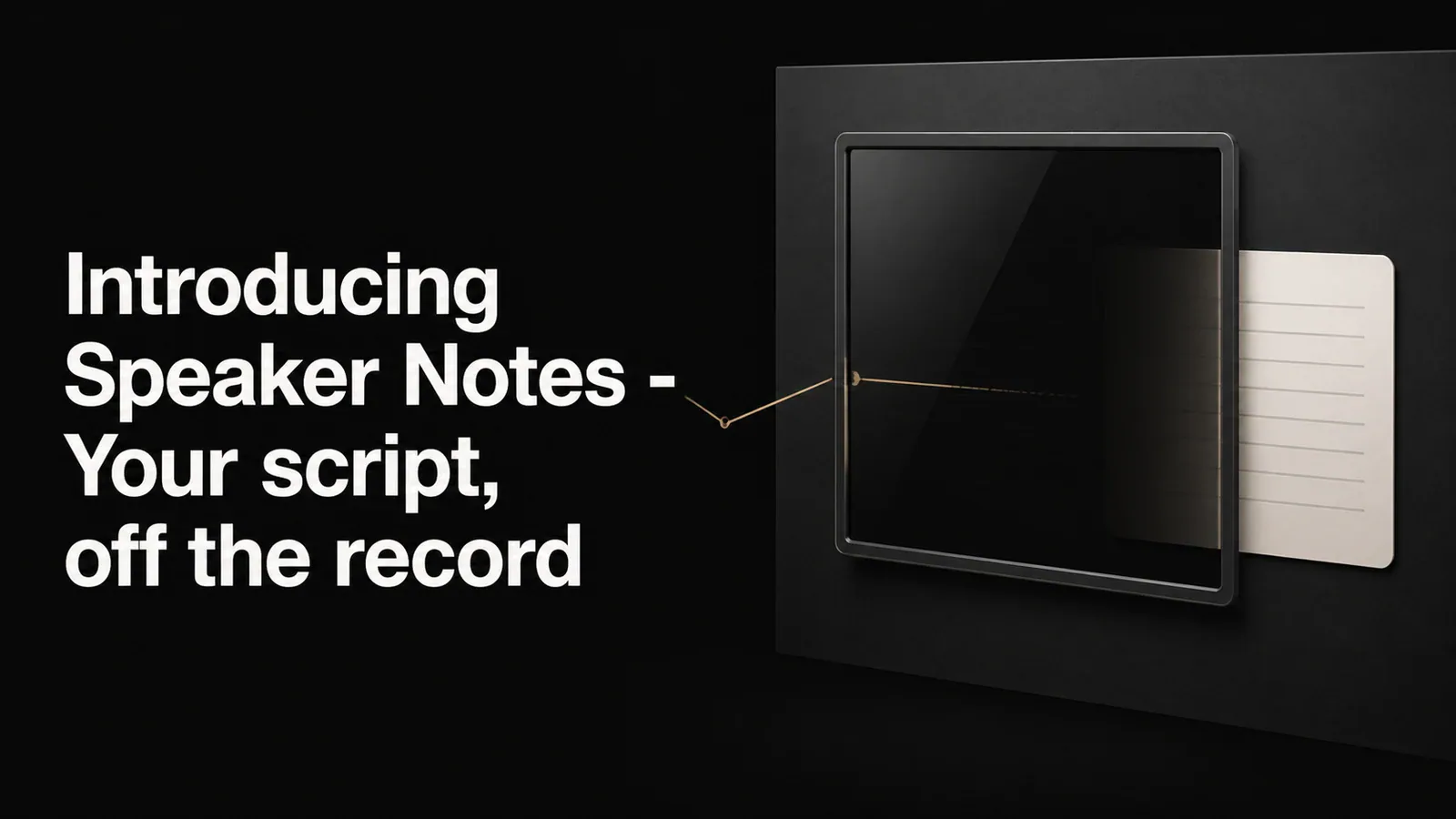
A floating notes window that stays visible while you record but never appears in the final video. Write your script, keep your talking points handy, and stay on message.

We rebuilt auto zoom and cursor animation from the ground up. Smoother transitions, smarter focus detection, and a cursor that finally looks like it belongs in a professional video.

Share your screen recordings instantly with a link. Choose who can view - public, password-protected, or invite-only. Plus, our new pricing makes it easy to pick the right plan.