
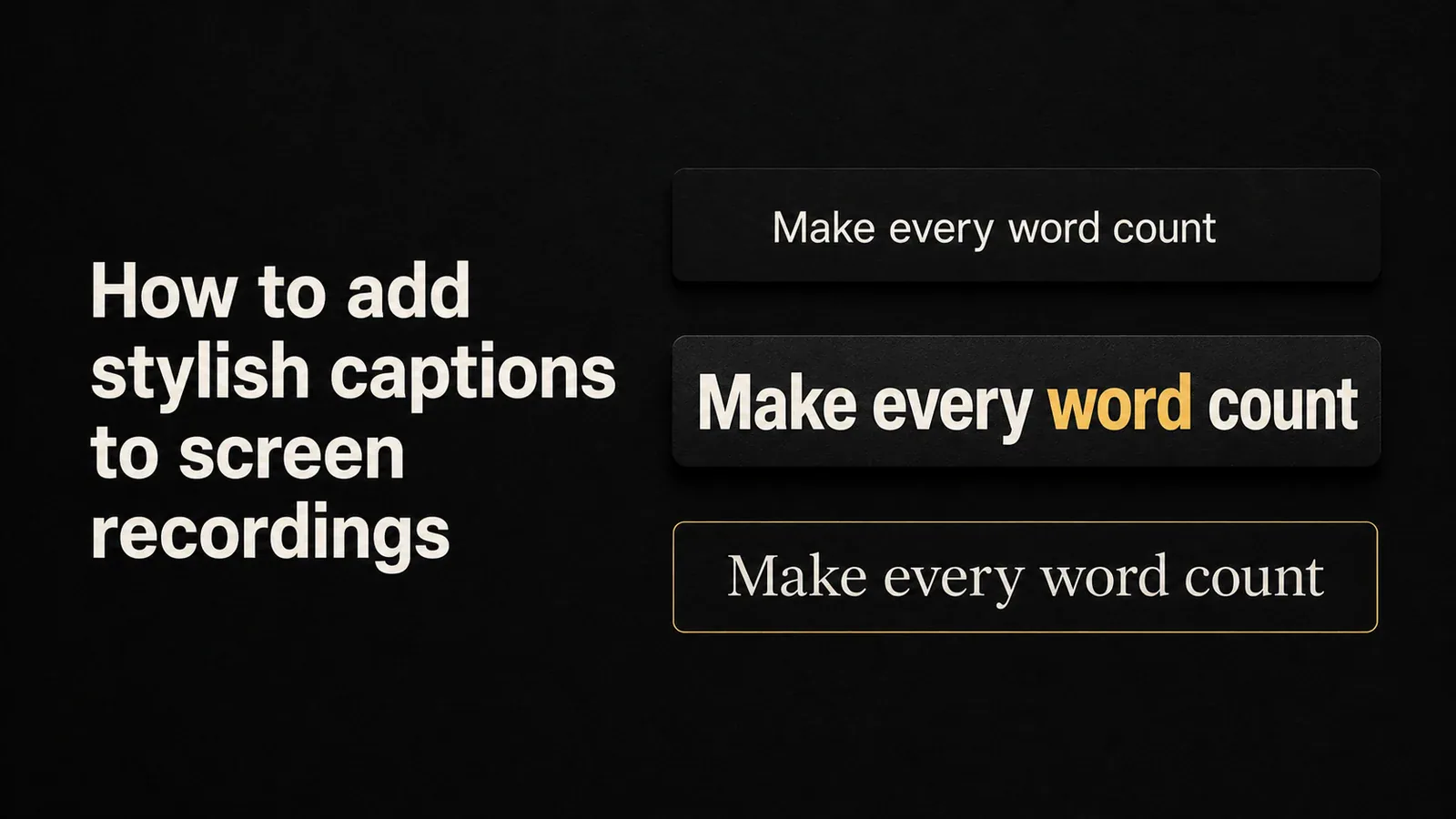
How to add stylish captions to screen recordings
Add stylish, animated captions to screen recordings. Compare free SRT exports, generic video editors, and screen-recording tools with built-in caption presets.

Archive
Add stylish, animated captions to screen recordings. Compare free SRT exports, generic video editors, and screen-recording tools with built-in caption presets.
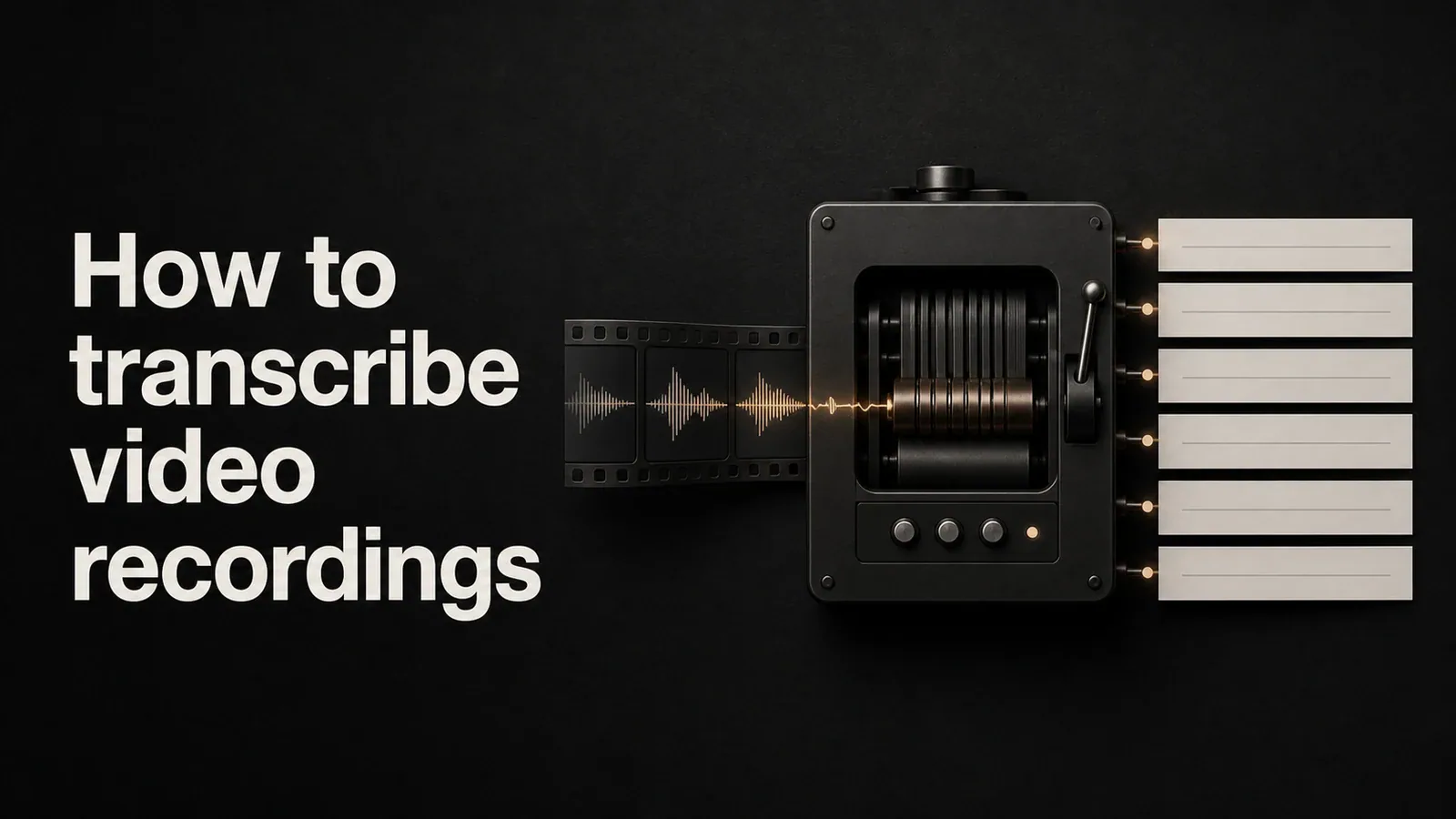
Learn how to transcribe screen recordings and video files into accurate text. Compare free methods, AI transcription tools, and built-in options for captions and searchable transcripts.
A practical guide to the best tools for content creators - video editing, thumbnails, audio, social scheduling, newsletters, and YouTube growth. Built for creators who ship.
A practical guide to the best product marketing tools - from competitive intel and demo videos to launch planning, positioning, and sales enablement. Built for PMMs.
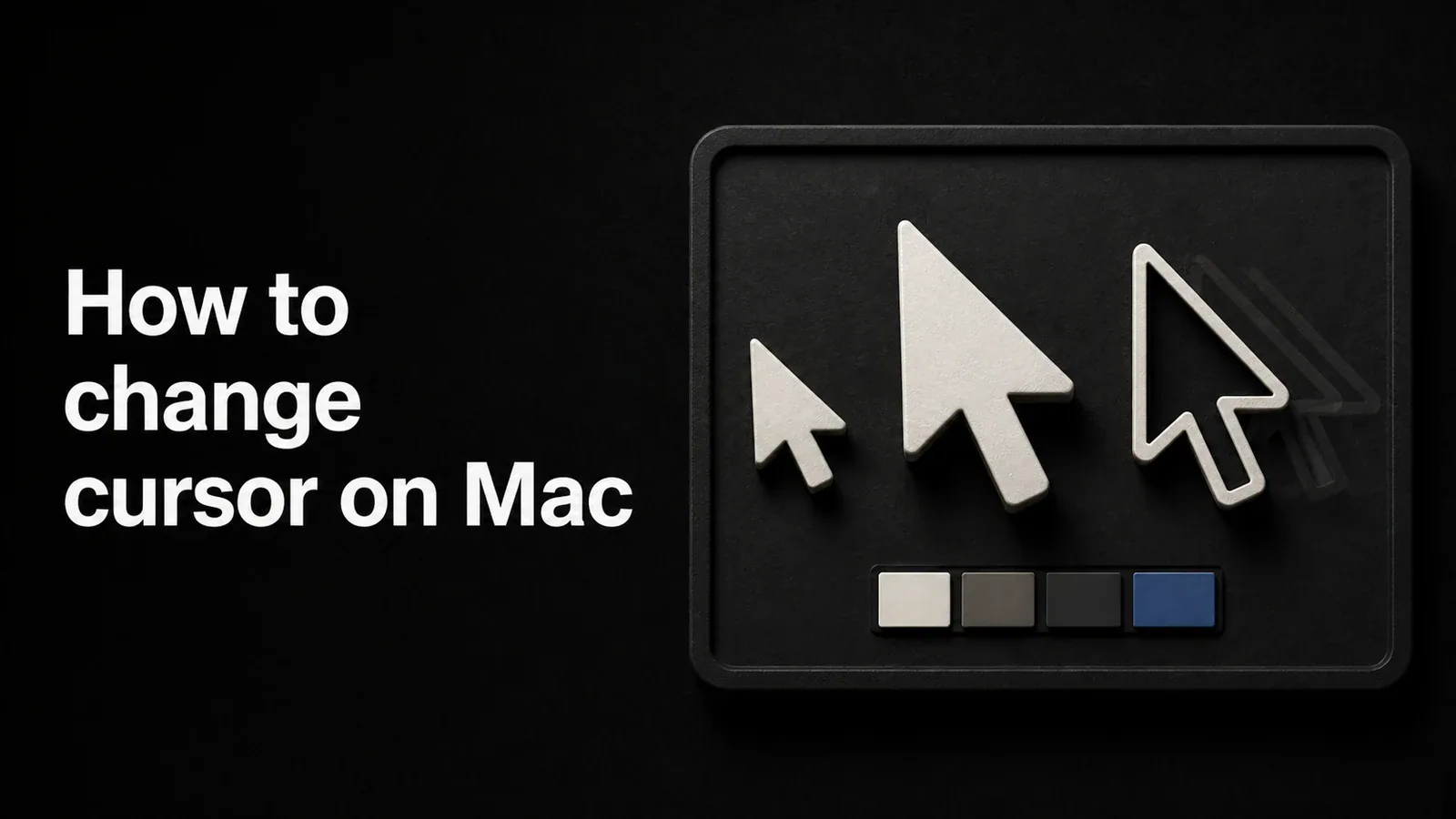
Learn how to change cursor size, color, and style on Mac using built-in macOS settings, plus how to add animated cursor effects to screen recordings.
Voice Cloning is now in Private Beta. Generate narration in your own voice from any script. Your voice data stays private to you, and access is invite-only.
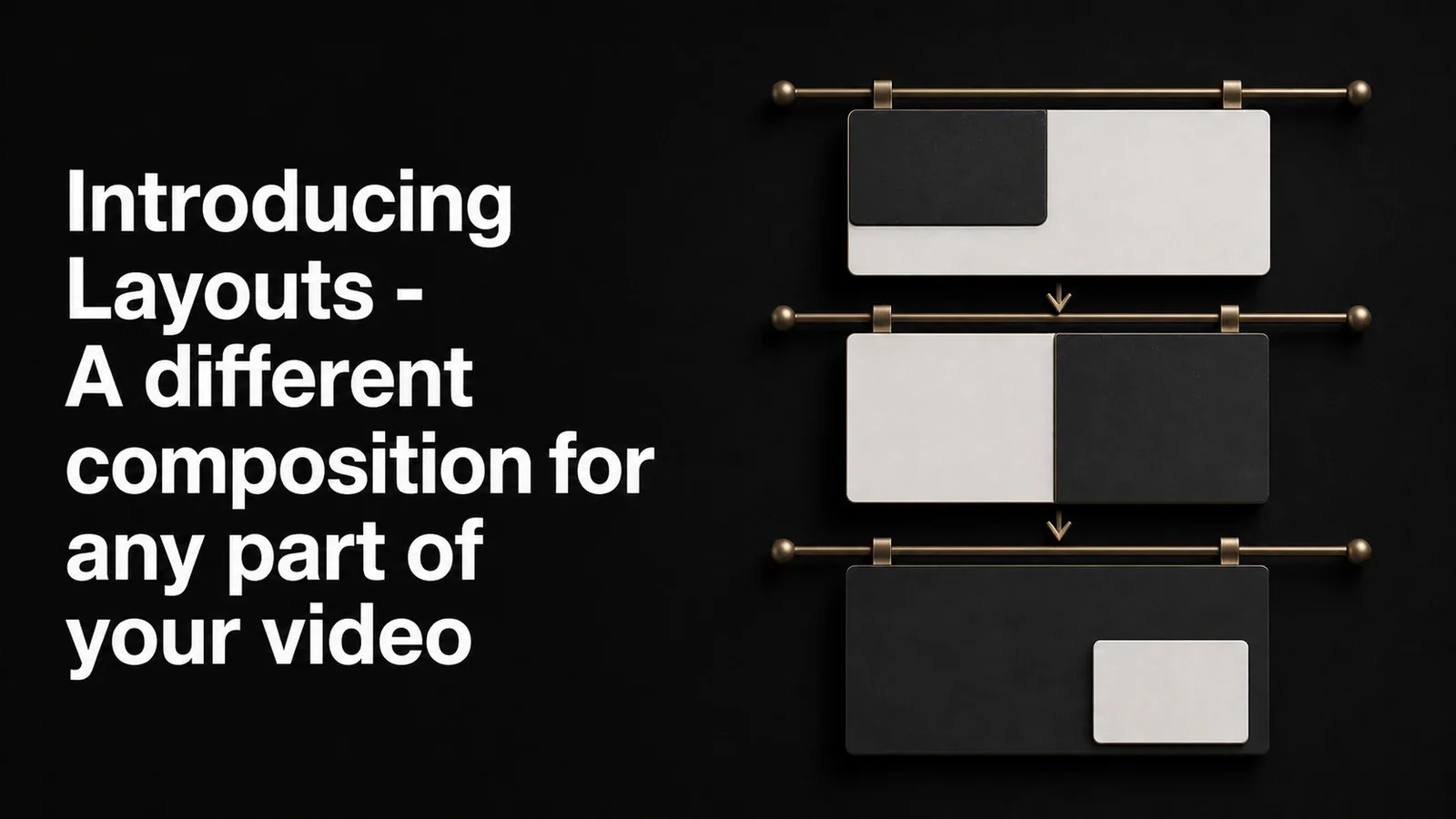
Layouts let you set how your screen recording and camera share the canvas - corner overlay, side-by-side, stacked, camera-only - and switch between them at any point in the video. Show your face during the intro, the screen during the demo, both side-by-side for the wrap.
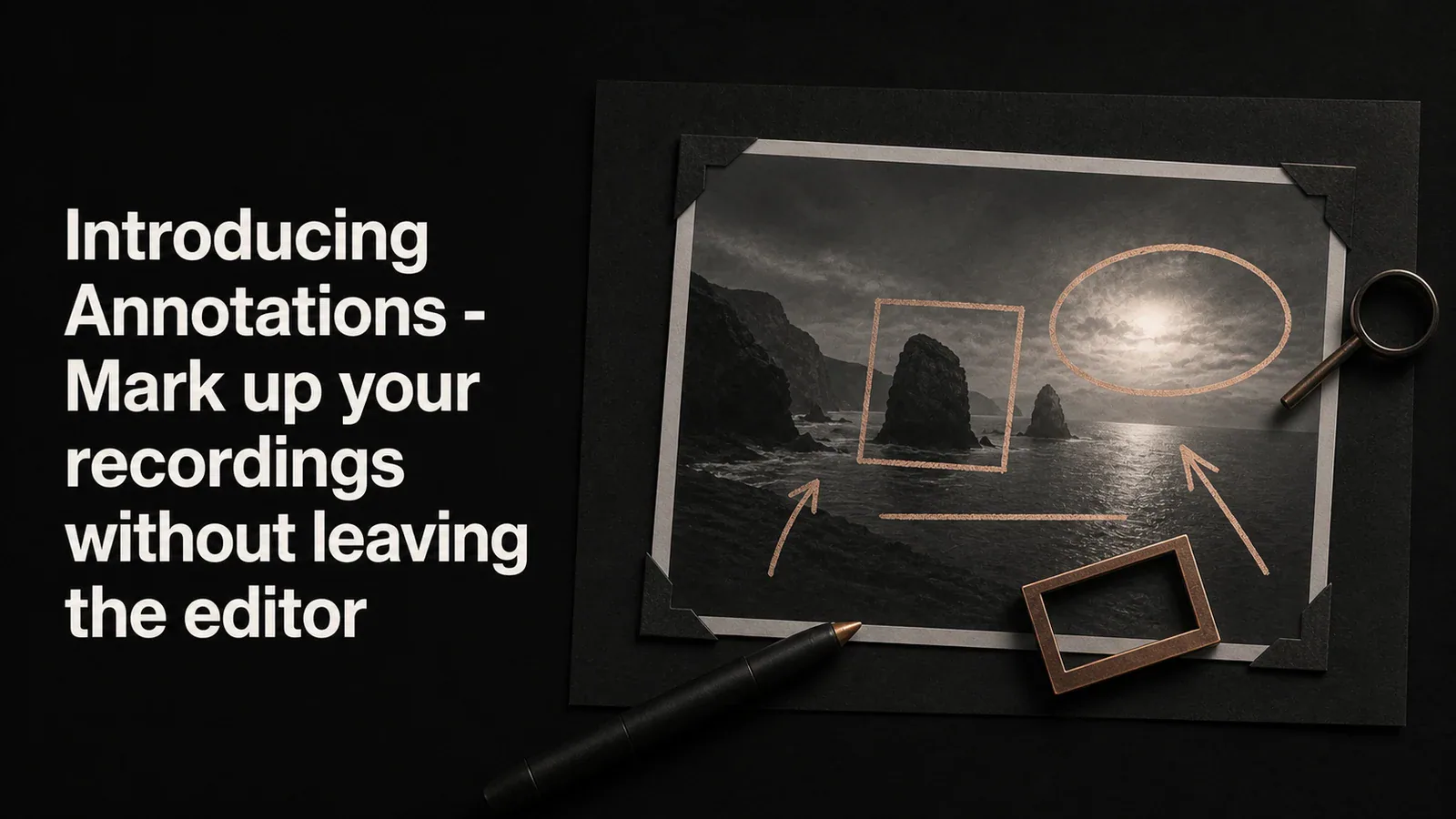
Drop rectangles, ellipses, lines, and arrows on top of your video to point out what matters. Six annotation types, one unified panel, and four textured arrow styles for when a plain line isn't enough.
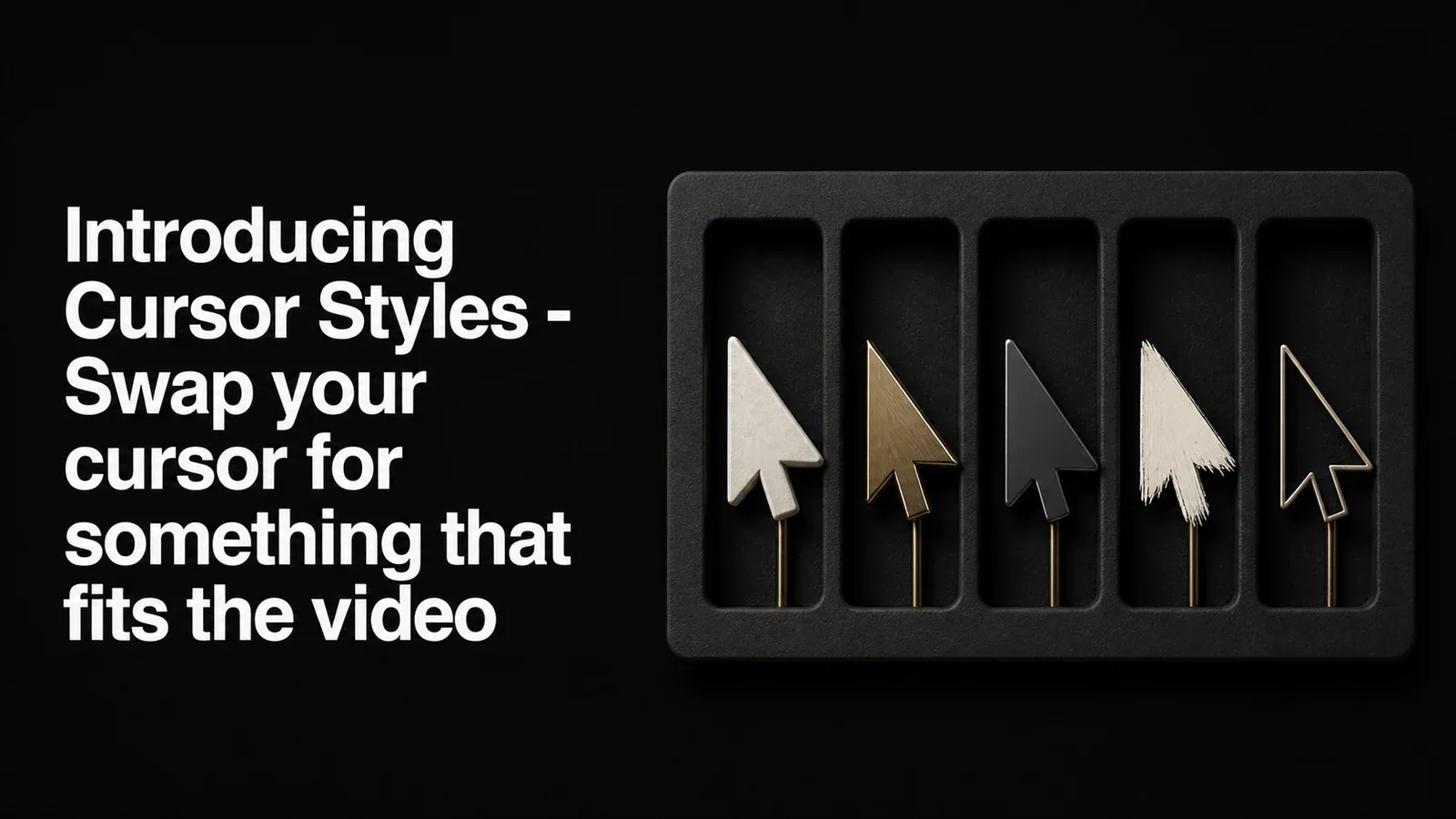
A new Cursor Style picker lets you replace the system cursor in your recording with one of 13 alternate styles - glossy arrows, hand pointers, a 3D pixel hand, and more. Applied in playback and export, no re-recording needed.
Learn how to add AI voiceover to screen recordings using text-to-speech tools. Step-by-step methods for narrating tutorials, demos, and walkthroughs without recording your voice.
Learn how to screen record on Mac using built-in tools and professional screen recorders. Step-by-step guide covering Screenshot toolbar, QuickTime, and Tight Studio.
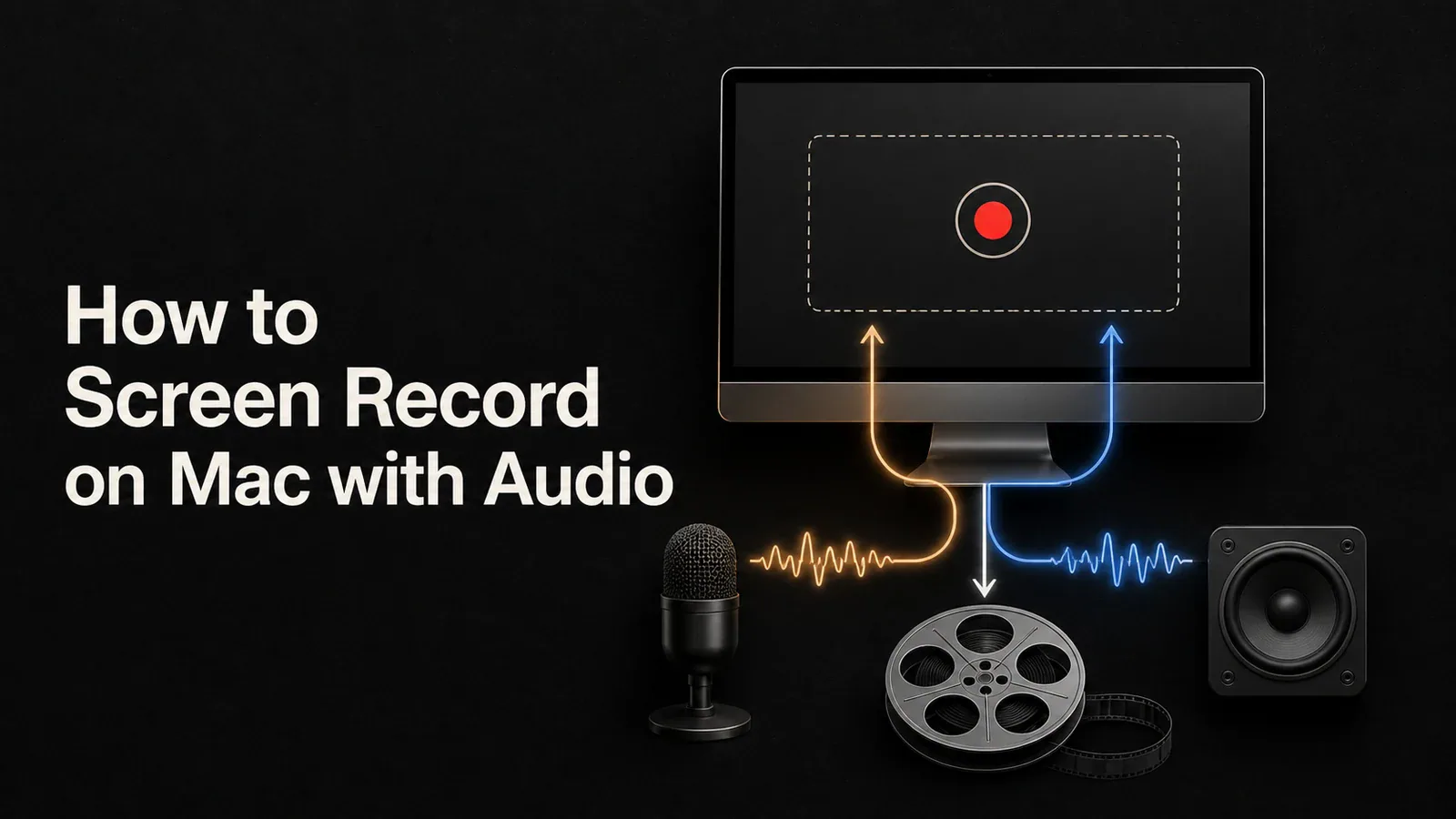
Learn how to screen record with audio on Mac using built-in tools, BlackHole, or Tight Studio's direct microphone and system-audio capture.